
 4.8 / 5 Rating
Powered by ACTE
Best AI-Powered Data Science Training in Chennai
Accelerate your digital career with expert-led training powered by AI Data Science at Linkplux.
Advanced AI-Powered Data Science
Training in Chennai
Linkplux offers industry-focused learning that combines data science concepts with practical tools and technologies. Our Data Science course is designed around hands-on projects, real-world datasets, and expert guidance to help learners build strong analytical skills and prepare for data-driven careers.
Learn with Data Projects
Python, SQL & ML Training
Career & Placement Support

Portfolio Development
Industry Expert Mentorship
Professional Certification
Course Highlights
Hands-On Data Science Training
Build practical expertise through real-world datasets, guided exercises, case studies, and project-based learning across the data science workflow.
AI & Machine Learning Skills
Explore machine learning algorithms, artificial intelligence concepts, predictive modelling, and modern techniques used to develop intelligent solutions.
Industry-Ready Certification
Strengthen your profile with a course completion certificate that demonstrates practical knowledge of programming and data-driven problem solving.
Career & Placement Support
Prepare for data science careers with resume guidance, interview practice, and career mentoring through practical industry-focused preparation.
Real-Time Data Projects
Apply Python, SQL, statistics, visualization, and predictive analytics to practical projects using datasets that reflect industry use cases and real business challenges.
Expert-Led Learning
Learn from experienced trainers through structured sessions covering Python programming, statistical methods, ML, and advanced analytical techniques.
Portfolio Project Development
Create a strong professional portfolio with analytics reports, ML models, dashboards, and capstone projects that demonstrate your capabilities.
Interview Preparation
Improve your technical interview skills with practice questions, mock discussions, problem-solving exercises, and career guidance for analytics and AI roles.
How You'll Learn
AI-Powered Data Science Course Syllabus
Paper 1: Python Programming for Data Science
- Unit 1: Python Fundamentals, Variables, Data Types and Operators
- Unit 2: Conditional Statements, Loops, Functions and Lambda Expressions
- Unit 3: Lists, Tuples, Sets, Dictionaries and Comprehensions
- Unit 4: File Handling, Exception Handling, Modules and Packages
- Unit 5: Object-Oriented Programming, Regular Expressions and Jupyter Notebook
AI Tools used in this Paper: Jupyter AI, GitHub Copilot, ChatGPT
Paper 2: Statistics, Probability & Data Analysis
- Unit 1: Descriptive Statistics, Mean, Median, Mode, Variance and Standard Deviation
- Unit 2: Probability, Conditional Probability and Probability Distributions
- Unit 3: Sampling, Confidence Intervals and Hypothesis Testing
- Unit 4: Correlation, Covariance and Regression Fundamentals
- Unit 5: ANOVA, T-Test, Z-Test, Chi-Square Test and Statistical Interpretation
AI Tools used in this Paper: ChatGPT, Claude, Jupyter AI
Paper 3: Data Wrangling, EDA & Visualization
- Unit 1: NumPy Arrays, Vectorized Operations and Scientific Computing
- Unit 2: Pandas DataFrames, Data Cleaning and Data Transformation
- Unit 3: Handling Missing Values, Duplicates, Outliers and Inconsistent Data
- Unit 4: Exploratory Data Analysis using Matplotlib, Seaborn and Plotly
- Unit 5: Business Insights, Data Storytelling and Interactive Dashboards
AI Tools used in this Paper: ChatGPT, GitHub Copilot, Microsoft Copilot
Paper 4: SQL, Databases & Data Engineering Fundamentals
- Unit 1: Relational Databases, Tables, Keys and Database Design
- Unit 2: SQL Queries, Joins, Subqueries, Aggregations and Window Functions
- Unit 3: Data Cleaning and Transformation using SQL
- Unit 4: Stored Procedures, Views and Query Optimisation
- Unit 5: Introduction to ETL, Data Pipelines, APIs and Big Data Concepts
AI Tools used in this Paper: GitHub Copilot, ChatGPT, Microsoft Copilot
Paper 5: Machine Learning & Predictive Analytics
- Unit 1: Machine Learning Workflow, Data Preprocessing and Feature Engineering
- Unit 2: Linear Regression, Polynomial Regression and Regularisation
- Unit 3: Logistic Regression, K-Nearest Neighbours, Naive Bayes and SVM
- Unit 4: Decision Trees, Random Forest and Ensemble Learning
- Unit 5: Model Evaluation, Cross-Validation, Hyperparameter Tuning and Model Selection
AI Tools used in this Paper: Scikit-learn, ChatGPT, GitHub Copilot
Paper 6: Advanced Machine Learning & Time Series
- Unit 1: Gradient Boosting with XGBoost, LightGBM and CatBoost
- Unit 2: Clustering, K-Means, Hierarchical Clustering and DBSCAN
- Unit 3: Dimensionality Reduction using PCA and Feature Selection
- Unit 4: Time Series Analysis, Forecasting, Trends and Seasonality
- Unit 5: Model Interpretability, SHAP, Explainable AI and Responsible AI
AI Tools used in this Paper: XGBoost, LightGBM, CatBoost, SHAP, ChatGPT
Paper 7: Deep Learning, NLP & Computer Vision
- Unit 1: Neural Networks, Activation Functions, Loss Functions and Optimisation
- Unit 2: TensorFlow and Keras for Deep Learning Applications
- Unit 3: CNNs for Image Classification and Computer Vision
- Unit 4: NLP, Text Preprocessing, Embeddings, Sentiment Analysis and NER
- Unit 5: RNNs, LSTMs, GRUs and Sequence-Based Applications
AI Tools used in this Paper: TensorFlow, Keras, Hugging Face, ChatGPT
Paper 8: Generative AI, LLMs & AI Applications
- Unit 1: Generative AI Fundamentals and Large Language Models
- Unit 2: Prompt Engineering, Few-Shot Learning and Structured Prompting
- Unit 3: Transformers, Embeddings, Vector Databases and Semantic Search
- Unit 4: Retrieval-Augmented Generation (RAG) and AI-Powered Data Applications
- Unit 5: Building AI Assistants, LLM Applications and Responsible AI Practices
AI Tools used in this Paper: ChatGPT, Gemini, Claude, Hugging Face, LangChain
Paper 9: MLOps, Cloud Deployment & Real-Time Projects
- Unit 1: Model Deployment using Flask, FastAPI and Streamlit
- Unit 2: Git, GitHub, Docker and Machine Learning Development Workflows
- Unit 3: MLflow, Model Tracking, Versioning and Experiment Management
- Unit 4: Cloud Fundamentals, Model Hosting and Production Data Pipelines
- Unit 5: Capstone Project, Portfolio Development and Data Science Interview Preparation
AI Tools used in this Paper: MLflow, Docker, GitHub Copilot, ChatGPT, Cloud AI
Let's Get Started
Skills Covered


AI-Powered Data Science Tools You'll Master in Chennai
Python & Data Science Tools "Work with Industry-Standard Tools for Data Analysis, Programming & AI-Assisted Data Science Workflows"








SQL & Database Tools "Use Popular Database Platforms and Query Tools for Efficient Data Storage, Retrieval & Management"


Machine Learning Tools "Gain Hands-On Experience with Widely Used Libraries for Building, Evaluating & Optimising Machine Learning Models"

Deep Learning & AI Tools "Explore Modern Frameworks for Neural Networks, Artificial Intelligence, Natural Language Processing & Computer Vision"


Generative AI Tools "Use Leading AI Platforms and Frameworks to Enhance Research, Coding, Automation & Data Science Workflows"


Data Visualization Tools "Create Clear Visual Reports and Interactive Dashboards with Popular Business Intelligence & Python Visualization Platforms"




MLOps & Cloud Tools "Work with Deployment and Collaboration Tools Used to Manage, Package, Monitor & Scale Data Science Solutions"






Analytics & Professional Tools "Use Practical Tools for Analytics, Documentation, Project Collaboration & Building a Strong Data Science Portfolio"
Eligibility & Criteria
Everything you need to know to join and qualify for placement.
Who Can Apply?
Eligibility Year of Passing
2018 and After
Graduates
Any Graduate / Diploma
Academic Percentage
Min 60%
Placement Eligibility
Attendance
Min 90%
Assessment Marks
Min 75%
Live Projects
100% Completion
Why AI-Powered Data Science
Course Is A Great Career Choice
Data Science is a high-growth technology field that helps organisations turn data into meaningful insights and better business decisions. With practical learning in analytics, machine learning and modern data tools, learners can build strong skills for a range of technology and analytical careers.
Demand for Data Science Professionals
Excellent Opportunities Across Industries
Multiple Career Paths in Analytics & AI
Build Global Career Opportunities
Growth with Emerging Technologies
Data Science Job Roles and Annual Salary Range
Data Analyst
- Junior Data Analyst
- Data Analyst
- Business Data Analyst
- Reporting Analyst
- Data Quality Analyst
- Operations Data Analyst
Business Intelligence Analyst
- BI Analyst
- BI Developer
- Power BI Developer
- Tableau Developer
- BI Consultant
- BI Manager
Data Scientist
- Junior Data Scientist
- Data Scientist
- Applied Data Scientist
- Senior Data Scientist
- Lead Data Scientist
- Principal Data Scientist
Machine Learning Engineer
- ML Engineer
- ML Developer
- Applied ML Engineer
- Senior ML Engineer
- Machine Learning Architect
- ML Engineering Lead
AI & Deep Learning Specialist
- AI Engineer
- Deep Learning Engineer
- Computer Vision Engineer
- Natural Language Processing Engineer
- Generative AI Engineer
- AI Solutions Architect
Data Science & AI Leadership
- Lead Data Scientist
- Data Science Manager
- Machine Learning Manager
- Artificial Intelligence Engineering Manager
- Head of Data Science
- Director of Data & AI
Career Roadmap
- Data Analyst
- Data Intern
- BI Analyst
- Data Scientist
- ML Engineer
- BI Developer
- Senior Scientist
- ML Architect
- Data Engineer
- Data Manager
- AI Director
- Data Director
Our Alumni Work at




















Success Stories from Our Students
See how Linkplux's IT training programs have helped students land top jobs through hands-on learning and expert guidance.
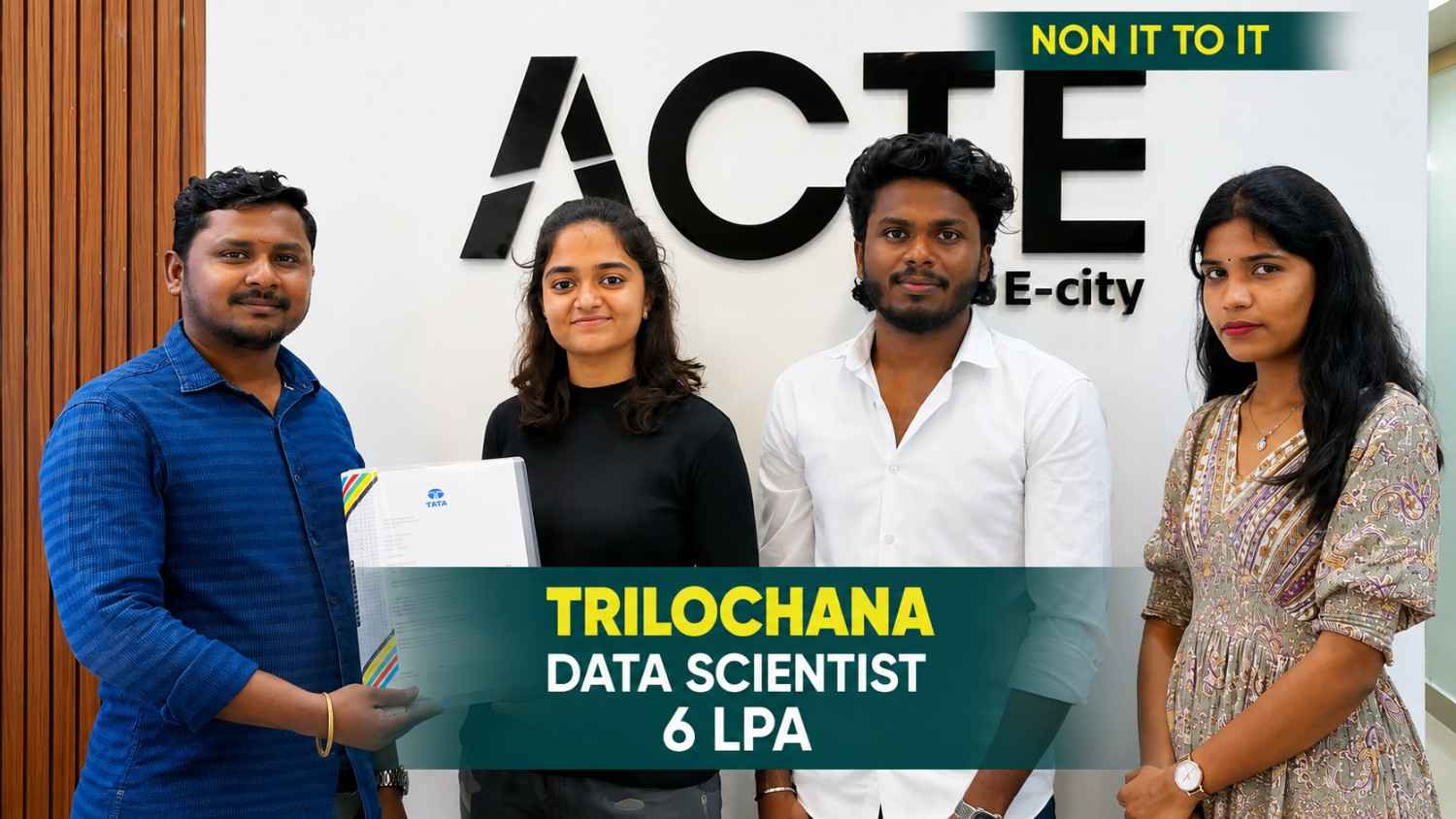
Trilochana found her path with Linkplux and landed the dream job.
#Datascience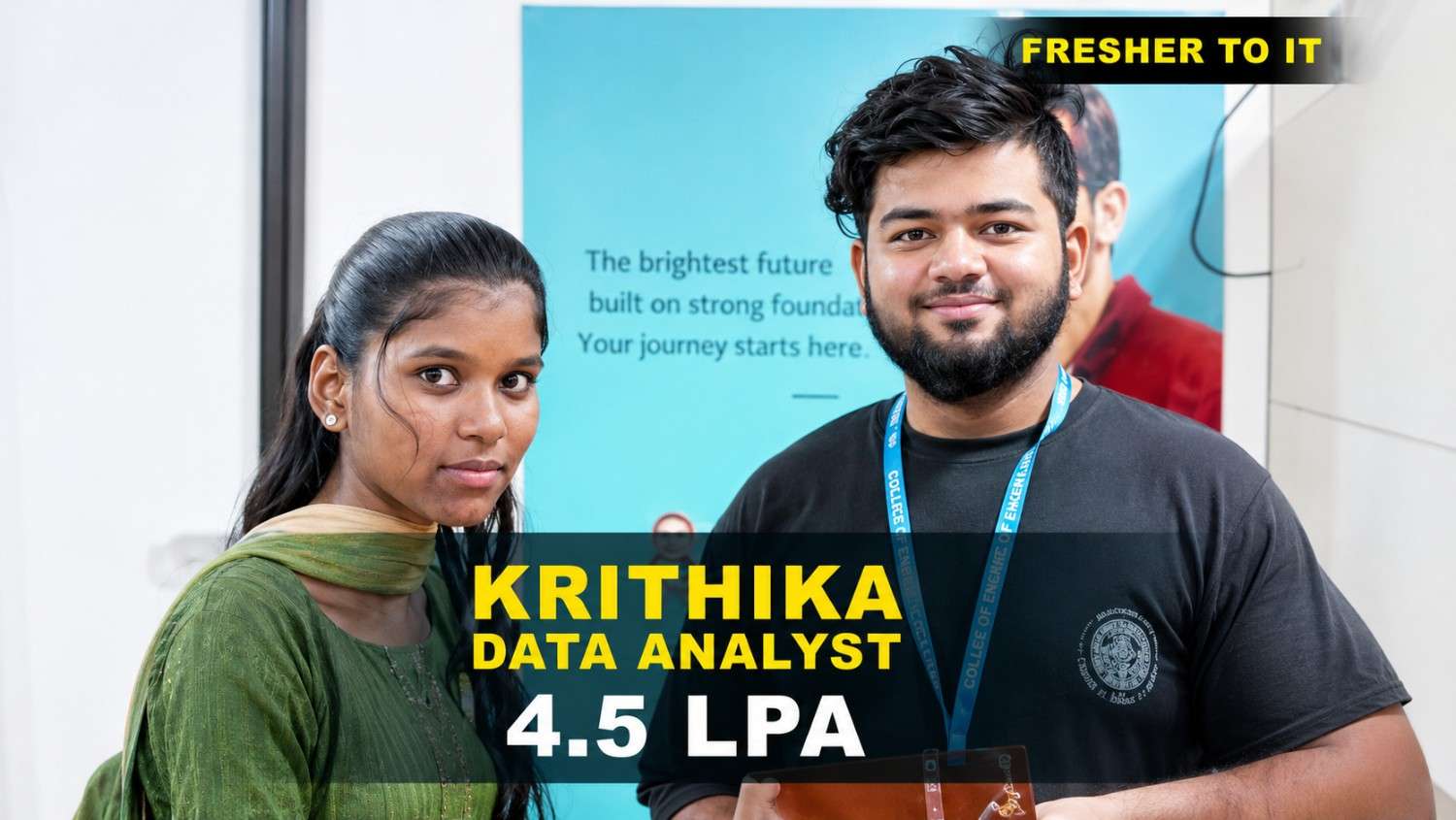
Krithika transformed her career with Linkplux and secured a Data Analyst role with a 4.5 LPA package. 🚀
#DataAnalytics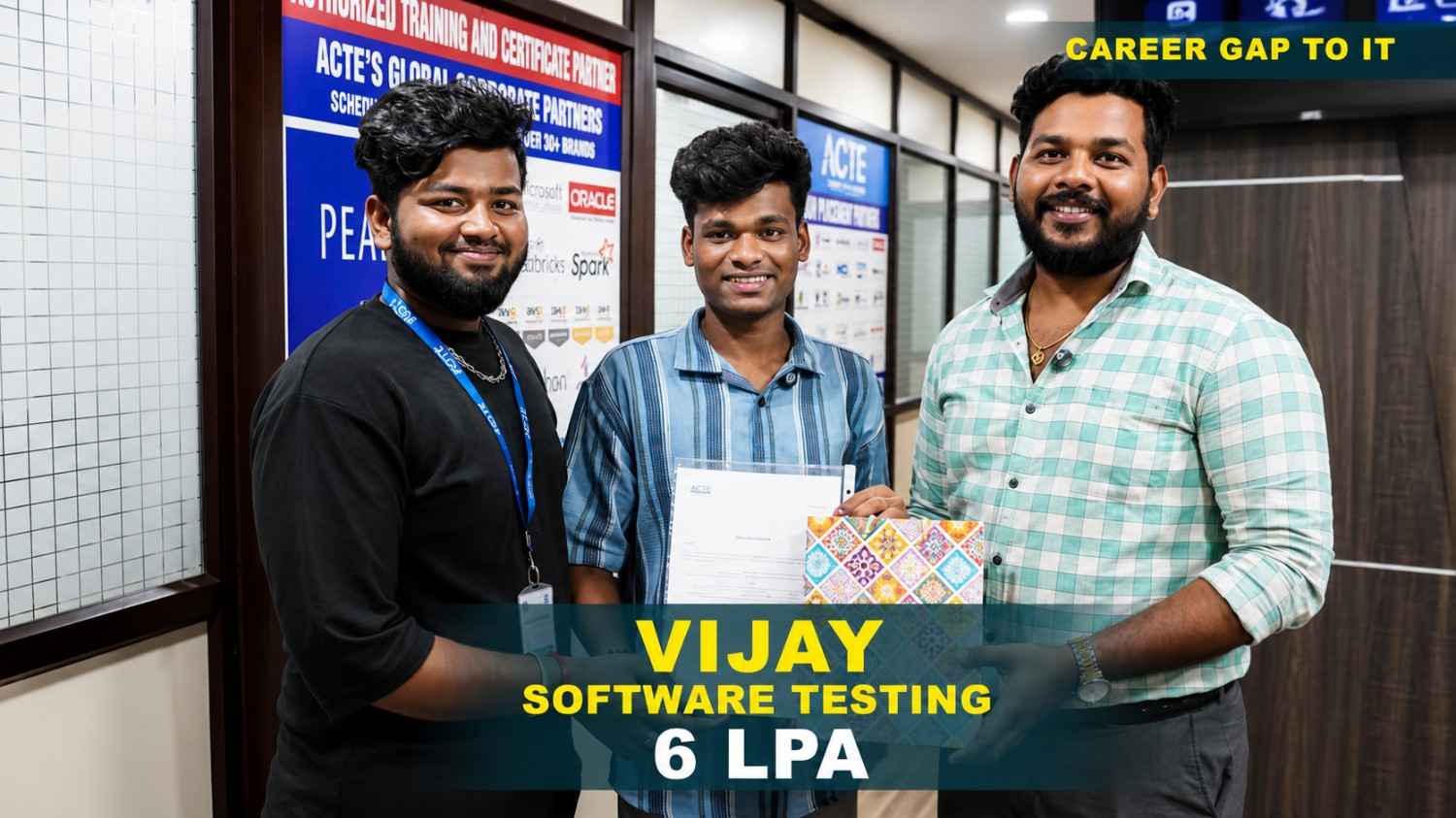
Students shared how Linkplux's practical training and live projects helped him confidently start his Digital Marketing career.
#DigitalMarketing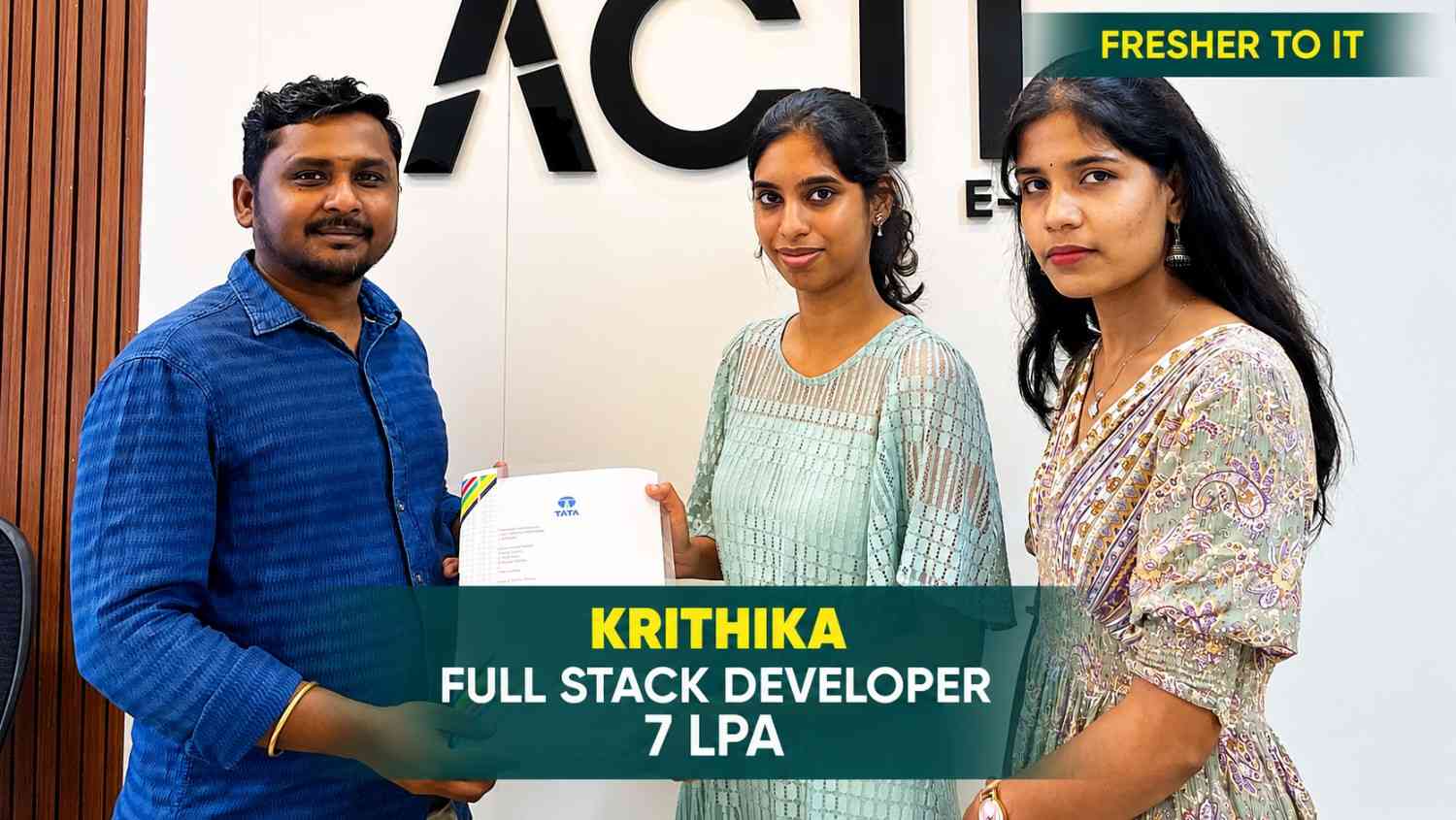
Krithika built her Full Stack Development skills at Linkplux and secured a 7 LPA Software Developer role. 🚀
#FullStackDevelopment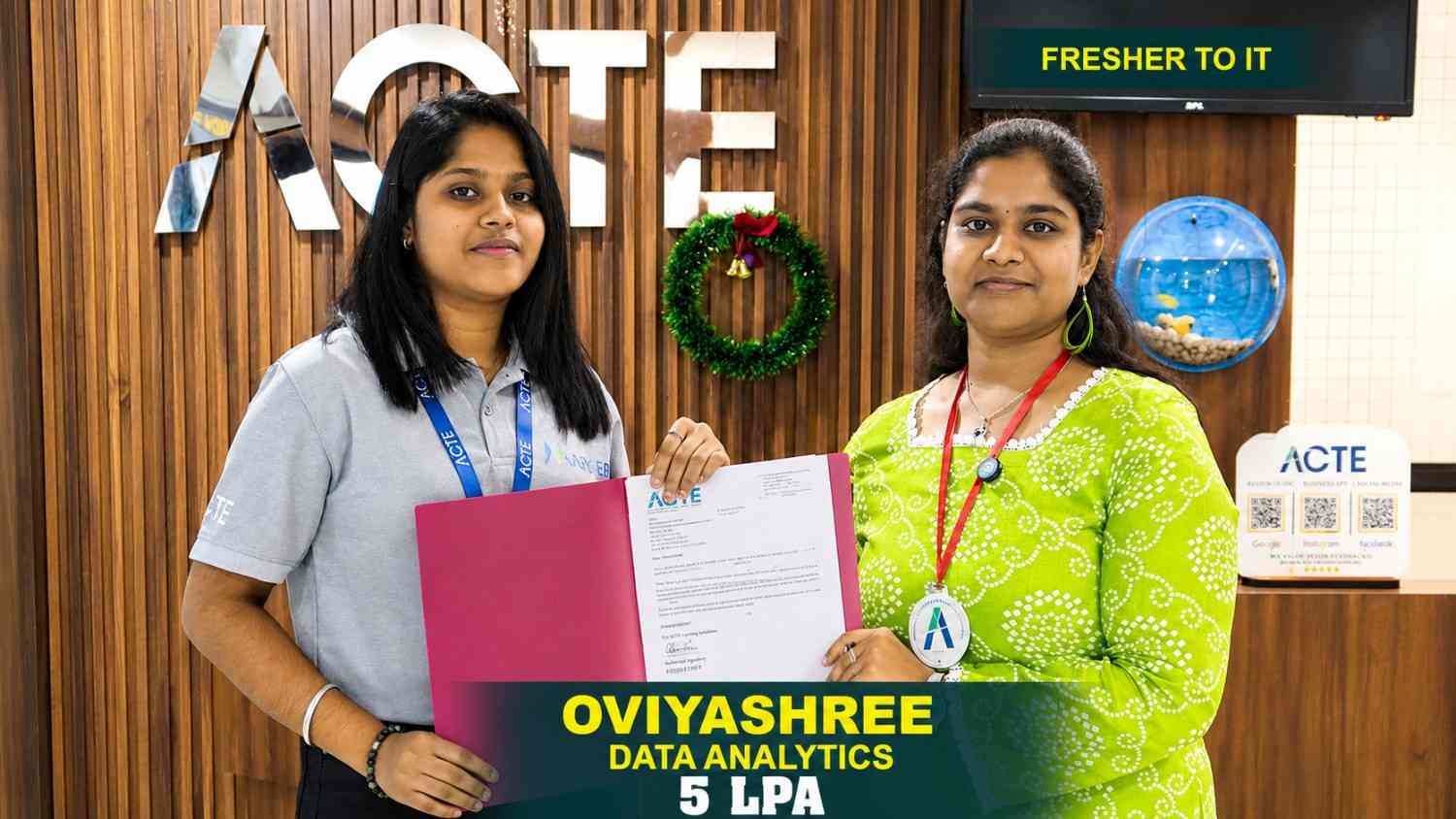
Oviya Shree developed strong Data Analytics skills at Linkplux and launched her career as a Data Analyst. 📊
#DataAnalytics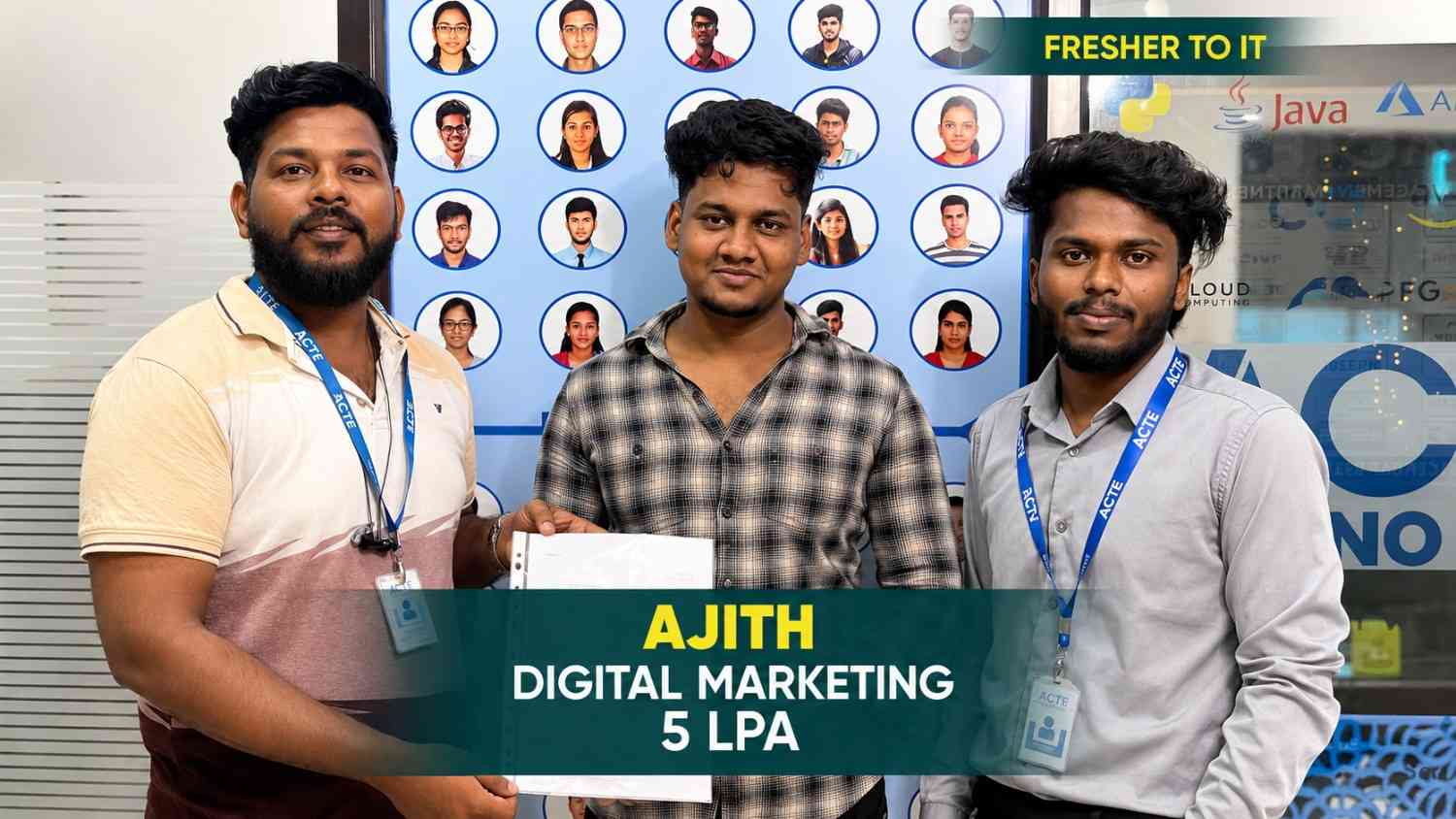
From a small town to a top tech firm, learn how our hands-on projects helped.
#Inspiration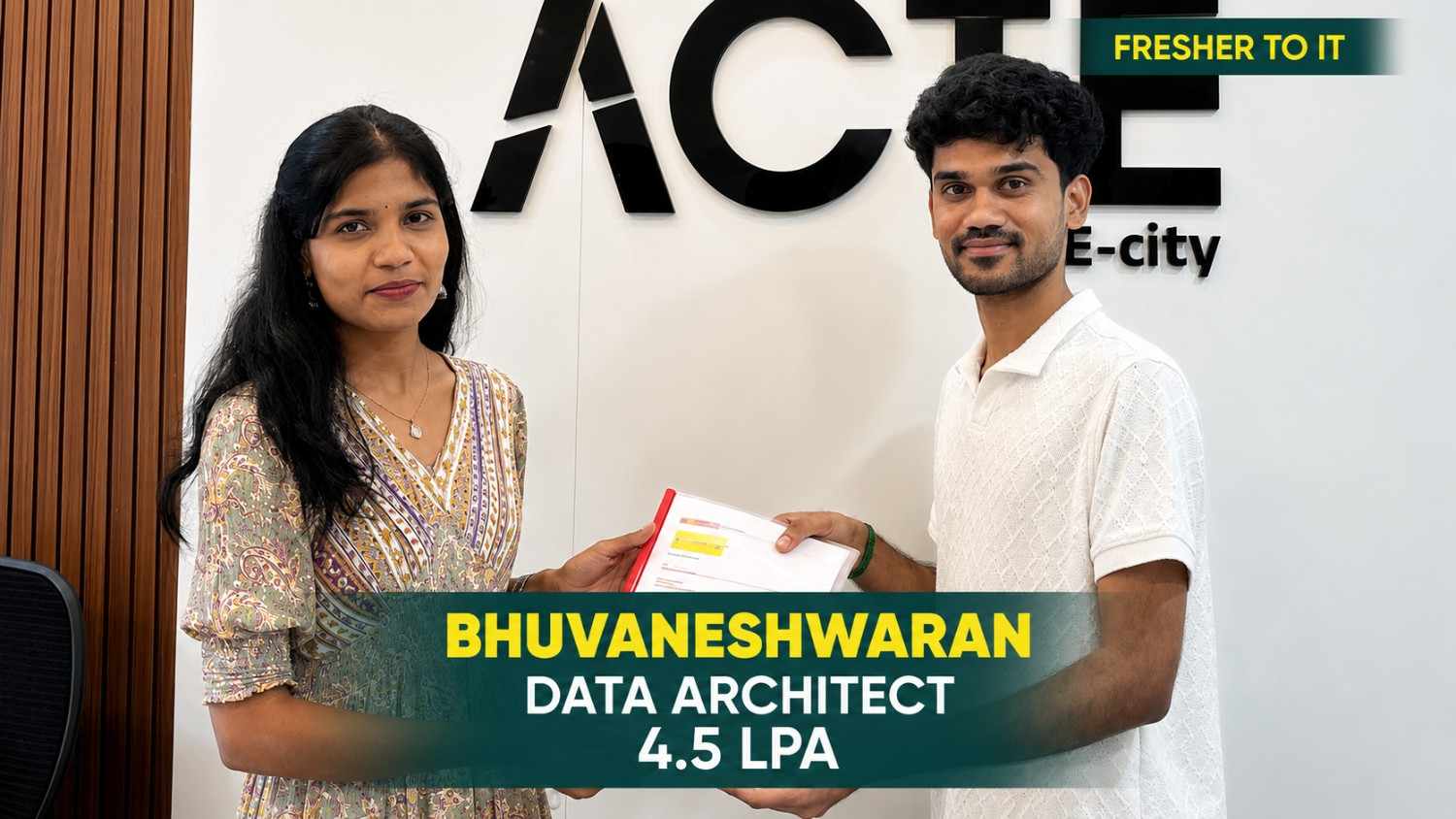
From a small town to a top tech firm, learn how our hands-on projects helped.
#Inspiration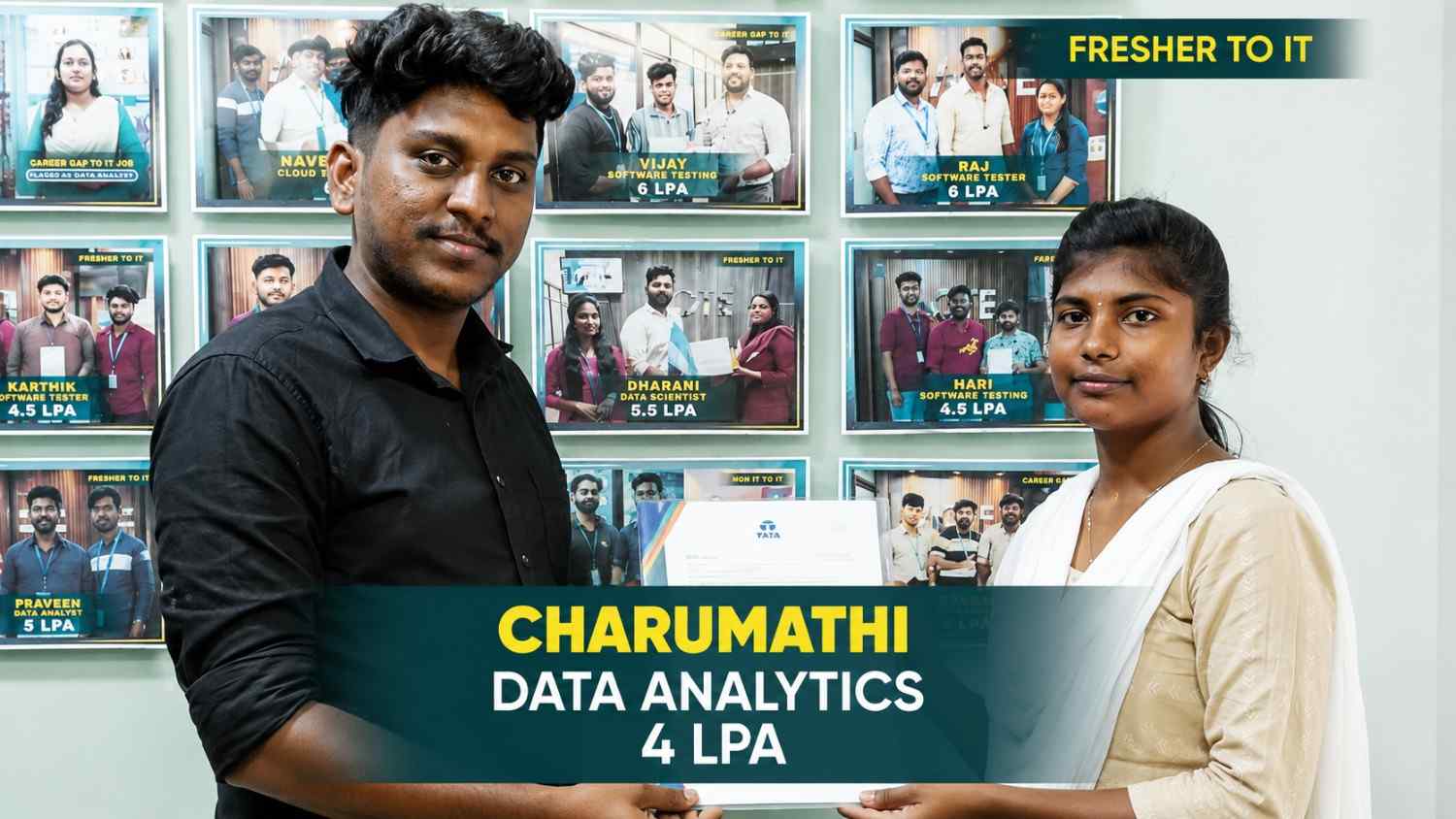
From a small town to a top tech firm, learn how our hands-on projects helped.
#Inspiration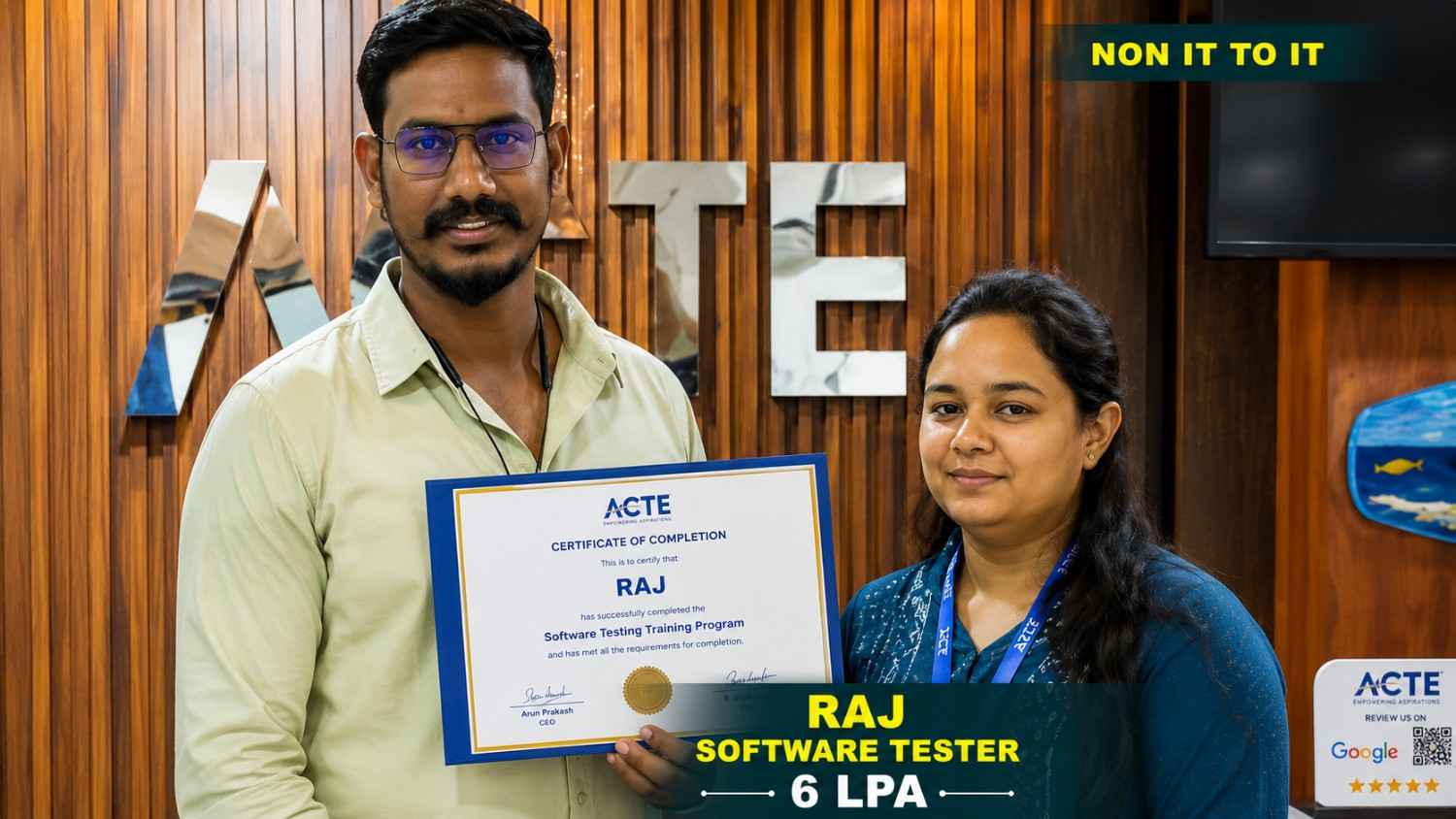
From a small town to a top tech firm, learn how our hands-on projects helped.
#Inspiration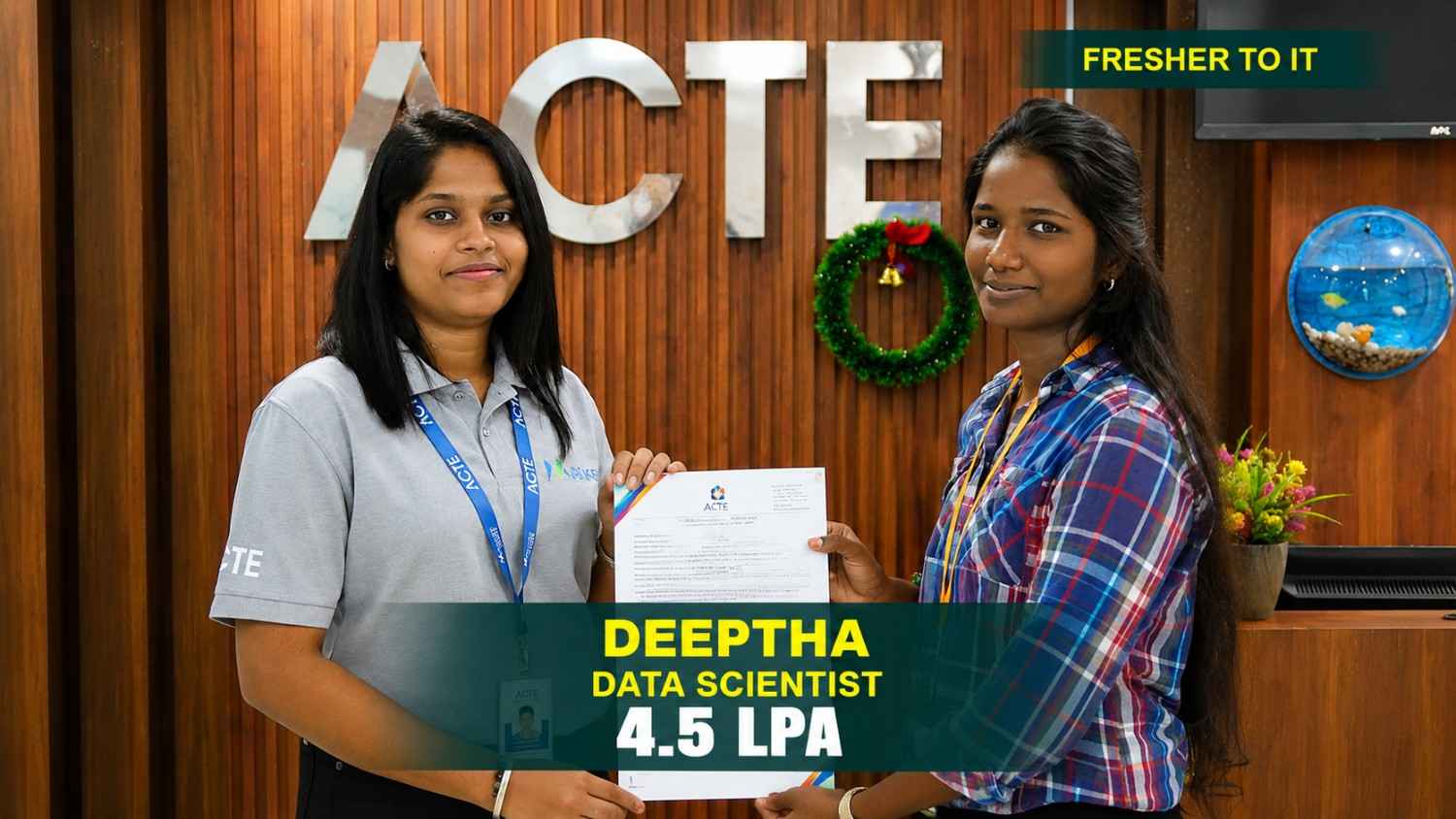
From a small town to a top tech firm, learn how our hands-on projects helped.
#Inspiration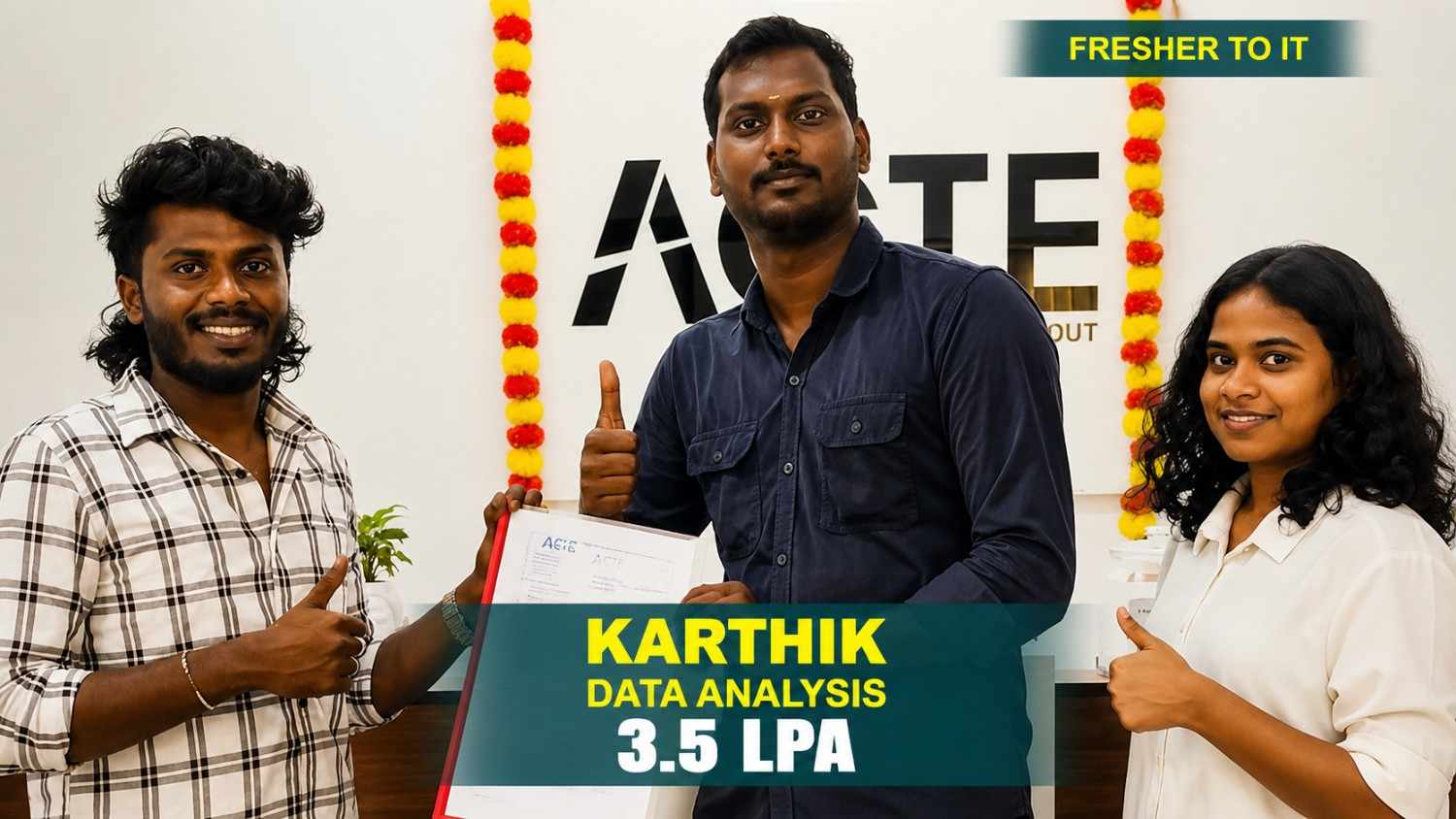
From a small town to a top tech firm, learn how our hands-on projects helped.
#InspirationGet Advanced AI-Powered Data Science Course
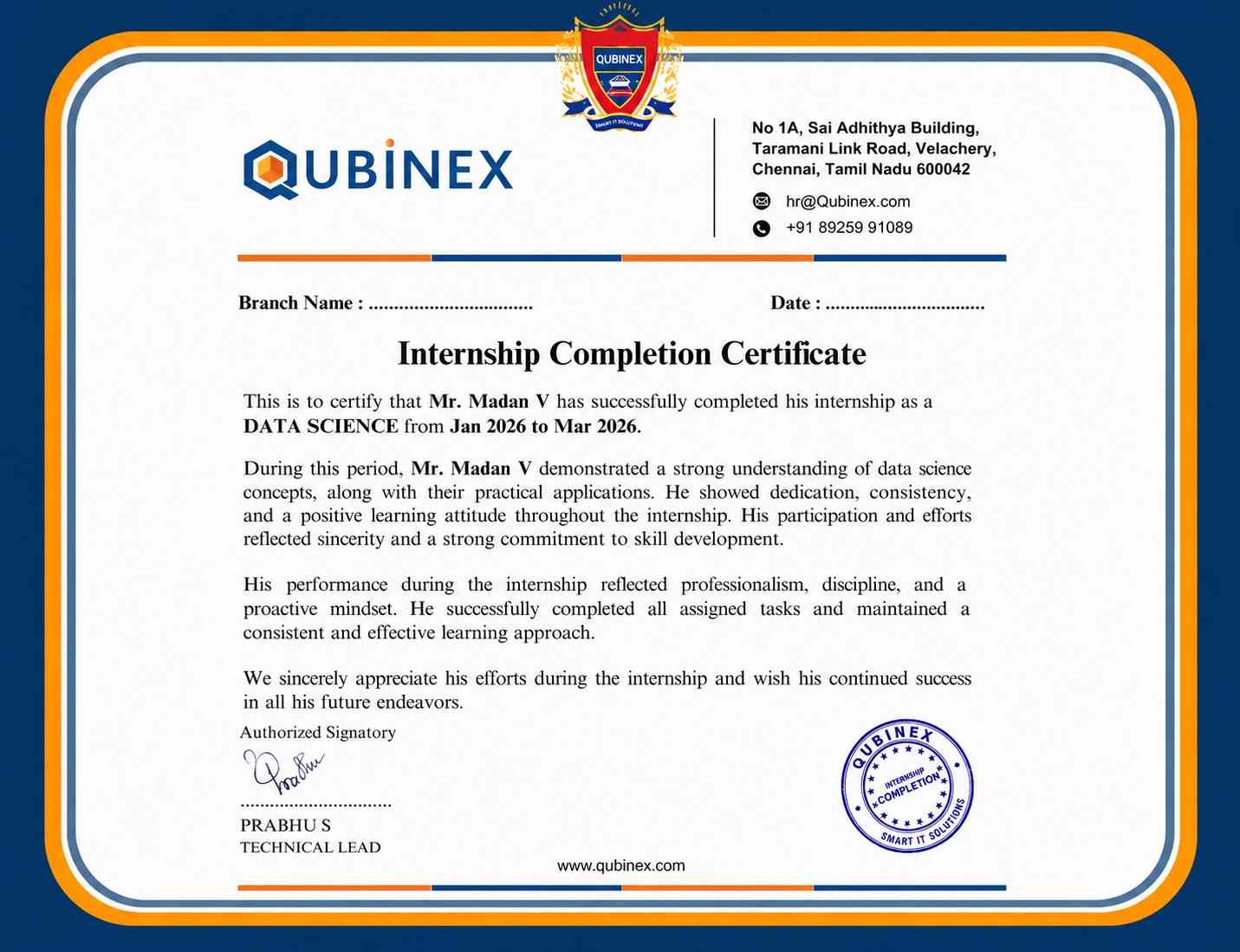
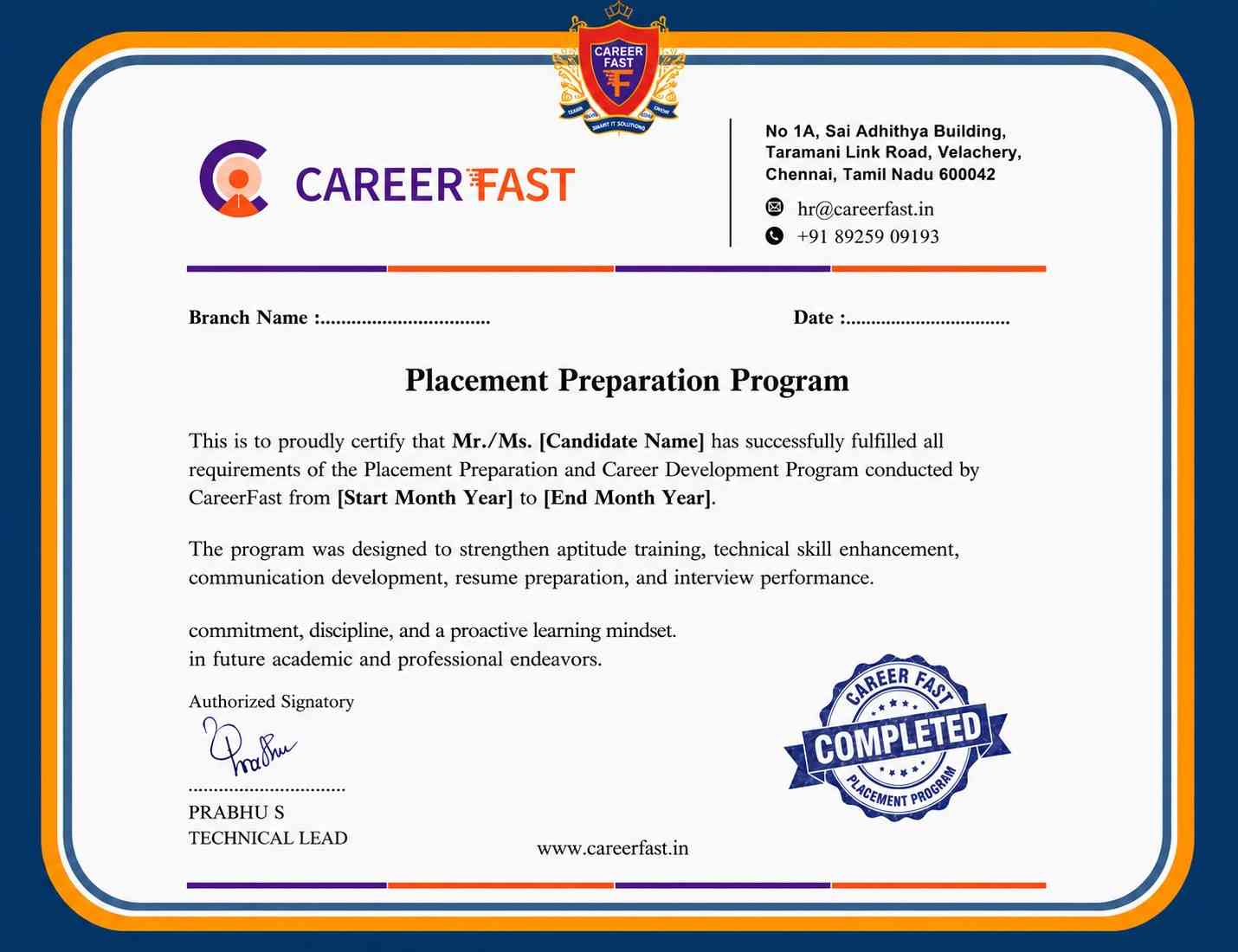
Certification
A AI-Powered Data Science course certification from Linkplux validates students' practical proficiency in Python, statistics, machine learning, data visualization, and predictive analytics. It enhances your CV, highlights practical project experience, and shows that you are prepared for positions in Chennai's cutthroat IT sector as a Data Scientist, Data Analyst, Machine Learning Engineer, and Data Engineer.




Reviews from Our Successful Students
See how our AI-powered IT training institute has helped students succeed.

"Perfect for Beginners"
Hi, I'm Priya.S . I completed my undergraduate degree in 2021. Then I decided to change my career to the IT field. The trainers were very friendly and cleared all my doubts. My special thanks to Ashok sir for his guidance. I learned to create a website very easily. The real-time project gave me the confidence to crack the interview.

"Hands-On Learning That Built My Confidence"
The MERN Stack training at Linkplux gave me practical experience in building real-world web applications. Every concept was explained clearly with hands-on coding sessions, making it easy to understand both frontend and backend development. The trainers were supportive throughout the course, and the live projects helped me gain the confidence to attend interviews and start my career as a Full Stack Developer.

"A Perfect Start to My Digital Marketing Career"
The Digital Marketing program at Linkplux gave me the confidence to work on real-world projects and understand industry practices. The trainers explained every concept with practical examples, and the live assignments helped me improve my skills. I truly appreciate the guidance and support I received throughout the course and would recommend Linkplux to anyone looking to build a successful career in Digital Marketing.

"A Career-Changing Learning Experience"
The practical assignments and live projects at Linkplux helped me gain real-world experience in Data Analytics. The trainers explained every concept clearly and guided me throughout the learning journey. The hands-on approach boosted my confidence and prepared me for industry challenges. I highly recommend Linkplux to anyone looking to build a successful career in the IT field.