
Powering Digital Growth for Businesses Across Industries




















Our Success Stories







Why Choose Our Expertise?
Our UI and UX Design Services in Toronto, Canada, enable businesses to create attractive, accessible, and easy-to-use digital products. By combining user behaviour research, structured layouts, streamlined navigation, and adaptable interfaces, we make digital interactions more effective. Our design expertise supports websites, mobile apps, SaaS solutions, and enterprise software, helping organizations strengthen usability, customer experiences, and online engagement.
Design Experiences
Distinctive Visual Interfaces
Insight-Driven User Experiences

Prototypes and User Flows
Device Responsive Interfaces
Improved Customer Interaction
What Makes Linkplux The Best UI & UX Design Services in Toronto, Canada?

What Our Clients Say About Us
LinkPlux UI & UX Design FAQs
Frequently Asked Questions + more
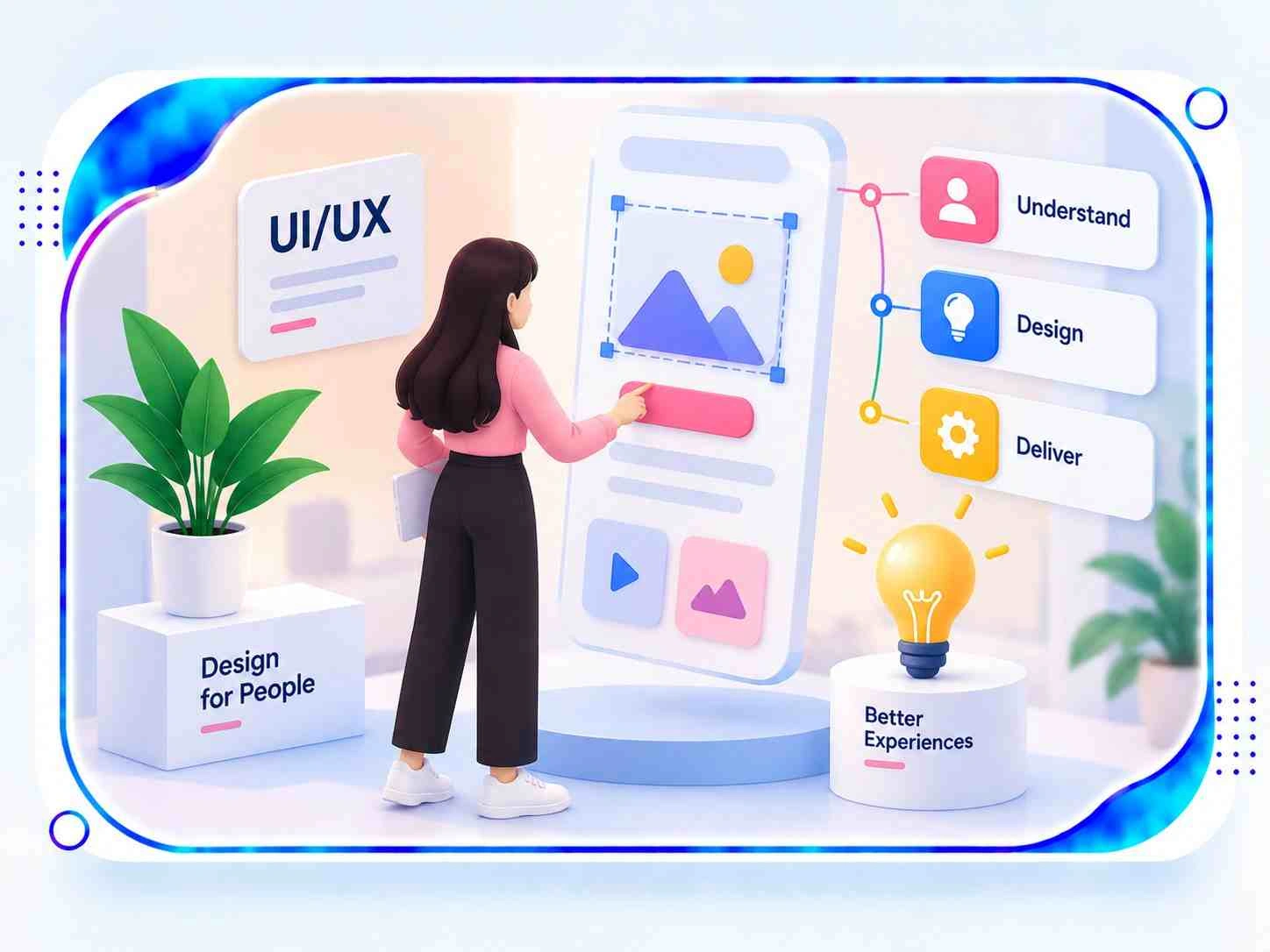
A UI/UX design agency plans the visual elements and user interactions that shape a digital product. Its work can involve screen design, navigation, content structure, accessibility, and user journey optimization. Businesses working with a UI/UX design company in Toronto can develop websites, mobile applications, and software interfaces that make information easier to find and everyday tasks simpler to complete.
Professional interface and experience design helps businesses create digital products that are practical, accessible, and consistent with their brand identity. A carefully planned design can reduce navigation difficulties, clarify important information, and make interactions more predictable. Toronto startups, technology firms, retail brands, SaaS providers, and established organizations can use these improvements to deliver more effective digital experiences.
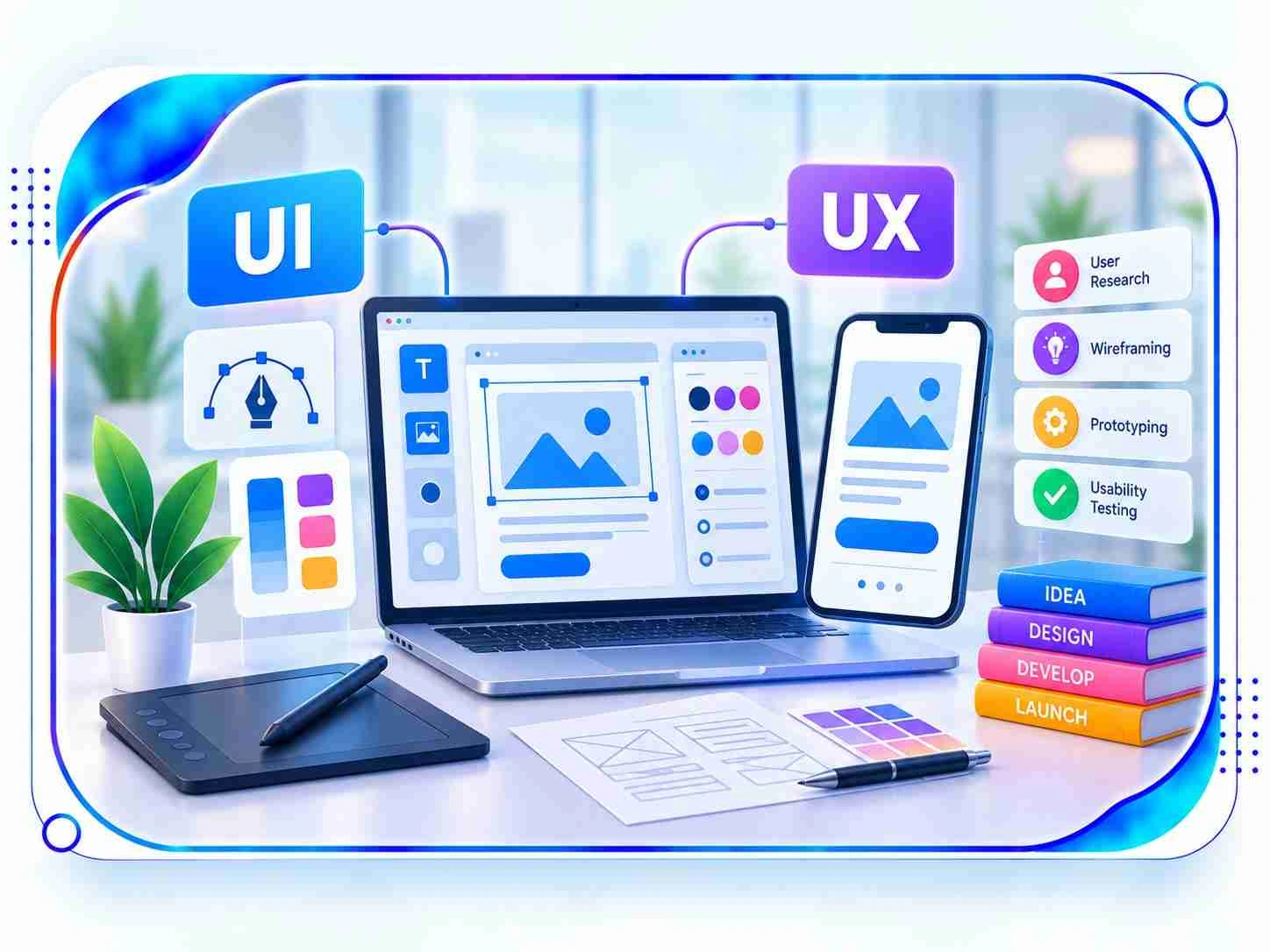
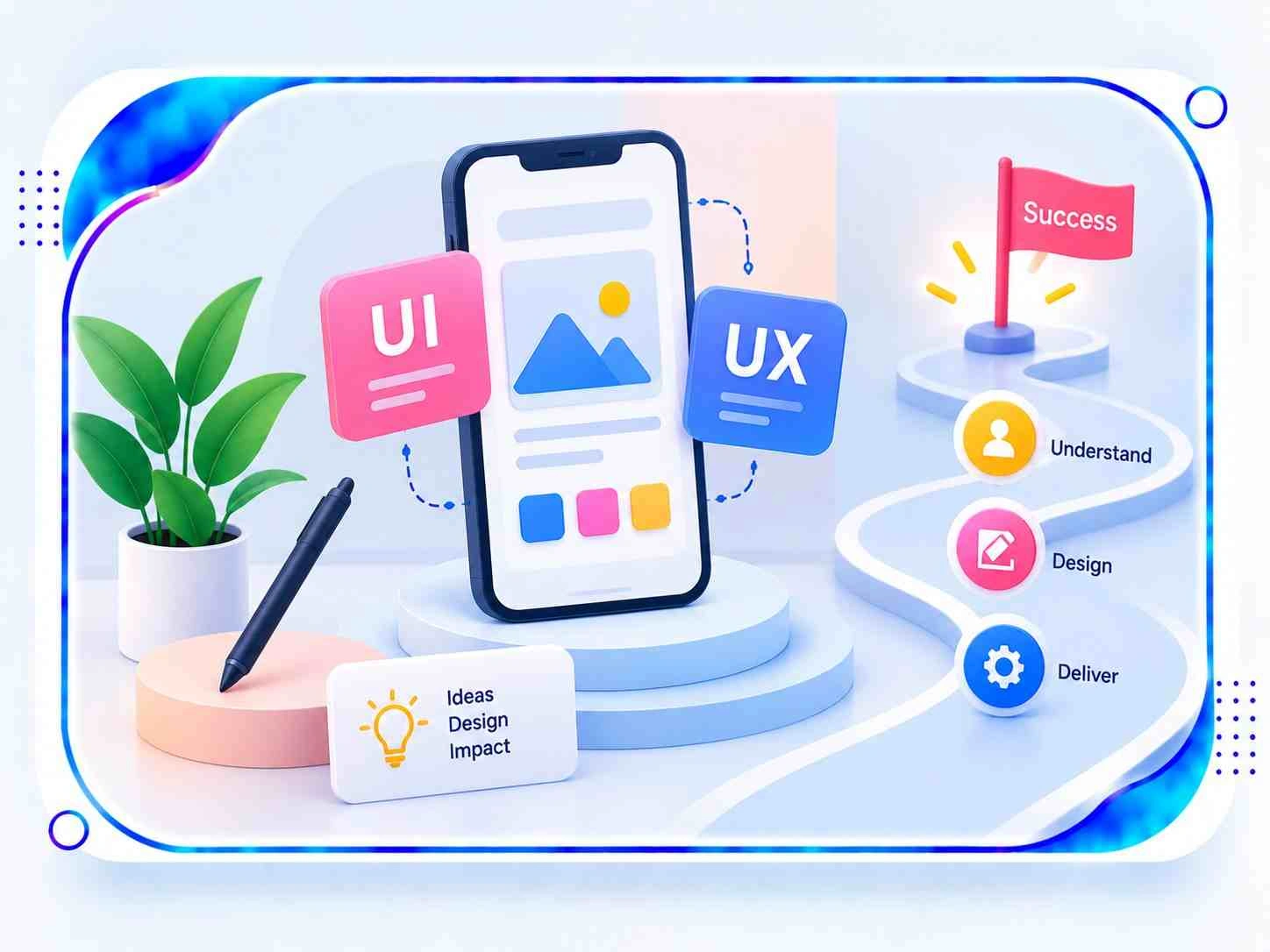
Depending on the project scope, deliverables may include user research, competitor reviews, personas, information architecture, customer journey maps, wireframes, interactive prototypes, visual mockups, responsive screen layouts, accessibility assessments, and reusable design systems. The final package is tailored to the product's functionality, intended audience, development requirements, and business objectives.
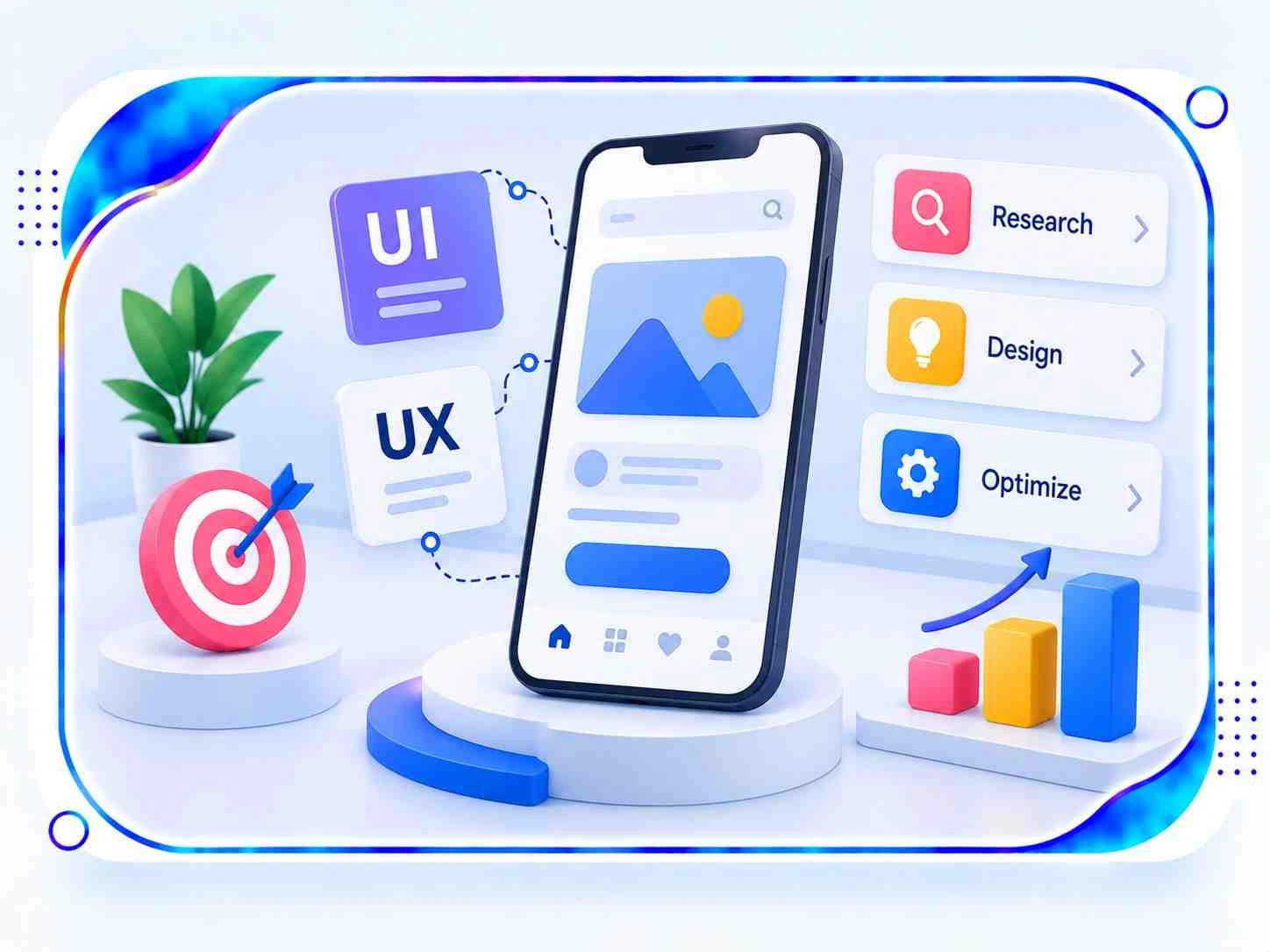
User interface design focuses on how a digital product looks, including typography, colour palettes, buttons, icons, spacing, and screen composition. User experience design concentrates on how people navigate and interact with the product, from discovering information to completing tasks. Bringing both disciplines together creates interfaces that look cohesive while remaining understandable, accessible, and convenient to use.
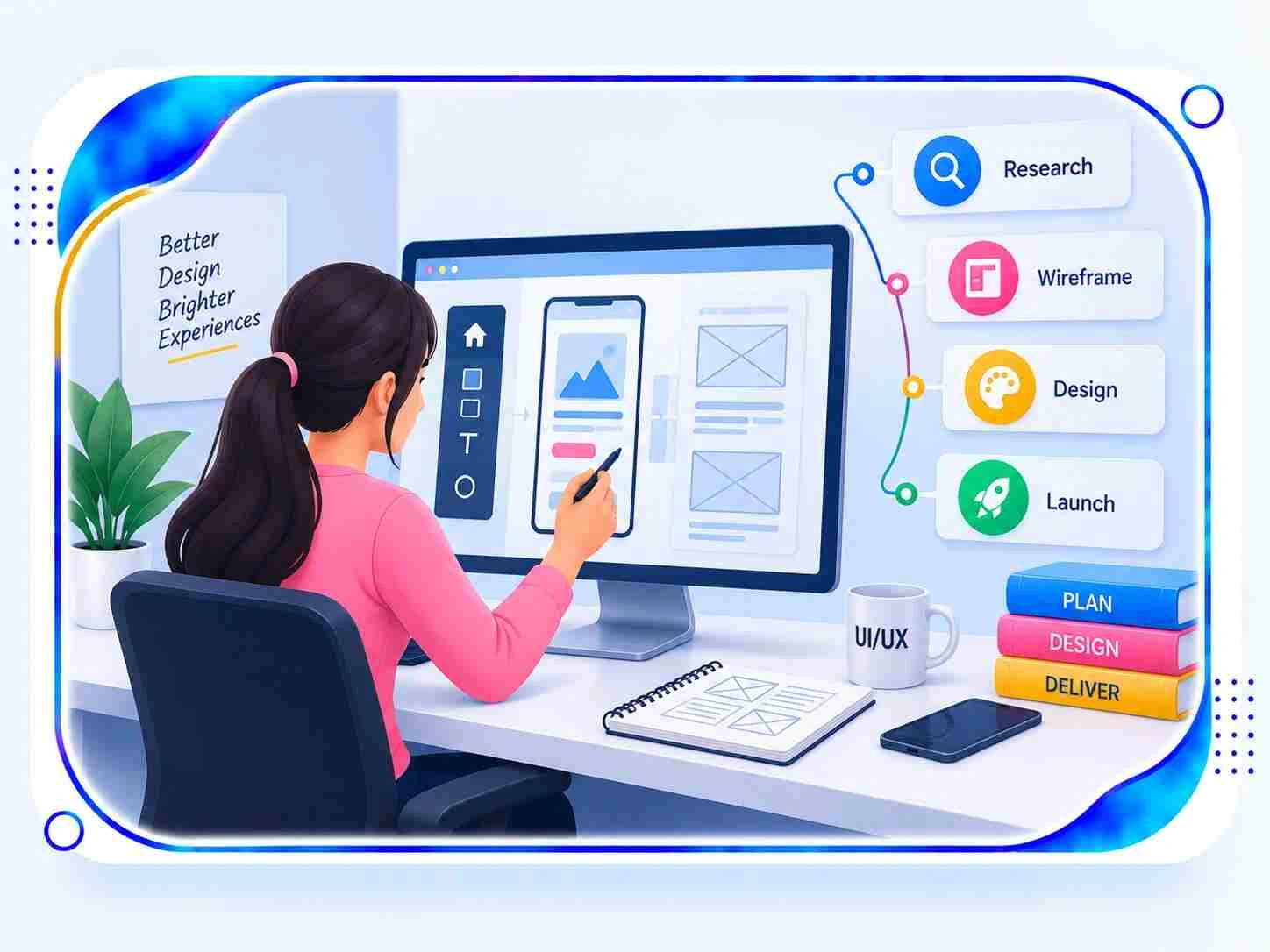
Designers investigate audience needs through stakeholder discussions, user interviews, questionnaires, analytics reviews, feedback analysis, competitor research, and observation of existing workflows. They use these findings to understand user motivations, recurring difficulties, and preferred ways of interacting with a product. Research-backed decisions help teams create relevant features and avoid designing around unverified assumptions.
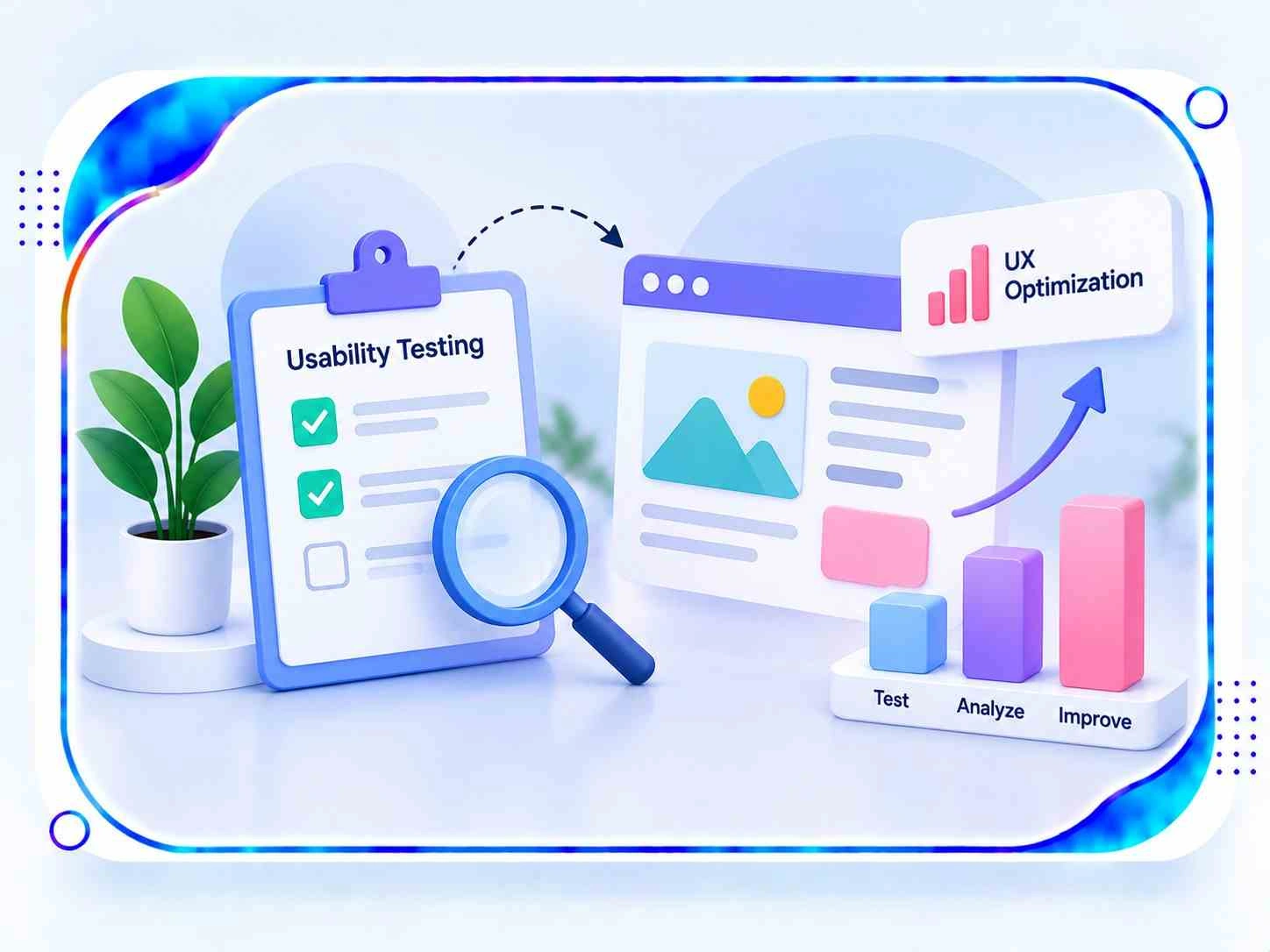
Yes. Improving menu structure, page hierarchy, form design, button labels, and responsive behaviour can help visitors navigate a website with less confusion. Usability testing can reveal where users encounter obstacles and which elements need refinement. Applying these findings can make important information easier to locate and simplify task completion, although business outcomes depend on several factors beyond design alone.
Wireframes provide a preliminary view of a screen's structure, content placement, and navigation before detailed styling begins. Interactive prototypes allow stakeholders to explore planned user flows and understand how different screens connect. These design assets make it easier to review concepts, collect feedback, identify potential problems, and refine requirements before investing in full-scale development.
Yes. Mobile application design can cover onboarding screens, navigation patterns, touch-friendly controls, forms, notifications, and feature-specific interactions for both Android and iOS. Designers account for screen dimensions, accessibility needs, and platform conventions to ensure that important functions remain clear and comfortable to use across supported devices.
Yes. A website redesign can begin with an assessment of existing page layouts, navigation, content presentation, accessibility, and user behaviour. Designers can then reorganize information, update visual components, create responsive layouts, and refine important user journeys. The redesign can preserve useful functionality and relevant content while addressing weaknesses in the current experience.
Design effectiveness can be assessed through task completion rates, usability test findings, customer feedback, engagement data, navigation patterns, accessibility evaluations, and relevant conversion metrics. The most useful indicators depend on the product's purpose and audience. Monitoring results after launch helps teams understand how people use the interface and prioritize further design improvements.
The schedule depends on the number of screens, product complexity, research depth, prototype requirements, feedback rounds, and validation activities. A small landing page may need a shorter design cycle than a multi-feature mobile application, eCommerce platform, or enterprise dashboard. A defined scope and timely stakeholder feedback help teams plan the work more accurately.
A well-structured digital experience can encourage engagement by presenting relevant information clearly, making navigation predictable, and reducing unnecessary steps. Responsive layouts, accessible controls, and meaningful interactions help users explore features more comfortably. When a product is straightforward to understand and use, it can support customer confidence and provide more reasons to return.
Yes. UI/UX design can support SaaS applications, customer portals, CRM platforms, analytics dashboards, internal workflow systems, and enterprise software. Clear information grouping, role-based navigation, consistent components, and simplified processes help users manage complex tasks. Design decisions can be adapted to the needs of different teams, permissions, and product features.
Businesses can improve their design strategy by studying audience behaviour, reviewing product analytics, mapping customer journeys, simplifying complicated workflows, and maintaining consistent interface patterns. Testing prototypes, applying accessibility principles, and collecting feedback from real users can uncover areas for improvement. Regular evaluations help keep the experience aligned with changing customer expectations and organizational priorities.