
 4.8 / 5 Rating
Powered by ACTE
Top-Rated Primavera P6 Training in Mumbai
Advance Your Project Management Skills Through Specialized Primavera P6 Course in Mumbai, Covering Project Scheduling, CPM, And Resource Allocation.
Career-Focused Primavera P6
Course in Mumbai
Linkplux provides practical instruction in Primavera P6 software and project control techniques. Learners explore project scheduling, WBS creation, activity sequencing, resource loading, baseline tracking, critical path evaluation, budget management, progress updates, and real-world planning assignments.
Real-Time Planning Exercises
Scheduling & Control Techniques
Placement Assistance

WBS & Schedule Development
Industry Trainer Mentoring
Course Certification Guidance
Primavera P6 Course Benefits
Hands-On Primavera P6 Training
Improve planning skills with project scheduling tasks, practical demonstrations, industry examples, and construction project exercises.
Project Scheduling Skills
Understand work breakdown structures, activity links, duration calculations, CPM scheduling, and project schedule preparation through applied learning.
Course Completion Credential
Strengthen your résumé with a course completion certificate that reflects Primavera P6 expertise and project management knowledge.
Career Preparation Support
Explore project scheduler roles through résumé improvement, mock interviews, and career guidance sessions for professional growth.
Real-World Project Planning
Apply Primavera P6 to construction and infrastructure projects using resource allocation, schedule updates, and performance tracking methods.
Expert-Led Technical Sessions
Expand software proficiency with trainer-led lessons on work calendars, resource assignments, project costs, and schedule monitoring techniques.
Practical Project Portfolio
Demonstrate your capabilities with a Primavera P6 project portfolio containing activity schedules, baseline comparisons, and planning case studies.
Technical Interview Preparation
Get ready for Primavera P6 job interviews through practical questions, scheduling, software tasks, and employment preparation tips.
How You'll Learn
Industry-Oriented Primavera P6 Training Syllabus in Mumbai
Module 1: Introduction to P6 and Project Setup
- Unit 1: Primavera P6 Fundamentals, Interface Navigation and Core Project Management Concepts
- Unit 2: Enterprise Project Structure, OBS Hierarchy and New Project Creation
- Unit 3: Work Breakdown Structure Setup, Activity Codes, Calendar Configuration and Preferences
- Unit 4: Project Parameters, Data Dates, Activity IDs and Default Settings
- Unit 5: Layout Customization, Filters, Grouping, Sorting and Gantt Chart Presentation
Tools covered in this Module: Primavera P6 Professional, Microsoft Excel
Module 2: Activity Management, Calendars and Relationships
- Unit 1: Defining Activities, Task Types, Milestones and Activity Code Assignment
- Unit 2: Duration Calculation, Calendar Selection, Activity Constraints and Scheduling Preferences
- Unit 3: Predecessor-Successor Relationships, Link Categories and Lag Duration
- Unit 4: Activity Steps, Notes, Work Products, Reference Documents and Project Deliverables
- Unit 5: Network Diagram Logic, Relationship Tracing, Float Calculation and Critical Activities
Tools covered in this Module: Primavera P6 Professional, Microsoft Excel
Module 3: CPM Scheduling and Project Timeline Development
- Unit 1: Critical Path Method, Forward Pass, Backward Pass and Total Float Calculation
- Unit 2: Schedule Execution, Calculation Options, Relationship Checks and Scheduling Reports
- Unit 3: Critical Routes, Near-Critical Activities, Multiple Float Paths and Negative Float Analysis
- Unit 4: Schedule Corrections, Constraint Management, Lag Changes and Activity Sequencing
- Unit 5: Developing Timelines for Construction, Civil Engineering and Infrastructure Projects
Tools covered in this Module: Primavera P6 Professional, Scheduling Logs, Gantt Charts
Module 4: Resource Management, Project Costs and Leveling
- Unit 1: Resource Setup, Resource Calendars, Role Definitions and Resource Categories
- Unit 2: Allocating Workforce, Machinery and Material Resources Across Project Activities
- Unit 3: Resource Units, Rate Configuration, Cost Forecasting, Budget Planning and Cost Curves
- Unit 4: Resource Demand Analysis, Histograms, Usage Profiles and Spreadsheet Views
- Unit 5: Resource Leveling, Over-allocation Resolution, Availability Checks and Schedule Balancing
Tools covered in this Module: Primavera P6 Professional, Resource Usage Profile, Microsoft Excel
Module 5: Baseline Management, Project Updates and Progress Tracking
- Unit 1: Creating, Allocating, Updating and Assessing Project Schedule Baselines
- Unit 2: Data Date Configuration, Actual Dates and Remaining Duration Management
- Unit 3: Measuring Completion Through Duration, Physical Progress and Resource Units
- Unit 4: Progress Spotlight, Progress Lines, Schedule Variances and Delay Assessment
- Unit 5: Comparing Project Performance with Original Baselines and Updated Forecasts
Tools covered in this Module: Primavera P6 Professional, Baseline Analysis, Progress Spotlight
Module 6: Project Budgeting, Cost Control and Earned Value Analysis
- Unit 1: Budget Preparation, Planned Value, Actual Costs and Financial Forecasting
- Unit 2: Earned Value Management, Budget at Completion and Project Efficiency Indicators
- Unit 3: Cost Variance, Schedule Variance, CPI, SPI and Performance Measurement
- Unit 4: Estimate at Completion, Estimate to Complete and Cost Overrun Assessment
- Unit 5: Earned Value Curves, WBS Performance Reports and Budget Monitoring
Tools covered in this Module: Primavera P6 Professional, Earned Value Management, Microsoft Excel
Module 7: Schedule Improvement, Project Risks and What-If Analysis
- Unit 1: Advanced Scheduling Parameters, Float Path Configuration and Schedule Health Checks
- Unit 2: Project Acceleration Methods, Crashing, Fast Tracking and Delay Mitigation
- Unit 3: What-If Scenarios, Alternative Schedules and Project Change Assessment
- Unit 4: Project Risk Identification, Impact Assessment, Response Planning and Schedule Exposure
- Unit 5: Delay Analysis, Time Impact Assessment and Updated Schedule Creation
Tools covered in this Module: Primavera P6 Professional, Risk Assessment, Schedule Comparison
Module 8: Project Documentation, Reports and Portfolio Monitoring
- Unit 1: Preparing Project Status, Activity, Resource and Cost Reports
- Unit 2: Report Design, Field Selection, Filtering, Data Organization and Chart Preparation
- Unit 3: Gantt Chart Views, Time-Scaled Logic Diagrams and Schedule Presentations
- Unit 4: Multi-Project Coordination, Cross-Project Relationships and Portfolio Management Views
- Unit 5: Project Data Export, Excel Integration, Executive Dashboards and KPI Tracking
Tools covered in this Module: Primavera P6 Professional, Microsoft Excel, Visualizer
Module 9: Project Control Standards and Practical Capstone Project
- Unit 1: Project Control Procedures, Schedule Quality Audits and Performance Reviews
- Unit 2: Baseline Updates, Scope Change Tracking and Schedule Recovery Strategies
- Unit 3: Resource-Constrained Planning, Cost Forecasting and Variance Assessment
- Unit 4: Complete Primavera P6 Assignment Covering Project Setup, Scheduling, Tracking and Closure
- Unit 5: Portfolio Development, Industry Scenarios, Interview Preparation and Project Control Practices
Tools covered in this Module: Primavera P6 Professional, Microsoft Excel, Visualizer, Project Control Reports
Let's Get Started
Skills Covered
Industry-Ready Primavera P6 Tools You'll Master in Mumbai
Primavera P6 Core Tools "Master Essential Primavera P6 Features for Project Planning, Activity Management, Scheduling & Professional Project Controls"
Reporting & Visualization Tools "Create Professional Schedule Reports, Gantt Views, Logic Diagrams & Management Reports for Clear Project Communication"
Eligibility & Criteria
Everything you need to know to join and qualify for placement.
Who Can Apply?
Eligibility Year of Passing
2018 and After
Graduates
Any Graduate / Diploma
Academic Percentage
Min 60%
Placement Eligibility
Attendance
Min 90%
Assessment Marks
Min 75%
Live Projects
100% Completion
How Primavera P6 Training
Supports Career Advancement
Primavera P6 supports project scheduling and planning activities in construction, infrastructure and engineering. Primavera P6 Training in Delhi builds practical capabilities in WBS development, resource allocation, critical path analysis, baseline tracking and project reporting, helping learners prepare for planning and project control positions.
Growing Need for Project Schedulers
Construction Engineering Careers
Roles in Scheduling and Cost Control
Explore Global Project Careers
Advance into Planning Leadership
Primavera P6 Career Paths and Estimated Annual Salaries
Assistant Planning Engineer
- Assistant Planning Engineer
- Project Scheduling Trainee
- Project Coordination Assistant
- Junior Project Scheduler
- Project Controls Assistant
- Planning Support Executive
Project Planning Engineer
- Project Planning Engineer
- Construction Planning Engineer
- Project Execution Engineer
- EPC Scheduling Engineer
- Project Timeline Engineer
- Lead Planning Engineer
Project Scheduling Specialist
- Project Scheduling Specialist
- Project Timeline Planner
- Senior Project Planning Specialist
- Schedule Monitoring Engineer
- Primavera P6 Scheduler
- Lead Project Scheduler
Project Control Specialist
- Project Control Specialist
- Planning Engineer
- Project Performance Analyst
- Project Cost Analyst
- Schedule Performance Engineer
- Project Controls Consultant
Senior Planning and Scheduling Expert
- Senior Project Planning Engineer
- Planning Team Lead
- Senior Scheduling Specialist
- Project Controls Team Lead
- Project Planning Manager
- Schedule Governance Specialist
Project Planning and Controls Management
- Project Controls Manager
- Planning Manager
- Director of Project Planning
- Project Controls Team Lead
- Scheduling Manager
- Project Management Office Manager
Career Progression Plan
- Project Planning Intern
- Assistant Scheduler
- Junior Planning Coordinator
- Project Planning Engineer
- Primavera P6 Scheduler
- Project Timeline Analyst
- Senior Project Planner
- Project Controls Specialist
- Lead Scheduling Engineer
- Project Planning Manager
- Project Controls Lead
- Head of Scheduling
Our Alumni Work at




















Success Stories from Our Students
See how Linkplux's IT training programs have helped students land top jobs through hands-on learning and expert guidance.

Trilochana found her path with Linkplux and landed the dream job.
#Datascience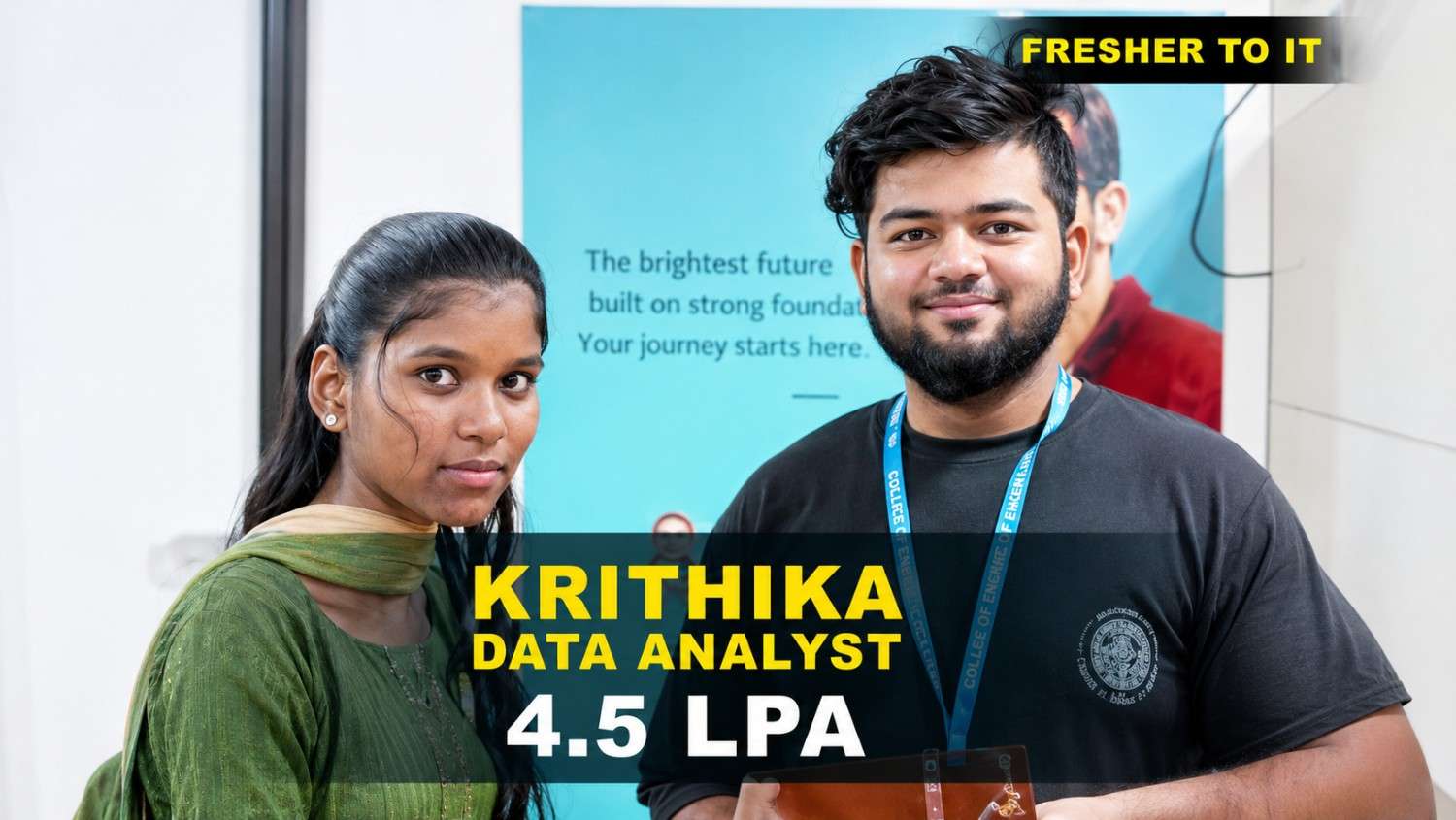
Krithika transformed her career with Linkplux and secured a Data Analyst role with a 4.5 LPA package. 🚀
#DataAnalytics
Students shared how Linkplux's practical training and live projects helped him confidently start his Digital Marketing career.
#DigitalMarketing
Krithika built her Full Stack Development skills at Linkplux and secured a 7 LPA Software Developer role. 🚀
#FullStackDevelopment
Oviya Shree developed strong Data Analytics skills at Linkplux and launched her career as a Data Analyst. 📊
#DataAnalytics
From a small town to a top tech firm, learn how our hands-on projects helped.
#Inspiration
From a small town to a top tech firm, learn how our hands-on projects helped.
#Inspiration
From a small town to a top tech firm, learn how our hands-on projects helped.
#Inspiration
From a small town to a top tech firm, learn how our hands-on projects helped.
#Inspiration
From a small town to a top tech firm, learn how our hands-on projects helped.
#Inspiration
From a small town to a top tech firm, learn how our hands-on projects helped.
#InspirationEarn Your Primavera P6 Training
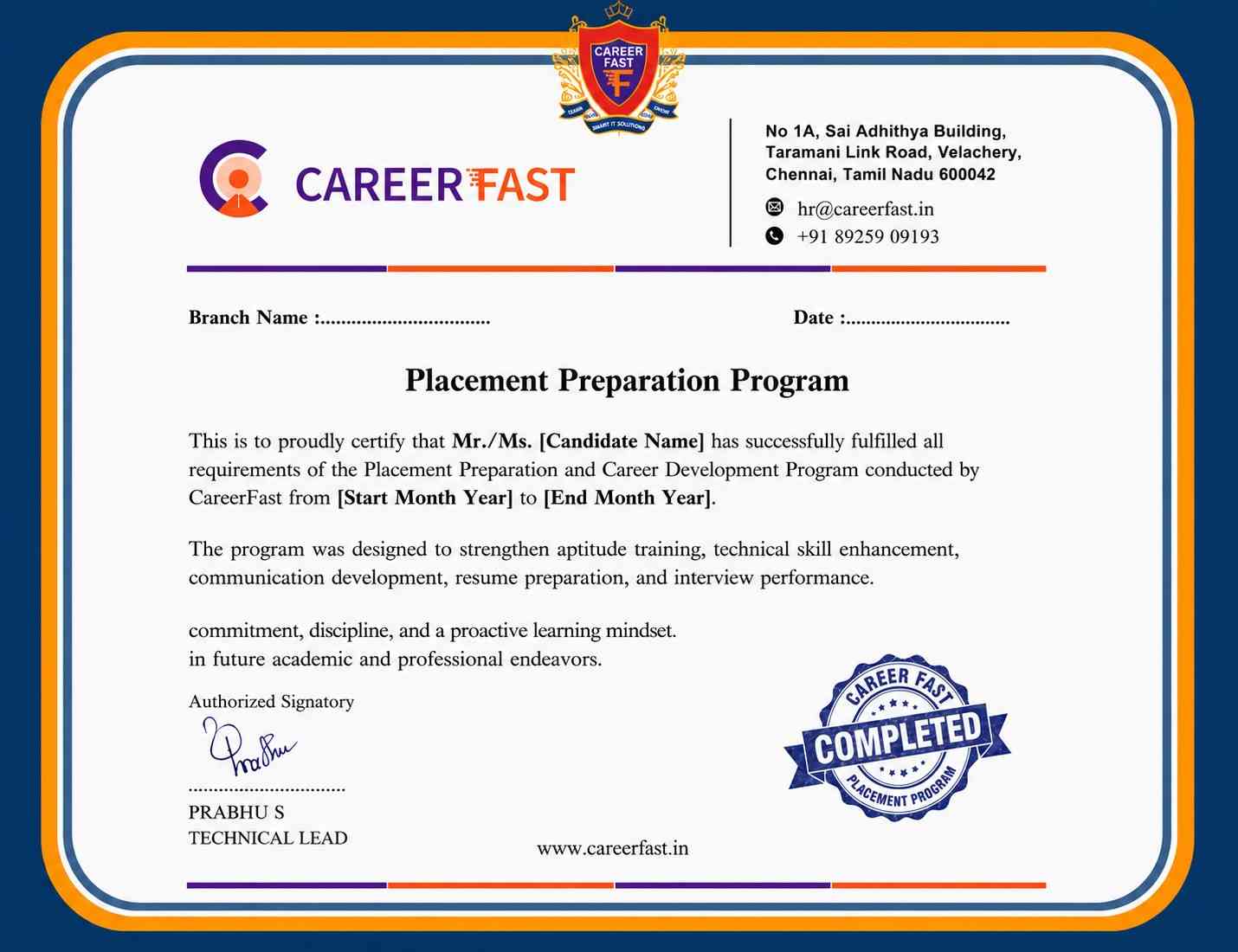
Completion Certificate
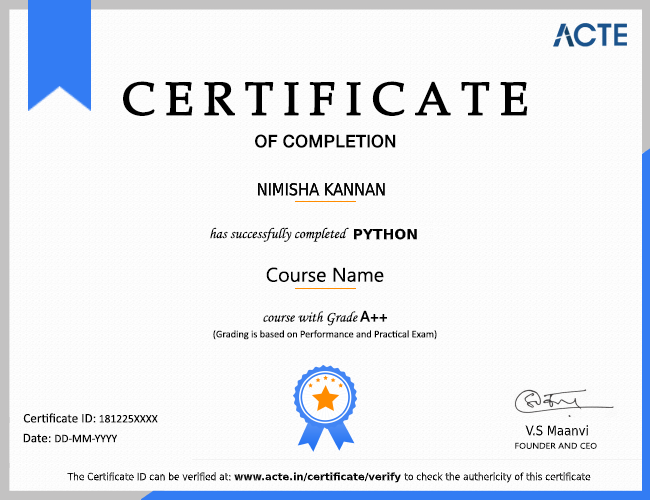
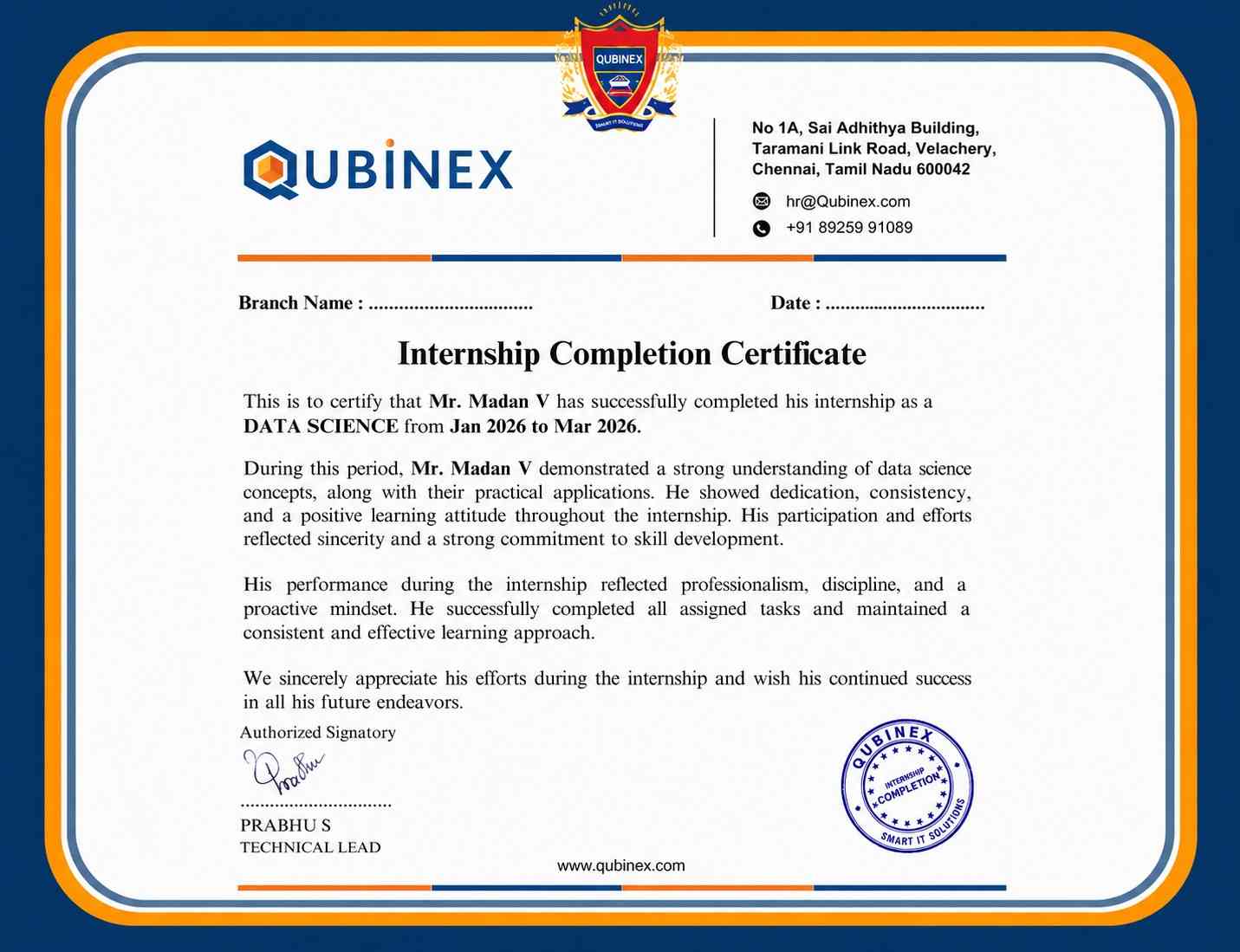
A Primavera P6 course certificate from Linkplux highlights practical understanding of project scheduling, WBS structuring, task dependencies, resource allocation, baseline tracking, critical path evaluation, progress monitoring and project reporting. It strengthens your resume, reflects applied scheduling knowledge, and supports career pathways in Delhi's construction, infrastructure and engineering sectors for positions such as Planning Engineer, Project Scheduler, Project Planner, Project Controls Specialist and Planning Coordinator.



Reviews from Our Successful Students
See how our AI-powered IT training institute has helped students succeed.

"Perfect for Beginners"
Hi, I'm Priya.S . I completed my undergraduate degree in 2021. Then I decided to change my career to the IT field. The trainers were very friendly and cleared all my doubts. My special thanks to Ashok sir for his guidance. I learned to create a website very easily. The real-time project gave me the confidence to crack the interview.

"Hands-On Learning That Built My Confidence"
The MERN Stack training at Linkplux gave me practical experience in building real-world web applications. Every concept was explained clearly with hands-on coding sessions, making it easy to understand both frontend and backend development. The trainers were supportive throughout the course, and the live projects helped me gain the confidence to attend interviews and start my career as a Full Stack Developer.

"A Perfect Start to My Digital Marketing Career"
The Digital Marketing program at Linkplux gave me the confidence to work on real-world projects and understand industry practices. The trainers explained every concept with practical examples, and the live assignments helped me improve my skills. I truly appreciate the guidance and support I received throughout the course and would recommend Linkplux to anyone looking to build a successful career in Digital Marketing.

"A Career-Changing Learning Experience"
The practical assignments and live projects at Linkplux helped me gain real-world experience in Data Analytics. The trainers explained every concept clearly and guided me throughout the learning journey. The hands-on approach boosted my confidence and prepared me for industry challenges. I highly recommend Linkplux to anyone looking to build a successful career in the IT field.