
 4.8 / 5 Rating
Powered by ACTE
Top UI and UX Training in Toronto, Canada
Build Creative Interface Design Skills with UI and UX Course in Toronto, Canada, Exploring User Research, Figma, Wireframes, Prototyping, and UX Design.
Industry-Focused UI/UX Design
Course in Toronto, Canada
Linkplux delivers career-oriented UI/UX education covering human-centered design, UX research, interaction design, information architecture, Figma, interface development, prototyping, and usability evaluation. Our UI and UX training in Toronto, Canada combines practical design exercises, real-world assignments, and expert guidance to help participants develop engaging digital experiences and strengthen their professional design skills.
Real-Time Interface Design Projects
Figma Design and Interactive Mockups
Job Readiness and Career Guidance

Industry-Ready Design Portfolio
Experienced UI/UX Design Trainers
Course Completion Certification
Training Benefits
Practical Interface Design Training
Strengthen creative design abilities with studio exercises and instructor-guided activities involving essential UI/UX design principles and innovative solution-building methods.
Figma-Based Design Workflows
Explore Figma, digital wireframing, and clickable mockups to map navigation paths, organize page structures, and develop polished web and mobile app designs.
Professional Course Recognition
Showcase a UI/UX design certification demonstrating your understanding of visual communication, inclusive interfaces, accessibility standards, and practical user experience principles.
Job Preparation Assistance
Access professional development guidance with CV improvement, portfolio assessment, interview practice, and expert advice for pursuing UI/UX designer positions in Toronto, Canada.
Real-World Product Design Tasks
Work through practical design challenges involving audience personas, customer journey mapping, mobile-first layouts, usability assessments, and authentic digital product cases.
Expert-Guided Learning Experience
Gain insights from skilled professionals in human-centered design, behavioural research, typography, interface systems, Figma workflows, and modern interaction design methods.
Personalized Portfolio Guidance
Assemble a compelling UI/UX design portfolio showcasing customer journeys, interactive mockups, usability reports, and complete design case studies for potential employers.
Designer Interview Coaching
Improve UI/UX job interview skills with design evaluations, practical screening exercises, portfolio presentations, expert feedback, and personalized professional growth strategies.
How You'll Learn
UI/UX Design Course Curriculum in Toronto, Canada
Paper 1: Introduction to User Experience and Creative Design Methods
- Unit 1: UI/UX Fundamentals, User-Centred Design and Essential Visual Principles
- Unit 2: Design Thinking Frameworks, Empathy Exercises and Problem Identification
- Unit 3: Audience Personas, Customer Journey Mapping, Use Cases and Behaviour Insights
- Unit 4: Accessibility Requirements, Inclusive Design and Digital Usability Standards
- Unit 5: UX Lifecycle, Project Scoping and Foundational Research Methods
Design Software covered: Figma, FigJam, ChatGPT
Paper 2: User Research Methods and Digital Content Architecture
- Unit 1: User Interviews, Online Surveys, Field Observation and Qualitative Research
- Unit 2: Market Benchmarking, Business Requirements and Stakeholder Collaboration
- Unit 3: Research Synthesis, Affinity Mapping and User Behaviour Insights
- Unit 4: Content Organization, Information Architecture and Navigation Planning
- Unit 5: Customer Journey Diagrams, User Task Flows and Website Sitemaps
Design Software covered: Miro, FigJam, Figma, ChatGPT
Paper 3: Digital Wireframes and User Interaction Planning
- Unit 1: Wireframe Development, Initial Sketches and Basic Interface Blueprints
- Unit 2: Navigation Flows, User Tasks, Interaction Paths and Screen Transitions
- Unit 3: Layout Grids, Spacing Systems, Alignment and Content Prioritization
- Unit 4: Input Fields, Buttons, Interface Cards, Menus and Interactive Controls
- Unit 5: Adaptive Web Design, Mobile Interfaces and Multi-Device Compatibility
Design Software covered: Figma, FigJam, Adobe XD
Paper 4: Figma Interface Creation and Clickable Prototype Design
- Unit 1: Figma Interface, Canvas, Frames, Layers, Vector Shapes and Editing Features
- Unit 2: Component Libraries, Variants, Auto Layout, Constraints and Reusable Assets
- Unit 3: Interactive Links, Animation Effects, Overlays and Prototype Behaviour
- Unit 4: Detailed UI Mockups, High-Fidelity Screens and Clickable User Experiences
- Unit 5: Collaborative Workspaces, Design Specifications and Developer Collaboration
Design Software covered: Figma, FigJam, Zeplin
Paper 5: Interface Aesthetics, Typography and Colour Application
- Unit 1: Composition Techniques, Symmetry, Visual Balance and Design Proportions
- Unit 2: Colour Schemes, Psychological Effects, Contrast and Accessible UI Palettes
- Unit 3: Font Pairing, Text Readability, Typographic Scale and Information Emphasis
- Unit 4: Iconography, Digital Illustrations, Image Selection and Graphic Elements
- Unit 5: Visual Consistency, White Space Alternatives, Attention Patterns and Modern UI Trends
Design Software covered: Figma, Adobe Photoshop, Adobe Illustrator
Paper 6: Scalable Design Systems and Cross-Platform Interfaces
- Unit 1: Design System Architecture, Shared Styles, Token Management and UI Consistency
- Unit 2: Reusable Components, Interactive States, Component Libraries and Modular Design
- Unit 3: Flexible Grids, Screen Dimensions, Responsive Breakpoints and Fluid Layouts
- Unit 4: Smartphone Experiences, Platform-Specific Patterns and Device Adaptation
- Unit 5: Material Design Principles, Interface Standards and Scalable Digital Products
Design Software covered: Figma, FigJam, Material Design
Paper 7: UX Validation, Inclusive Design and Usability Assessment
- Unit 1: User Testing Strategies, Evaluation Plans and Target Participant Selection
- Unit 2: Heuristic Evaluation, Interface Audits and Identifying User Experience Barriers
- Unit 3: WCAG Guidelines, Digital Accessibility and Inclusive Product Experiences
- Unit 4: Split Testing, Feedback Interpretation and Data-Informed Design Decisions
- Unit 5: Prototype Validation, Usability Findings and Continuous Interface Improvement
Design Software covered: Maze, Figma, Google Forms, ChatGPT
Paper 8: Product Experience Strategy and Advanced Interaction Methods
- Unit 1: Human-Computer Interaction, Cognitive Psychology and Behavioural Design
- Unit 2: Gestalt Theory, Fitts's Law, Hick's Law and Decision-Making Patterns
- Unit 3: Motion Graphics, Feedback Responses, Animation and Micro-Interaction Design
- Unit 4: Digital Product Strategy, Customer Engagement and Conversion Optimization
- Unit 5: AI-Assisted UX Workflows, Conversational Interfaces and Future Design Innovations
Design Software covered: Figma, FigJam, ChatGPT, Gemini
Paper 9: UX Portfolio Building, Practical Case Studies and Job Skills
- Unit 1: End-to-End Design Projects, Audience Research and Defining User Problems
- Unit 2: Developing Interface Layouts, Detailed Mockups and Functional Prototypes
- Unit 3: Documenting Design Decisions, Testing Results and Iterative Improvements
- Unit 4: Portfolio Presentation, Professional Resume Development and Designer Branding
- Unit 5: Recruitment Preparation, Practical Design Challenges and Career Development Sessions
Design Software covered: Figma, FigJam, Notion, ChatGPT
Let's Get Started
Skills Covered


Professional UI & UX Design Tools You'll Master in Toronto, Canada
UI Design & Visual Design Tools "Create Modern Interfaces with Professional Tools for Visual Design, Typography, Layouts & Responsive Experiences"




UX Research and Design Thinking Tools "Research User Needs, Organize Insights & Build Human-Centered Experiences with Collaborative Design Platforms"


Wireframing & Prototyping Tools "Transform Ideas into Structured Wireframes, Interactive Prototypes & Realistic Digital Product Experiences"


Design Systems & Developer Handoff "Build Scalable Interfaces and Collaborate Efficiently with Developers Using Modern Design System & Handoff Workflows"


Usability Testing & UX Evaluation Tools "Validate Designs, Collect User Feedback and Improve Digital Experiences Through Practical UX Research & Testing Workflows"


AI-Powered UX & Emerging Design Tools "Explore Modern AI-Assisted Design Platforms for Faster Ideation, Interface Generation, Research & Creative UX Workflows"

Product & Web Design Tools "Design Responsive Websites, Mobile Products and SaaS Interfaces Using Modern Product Design & Web Experience Workflows"

Professional Collaboration & Portfolio Tools "Develop Professional Case Studies, Present Design Work and Collaborate Across Real-World UI/UX Product Teams"


Eligibility & Criteria
Everything you need to know to join and qualify for placement.
Who Can Apply?
Eligibility Year of Passing
2018 and After
Graduates
Any Graduate / Diploma
Academic Percentage
Min 60%
Placement Eligibility
Attendance
Min 90%
Assessment Marks
Min 75%
Live Projects
100% Completion
How UI/UX Design
Training Can Shape Your Career
UI/UX design combines visual creativity, customer insights, digital technology, and problem-solving to build meaningful online experiences. Learning UX research, Figma, content structure, interactive prototyping, mobile-first design, usability evaluation, and component systems prepares aspiring designers for employment opportunities throughout Toronto's digital and technology sectors.
Growing Need for Digital Designers
Applications Across Multiple Industries
Multiple Paths in UX and Interface Design
International Digital Design Careers
Adapt to New UX Tech and Trends
UI/UX Career Positions and Yearly Salary Estimates
Associate UI/UX Designer
- UI/UX Design Intern
- Junior Interface Designer
- UX Design Assistant
- Visual Design Assistant
- Figma UI Designer
- Associate Product Designer
Professional UI/UX Designer
- User Interface Designer
- User Experience Designer
- Digital Experience Designer
- Web Interface Specialist
- Interaction Design Professional
- UX/UI Design Consultant
UX Research and Experience Strategy
- User Research Specialist
- UX Research Analyst
- Interaction Designer
- Customer Strategist
- Content Architecture Specialist
- Usability Research Consultant
Digital Product Design
- Digital Product Designer
- UX Product Designer
- Senior Product Experience Designer
- Mobile Application Designer
- Product Interface Designer
- Product Design Consultant
Design Systems and Experience Management
- Design System Architect
- UX Strategy Consultant
- Interface Systems Specialist
- Principal UX Designer
- Lead Digital Product Designer
- Experience Design Consultant
Strategic UI/UX Design Leadership
- Principal Product Designer
- Creative Design Lead
- Head of UX Design
- UX Design Manager
- Director of Experience Design
- VP of Product Design
UI/UX Design Career Progression
- UI/UX Trainee
- Associate Interface Designer
- Entry-Level Designer
- Digital Interface Designer
- UX Interaction Specialist
- Visual Experience Designer
- Principal UX Designer
- User Research Consultant
- Lead Product Designer
- Creative Design Director
- UX Team Manager
- Product Design Director
Our Alumni Work at




















Success Stories from Our Students
See how Linkplux's IT training programs have helped students land top jobs through hands-on learning and expert guidance.

Trilochana found her path with Linkplux and landed the dream job.
#Datascience
Krithika transformed her career with Linkplux and secured a Data Analyst role with a 4.5 LPA package. 🚀
#DataAnalytics
Students shared how Linkplux's practical training and live projects helped him confidently start his Digital Marketing career.
#DigitalMarketing
Krithika built her Full Stack Development skills at Linkplux and secured a 7 LPA Software Developer role. 🚀
#FullStackDevelopment
Oviya Shree developed strong Data Analytics skills at Linkplux and launched her career as a Data Analyst. 📊
#DataAnalytics
From a small town to a top tech firm, learn how our hands-on projects helped.
#Inspiration
From a small town to a top tech firm, learn how our hands-on projects helped.
#Inspiration
From a small town to a top tech firm, learn how our hands-on projects helped.
#Inspiration
From a small town to a top tech firm, learn how our hands-on projects helped.
#Inspiration
From a small town to a top tech firm, learn how our hands-on projects helped.
#Inspiration
From a small town to a top tech firm, learn how our hands-on projects helped.
#InspirationAchieve Your UI/UX Design Training
Certificate in Toronto, Canada
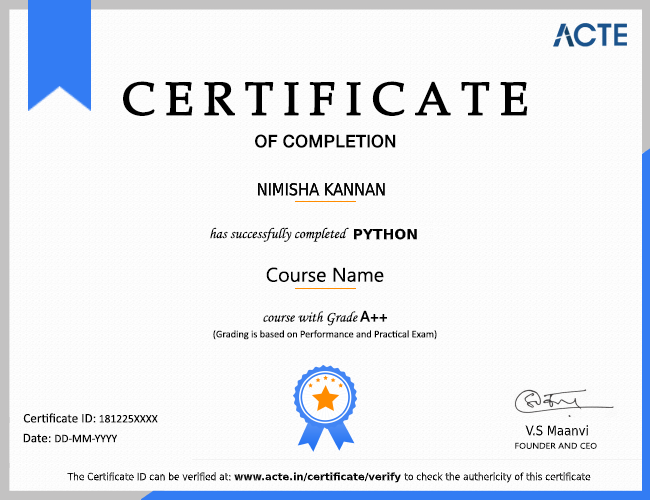
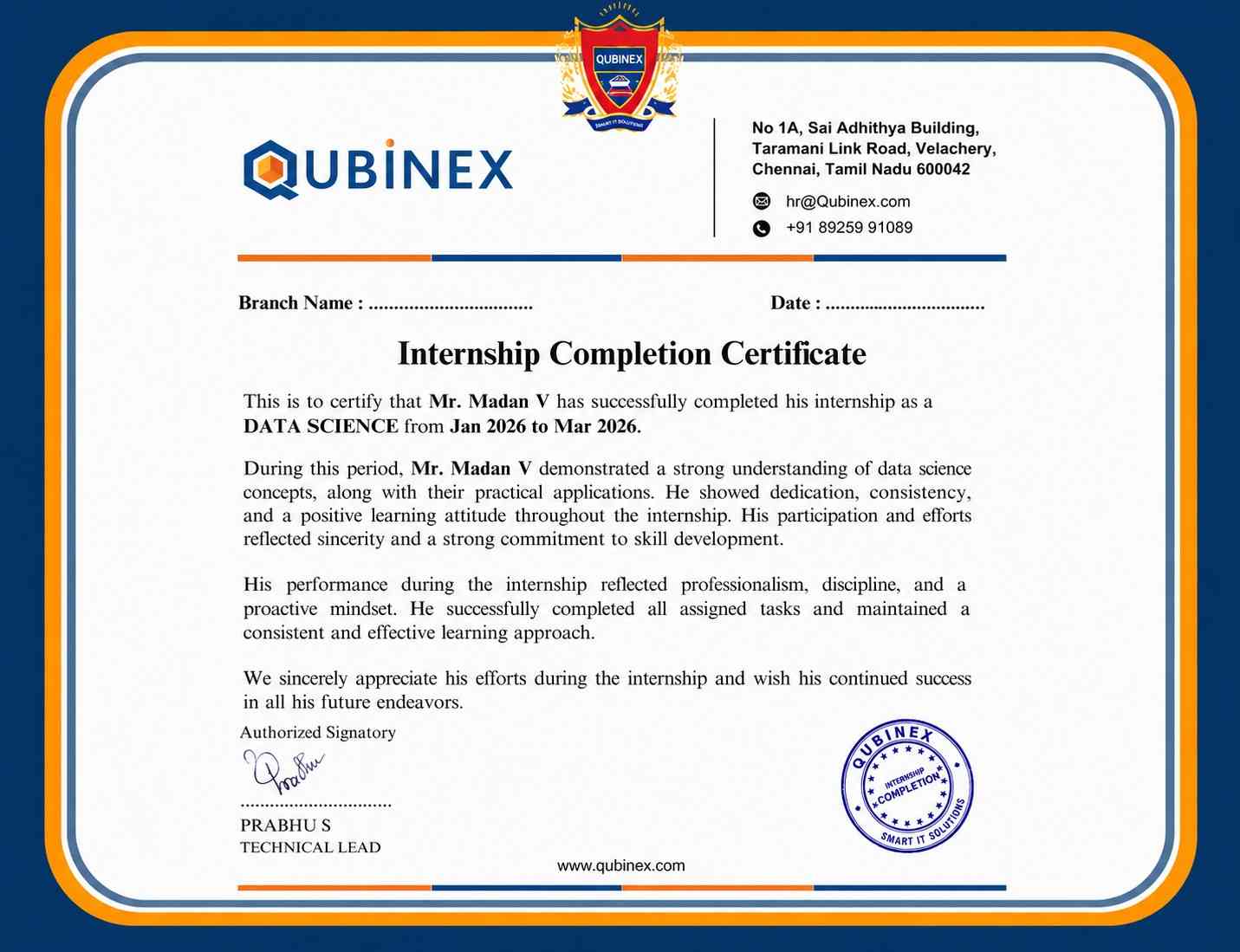
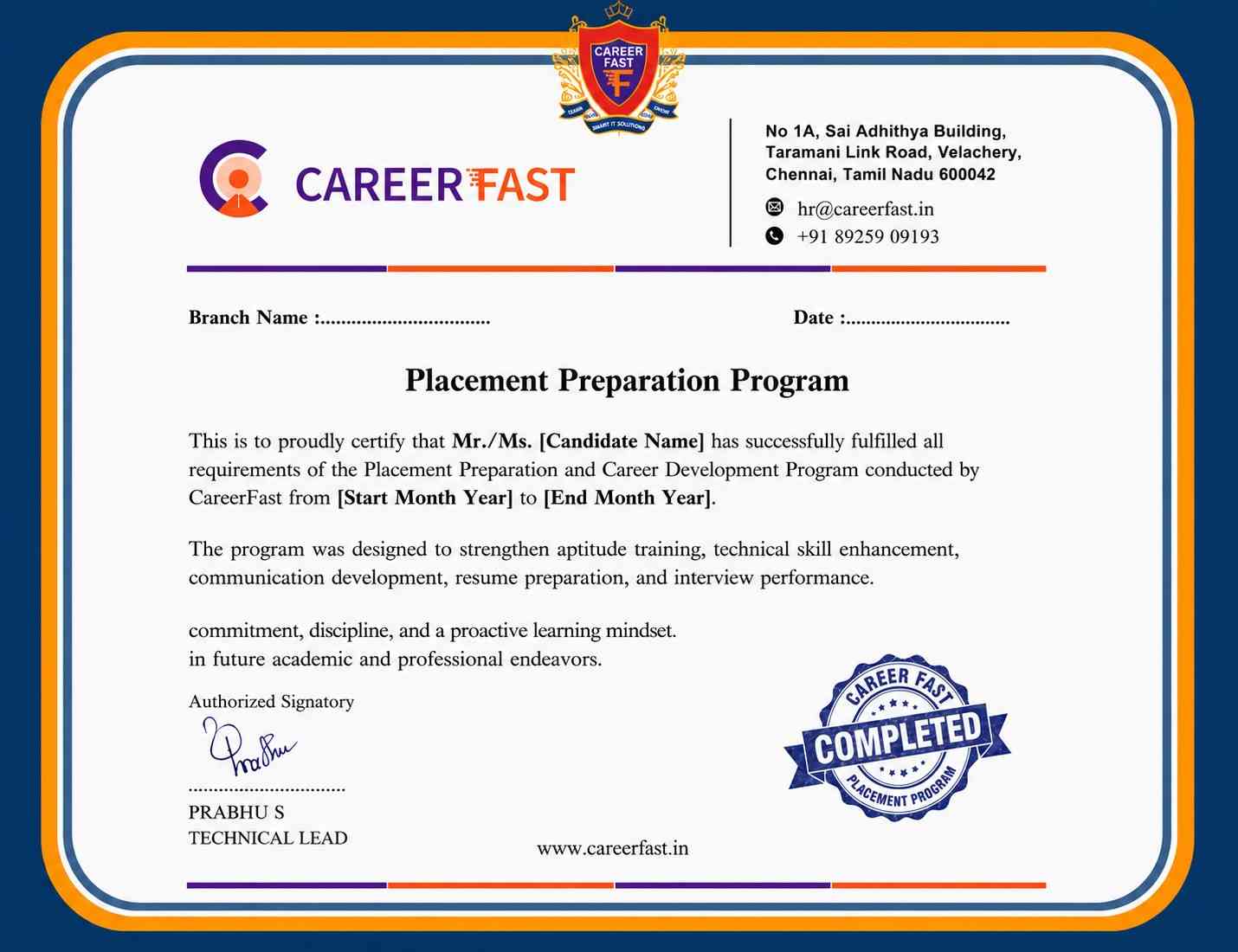
Completing the UI/UX design programme at Linkplux demonstrates practical knowledge of customer research, creative problem-solving, navigation mapping, digital wireframes, Figma, visual interfaces, interactive mockups, accessibility testing, and mobile-responsive design. This credential strengthens your professional portfolio, highlights hands-on project experience, and helps prepare you for design careers in Toronto as a UI/UX Designer, Product Designer, Visual Designer, Interaction Designer, or UX Research Specialist.



Reviews from Our Successful Students
See how our AI-powered IT training institute has helped students succeed.

"Perfect for Beginners"
Hi, I'm Priya.S . I completed my undergraduate degree in 2021. Then I decided to change my career to the IT field. The trainers were very friendly and cleared all my doubts. My special thanks to Ashok sir for his guidance. I learned to create a website very easily. The real-time project gave me the confidence to crack the interview.

"Hands-On Learning That Built My Confidence"
The MERN Stack training at Linkplux gave me practical experience in building real-world web applications. Every concept was explained clearly with hands-on coding sessions, making it easy to understand both frontend and backend development. The trainers were supportive throughout the course, and the live projects helped me gain the confidence to attend interviews and start my career as a Full Stack Developer.

"A Perfect Start to My Digital Marketing Career"
The Digital Marketing program at Linkplux gave me the confidence to work on real-world projects and understand industry practices. The trainers explained every concept with practical examples, and the live assignments helped me improve my skills. I truly appreciate the guidance and support I received throughout the course and would recommend Linkplux to anyone looking to build a successful career in Digital Marketing.

"A Career-Changing Learning Experience"
The practical assignments and live projects at Linkplux helped me gain real-world experience in Data Analytics. The trainers explained every concept clearly and guided me throughout the learning journey. The hands-on approach boosted my confidence and prepared me for industry challenges. I highly recommend Linkplux to anyone looking to build a successful career in the IT field.