
 4.8 / 5 Rating
Powered by ACTE
Best Microsoft Azure Training in Pune
Build In-Demand Cloud Skills Through Career-Focused Microsoft Azure Training at Linkplux.
Practical Microsoft Azure
Training in Pune
Linkplux offers job-oriented Azure training with cloud-based labs, resource configuration, deployment tasks, and industry-led instruction. The Microsoft Azure course in Pune blends cloud fundamentals with practical exercises, enabling learners to develop technical skills and explore opportunities in cloud computing and infrastructure management.
Hands-On Azure Projects
Cloud & Networking
Career & Job Preparation

Azure DevOps Hands-On Labs
Cloud Career Mentoring
Microsoft Azure Certification
Microsoft Azure Course Advantages
Practical Cloud Computing Experience
Gain applied expertise through Microsoft Azure Training in Pune, cloud lab exercises, and industry-based infrastructure projects.
Azure Resource Management
Explore Azure Virtual Machines, networking, storage, access management, and cloud design methods for building scalable cloud solutions.
Azure Exam Preparation Support
Build knowledge for relevant Microsoft certifications through certification-focused training covering Azure fundamentals and cloud management principles.
Job Readiness & Career Support
Prepare for Microsoft Azure job opportunities through resume refinement, mock interviews, technical practice, and career development guidance.
Industry-Based Cloud Assignments
Apply Azure concepts to practical tasks involving resource deployment, cloud security, performance monitoring, and enterprise infrastructure management.
Expert-Guided Azure Classes
Understand essential cloud technologies with trainer-led sessions on Azure administration, solution design, DevOps tools, and cloud deployment methods.
Cloud Project Portfolio Development
Showcase your Microsoft Azure project experience through infrastructure setup, automated workflows, and practical cloud solution delivery.
Azure Technical Interview Coaching
Improve your cloud computing interview performance with questions and Microsoft Azure career preparation for long-term growth.
How You'll Learn
Microsoft Azure Training Syllabus in Pune
Module 1: Cloud Computing Essentials & Azure Basics
- Unit 1: Cloud Computing Principles, Advantages, Service Models and Virtualization
- Unit 2: IaaS, PaaS, SaaS and Public, Private, Hybrid Cloud Environments
- Unit 3: Azure Infrastructure, Geographic Regions, Availability Zones and Resource Groups
- Unit 4: Azure Portal Navigation, Subscriptions, Cloud Shell, CLI and PowerShell
- Unit 5: Azure Resource Manager, Administration Tools and Essential Cloud Services
Azure Tools covered in this Module: Azure Portal, Cloud Shell, Azure CLI, PowerShell
Module 2: Azure Governance, Resources & Cost Management
- Unit 1: Organising Subscriptions, Management Groups, Resource Groups and Tags
- Unit 2: Applying Azure Policies, Resource Locks, Compliance Rules and Governance Controls
- Unit 3: Provisioning Resources, Configuration and Lifecycle Administration
- Unit 4: Managing Cloud Expenses, Budgets, Pricing Options and Resource Utilisation
- Unit 5: Automating Infrastructure Deployment through ARM Templates and Bicep
Azure Tools covered in this Module: Azure Resource Manager, Azure Policy, Cost Management, ARM Templates, Bicep
Module 3: Azure Compute, Virtual Machines & App Hosting
- Unit 1: Creating Azure Virtual Machines, Selecting Configurations, Disks and Availability Settings
- Unit 2: Configuring VM Scale Sets, Automatic Scaling and Load Distribution
- Unit 3: Hosting Applications with Azure App Service, Web Apps, Deployment Slots and Settings
- Unit 4: Developing Serverless Solutions using Azure Functions and Event-Driven Applications
- Unit 5: Container Fundamentals, Azure Container Registry and Container Instances
Azure Tools covered in this Module: Azure Virtual Machines, VM Scale Sets, App Service, Azure Functions, Container Registry
Module 4: Azure Storage Management & Recovery Solutions
- Unit 1: Configuring Storage Accounts, Performance Tiers, Replication and Access Permissions
- Unit 2: Managing Blob Containers, Storage Tiers, Data Retention and Lifecycle Policies
- Unit 3: Using Azure Files, File Shares, Queue Storage and Table Storage
- Unit 4: Implementing Shared Access Signatures, Encryption and Storage Protection
- Unit 5: Configuring Azure Backup, Recovery Services Vault and Site Recovery
Azure Tools covered in this Module: Storage Accounts, Blob Storage, Azure Files, Azure Backup, Azure Site Recovery
Module 5: Azure Networking & Hybrid Connectivity
- Unit 1: Building Virtual Networks, Subnets, IP Addressing and Network Segmentation
- Unit 2: Configuring Network Security Groups, Application Security Groups and Traffic Rules
- Unit 3: Establishing VNet Peering, Private Endpoints and Secure Network Access
- Unit 4: Managing Load Balancers, Application Gateways and Traffic Distribution
- Unit 5: Setting Up VPN Gateway, ExpressRoute, Azure DNS and Network Diagnostics
Azure Tools covered in this Module: Azure Virtual Network, NSG, VNet Peering, Load Balancer, Application Gateway, VPN Gateway
Module 6: Microsoft Entra ID, Identity & Cloud Security
- Unit 1: Administering Microsoft Entra ID, User Profiles, Groups and Identity Services
- Unit 2: Assigning Role-Based Access Control, Privileged Roles and Resource Permissions
- Unit 3: Setting Up Multi-Factor Authentication, Conditional Access and Identity Safeguards
- Unit 4: Protecting Secrets, Certificates and Encryption Keys with Azure Key Vault
- Unit 5: Using Microsoft Defender for Cloud, Security Assessments and Zero Trust Principles
Azure Tools covered in this Module: Microsoft Entra ID, Azure RBAC, Conditional Access, Azure Key Vault, Microsoft Defender for Cloud
Module 7: Azure Databases, Data Integration & Pipelines
- Unit 1: Provisioning, Structuring and Administering Azure SQL Database
- Unit 2: Exploring Azure Cosmos DB, NoSQL Data Models, Partitioning and Request Units
- Unit 3: Managing Database Connectivity, Access Security, Backups and Query Performance
- Unit 4: Building Data Factory Workflows with Linked Services, Datasets and Pipelines
- Unit 5: Handling Data Transfers, Transformations, Scheduled Jobs and Cloud Integration
Azure Tools covered in this Module: Azure SQL Database, Azure Cosmos DB, Azure Data Factory, Azure Storage, Data Pipelines
Module 8: Azure Containers, Kubernetes & Cloud-Native Apps
- Unit 1: Understanding Containerisation, Image Creation, Registries and Application Packaging
- Unit 2: Publishing Container Images and Managing Azure Container Registry
- Unit 3: Exploring Azure Kubernetes Service, Cluster Architecture and Administration
- Unit 4: Managing Pods, Deployments, Services, Scaling and Application Availability
- Unit 5: Monitoring Containers, Strengthening Security and Managing Production Releases
Azure Tools covered in this Module: Azure Container Registry, Azure Kubernetes Service, Azure Container Instances, Kubernetes
Module 9: Azure Observability, DevOps & Deployment Automation
- Unit 1: Tracking Metrics, Logs and Alerts through Azure Monitor and Log Analytics
- Unit 2: Using Application Insights, Service Health and Azure Advisor for Diagnostics
- Unit 3: Managing Source Repositories, Boards and Delivery Workflows in Azure DevOps
- Unit 4: Creating Azure Pipelines for CI/CD, Automated Testing and Software Releases
- Unit 5: Implementing GitHub Actions, Infrastructure Automation and Release Management
Azure Tools covered in this Module: Azure Monitor, Log Analytics, Application Insights, Azure DevOps, Azure Pipelines, GitHub Actions
Module 10: Azure Architecture, Advanced Solutions & Capstone Project
- Unit 1: Designing Scalable Azure Solutions with Resilience, Fault Tolerance and High Availability
- Unit 2: Planning Cloud Migration, Application Modernisation, Disaster Recovery and Business Continuity
- Unit 3: Applying Azure Well-Architected Framework Principles and Cloud Design Standards
- Unit 4: Exploring Azure AI Services, Intelligent Applications and New Cloud Technologies
- Unit 5: Completing a Cloud Deployment Project, Certification Preparation and Technical Interview Practice
Azure Tools covered in this Module: Azure Architecture Center, Azure Migrate, Azure Site Recovery, Azure AI Services, Well-Architected Framework
Let's Get Started
Skills Covered
Microsoft Azure Tools You'll Master in Pune
Azure Fundamentals & Management Tools "Build a Strong Foundation in Microsoft Azure Services, Cloud Administration, Resource Management & Deployment Workflows"

Azure Compute & Application Services "Deploy Scalable Applications Using Azure Virtual Machines, App Services, Serverless Computing & Modern Cloud Workloads"

Azure Storage & Database Tools "Manage Business Data with Secure Azure Storage, Relational Databases, NoSQL Services & High-Performance Cloud Data Solutions"
Eligibility & Criteria
Everything you need to know to join and qualify for placement.
Who Can Apply?
Eligibility Year of Passing
2018 and After
Graduates
Any Graduate / Diploma
Academic Percentage
Min 60%
Placement Eligibility
Attendance
Min 90%
Assessment Marks
Min 75%
Live Projects
100% Completion
How Microsoft Azure
Training in Pune Shapes Your Future
Microsoft Azure enables businesses to build cloud infrastructure, host applications, secure networks, manage data, and automate software delivery. Microsoft Azure Training in Pune equips learners with practical knowledge of cloud administration, deployment, security, and DevOps for varied IT career opportunities.
Increasing Demand for Azure Cloud Professionals
Employment Options Across Diverse IT Sectors
Career Paths in Cloud Engineering and DevOps
Global Prospects in Azure Cloud Services and Careers
Professional Growth Through Advanced Cloud Skills
Microsoft Azure Job Roles and Salary Progression
Azure Support Analyst
- Cloud Associate
- Azure Support Engineer
- Cloud Operations Analyst
- Junior Azure Administrator
- Service Desk Engineer
- Azure Support Specialist
Azure Systems Administrator
- Azure Administrator
- Cloud Infrastructure Administrator
- Azure Technical Associate
- Cloud Infrastructure Engineer
- Azure Operations Specialist
- Cloud Platform Administrator
Azure DevOps Specialist
- DevOps Specialist
- Cloud Automation Engineer
- Release Engineer
- Azure Deployment Specialist
- DevOps Integration Engineer
- Senior DevOps Engineer
Cloud Infrastructure Specialist
- Infrastructure Specialist
- Cloud Systems Engineer
- Azure Solutions Engineer
- Automation Specialist
- Cloud Infrastructure Engineer
- Azure Platform Engineer
Azure Solutions Architect
- Solutions Architect
- Enterprise Cloud Architect
- Infrastructure Architect
- Cloud Security Architect
- Cloud Architecture Consultant
- Technical Architect
Cloud Technology Manager
- Cloud Operations Manager
- Cloud Delivery Manager
- Infrastructure Services Manager
- DevOps Team Lead
- Cloud Infrastructure Director
- Cloud Engineering Head
Microsoft Azure Career Roadmap
- Cloud Support Associate
- Junior Azure Administrator
- Cloud Operations Analyst
- Microsoft Azure Administrator
- Cloud DevOps Specialist
- Azure Infrastructure Engineer
- Lead Azure Cloud Engineer
- Cloud Solutions Architect
- Azure Security Specialist
- Cloud Infrastructure Manager
- Azure Practice Manager
- Head of Cloud Engineering
Our Alumni Work at




















Success Stories from Our Students
See how Linkplux's IT training programs have helped students land top jobs through hands-on learning and expert guidance.
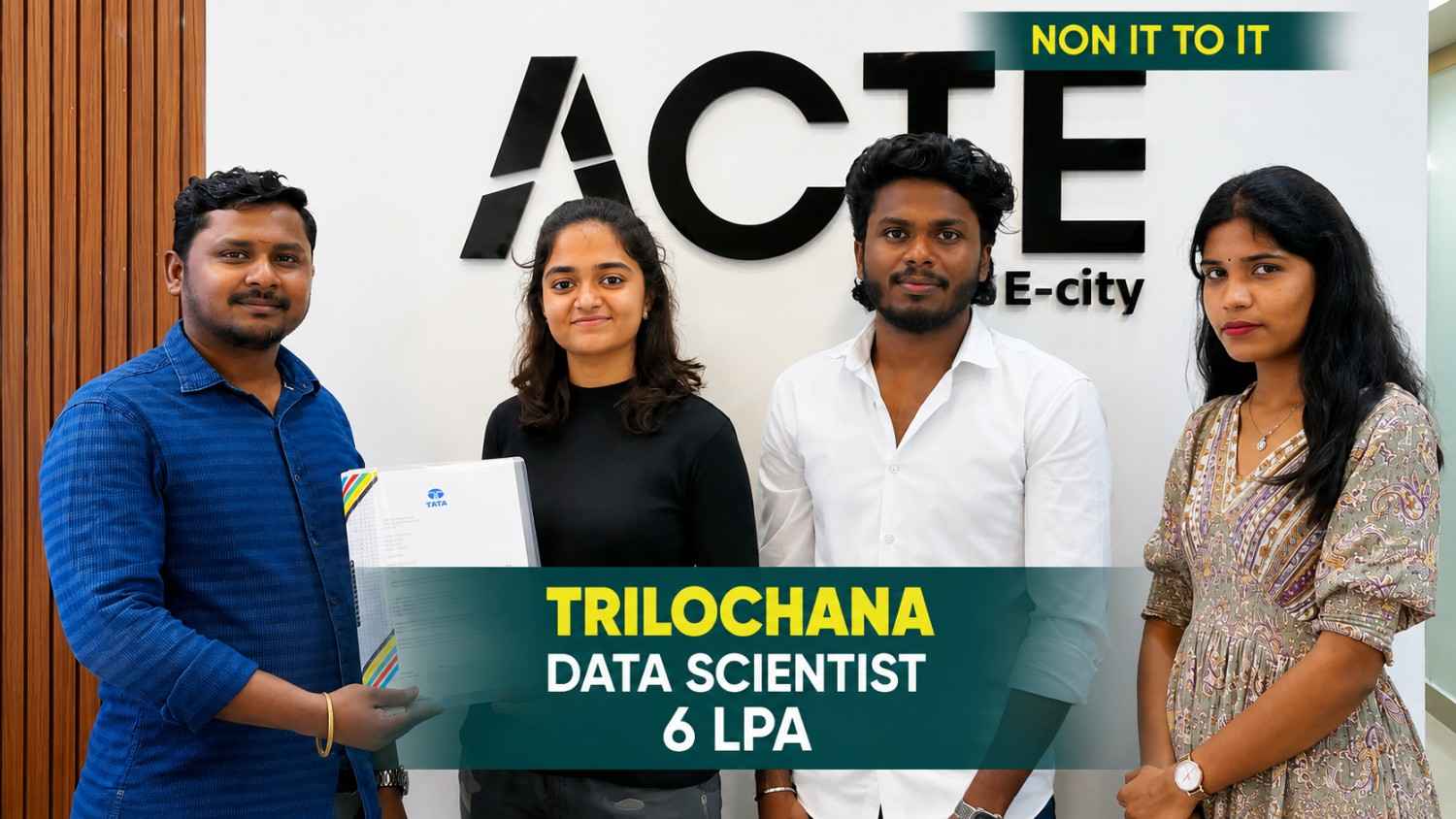
Trilochana found her path with Linkplux and landed the dream job.
#Datascience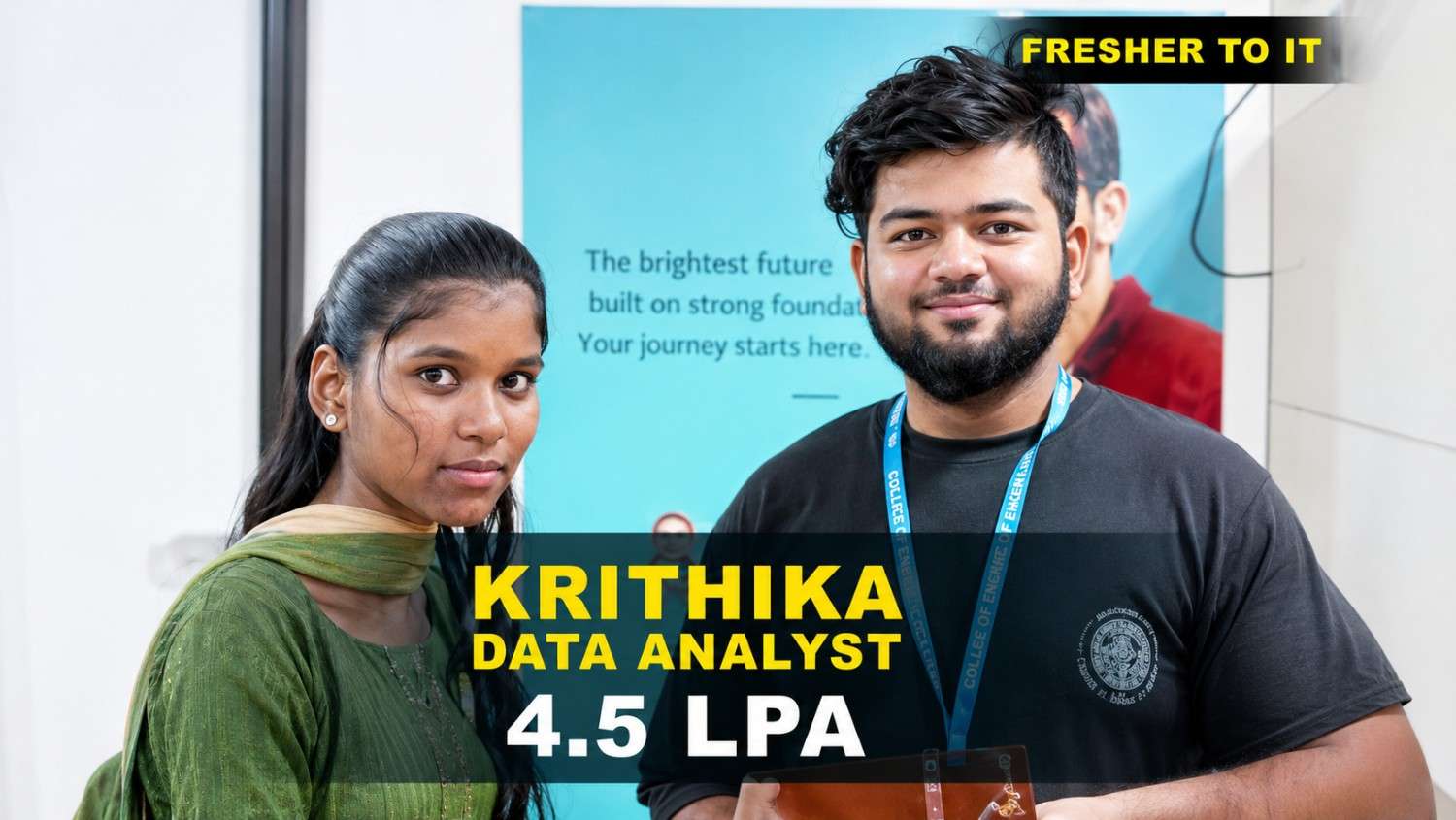
Krithika transformed her career with Linkplux and secured a Data Analyst role with a 4.5 LPA package. 🚀
#DataAnalytics
Students shared how Linkplux's practical training and live projects helped him confidently start his Digital Marketing career.
#DigitalMarketing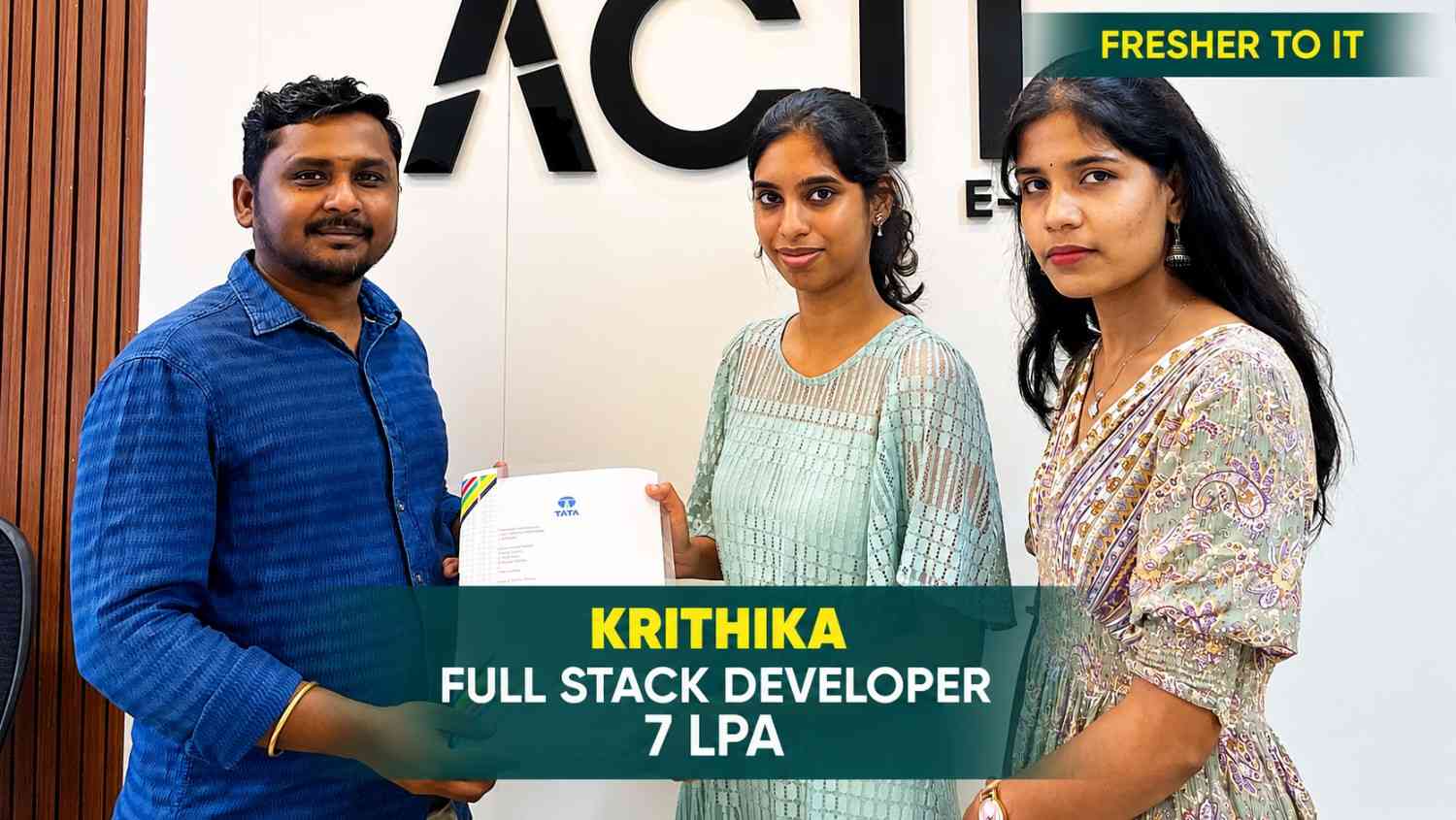
Krithika built her Full Stack Development skills at Linkplux and secured a 7 LPA Software Developer role. 🚀
#FullStackDevelopment
Oviya Shree developed strong Data Analytics skills at Linkplux and launched her career as a Data Analyst. 📊
#DataAnalytics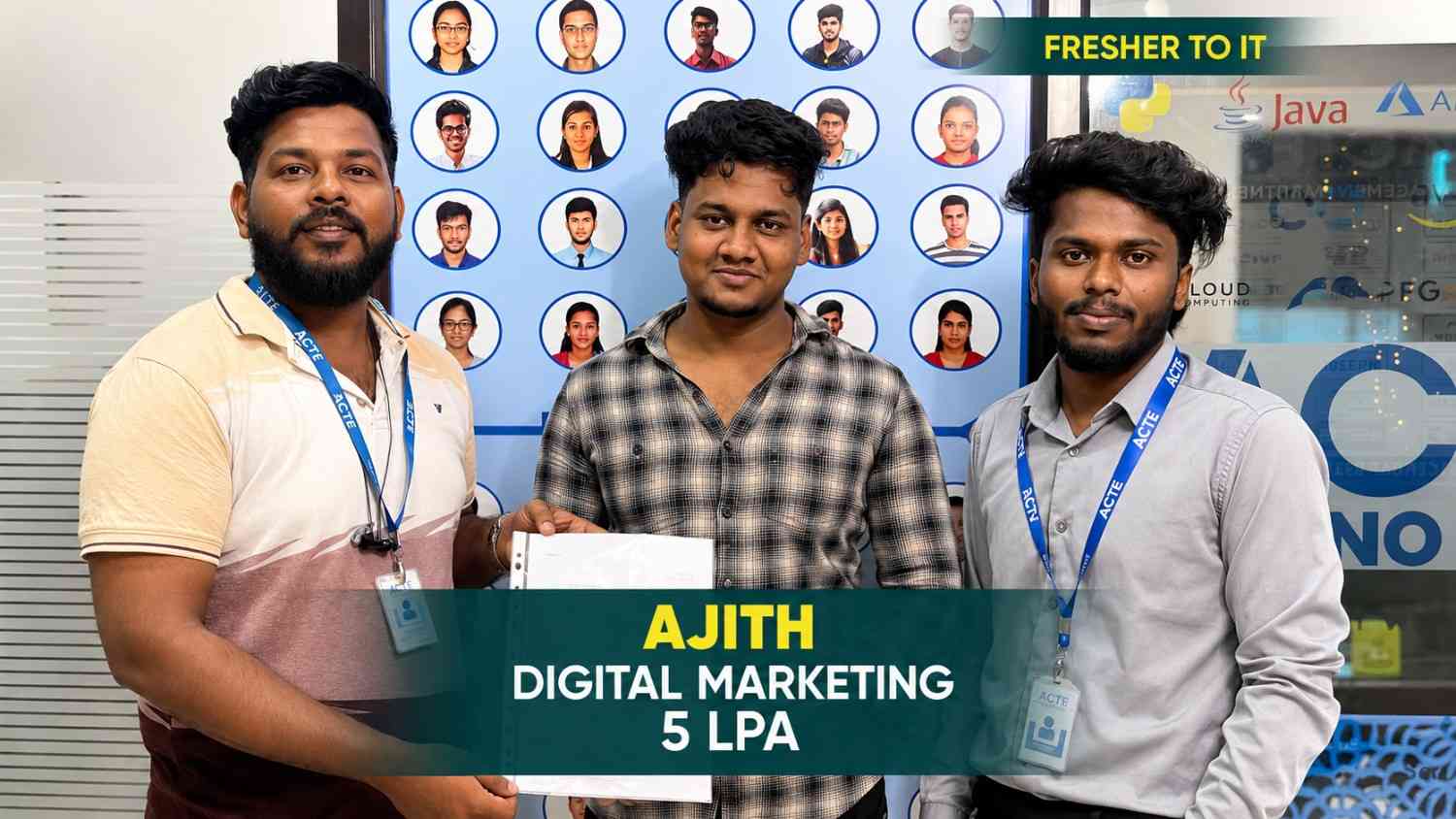
From a small town to a top tech firm, learn how our hands-on projects helped.
#Inspiration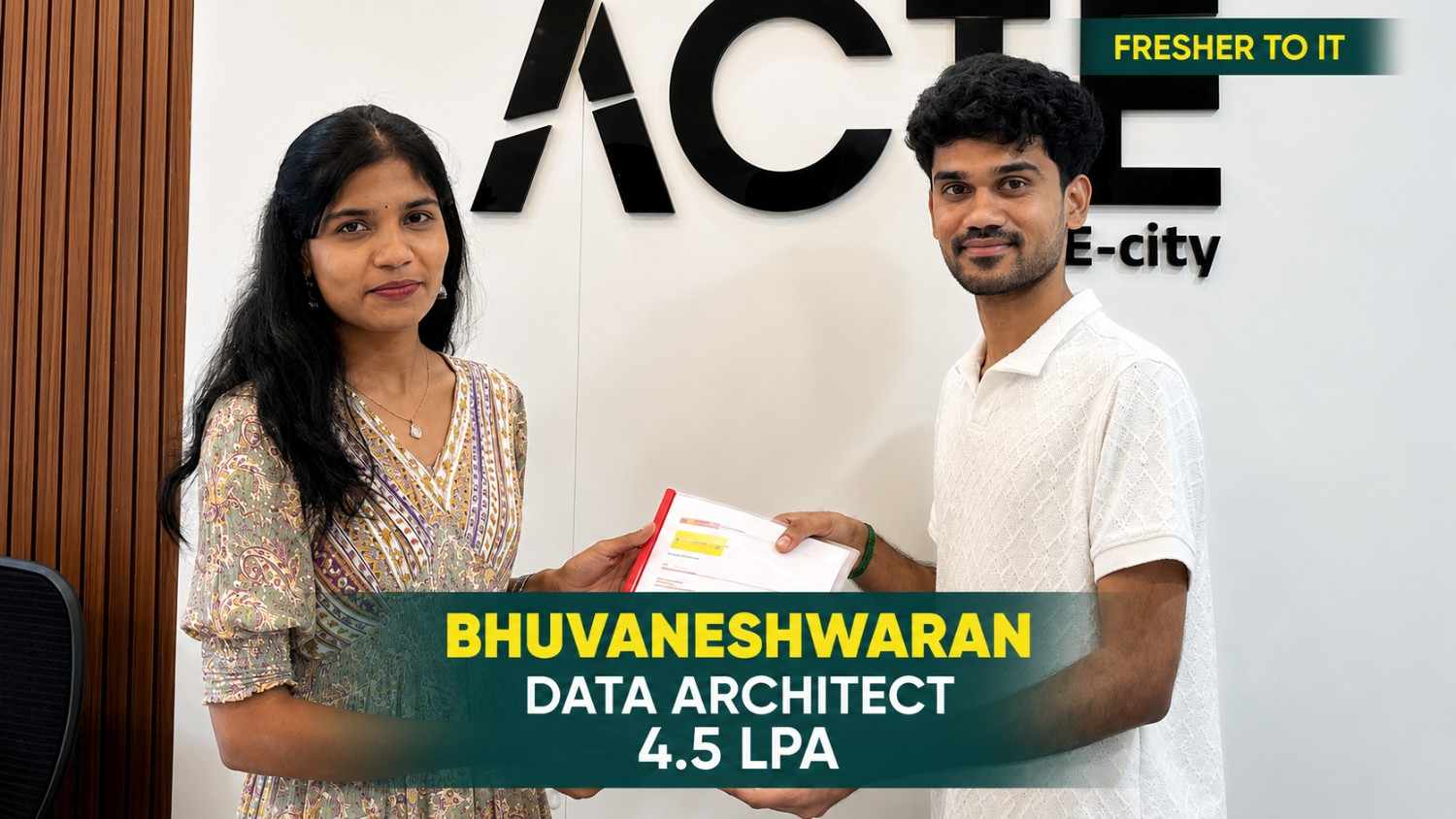
From a small town to a top tech firm, learn how our hands-on projects helped.
#Inspiration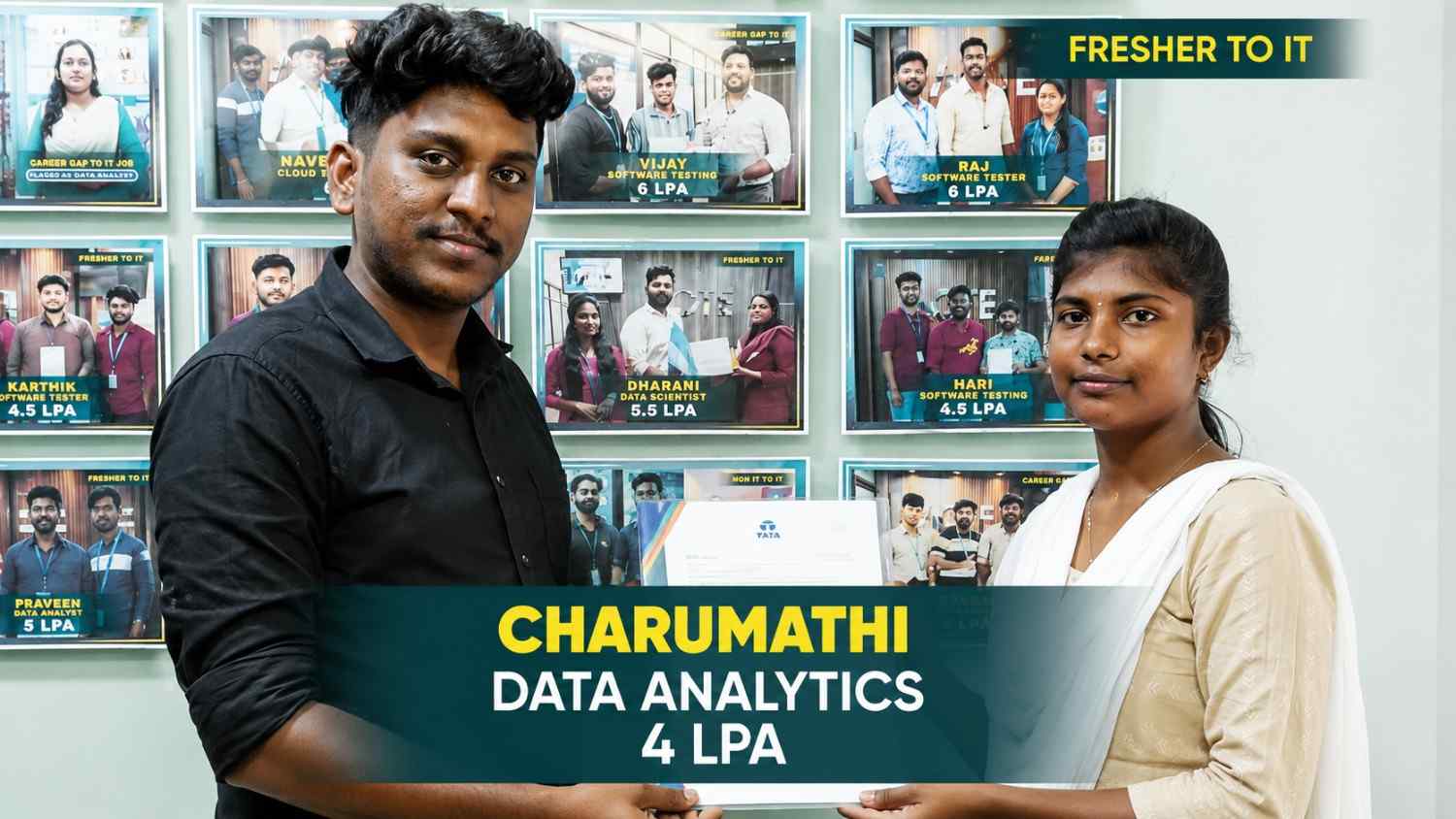
From a small town to a top tech firm, learn how our hands-on projects helped.
#Inspiration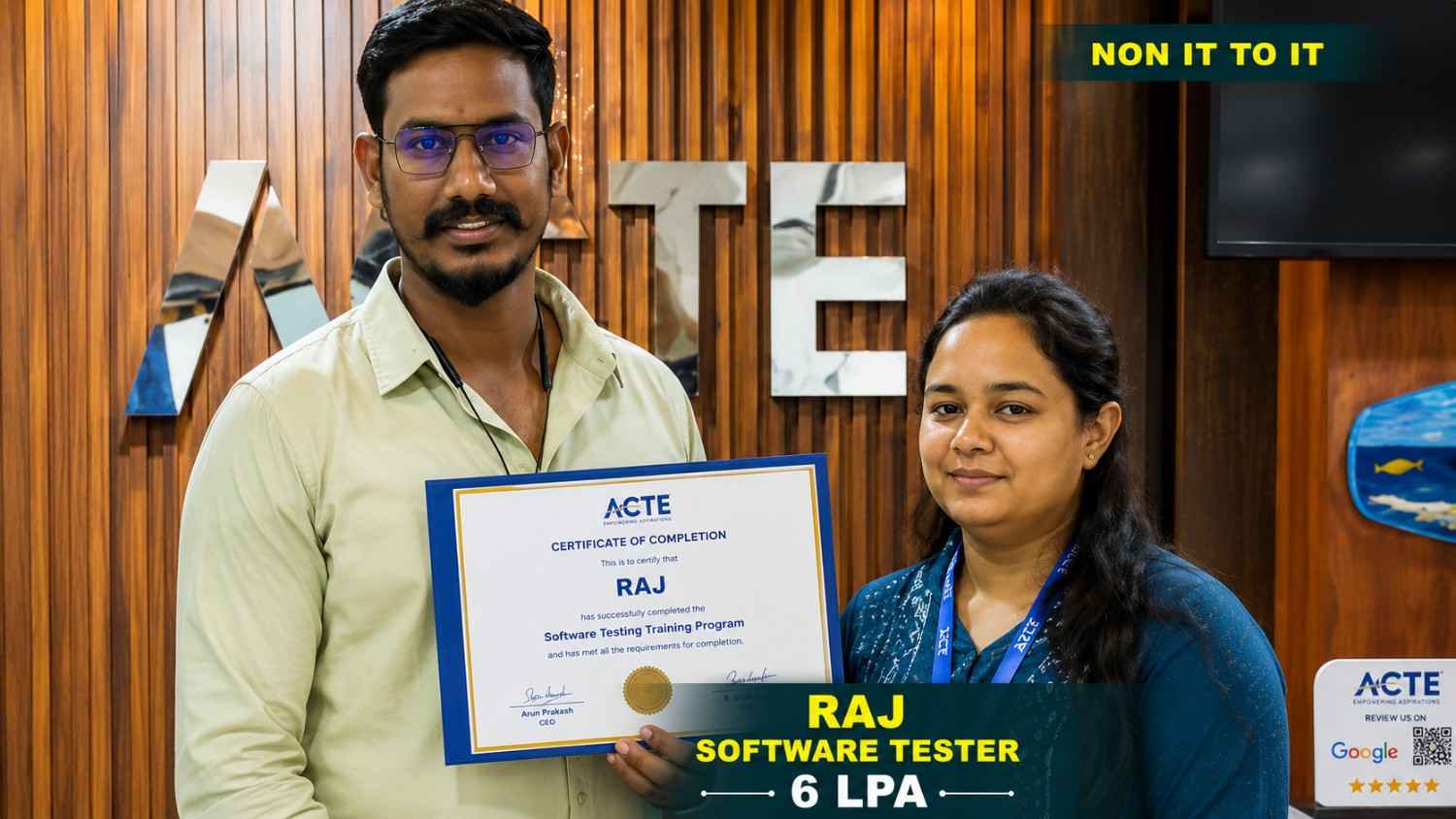
From a small town to a top tech firm, learn how our hands-on projects helped.
#Inspiration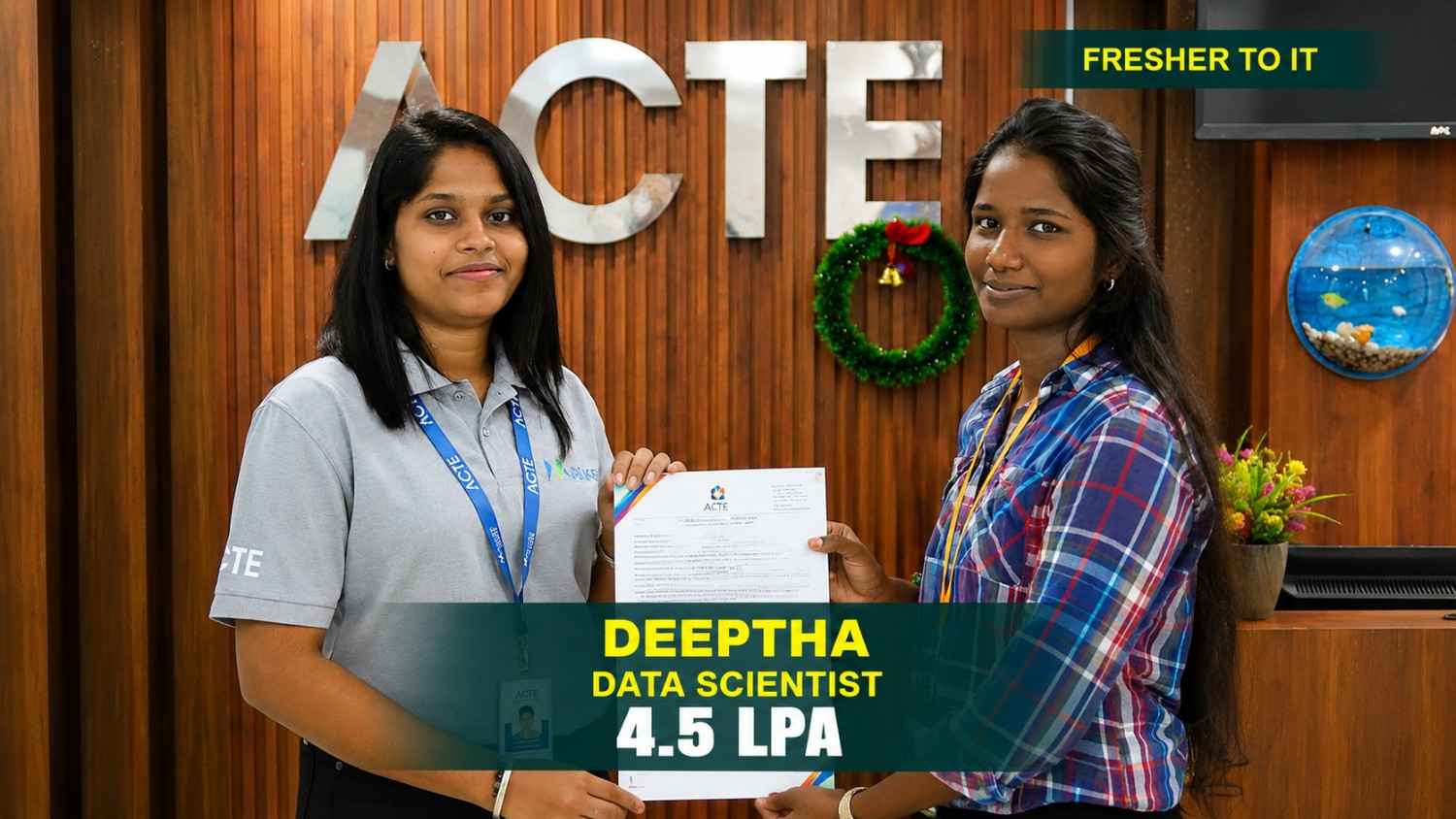
From a small town to a top tech firm, learn how our hands-on projects helped.
#Inspiration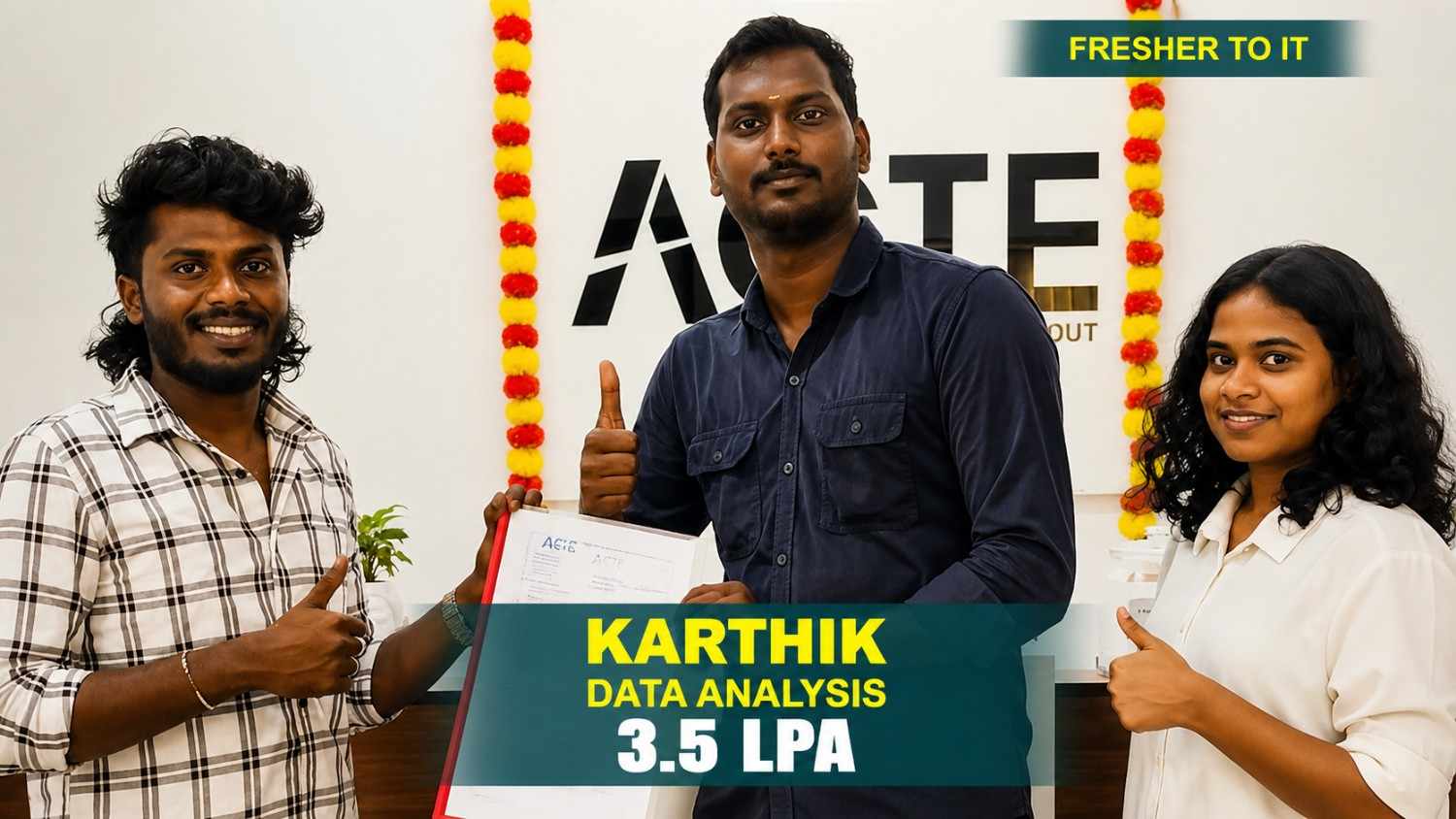
From a small town to a top tech firm, learn how our hands-on projects helped.
#InspirationEarn Your Professional Microsoft Azure Course
Certification
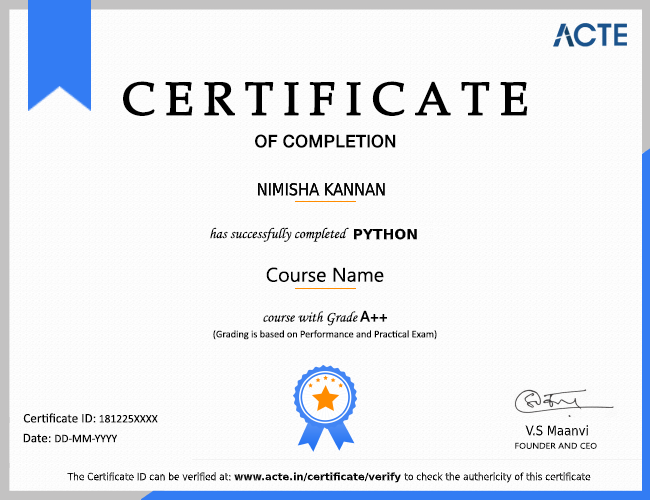
A Microsoft Azure course certificate from Linkplux highlights your understanding of cloud infrastructure, Azure resource management, virtual machines, networking, storage, access management, security, DevOps, and cloud operations. It adds value to your resume, reflects practical project experience, and helps you explore technology careers in Pune, including Azure Administrator, Cloud Engineer, DevOps Engineer, and Cloud Solutions Architect.



Reviews from Our Successful Students
See how our AI-powered IT training institute has helped students succeed.

"Perfect for Beginners"
Hi, I'm Priya.S . I completed my undergraduate degree in 2021. Then I decided to change my career to the IT field. The trainers were very friendly and cleared all my doubts. My special thanks to Ashok sir for his guidance. I learned to create a website very easily. The real-time project gave me the confidence to crack the interview.

"Hands-On Learning That Built My Confidence"
The MERN Stack training at Linkplux gave me practical experience in building real-world web applications. Every concept was explained clearly with hands-on coding sessions, making it easy to understand both frontend and backend development. The trainers were supportive throughout the course, and the live projects helped me gain the confidence to attend interviews and start my career as a Full Stack Developer.

"A Perfect Start to My Digital Marketing Career"
The Digital Marketing program at Linkplux gave me the confidence to work on real-world projects and understand industry practices. The trainers explained every concept with practical examples, and the live assignments helped me improve my skills. I truly appreciate the guidance and support I received throughout the course and would recommend Linkplux to anyone looking to build a successful career in Digital Marketing.

"A Career-Changing Learning Experience"
The practical assignments and live projects at Linkplux helped me gain real-world experience in Data Analytics. The trainers explained every concept clearly and guided me throughout the learning journey. The hands-on approach boosted my confidence and prepared me for industry challenges. I highly recommend Linkplux to anyone looking to build a successful career in the IT field.