
 4.8 / 5 Rating
Powered by ACTE
Best Power BI
Training
Learn Business Intelligence Through Practical Power BI Training, Covering Data Preparation, DAX, Semantic Modeling, Interactive Reports, and Advanced Visualization.
Industry-Ready Power BI
Training
Linkplux offers practical Power BI training focused on data preparation, semantic modeling, DAX, Power Query, visual analytics, interactive reports, and business intelligence. Our Power BI course combines hands-on assignments, real-time reporting, and expert guidance to help learners develop job-ready analytics expertise and enhance their professional skills.
Practical Power BI Projects
DAX & Power Query Skills
Career Assistance & Support

Interactive Report Development
Expert Industry Guidance
Power BI Course Certification
Training Highlights
Power BI Core Concepts
Understand Power BI essentials, Desktop workspace, data connections, visual elements, and core business analytics concepts through hands-on exercises.
DAX & Business Data Analysis
Explore DAX expressions, measures, calculated fields, time-based analysis, filters, and advanced calculations for effective Power BI reporting and data insights.
Power BI Professional Certification
Build Power BI certification expertise through guided training in data cleaning, modeling, visualization, reporting, and business analytics techniques.
Power BI Career & Interview Support
Get ready for Power BI job interviews with scenario-based questions, dashboard reviews, project discussions, resume support, and data analytics career guidance.
Hands-On Power BI Projects
Complete practical Power BI projects covering data exploration, visual reporting, dashboard creation, business cases, and relevant analytics reporting scenarios.
Power Query & Data Preparation
Gain skills in Power Query to import, cleanse, reshape, and organize information from different sources for streamlined Power BI analytics and reporting.
Data Models & Dashboards
Design Power BI data models with relationships, visuals, drill-through features, bookmarks, slicers, and dynamic business analytics dashboards for reporting.
Power BI Service & Report Sharing
Learn Power BI Service, report deployment, refresh schedules, dataflows, sharing, and teamwork across modern business analytics environments.
How You'll Learn
Power BI Training Syllabus
Paper 1: Power BI Essentials & Business Analytics
- Unit 1: Power BI Basics, Business Analytics and Core Reporting Concepts
- Unit 2: Power BI Desktop, Workspace, Reports and Data Connections
- Unit 3: Data Sources, Data Loading and Business Information Management
- Unit 4: Visual Analytics, Charts, Tables and Dynamic Reports
- Unit 5: Power BI Process, Projects and Essential Analytics Methods
Tools used in this Paper: Power BI Desktop, Excel, Power BI Service
Paper 2: Power Query, Data Preparation & Transformation
- Unit 1: Data Connections, Queries, Data Types and Power Query Workspace
- Unit 2: Data Cleansing, Filtering, Sorting and Missing Data Management
- Unit 3: Data Shaping, Merging, Appending and Creating Custom Fields
- Unit 4: Query Organization, Transformation Steps and Data Preparation
- Unit 5: Data Loading, Refresh Operations and Reusable Query Workflows
Tools used in this Paper: Power Query, Power BI Desktop, Excel
Paper 3: Data Modeling, Relationships & Power BI Reporting
- Unit 1: Data Model Basics, Tables, Columns and Relationship Concepts
- Unit 2: Relationship Types, Cardinality, Filtering and Model Structure
- Unit 3: Star Schemas, Fact Data, Dimension Tables and Model Performance
- Unit 4: Calculated Fields, Measures, Hierarchies and Analytical Structures
- Unit 5: Creating Optimized Data Models for Business Intelligence Reporting
Tools used in this Paper: Power BI Desktop, DAX, Power Query
Paper 4: DAX Expressions & Advanced Data Analytics
- Unit 1: DAX Basics, Syntax, Measures and Calculated Column Techniques
- Unit 2: Aggregation, Logical, Text, Mathematical and Date Functions
- Unit 3: Filter Context, Row Context and Context Transition Concepts
- Unit 4: Time-Based Analysis, KPIs and Complex DAX Calculations
- Unit 5: DAX Performance, Analytical Calculations and Business Reporting
Tools used in this Paper: Power BI Desktop, DAX Studio, Power BI Service
Paper 5: Power BI Reports, Dashboards & Data Visualization
- Unit 1: Visual Analytics, Charts, Cards, Tables and KPI Reporting
- Unit 2: Slicers, Filters, Drill-Down, Drill-Through and Report Interaction
- Unit 3: Dynamic Dashboards, Bookmarks and Professional Report Formatting
- Unit 4: Custom Visuals, Conditional Rules and Data Storytelling Techniques
- Unit 5: Dashboard Development, Business Reports and Actionable Insights
Tools used in this Paper: Power BI Desktop, Power BI Service, Excel
Paper 6: Power BI Service, Publishing & Data Collaboration
- Unit 1: Power BI Service, Workspaces, Reports and Dashboard Administration
- Unit 2: Report Deployment, Content Sharing and Permission Management
- Unit 3: Scheduled Data Refresh, Gateways and Dataset Administration
- Unit 4: Apps, Collaboration, Subscriptions and Data Notifications
- Unit 5: Security, Row-Level Access and Enterprise BI Reporting Practices
Tools used in this Paper: Power BI Service, Power BI Desktop, Gateway
Paper 7: Advanced Power BI, AI & Business Analytics
- Unit 1: Advanced Visuals, Analytics Features and Forecasting Methods
- Unit 2: AI Visuals, Q&A, Decomposition Trees and Key Influencer Analysis
- Unit 3: Report Performance, Data Refresh and Dashboard Optimization
- Unit 4: Power BI Integration, Advanced Reporting and Business Analysis
- Unit 5: AI-Enhanced Analytics, Automation and Emerging BI Practices
Tools used in this Paper: Power BI Desktop, Power BI Service, DAX Studio
Paper 8: SQL, Excel & Power BI Data Connectivity
- Unit 1: SQL Basics, Queries, Joins and Business Data Retrieval
- Unit 2: Excel Data Handling, Pivot Tables and Advanced Analytical Techniques
- Unit 3: Linking SQL, Excel and Diverse Sources with Power BI
- Unit 4: Data Consolidation, Transformation and Automated Report Generation
- Unit 5: Complete Business Intelligence Processes and Data Analytics
Tools used in this Paper: Power BI, SQL Server, Microsoft Excel
Paper 9: Power BI Projects, Certification & Career Development
- Unit 1: BI Project Planning and Establishing Business Analytics Goals
- Unit 2: Creating Data Models, DAX Calculations and Interactive Reports
- Unit 3: Power BI Project Reporting, Data Analysis and Business Findings
- Unit 4: Portfolio Creation, Resume Development and Professional Profile Building
- Unit 5: Power BI Interview Preparation, Certification Readiness and Career Support
Tools used in this Paper: Power BI Desktop, Power BI Service, Excel, SQL
Let's Get Started
Skills Covered

Professional Power BI Tools You'll Master
Power BI & Data Analytics Tools "Build Interactive Reports with Professional Tools for Data Analysis, Visualization, Dashboards & Business Intelligence"

Power Query & Data Preparation Tools "Clean, Transform and Prepare Data from Multiple Sources for Accurate Power BI Reports & Business Analysis"

Data Modeling & DAX Tools "Create Efficient Data Models and Powerful Calculations Using Relationships, Measures, DAX Functions & Advanced Analytics"
SQL & Data Integration Tools "Connect Multiple Data Sources and Build Reliable Analytics Workflows Using SQL, Excel, Power Query & Power BI"
Eligibility & Criteria
Everything you need to know to join and qualify for placement.
Who Can Apply?
Eligibility Year of Passing
2018 and After
Graduates
Any Graduate / Diploma
Academic Percentage
Min 60%
Placement Eligibility
Attendance
Min 90%
Assessment Marks
Min 75%
Live Projects
100% Completion
Why Power BI
Training Supports Career Growth
Power BI brings together data analysis, visualization, reporting, and business intelligence to convert complex information into useful insights. Through Power BI Training, learners gain practical exposure to Power Query, DAX, data modeling, and Power BI Service for opportunities in analytics and business intelligence.
Increasing Demand for Power BI Experts
Analytics Opportunities Across Domains
Multiple Power BI & Data Analytics Roles
Gain Experience with Analytics Projects
Advance Through Modern BI Expertise
Power BI Career Roles and Yearly Salary Prospects
Associate Power BI Analyst
- Power BI Trainee
- Associate Data Analyst
- Business Reporting Analyst
- Junior BI Analyst
- Power BI Associate
- Associate BI Developer
Power BI Report Developer
- Power BI Report Developer
- Business Intelligence Developer
- Data Visualization Specialist
- Dashboard Designer
- BI Reporting Developer
- Business Analytics Analyst
BI & Data Analytics Professional
- Business Data Analyst
- Business Intelligence Analyst
- Power BI Advisory Consultant
- Data Analytics Specialist
- BI Reporting Specialist
- Business Intelligence Advisor
Advanced Power BI Developer
- Advanced Power BI Developer
- Senior BI Developer
- Senior Data Analytics Specialist
- BI Solution Developer
- Power BI Technical Lead
- Senior BI Analytics Developer
BI Consulting & Data Strategy
- Power BI Advisory Consultant
- Business Intelligence Consultant
- Data Analytics Advisor
- BI Solutions Consultant
- Senior BI Advisor
- Data Strategy Consultant
BI Management & Analytics Leadership
- Business Intelligence Lead
- Data Analytics Lead
- Power BI Team Lead
- BI Operations Manager
- Analytics Head
- Business Intelligence Manager
Career Progression Path
- Power BI Trainee
- Associate Data Analyst
- Junior BI Professional
- Power BI Analyst
- Power BI Report Developer
- Data Visualization Specialist
- Senior Power BI Developer
- Senior Data Analyst
- Business Specialist
- Power BI Consultant
- Business Intelligence Manager
- BI Solutions Architect
Our Alumni Work at




















Success Stories from Our Students
See how Linkplux's IT training programs have helped students land top jobs through hands-on learning and expert guidance.

Trilochana found her path with Linkplux and landed the dream job.
#Datascience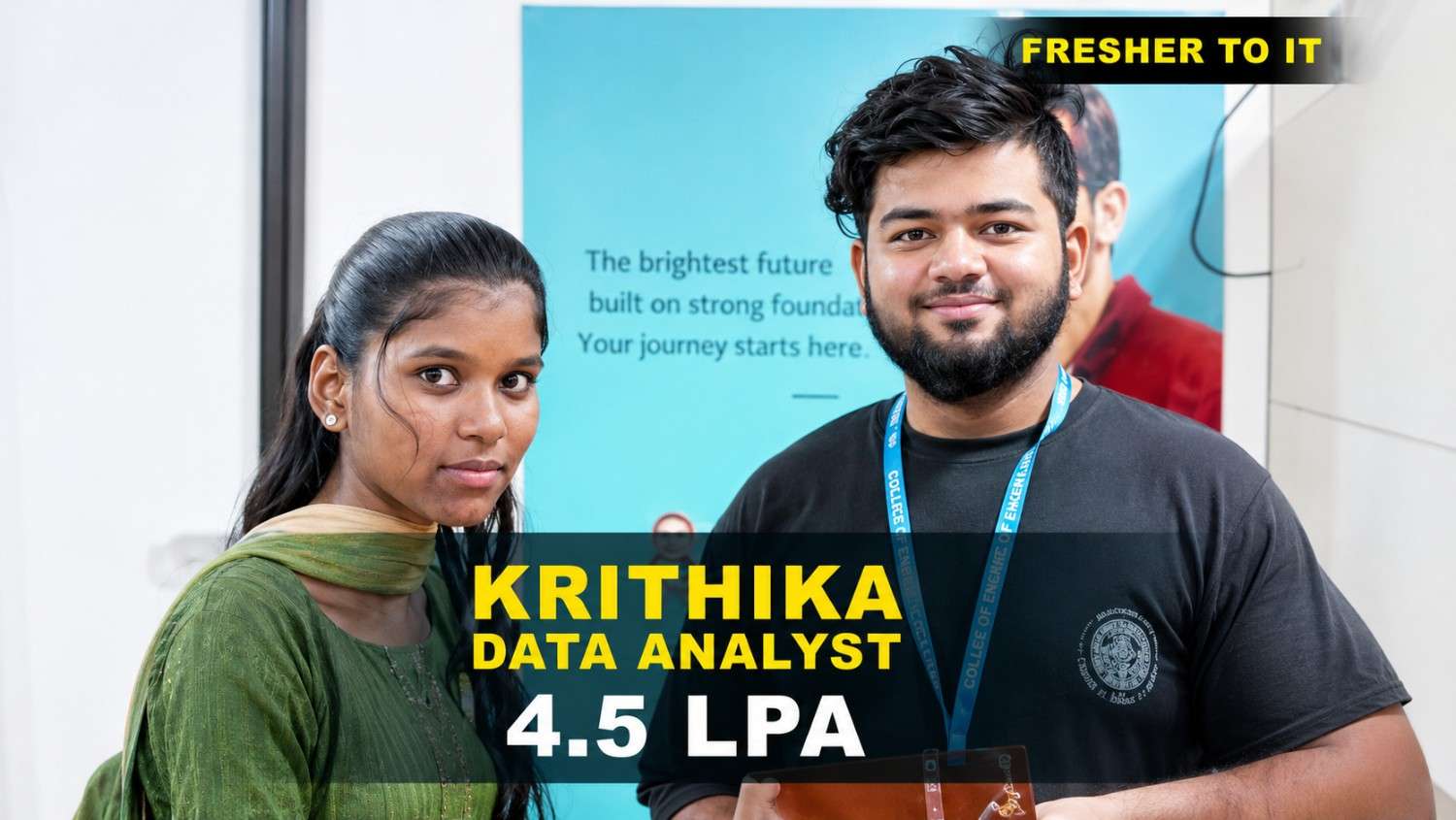
Krithika transformed her career with Linkplux and secured a Data Analyst role with a 4.5 LPA package. 🚀
#DataAnalytics
Students shared how Linkplux's practical training and live projects helped him confidently start his Digital Marketing career.
#DigitalMarketing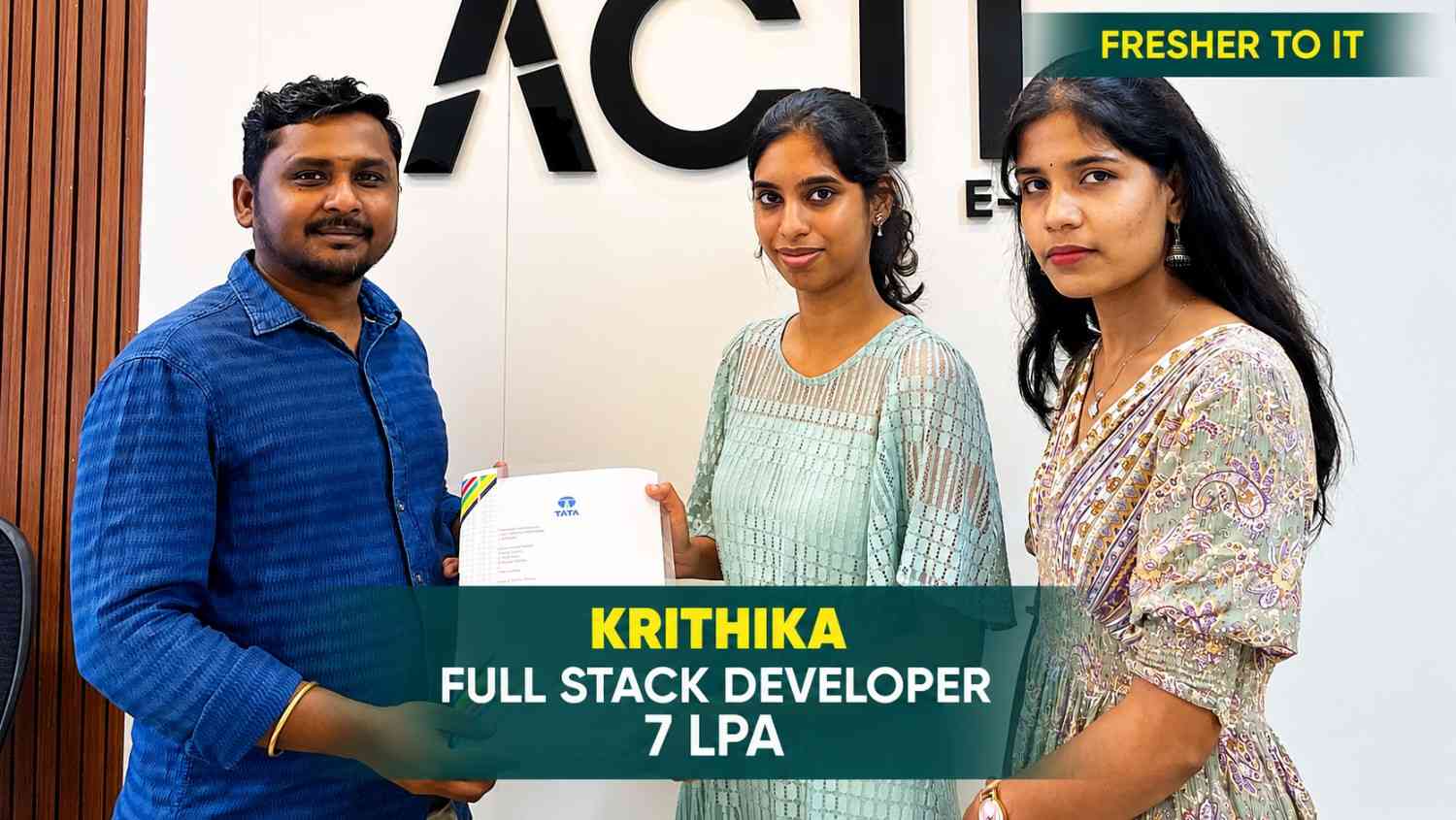
Krithika built her Full Stack Development skills at Linkplux and secured a 7 LPA Software Developer role. 🚀
#FullStackDevelopment
Oviya Shree developed strong Data Analytics skills at Linkplux and launched her career as a Data Analyst. 📊
#DataAnalytics
From a small town to a top tech firm, learn how our hands-on projects helped.
#Inspiration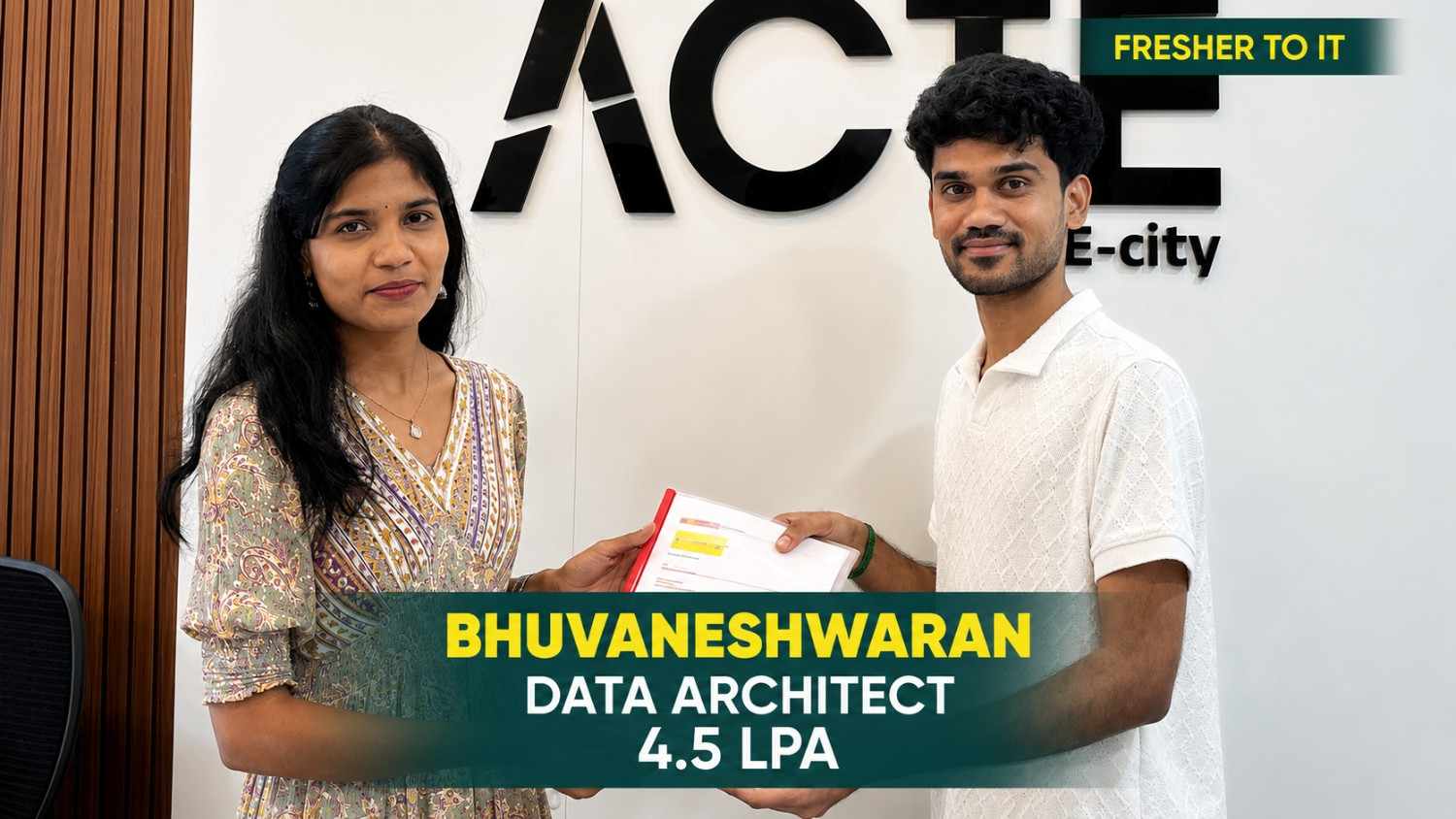
From a small town to a top tech firm, learn how our hands-on projects helped.
#Inspiration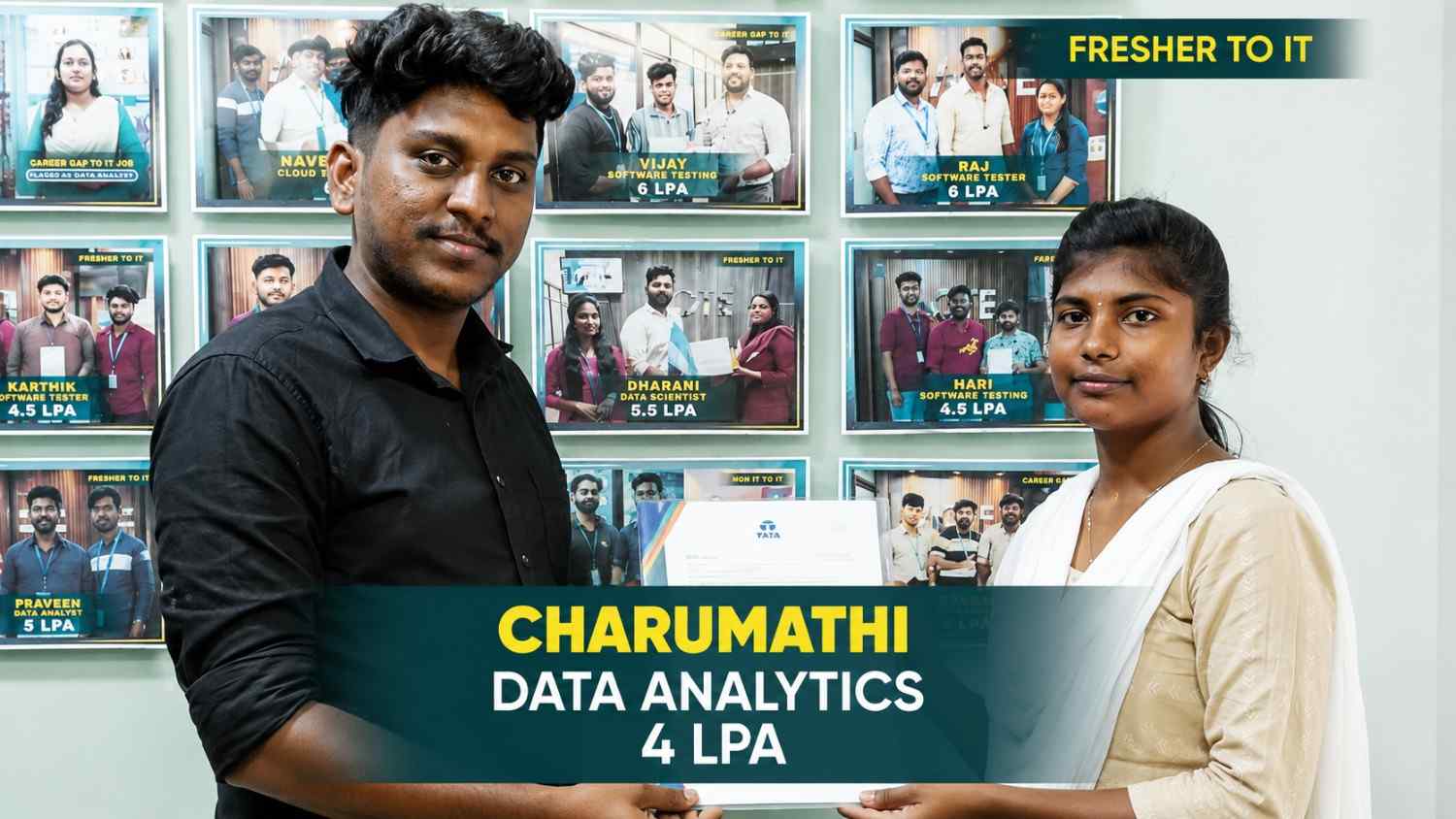
From a small town to a top tech firm, learn how our hands-on projects helped.
#Inspiration
From a small town to a top tech firm, learn how our hands-on projects helped.
#Inspiration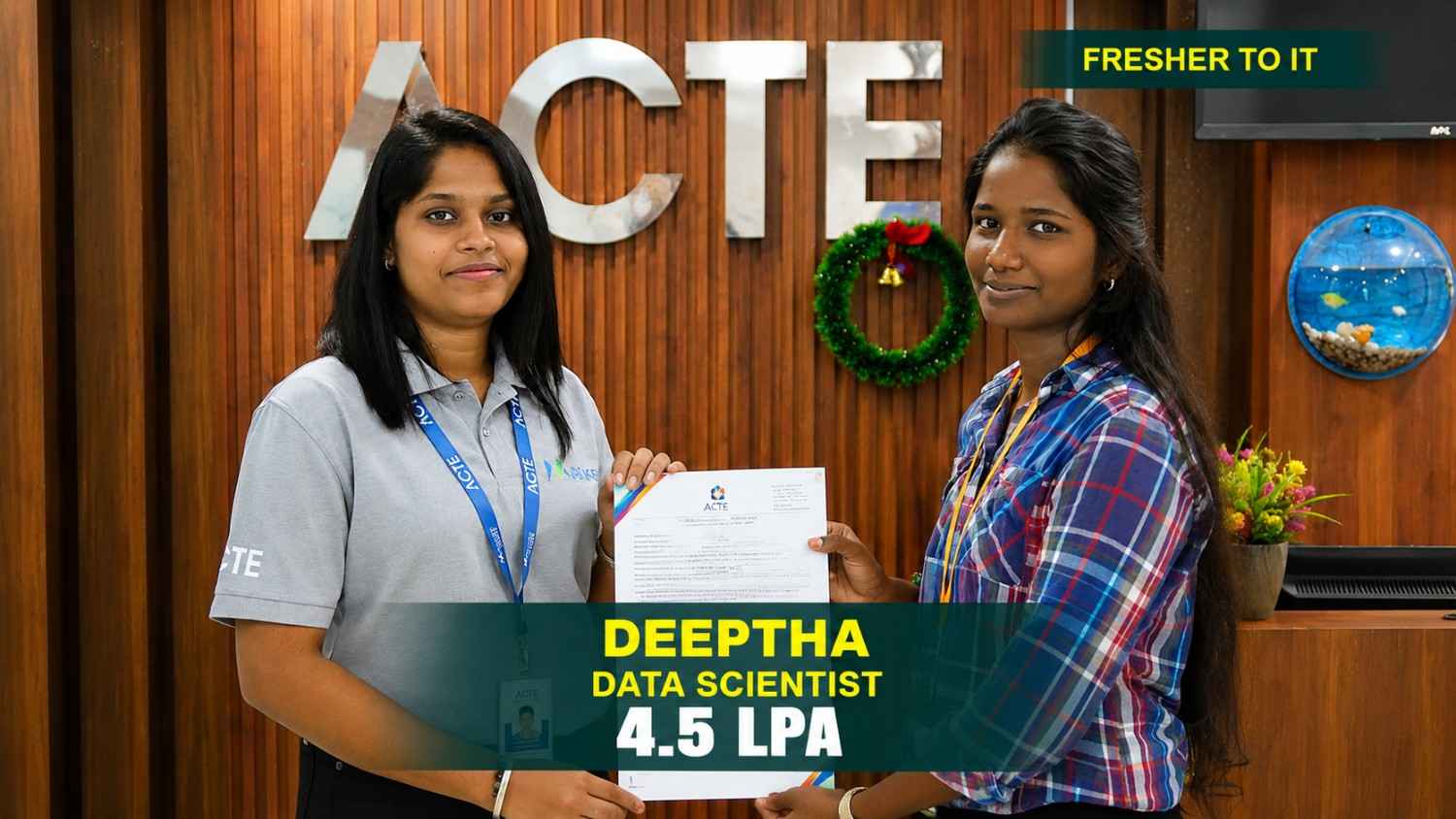
From a small town to a top tech firm, learn how our hands-on projects helped.
#Inspiration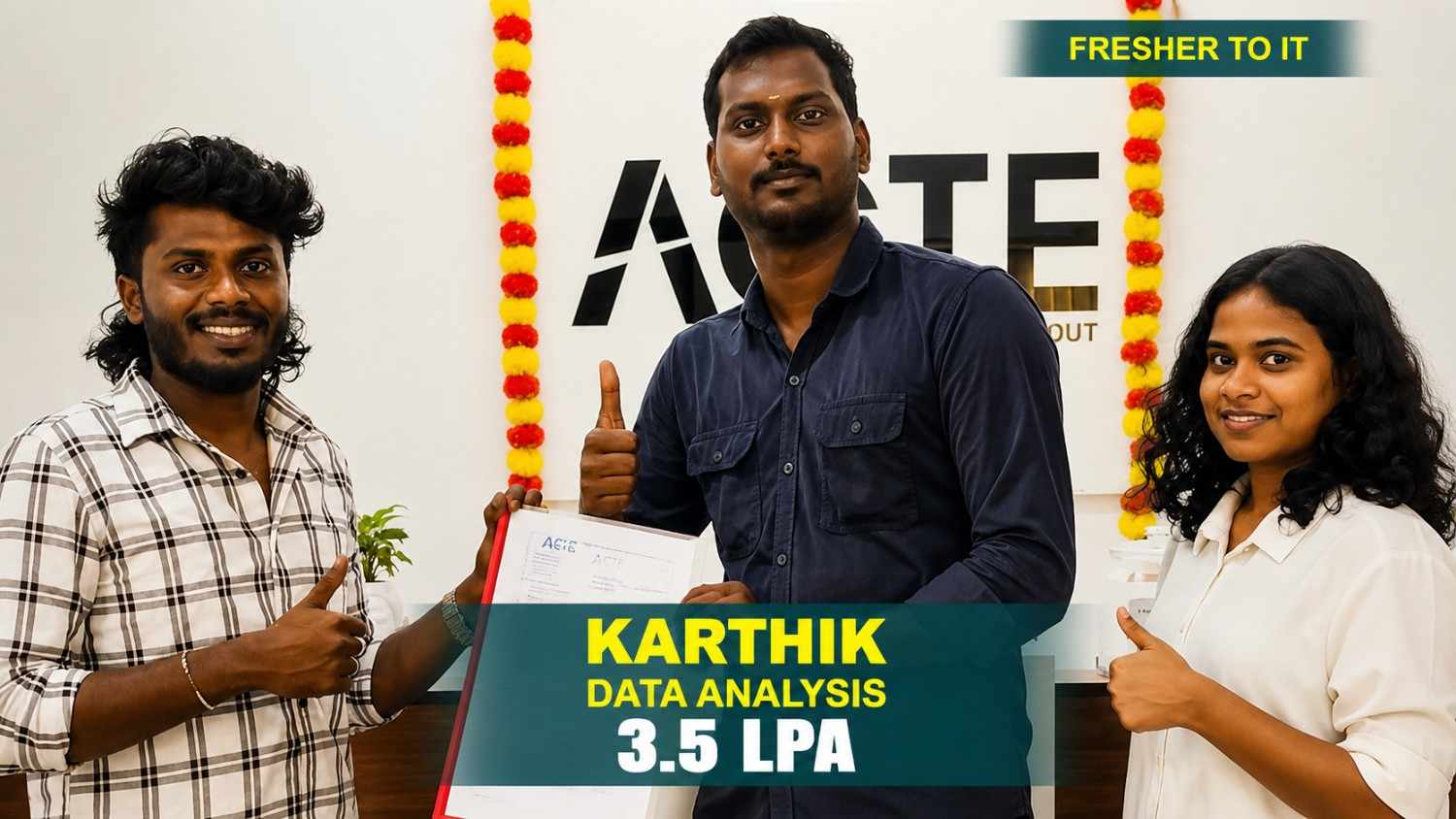
From a small town to a top tech firm, learn how our hands-on projects helped.
#InspirationBuild Career-Ready Skills with Power BI Training Certification
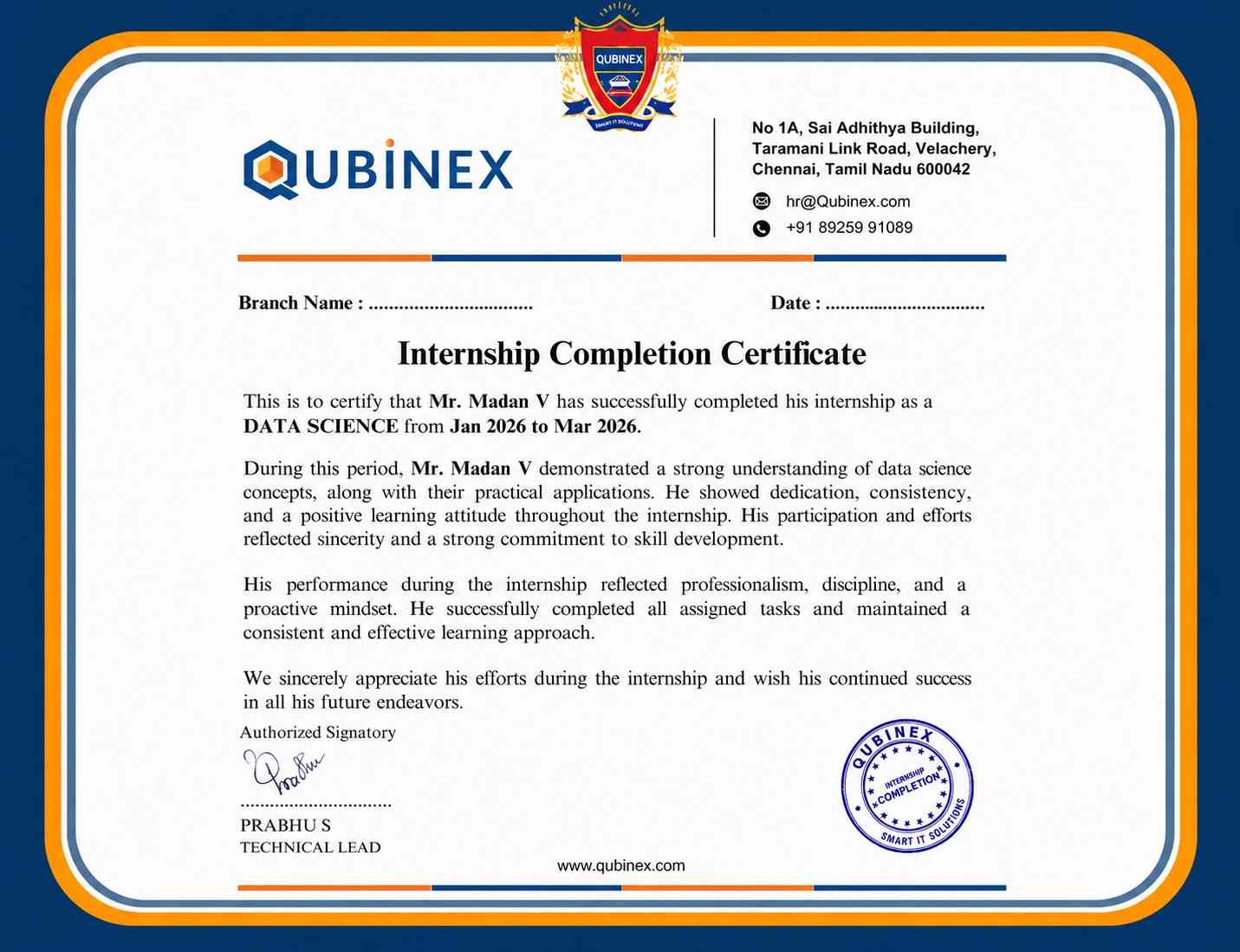
A Power BI Training certification from Linkplux demonstrates practical knowledge of data analytics, visualization, Power Query, DAX, data modeling, dashboards, reports, and business intelligence. It strengthens your professional profile, highlights hands-on project experience, and supports career paths such as Power BI Developer, Data Analyst, BI Analyst, Business Intelligence Developer, and Reporting Analyst.




Reviews from Our Successful Students
See how our AI-powered IT training institute has helped students succeed.

"Perfect for Beginners"
Hi, I'm Priya.S . I completed my undergraduate degree in 2021. Then I decided to change my career to the IT field. The trainers were very friendly and cleared all my doubts. My special thanks to Ashok sir for his guidance. I learned to create a website very easily. The real-time project gave me the confidence to crack the interview.

"Hands-On Learning That Built My Confidence"
The MERN Stack training at Linkplux gave me practical experience in building real-world web applications. Every concept was explained clearly with hands-on coding sessions, making it easy to understand both frontend and backend development. The trainers were supportive throughout the course, and the live projects helped me gain the confidence to attend interviews and start my career as a Full Stack Developer.

"A Perfect Start to My Digital Marketing Career"
The Digital Marketing program at Linkplux gave me the confidence to work on real-world projects and understand industry practices. The trainers explained every concept with practical examples, and the live assignments helped me improve my skills. I truly appreciate the guidance and support I received throughout the course and would recommend Linkplux to anyone looking to build a successful career in Digital Marketing.

"A Career-Changing Learning Experience"
The practical assignments and live projects at Linkplux helped me gain real-world experience in Data Analytics. The trainers explained every concept clearly and guided me throughout the learning journey. The hands-on approach boosted my confidence and prepared me for industry challenges. I highly recommend Linkplux to anyone looking to build a successful career in the IT field.