
 4.8 / 5 Rating
Powered by ACTE
Leading Power BI Training in Sydney, Australia
Build Data Visualisation Skills Through Practical Power BI Training in Sydney, Australia, Exploring Data Modelling, DAX, Dynamic Dashboards, and Business Intelligence.
Industry-Focused Power BI Analytics
Training in Sydney, Australia
Linkplux provides structured Power BI learning in data preparation, Power Query transformations, DAX calculations, relational modeling, report creation, visual analytics, and business intelligence. Our Power BI course in Sydney combines practical demonstrations, dataset exercises, and learning guidance to help participants uncover business trends, present analytical findings, and strengthen professional reporting capabilities.
Data Analytics Exercises
Advanced DAX & Data
Development Guidance

Reports & Visualisations
Learning Assistance
PL-300 Guidance
Course Highlights
Business Intelligence Fundamentals
Explore Power BI essentials, source connections, report structures, datasets, and foundational data analysis concepts through practical exercises.
Power Query Data Preparation
Practise query editing, and transformation, combining information from multiple sources to produce dependable reporting datasets.
Microsoft Certification Preparation
Prepare for Power BI certification assessments through structured study of DAX, report creation, visual analytics, and BI methodologies.
Professional Career Preparation
Improve readiness for analytics recruitment with CV feedback, technical discussions, practical assessments, skill reviews, and employment guidance.
Business Reporting Assignments
Apply Power BI project work to sales analysis, financial tracking, operational summaries, dashboard creation, and business data scenarios.
Advanced DAX & Relational Modeling
Practise DAX expressions and data relationships through measures, calculated columns, KPI definitions, and advanced analytical calculations.
Analytical Report Portfolio Creation
Assemble a Power BI project collection featuring business reports, KPI tracking, drill-through navigation, visual summaries, and original dashboard solutions.
Data Visualisation Techniques
Communicate analytical findings with clear visuals through charts, slicers, KPI cards, and report filters that encourage informed business decisions.
How You'll Learn
Power BI Course Curriculum
Module 1: Power BI Fundamentals and Business Intelligence
- Unit 1: Microsoft Power BI Overview, BI Concepts and Analytical Foundations
- Unit 2: Desktop Navigation, Report Canvas, Workspaces and Source Connections
- Unit 3: Importing Information, Linking Data Sources and Structuring Records
- Unit 4: Visual Reporting Essentials, Graphs, Matrices and Interactive Charts
- Unit 5: Reporting Workflow, Practical Tasks and Fundamental Data Exploration
Software covered in this Module: Power BI Desktop, Excel, Power BI Service
Module 2: Power Query Operations, Data Cleaning and Preparation
- Unit 1: Source Queries, File Formats, Field Categories and Query Editor Navigation
- Unit 2: Data Validation, Record Filtering, Sorting and Error Correction
- Unit 3: Table Restructuring, Query Merging, Append Operations and Custom Columns
- Unit 4: Transformation Management, Data Shaping and Preparation Workflows
- Unit 5: Loading Prepared Tables, Refresh Configuration and Automated Query Tasks
Software covered in this Module: Power Query, Power BI Desktop, Excel
Module 3: Data Modelling, Relationships and Power BI Analysis
- Unit 1: Model Architecture, Table Structures, Data Fields and Relationship Concepts
- Unit 2: Relationship Cardinality, Cross-Filtering and Semantic Model Development
- Unit 3: Star Schema Architecture, Fact Records, Dimensions and Model Optimisation
- Unit 4: Computed Columns, Measures, Hierarchies and Analytical Expressions
- Unit 5: Designing Structured Models for Reporting and Business Intelligence
Software covered in this Module: Power BI Desktop, DAX, Power Query
Module 4: DAX Functions, Calculations and Business Analytics
- Unit 1: DAX Syntax, Formula Construction, Measures and Computed Columns
- Unit 2: Arithmetic, Logical, String, Statistical and Date Functions
- Unit 3: Row Context, Filter Context and Context Evaluation Techniques
- Unit 4: Time Intelligence, KPI Calculations and Complex Measures
- Unit 5: Formula Efficiency, Calculation Optimisation and Performance Metrics
Software covered in this Module: Power BI Desktop, DAX Studio, Power BI Service
Module 5: Dashboard Development and Interactive Visualisation
- Unit 1: Visual Selection, KPI Indicators, Data Tables and Report Composition
- Unit 2: Slicer Controls, Drill-Down Features, Filtering and Page Navigation
- Unit 3: Dynamic Reports, Bookmark Settings and Consistent Formatting
- Unit 4: Custom Visuals, Conditional Formatting and Data Storytelling
- Unit 5: Dashboard Structuring, Executive Reporting and Insight Communication
Software covered in this Module: Power BI Desktop, Power BI Service, Excel
Module 6: Power BI Service, Publishing and Access Management
- Unit 1: Cloud Workspaces, Report Deployment and Dashboard Administration
- Unit 2: Content Distribution, Report Sharing and Permission Configuration
- Unit 3: Scheduled Data Updates, Gateway Setup and Dataset Administration
- Unit 4: BI Applications, Collaborative Workspaces, Subscriptions and Notifications
- Unit 5: Information Security, Row-Level Access and Data Governance
Software covered in this Module: Power BI Service, Power BI Desktop, Gateway
Module 7: Advanced Analytics, Artificial Intelligence and Forecasting
- Unit 1: Complex Visuals, Analytical Capabilities and Predictive Forecasting
- Unit 2: AI Visualisations, Natural Language Q&A and Key Influencer Analysis
- Unit 3: Report Tuning, Data Refresh Control and Development Optimisation
- Unit 4: Platform Connectivity, Complex Reporting and Business Insight Generation
- Unit 5: Intelligent Data Exploration, Process Automation and Emerging BI Capabilities
Software covered in this Module: Power BI Desktop, Power BI Service, DAX Studio
Module 8: SQL Queries, Excel Connectivity and Data Integration
- Unit 1: SQL Querying, Database Tables, Join Operations and Data Retrieval
- Unit 2: Spreadsheet Functions, PivotTable Analysis and Advanced Excel Operations
- Unit 3: Linking SQL Databases, Excel Files and Third-Party Sources with Power BI
- Unit 4: Merging Information, Processing Records and Streamlining Business Reports
- Unit 5: Complete BI Reporting Workflow, Analytical Review and Implementation
Software covered in this Module: Power BI, SQL Server, Microsoft Excel
Module 9: Power BI Practical Projects and Career Preparation
- Unit 1: Establishing Project Requirements and Defining Analytical Goals
- Unit 2: Creating Semantic Models, DAX Calculations and Interactive Reports
- Unit 3: Documenting BI Solutions, Evaluating Results and Communicating Insights
- Unit 4: Curating Project Portfolios, Refining CVs and Improving Professional Profiles
- Unit 5: Technical Assessment Practice, PL-300 Exam Readiness and Employment Preparation
Software covered in this Module: Power BI Desktop, Power BI Service, Excel, SQL
Let's Get Started
Skills Covered
Professional Power BI Tools You'll Master in Sydney, Australia
Power BI & Data Analytics Tools "Build Interactive Reports with Professional Tools for Data Analysis, Visualization, Dashboards & Business Intelligence"
Power Query & Data Preparation Tools "Clean, Transform and Prepare Data from Multiple Sources for Accurate Power BI Reports & Business Analysis"
Data Modeling & DAX Tools "Create Efficient Data Models and Powerful Calculations Using Relationships, Measures, DAX Functions & Advanced Analytics"
SQL & Data Integration Tools "Connect Multiple Data Sources and Build Reliable Analytics Workflows Using SQL, Excel, Power Query & Power BI"
Eligibility & Criteria
Everything you need to know to join and qualify for placement.
Who Can Apply?
Eligibility Year of Passing
2018 and After
Graduates
Any Graduate / Diploma
Academic Percentage
Min 60%
Placement Eligibility
Attendance
Min 90%
Assessment Marks
Min 75%
Live Projects
100% Completion
Where Power BI
Knowledge Can Take You
Power BI helps businesses transform information into valuable insights through data analysis, visualisation, and reporting. With Power BI Training in Sydney, Australia, learners develop practical knowledge of DAX, Power Query, and Power BI Service to pursue opportunities in data analytics and business intelligence.
Rising Demand for Data Specialists
Opportunities Across Business Sectors
Multiple Business Intelligence Careers
Hands-On Business Analysis Projects
Continued Progress in Data Careers
Power BI Career Roles and Annual Salary Prospects in Sydney
Entry-Level Power BI Analyst
- Junior Analyst
- Reporting Assistant
- BI Associate
- Data Analyst
- Operations Assistant
- Insights Analyst
Power BI Report Developer
- Power BI Developer
- Dashboard Designer
- Visualisation Developer
- Reporting Specialist
- Business Analyst
- Solutions Analyst
Business Intelligence Consultant
- BI Consultant
- Analytics Consultant
- Solutions Consultant
- Intelligence Specialist
- Insights Consultant
- Advisory Specialist
Senior BI Architect
- Senior Analyst
- Lead Developer
- Principal Specialist
- Platform Architect
- Analytics Developer
- Data Architect
Business Intelligence Strategy & Consulting
- Strategy Consultant
- Analytics Consultant
- Data Specialist
- Intelligence Advisor
- Lead Consultant
- Governance Specialist
BI Management & Analytics Leadership
- Intelligence Manager
- Development Lead
- Operations Manager
- Insights Manager
- Intelligence Director
- Analytics Lead
Power BI Career Advancement Roadmap
- Power BI Graduate
- Junior Data Analyst
- Associate BI Developer
- Business Intelligence Analyst
- Dashboard Developer
- Data Visualisation Specialist
- Senior BI Analyst
- Data Insights Specialist
- Power BI Consultant
- BI Manager
- Analytics Team Lead
- BI Solutions Architect
Our Alumni Work at




















Success Stories from Our Students
See how Linkplux's IT training programs have helped students land top jobs through hands-on learning and expert guidance.
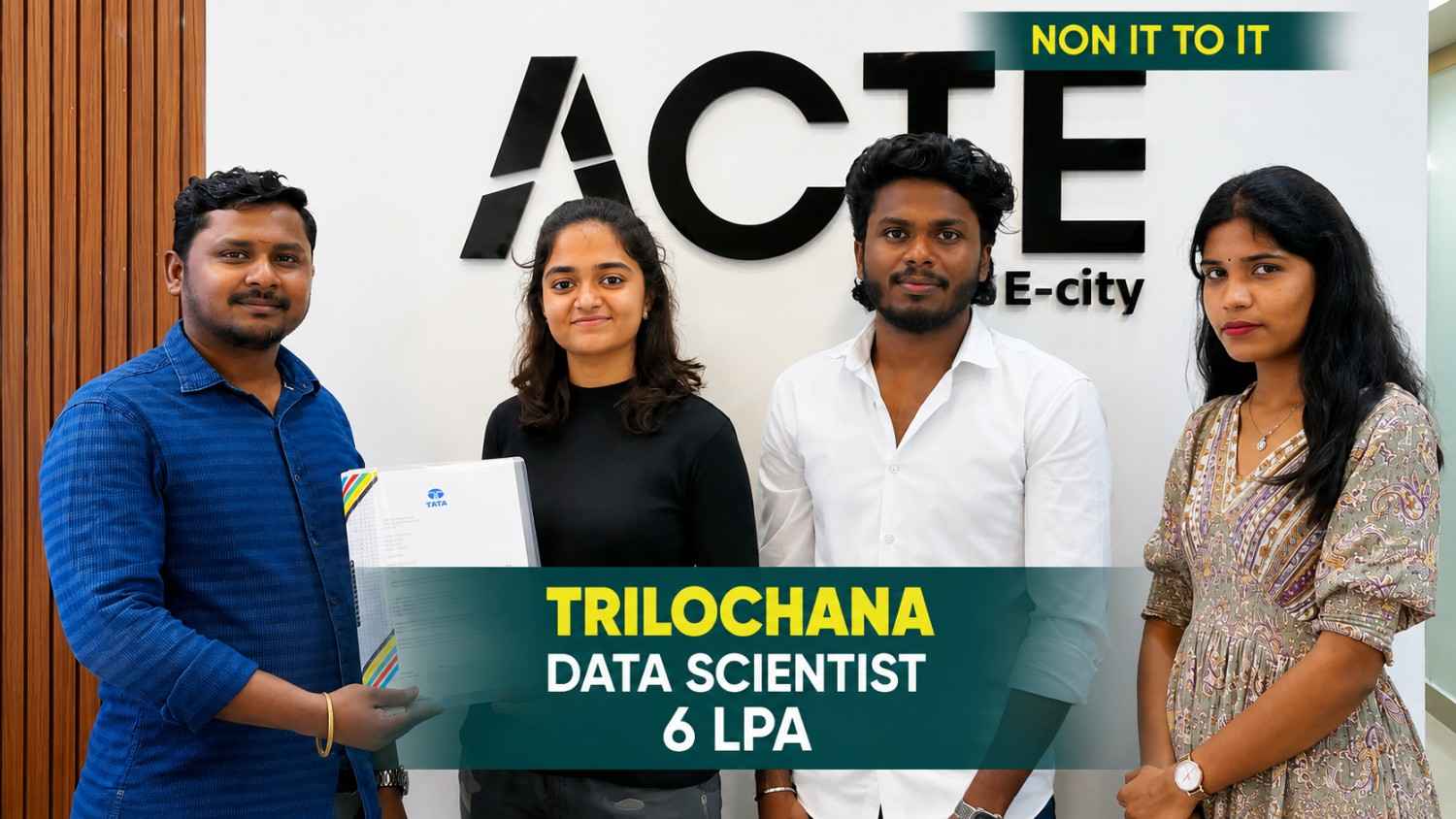
Trilochana found her path with Linkplux and landed the dream job.
#Datascience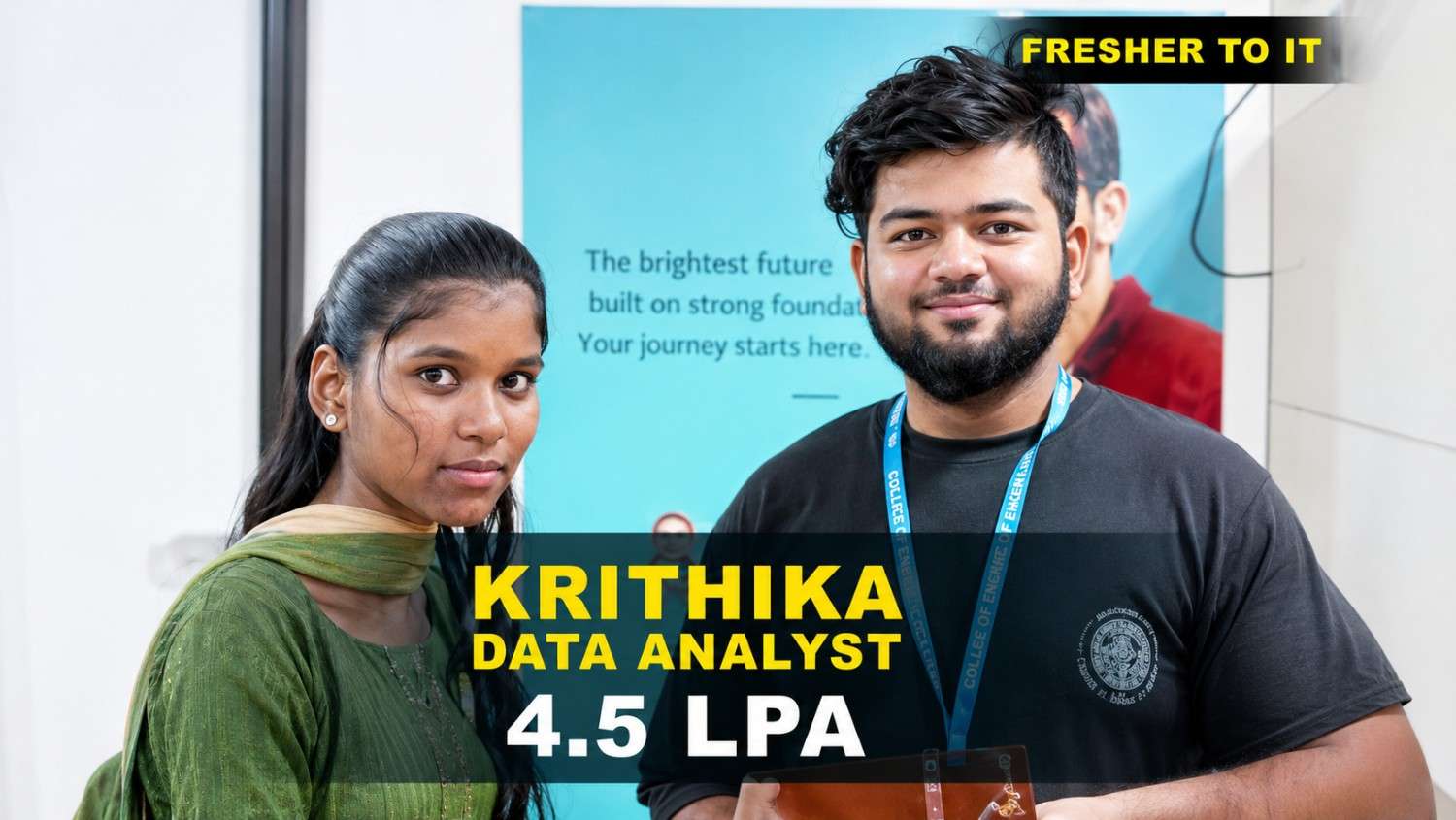
Krithika transformed her career with Linkplux and secured a Data Analyst role with a 4.5 LPA package. 🚀
#DataAnalytics
Students shared how Linkplux's practical training and live projects helped him confidently start his Digital Marketing career.
#DigitalMarketing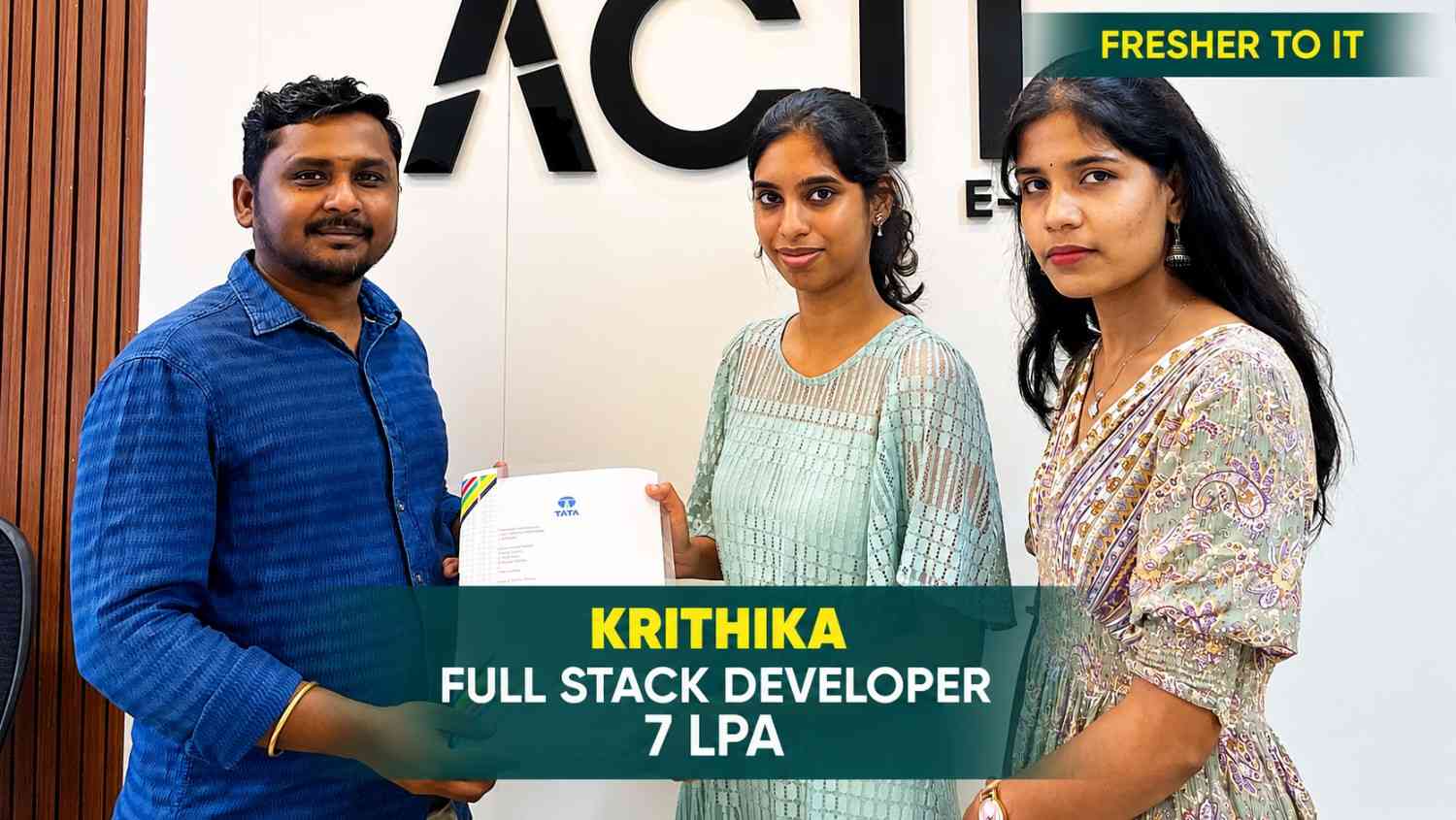
Krithika built her Full Stack Development skills at Linkplux and secured a 7 LPA Software Developer role. 🚀
#FullStackDevelopment
Oviya Shree developed strong Data Analytics skills at Linkplux and launched her career as a Data Analyst. 📊
#DataAnalytics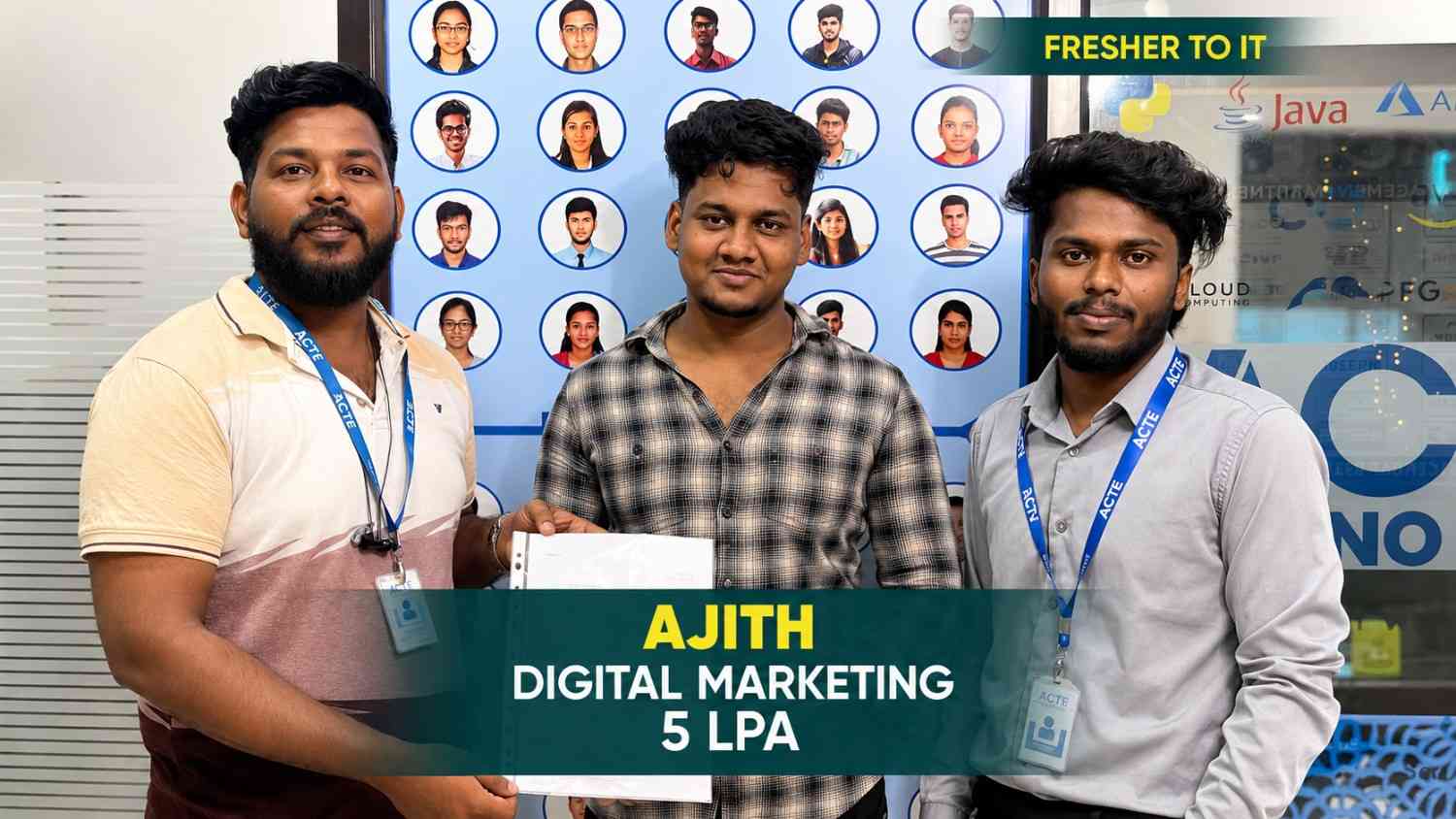
From a small town to a top tech firm, learn how our hands-on projects helped.
#Inspiration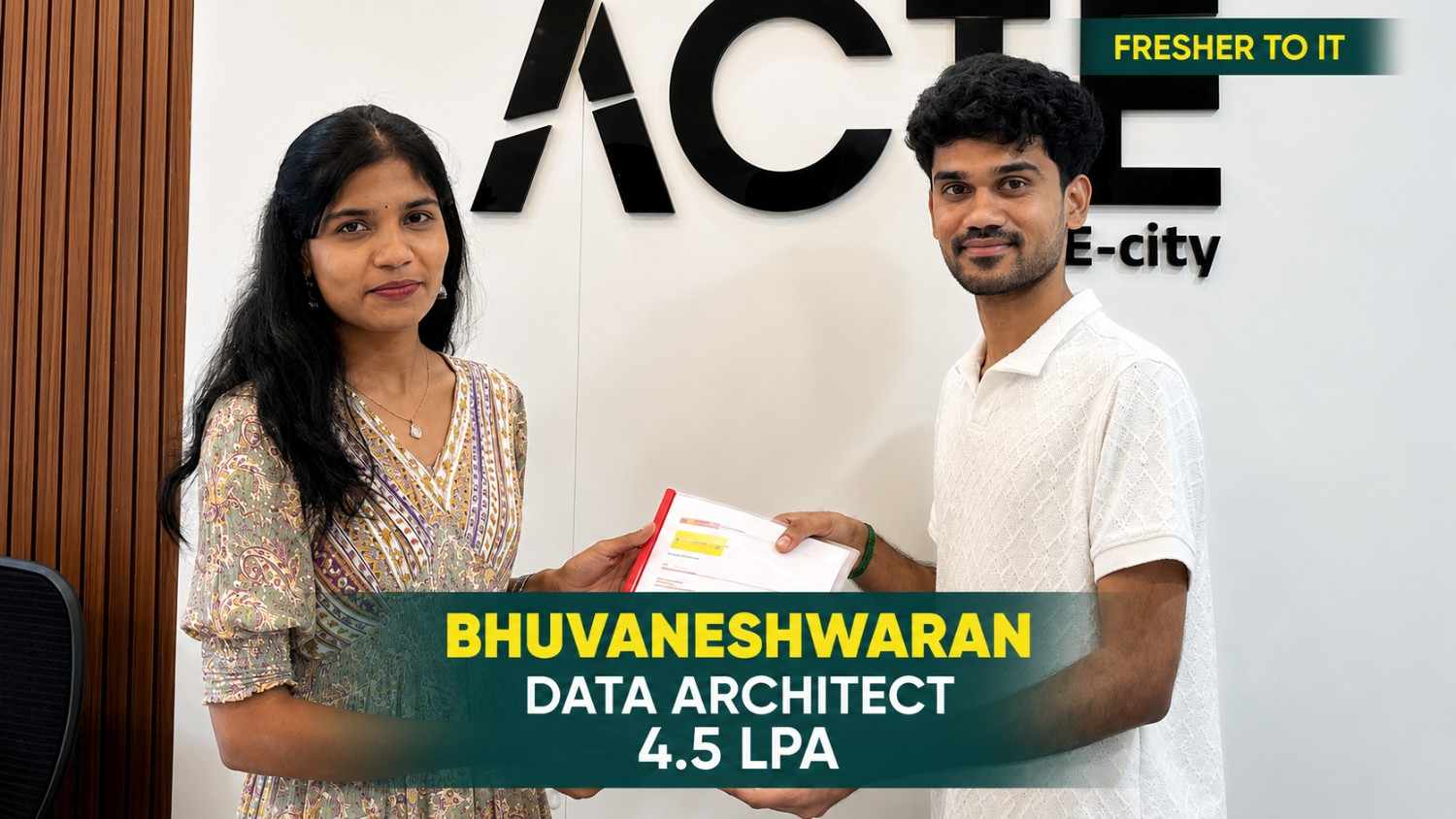
From a small town to a top tech firm, learn how our hands-on projects helped.
#Inspiration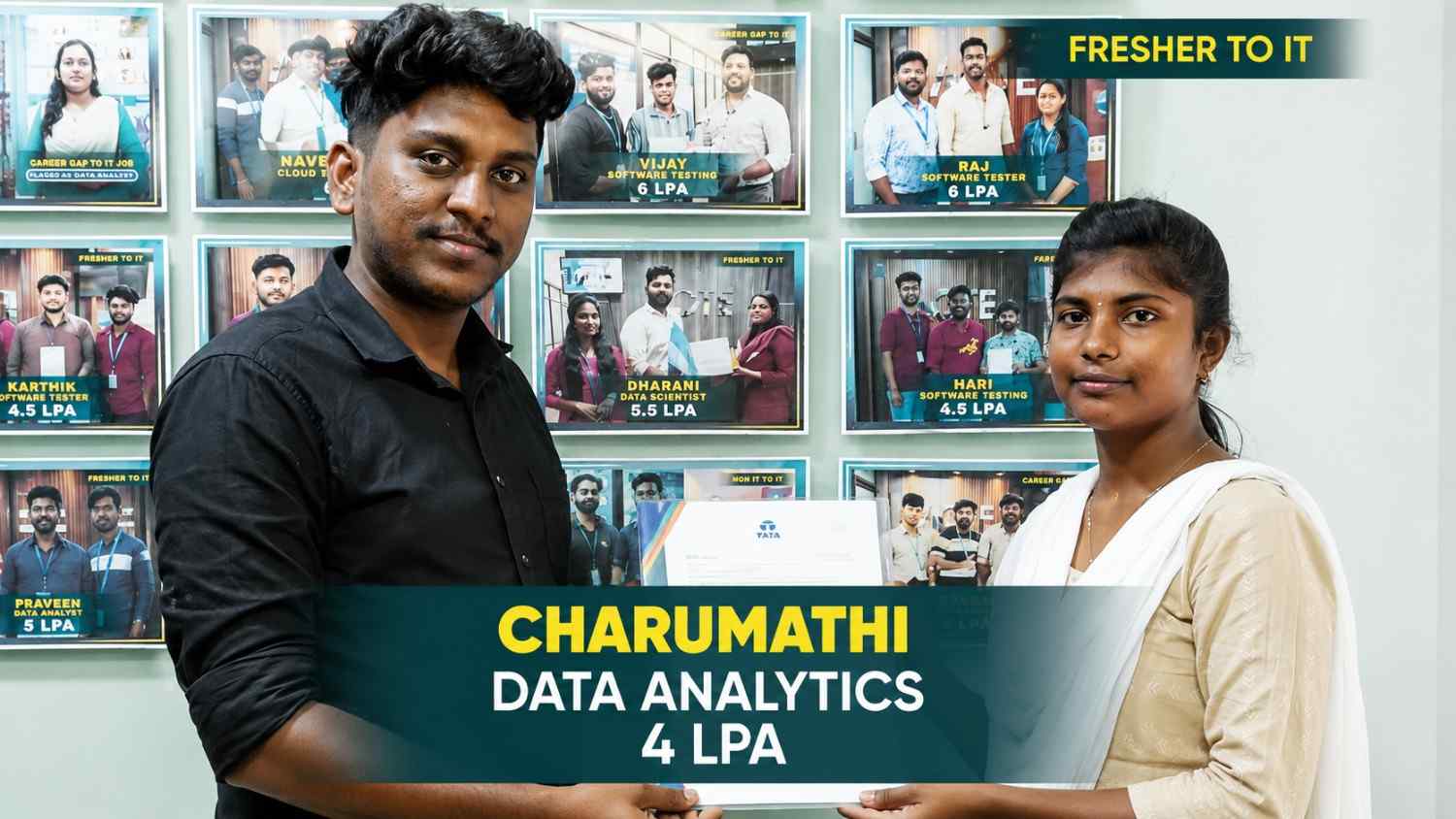
From a small town to a top tech firm, learn how our hands-on projects helped.
#Inspiration
From a small town to a top tech firm, learn how our hands-on projects helped.
#Inspiration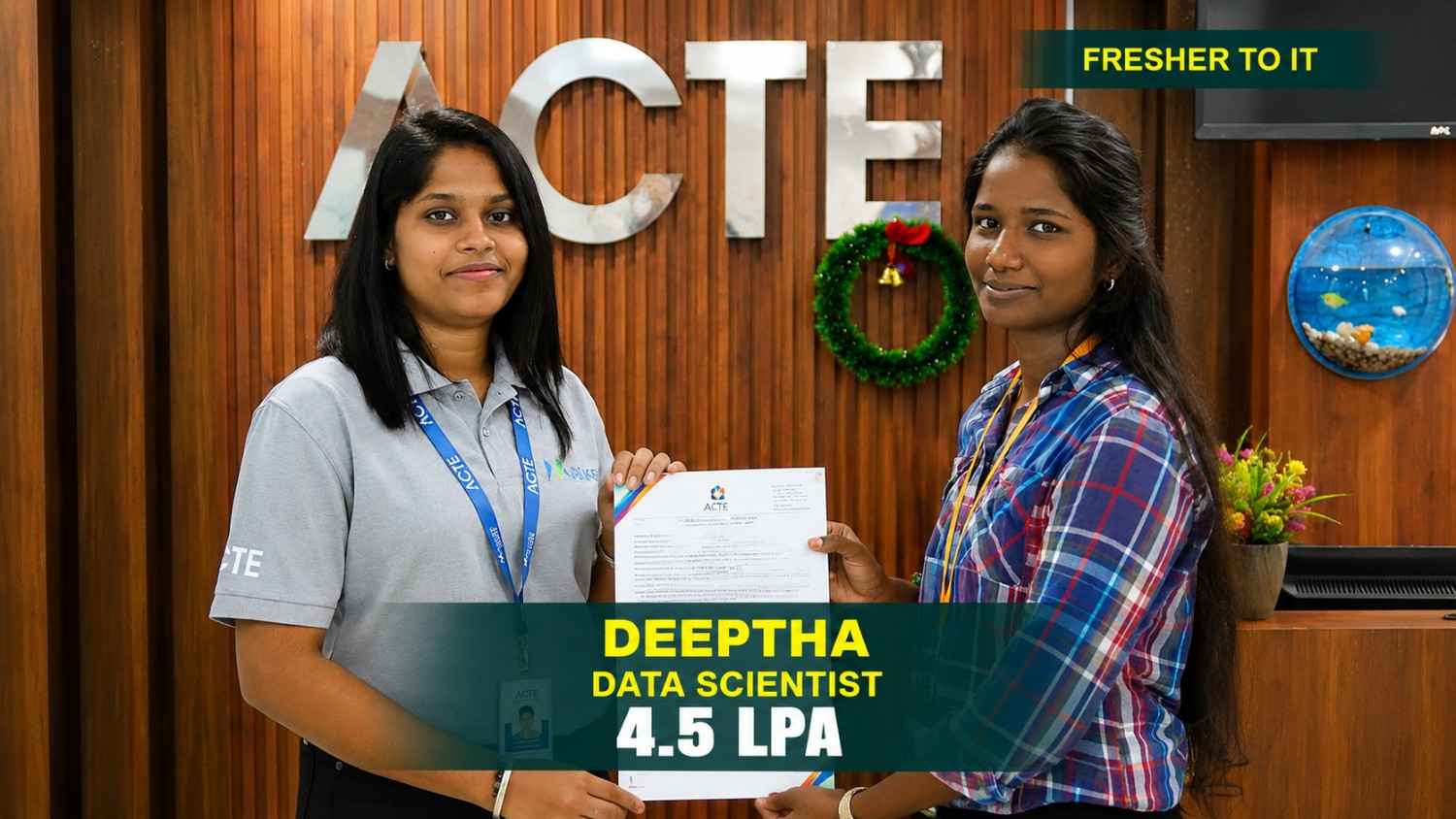
From a small town to a top tech firm, learn how our hands-on projects helped.
#Inspiration
From a small town to a top tech firm, learn how our hands-on projects helped.
#InspirationAchieve Industry-Relevant Power BI Course
Certification in Sydney, Australia
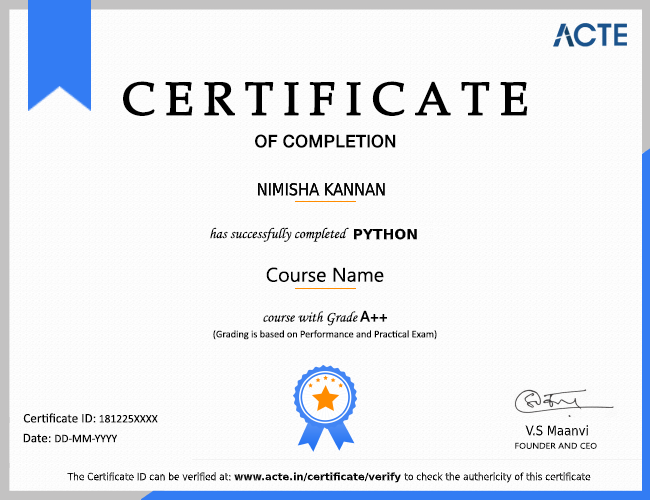
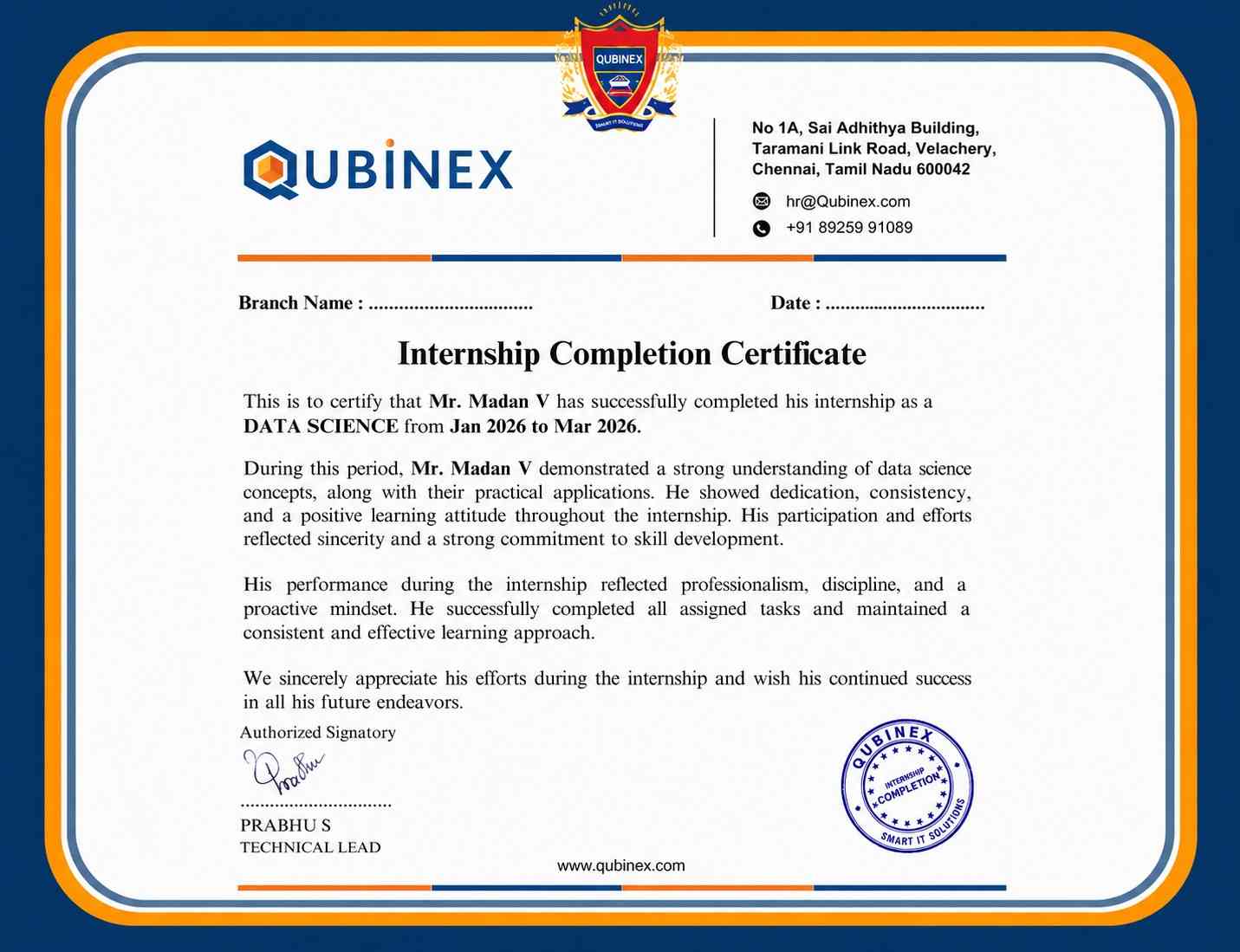
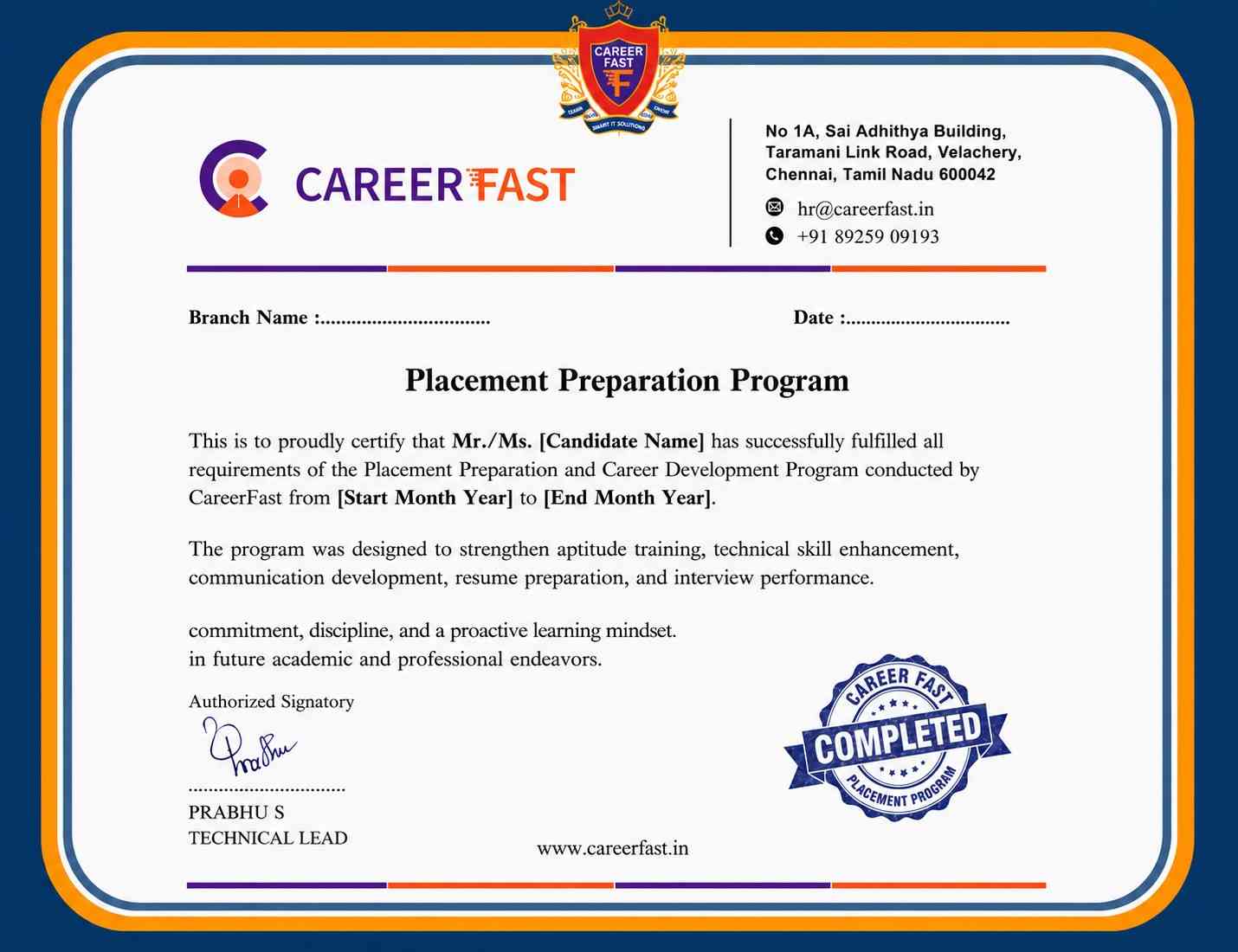
Completing Power BI Training in Sydney, Australia, through Linkplux can demonstrate your understanding of data preparation, Power Query, DAX expressions, information modelling, visual reporting, and dashboard development. A course completion credential can strengthen your resume, highlight practical learning, and support applications for analytics positions such as Power BI Developer, Data Analyst, BI Analyst, Reporting Analyst, or Business Intelligence Specialist.



Reviews from Our Successful Students
See how our AI-powered IT training institute has helped students succeed.

"Perfect for Beginners"
Hi, I'm Priya.S . I completed my undergraduate degree in 2021. Then I decided to change my career to the IT field. The trainers were very friendly and cleared all my doubts. My special thanks to Ashok sir for his guidance. I learned to create a website very easily. The real-time project gave me the confidence to crack the interview.

"Hands-On Learning That Built My Confidence"
The MERN Stack training at Linkplux gave me practical experience in building real-world web applications. Every concept was explained clearly with hands-on coding sessions, making it easy to understand both frontend and backend development. The trainers were supportive throughout the course, and the live projects helped me gain the confidence to attend interviews and start my career as a Full Stack Developer.

"A Perfect Start to My Digital Marketing Career"
The Digital Marketing program at Linkplux gave me the confidence to work on real-world projects and understand industry practices. The trainers explained every concept with practical examples, and the live assignments helped me improve my skills. I truly appreciate the guidance and support I received throughout the course and would recommend Linkplux to anyone looking to build a successful career in Digital Marketing.

"A Career-Changing Learning Experience"
The practical assignments and live projects at Linkplux helped me gain real-world experience in Data Analytics. The trainers explained every concept clearly and guided me throughout the learning journey. The hands-on approach boosted my confidence and prepared me for industry challenges. I highly recommend Linkplux to anyone looking to build a successful career in the IT field.