
 4.8 / 5 Rating
Powered by ACTE
Best Primavera P6 Training
Build Project Control Expertise With Practical Primavera P6 Training, Covering Planning, Schedule Development, Resource Management, Baselines, And Project Monitoring.
Industry-Focused Primavera P6
Project Planning Training
Linkplux provides practical learning with Primavera P6 planning tools and project control methods. Our Primavera P6 Training covers project scheduling, WBS creation, activity relationships, CPM analysis, resource planning, baseline management, progress tracking, cost control, and hands-on project exercises.
Practical Schedule Creation
Planning & CPM Skills
Project Controls Guidance

Resource & Cost Planning
Expert Scheduling Support
Primavera P6 Course Certificate
Training Highlights
Practical P6 Schedule Development
Gain hands-on experience with project schedule creation, activity planning, and timeline development exercises throughout the project planning lifecycle.
Project Scheduling Expertise
Explore Primavera P6 project scheduling, critical path analysis, resource allocation, and schedule controls for building optimized project plans.
Recognized Course Certification
Enhance your professional profile with a Primavera P6 course certificate reflecting practical scheduling knowledge and project planning capabilities.
Planning Career Guidance
Build readiness for project planning careers through resume support, and career guidance aligned with scheduling and project controls roles.
Industry-Based Scheduling Projects
Practice Primavera P6, CPM analysis, resource loading, baseline tracking, and project control techniques through realistic planning assignments.
Trainer-Guided P6 Learning
Develop practical knowledge with expert-led sessions covering schedule management, resource coordination, and advanced Primavera P6 functions.
Professional Scheduling Portfolio
Build a valuable Primavera P6 project portfolio featuring schedules, reports, and capstone planning exercises that showcase your practical expertise.
Planning Role Interview Support
Strengthen your Primavera P6 interview skills with technical questions, scheduling scenarios, project analysis, and career preparation for planning positions.
How You'll Learn
Career-Focused Primavera P6 Training Syllabus
Paper 1: Primavera P6 Essentials & Project Configuration
- Unit 1: Project Planning Principles, P6 Fundamentals, Scheduling Concepts and Project Control Basics
- Unit 2: Enterprise Project Structure, Organizational Breakdown Structure and Project Creation
- Unit 3: Work Breakdown Structure, Project Codes, Activity Codes and Project Properties
- Unit 4: Calendars, Data Date, Project Settings, Layouts, Filters, Grouping and Sorting
- Unit 5: Gantt Chart Views, Activity Presentation, Schedule Organization and Initial Project Planning
Tools used in this Paper: Primavera P6 Professional, Microsoft Excel
Paper 2: Activities, Calendars & Schedule Relationships
- Unit 1: Activity Creation, Activity Types, Milestones, Codes and Project Deliverables
- Unit 2: Activity Durations, Calendars, Constraints, Percent Complete and Scheduling Preferences
- Unit 3: Predecessors, Successors, Relationship Logic, Lags and Network Development
- Unit 4: Activity Steps, Notes, Documents, Deliverables and Detailed Schedule Information
- Unit 5: Network Analysis, Trace Logic, Float Calculation and Critical Activity Identification
Tools used in this Paper: Primavera P6 Professional, Microsoft Excel
Paper 3: CPM Scheduling & Project Timeline Development
- Unit 1: Critical Path Method, Forward Pass, Backward Pass and Total Float Analysis
- Unit 2: Schedule Generation, Logic Verification, Critical Paths and Near-Critical Activities
- Unit 3: Negative Float, Constraints, Lags, Schedule Optimization and Timeline Control
- Unit 4: Construction Scheduling, Infrastructure Planning and Engineering Project Timelines
- Unit 5: Schedule Quality Review, Logic Assessment, Float Evaluation and Planning Improvements
Tools used in this Paper: Primavera P6 Professional, Schedule Log, Gantt Charts
Paper 4: Resource Planning, Cost Loading & Resource Leveling
- Unit 1: Resource Libraries, Resource Calendars, Roles, Categories and Resource Structures
- Unit 2: Labor, Nonlabor and Material Resource Allocation with Activity Assignments
- Unit 3: Quantities, Rates, Expenses, Budgets, Cost Curves and Resource Cost Planning
- Unit 4: Resource Histograms, Usage Profiles, Resource Spreadsheets and Allocation Analysis
- Unit 5: Resource Leveling, Overallocations, Capacity Planning and Workload Balancing
Tools used in this Paper: Primavera P6 Professional, Resource Usage Profile, Microsoft Excel
Paper 5: Baseline Control, Progress Updates & Schedule Tracking
- Unit 1: Baseline Creation, Assignment, Maintenance and Project Performance Comparison
- Unit 2: Data Dates, Actual Starts, Actual Finishes, Remaining Durations and Status Updates
- Unit 3: Progress Measurement Methods, Progress Spotlight, Progress Lines and Activity Tracking
- Unit 4: Schedule Variances, Delay Identification, Forecast Analysis and Performance Monitoring
- Unit 5: Baseline Versus Current Schedule Review, Forecast Dates and Project Control Updates
Tools used in this Paper: Primavera P6 Professional, Baseline Comparison, Progress Spotlight
Paper 6: Cost Management & Earned Value Analysis
- Unit 1: Project Budgets, Planned Costs, Actual Costs and Financial Schedule Monitoring
- Unit 2: Earned Value Management, Performance Measurement and WBS-Based Cost Analysis
- Unit 3: Schedule Variance, Cost Variance, SPI, CPI and Project Performance Indicators
- Unit 4: Estimate at Completion, Estimate to Complete and Forecast Cost Evaluation
- Unit 5: Earned Value Curves, WBS Performance, Cost Trends and Management Reporting
Tools used in this Paper: Primavera P6 Professional, Earned Value Analysis, Microsoft Excel
Paper 7: Advanced Scheduling, Risk & Recovery Planning
- Unit 1: Advanced Scheduling Settings, Multiple Float Paths, Schedule Quality and Control Checks
- Unit 2: Schedule Crashing, Fast Tracking, What-If Analysis and Timeline Optimization
- Unit 3: Project Risk Identification, Risk Planning, Mitigation Strategies and Schedule Impact
- Unit 4: Delay Analysis, Time Impact Assessment, Recovery Scheduling and Corrective Planning
- Unit 5: Schedule Comparison, Forecast Review, Recovery Options and Advanced Project Controls
Tools used in this Paper: Primavera P6 Professional, Risk Analysis, Schedule Comparison
Paper 8: Reports, Dashboards & Portfolio Management
- Unit 1: Project Summaries, Custom Reports, Data Columns, Grouping and Filter Configuration
- Unit 2: Gantt Charts, Timescaled Logic Diagrams, Activity Views and Schedule Presentations
- Unit 3: Project Dashboards, Performance Indicators, Schedule Metrics and Management Insights
- Unit 4: Multi-Project Planning, Portfolio Structures, Project Rollups and Cross-Project Analysis
- Unit 5: Excel Data Export, Visual Reporting, Portfolio Review and Project Control Communication
Tools used in this Paper: Primavera P6 Professional, Microsoft Excel, Visualizer
Paper 9: Advanced Project Controls & Capstone Implementation
- Unit 1: Integrated Project Controls, Schedule Audits, Benchmarking and Performance Evaluation
- Unit 2: Baseline Management, Change Tracking, Delay Assessment and Recovery Schedule Development
- Unit 3: Resource-Constrained Scheduling, Cost Forecasting, Variance Analysis and Control Measures
- Unit 4: Complete Primavera P6 Project From Planning and Scheduling Through Monitoring and Reporting
- Unit 5: Capstone Portfolio, Real-Time Case Study, Interview Preparation and Project Controls Practices
Tools used in this Paper: Primavera P6 Professional, Microsoft Excel, Visualizer, Project Controls Reports
Let's Get Started
Skills Covered
Industry-Ready Primavera P6 Tools You'll Master
Primavera P6 Core Tools "Master Essential Primavera P6 Features for Project Planning, Activity Management, Scheduling & Professional Project Controls"
Reporting & Visualization Tools "Create Professional Schedule Reports, Gantt Views, Logic Diagrams & Management Reports for Clear Project Communication"
Eligibility & Criteria
Everything you need to know to join and qualify for placement.
Who Can Apply?
Eligibility Year of Passing
2018 and After
Graduates
Any Graduate / Diploma
Academic Percentage
Min 60%
Placement Eligibility
Attendance
Min 90%
Assessment Marks
Min 75%
Live Projects
100% Completion
How Primavera P6 Training
Supports Project Planning Careers
Primavera P6 supports project scheduling, WBS development, resource allocation, baseline tracking, progress monitoring, and cost control. Practical training helps learners build scheduling expertise and prepare for roles involving project planning, construction scheduling, project controls, delay analysis, and schedule management.
Strong Project Planning Skills
Wider Scheduling Opportunities
Project Controls Positions
Construction Scheduling Scope
Advanced Planning Expertise
Primavera P6 Career Roles and Salary Insights
Junior Planning Engineer
- Planning Trainee
- Project Planning Associate
- Junior Scheduler
- Planning Coordinator
- Project Controls Trainee
- Schedule Assistant
Primavera P6 Scheduler
- Planning Engineer
- Primavera P6 Scheduler
- Project Scheduler
- Schedule Analyst
- Planning Specialist
- Senior Planning Engineer
Project Controls Engineer
- Project Controls Engineer
- Cost Control Engineer
- Schedule Control Engineer
- Planning Controls Analyst
- Project Controls Engineer
- Project Controls Specialist
Senior Planning Specialist
- Senior Project Planner
- Planning Lead
- Schedule Specialist
- Senior Project Controls Lead
- Planning Consultant
- Schedule Management Specialist
Project Controls Specialist
- Project Controls Specialist
- Planning Consultant
- Schedule Controls Analyst
- Cost Planning Engineer
- Project Controls Consultant
- Senior Controls Engineer
Project Planning Leadership
- Planning Manager
- Project Controls Manager
- Schedule Manager
- Project Planning Head
- Planning Director
- Project Controls Lead
Primavera P6 Career Roadmap
- Planning Trainee
- Project Planning Associate
- Junior Scheduler
- Primavera P6 Scheduler
- Planning Engineer
- Project Scheduler
- Project Controls Engineer
- Schedule Controls Analyst
- Senior Planning Specialist
- Planning Manager
- Project Controls Manager
- Schedule Manager
Our Alumni Work at




















Success Stories from Our Students
See how Linkplux's IT training programs have helped students land top jobs through hands-on learning and expert guidance.

Trilochana found her path with Linkplux and landed the dream job.
#Datascience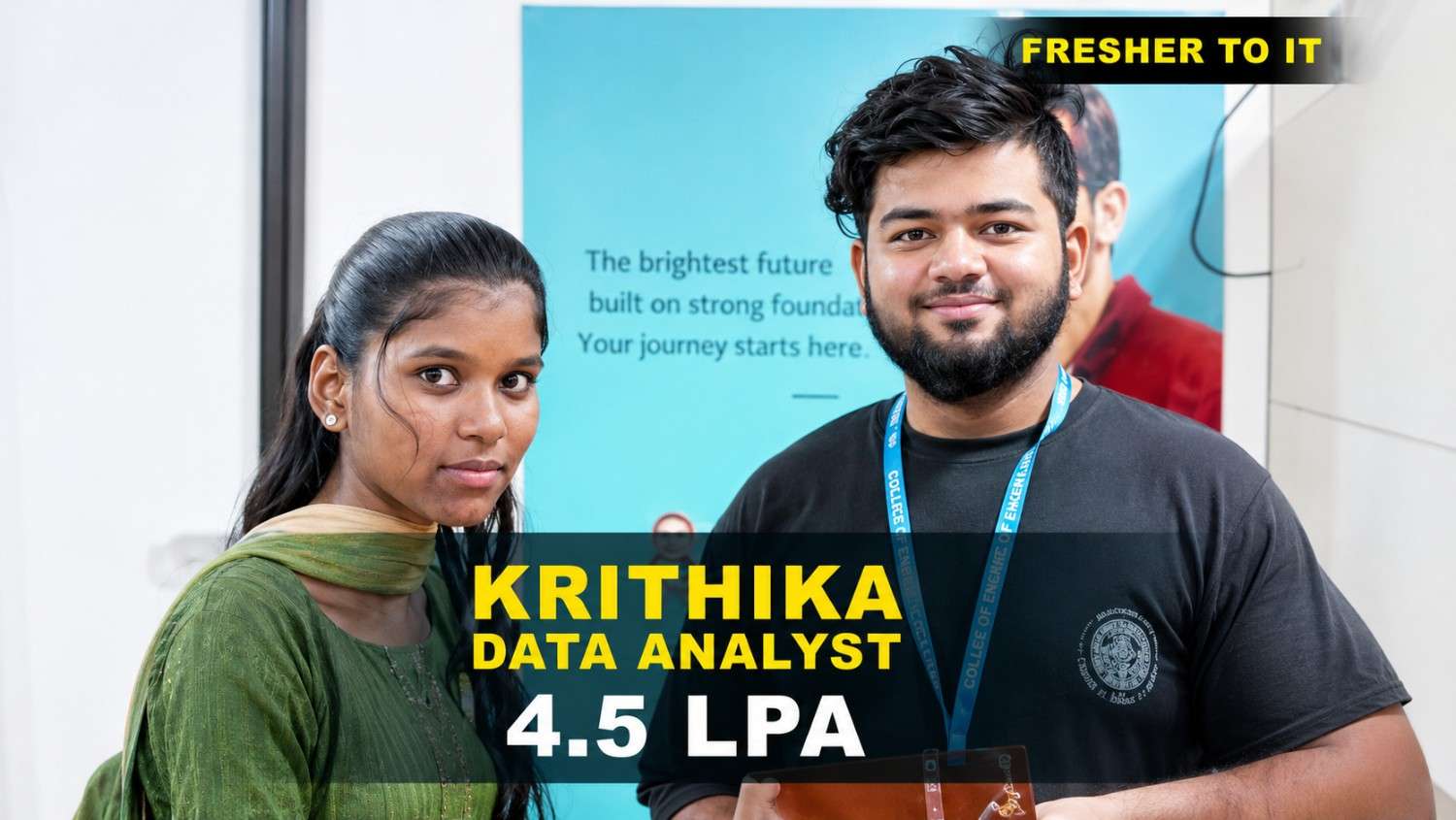
Krithika transformed her career with Linkplux and secured a Data Analyst role with a 4.5 LPA package. 🚀
#DataAnalytics
Students shared how Linkplux's practical training and live projects helped him confidently start his Digital Marketing career.
#DigitalMarketing
Krithika built her Full Stack Development skills at Linkplux and secured a 7 LPA Software Developer role. 🚀
#FullStackDevelopment
Oviya Shree developed strong Data Analytics skills at Linkplux and launched her career as a Data Analyst. 📊
#DataAnalytics
From a small town to a top tech firm, learn how our hands-on projects helped.
#Inspiration
From a small town to a top tech firm, learn how our hands-on projects helped.
#Inspiration
From a small town to a top tech firm, learn how our hands-on projects helped.
#Inspiration
From a small town to a top tech firm, learn how our hands-on projects helped.
#Inspiration
From a small town to a top tech firm, learn how our hands-on projects helped.
#Inspiration
From a small town to a top tech firm, learn how our hands-on projects helped.
#InspirationEarn Professional Primavera P6 Training
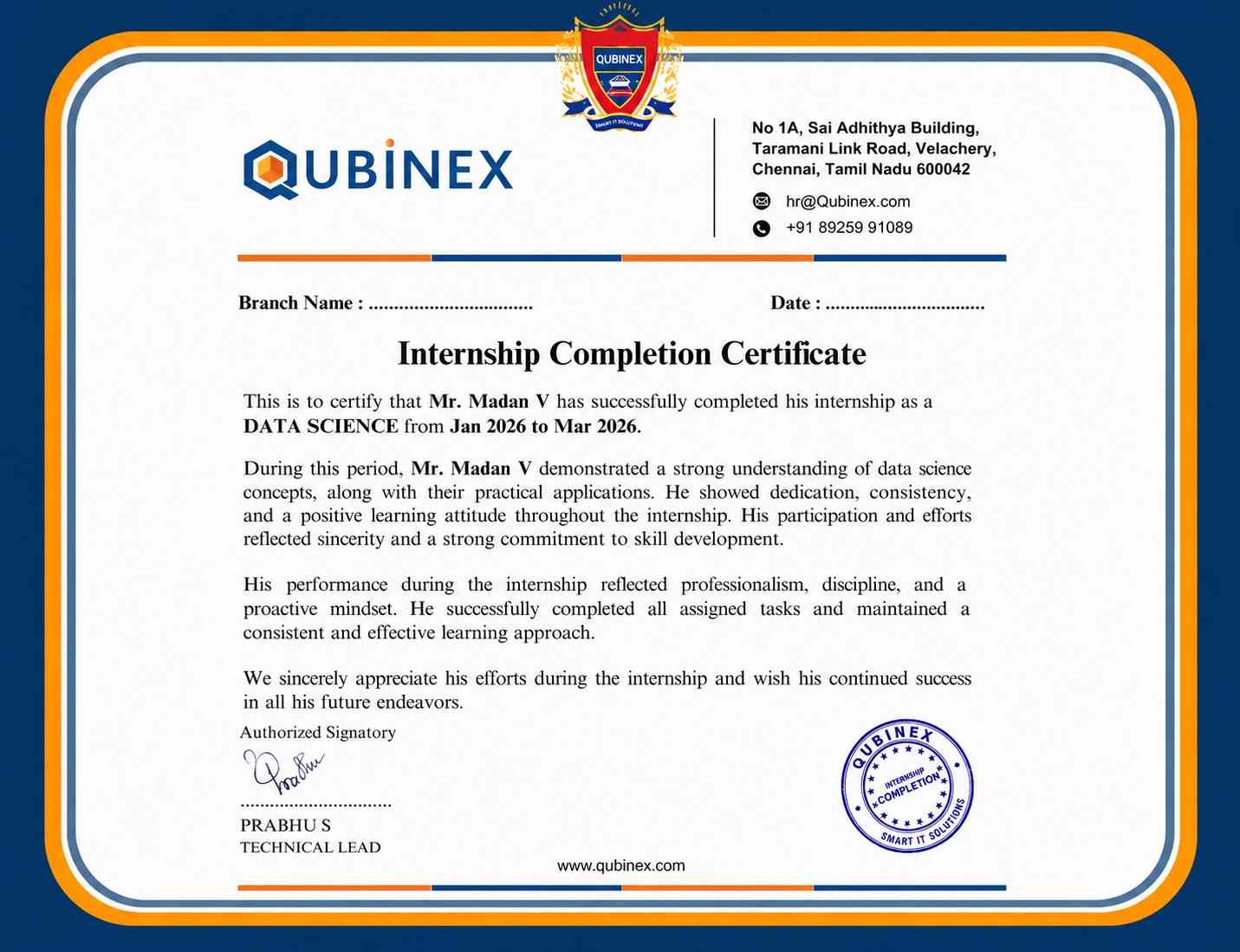
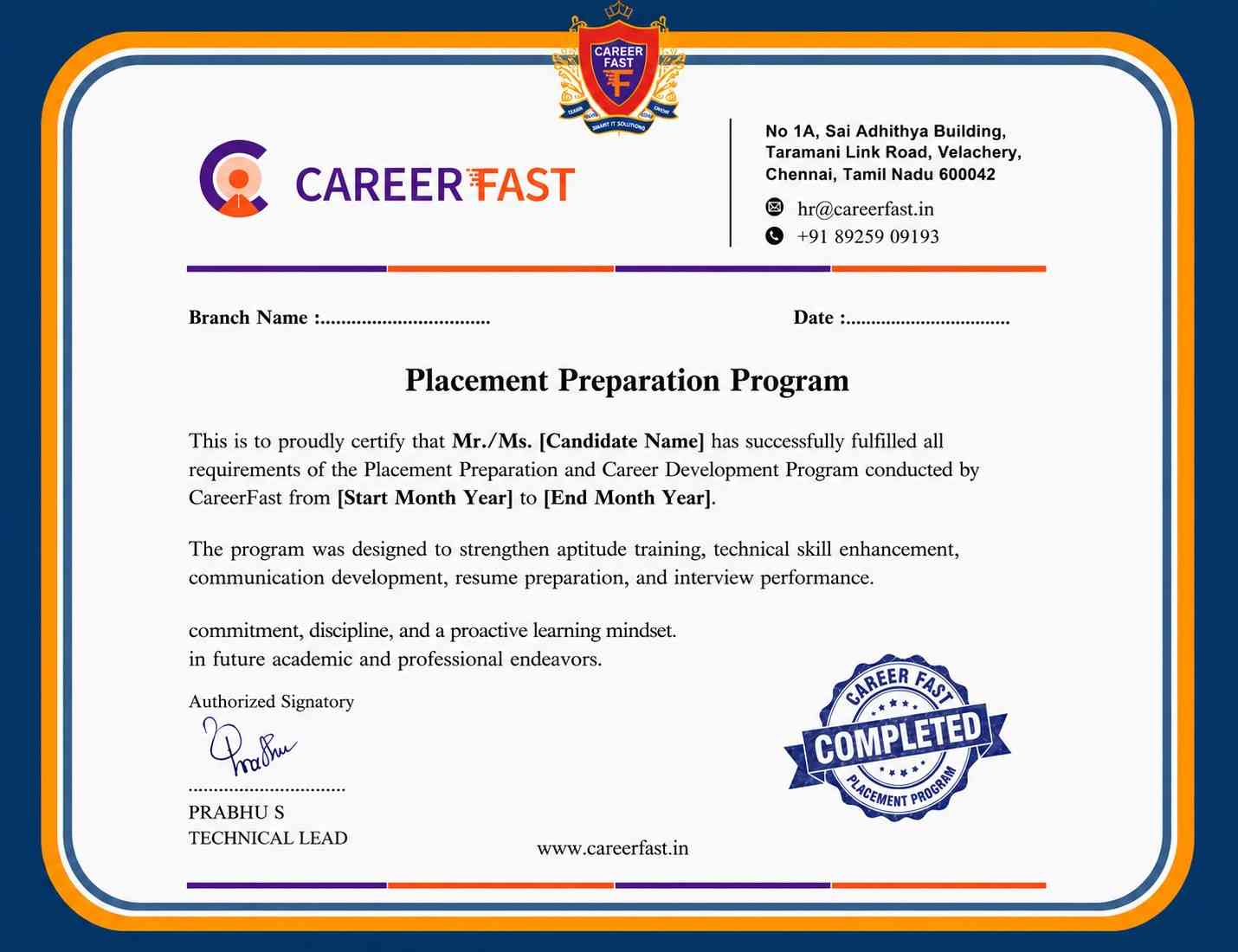
Certification
Completing Primavera P6 Training at Linkplux demonstrates practical expertise in project scheduling, WBS, CPM, activity relationships, resource allocation, baseline management, progress tracking, cost control, and project reporting. It strengthens your professional profile, highlights hands-on planning capabilities, and supports opportunities for Planning Engineer, Project Scheduler, Project Controls Engineer, Planning Specialist, and Schedule Manager roles.




Reviews from Our Successful Students
See how our AI-powered IT training institute has helped students succeed.

"Perfect for Beginners"
Hi, I'm Priya.S . I completed my undergraduate degree in 2021. Then I decided to change my career to the IT field. The trainers were very friendly and cleared all my doubts. My special thanks to Ashok sir for his guidance. I learned to create a website very easily. The real-time project gave me the confidence to crack the interview.

"Hands-On Learning That Built My Confidence"
The MERN Stack training at Linkplux gave me practical experience in building real-world web applications. Every concept was explained clearly with hands-on coding sessions, making it easy to understand both frontend and backend development. The trainers were supportive throughout the course, and the live projects helped me gain the confidence to attend interviews and start my career as a Full Stack Developer.

"A Perfect Start to My Digital Marketing Career"
The Digital Marketing program at Linkplux gave me the confidence to work on real-world projects and understand industry practices. The trainers explained every concept with practical examples, and the live assignments helped me improve my skills. I truly appreciate the guidance and support I received throughout the course and would recommend Linkplux to anyone looking to build a successful career in Digital Marketing.

"A Career-Changing Learning Experience"
The practical assignments and live projects at Linkplux helped me gain real-world experience in Data Analytics. The trainers explained every concept clearly and guided me throughout the learning journey. The hands-on approach boosted my confidence and prepared me for industry challenges. I highly recommend Linkplux to anyone looking to build a successful career in the IT field.