
 4.8 / 5 Rating
Powered by ACTE
Professional Primavera P6 Course in Sydney, Australia
Advance Your Project Management Capabilities Through Practical Primavera P6 Training, Covering Project Scheduling, And Project Performance Tracking.
Industry-Focused Primavera P6
Course in Sydney, Australia
Linkplux provides practical experience with Primavera P6 software and project scheduling methods. Training includes WBS creation, activity sequencing, resource loading, schedule baselines, CPM techniques, project tracking, budget analysis, and real-world assignments.
Real-Time Scheduling Exercises
WBS Development Techniques
Career Development Advice

Gantt Chart Preparation
Specialist Mentorship
Course Achievement Certificate
Career Learning Outcomes
Applied Project Scheduling Skills
Strengthen planning abilities with Primavera P6 Training in Sydney, Australia, using practical scheduling tasks, project simulations, and industry-focused exercises.
Project Control Methods
Master WBS structuring, activity relationships, duration calculations, CPM scheduling, and construction project timelines through guided software practice.
Course Completion Credentials
Highlight your progress with a Primavera P6 course certificate reflecting software knowledge and project controls expertise for career development.
Employment Preparation Guidance
Identify project management career options through CV reviews, mock interviews, and workplace readiness assistance for professional growth.
Practical Project Controls
Apply Primavera P6 to engineering and construction schedules, covering resource assignments, status updates, and baseline performance comparisons.
Experienced Trainer Mentoring
Improve software proficiency through sessions covering activity calendars, resource management, project budgets, and schedule performance controls for effective delivery.
Practical Scheduling Portfolio
Demonstrate your abilities with a Primavera P6 project portfolio containing baseline comparisons, schedule reports, and project planning tasks for practical experience.
Technical Interview Preparation
Build confidence for Primavera P6 job interviews through scenario discussions, scheduling assessments, software tasks, and career coaching sessions for professional growth.
How You'll Learn
Industry-Oriented Primavera P6 Training Syllabus in Sydney, Australia
Module 1: Primavera P6 Fundamentals and Project Setup
- Unit 1: Introduction to Primavera P6, Interface Navigation and Core Project Management Concepts
- Unit 2: Enterprise Project Structure, OBS Configuration and Project Startup Procedures
- Unit 3: Work Breakdown Structure Creation, Project Codes, Calendar Configuration and Preferences
- Unit 4: Project Parameters, Data Dates, Activity IDs and Default Settings
- Unit 5: Layout Customisation, Filters, Grouping, Sorting and Gantt Chart Presentation
Tools used in this Module: Primavera P6 Professional, Microsoft Excel
Module 2: Activity Management, Calendars and Relationships
- Unit 1: Defining Activities, Task Classifications, Milestones and Activity Codes
- Unit 2: Estimating Durations, Allocating Calendars, Applying Constraints and Scheduling Rules
- Unit 3: Linking Predecessors and Successors, Relationship Types and Lag Periods
- Unit 4: Activity Details, Work Steps, Reference Documents and Project Deliverables
- Unit 5: Network Diagram Logic, Relationship Tracing, Total Float and Critical Activities
Tools used in this Module: Primavera P6 Professional, Microsoft Excel
Module 3: CPM Analysis and Project Schedule Development
- Unit 1: Critical Path Method, Forward and Backward Calculations, Float Assessment
- Unit 2: Schedule Generation, Calculation Preferences, Logic Checks and Scheduling Records
- Unit 3: Critical Routes, Near-Critical Activities, Multiple Float Paths and Negative Float
- Unit 4: Schedule Adjustments, Constraint Management, Lag Corrections and Activity Sequencing
- Unit 5: Developing Schedules for Construction, Civil Engineering and Infrastructure Projects
Tools used in this Module: Primavera P6 Professional, Scheduling Logs, Gantt Charts
Module 4: Resource Management, Budgeting and Workload Balancing
- Unit 1: Resource Libraries, Availability Calendars, Roles and Resource Categories
- Unit 2: Distributing Workforce, Machinery and Material Resources Across Activities
- Unit 3: Resource Demand, Unit Costs, Project Estimates, Budget Allocation and Cost Curves
- Unit 4: Capacity Analysis, Resource Histograms, Usage Charts and Spreadsheet Views
- Unit 5: Resource Smoothing, Overload Resolution, Capacity Restrictions and Schedule Balancing
Tools used in this Module: Primavera P6 Professional, Resource Usage Profile, Microsoft Excel
Module 5: Baseline Configuration, Project Updates and Performance Tracking
- Unit 1: Creating, Applying, Updating and Assessing Project Baselines
- Unit 2: Setting Data Dates, Recording Actual Dates and Modifying Outstanding Durations
- Unit 3: Measuring Completion Through Duration, Physical Progress and Resource Units
- Unit 4: Tracking Progress, Displaying Progress Lines, Identifying Slippage and Assessing Delays
- Unit 5: Comparing Recorded Performance with Approved Baselines and Forecast Schedules
Tools used in this Module: Primavera P6 Professional, Baseline Comparison, Progress Spotlight
Module 6: Project Cost Management and Earned Value Analysis
- Unit 1: Budget Preparation, Planned Value, Recorded Costs and Financial Projections
- Unit 2: Earned Value Analysis, Budget at Completion and Schedule Performance Indicators
- Unit 3: Cost Variance, Schedule Variance, CPI, SPI and Project Efficiency Measures
- Unit 4: Forecasting Final Costs, Remaining Expenditure and Budget Differences
- Unit 5: Earned Value Charts, WBS Performance Reviews and Financial Progress Monitoring
Tools used in this Module: Primavera P6 Professional, Earned Value Analysis, Microsoft Excel
Module 7: Schedule Improvement, Project Risks and Scenario Analysis
- Unit 1: Advanced Scheduling Options, Float Path Configuration and Schedule Health Checks
- Unit 2: Accelerating Project Delivery, Crashing, Fast Tracking and Recovery Strategies
- Unit 3: Alternative Schedule Modelling, What-If Scenarios and Outcome Assessment
- Unit 4: Project Risk Reviews, Threat Identification, Response Planning and Schedule Exposure
- Unit 5: Delay Investigation, Time Impact Assessment and Updated Schedule Development
Tools used in this Module: Primavera P6 Professional, Risk Assessment, Schedule Comparison
Module 8: Project Documentation, Dashboards and Portfolio Management
- Unit 1: Preparing Project, Activity, Resource and Cost Performance Reports
- Unit 2: Report Customisation, Field Selection, Data Filtering, Grouping and Visual Charts
- Unit 3: Gantt Chart Views, Time-Based Network Diagrams and Schedule Presentation
- Unit 4: Managing Project Groups, Cross-Project Dependencies and Portfolio Displays
- Unit 5: Project Data Export, Excel Integration, Executive Dashboards and KPI Tracking
Tools used in this Module: Primavera P6 Professional, Microsoft Excel, Visualizer
Module 9: Integrated Project Controls and Practical Capstone
- Unit 1: Project Control Integration, Schedule Verification and Performance Comparisons
- Unit 2: Baseline Updates, Change Tracking and Project Recovery Techniques
- Unit 3: Resource-Constrained Planning, Cost Forecasting and Variance Assessment
- Unit 4: Complete Primavera P6 Assignment Covering Project Initiation, Planning, Execution and Closure
- Unit 5: Portfolio Development, Industry Scenarios, Interview Preparation and Project Control Practices
Tools used in this Module: Primavera P6 Professional, Microsoft Excel, Visualizer, Project Control Reports
Let's Get Started
Skills Covered
Industry-Ready Primavera P6 Tools You'll Master in Sydney, Australia
Primavera P6 Core Tools "Master Essential Primavera P6 Features for Project Planning, Activity Management, Scheduling & Professional Project Controls"
Reporting & Visualization Tools "Create Professional Schedule Reports, Gantt Views, Logic Diagrams & Management Reports for Clear Project Communication"
Eligibility & Criteria
Everything you need to know to join and qualify for placement.
Who Can Apply?
Eligibility Year of Passing
2018 and After
Graduates
Any Graduate / Diploma
Academic Percentage
Min 60%
Placement Eligibility
Attendance
Min 90%
Assessment Marks
Min 75%
Live Projects
100% Completion
How Primavera P6 Skills
Expand Your Career Options
Oracle Primavera P6 is widely applied in project planning and schedule management across construction, infrastructure and engineering sectors. Primavera P6 Training in Sydney, Australia develops practical expertise in work breakdown structures, workforce planning, CPM scheduling, baseline management and performance reporting, preparing learners for project scheduling and controls opportunities.
Demand for Skilled Schedulers
Infrastructure Planning Opportunities
Project Controls and Forecasting Roles
Opportunities Across International Projects
Progress into Project Leadership
Explore Primavera P6 Careers and Expected Annual Salaries in Sydney, Australia
Assistant Project Planner
- Project Assistant
- Scheduling Trainee
- Planning Coordinator
- Junior Scheduler
- Controls Assistant
- Project Administrator
Construction Planning Engineer
- Project Planner
- Site Planner
- Planning Engineer
- EPC Scheduler
- Schedule Analyst
- Lead Planner
Advanced Scheduling Consultant
- Schedule Consultant
- Project Scheduler
- Senior Planner
- Progress Engineer
- P6 Specialist
- Scheduling Lead
Project Controls Consultant
- Controls Consultant
- Progress Analyst
- Cost Controller
- Risk Analyst
- Schedule Engineer
- Performance Specialist
Senior Project Planner
- Senior Scheduler
- Planning Lead
- Controls Specialist
- Schedule Manager
- Project Manager
- Governance Lead
Project Controls Leadership
- Controls Manager
- Planning Director
- Program Manager
- Project Director
- PMO Manager
- Portfolio Director
Career Growth and Progression Plan
- Planning Assistant
- Project Trainee
- Scheduling Administrator
- Project Planner
- Schedule Analyst
- Planning Engineer
- Senior Scheduler
- Controls Consultant
- Planning Specialist
- Planning Manager
- Controls Director
- Program Manager
Our Alumni Work at




















Success Stories from Our Students
See how Linkplux's IT training programs have helped students land top jobs through hands-on learning and expert guidance.

Trilochana found her path with Linkplux and landed the dream job.
#Datascience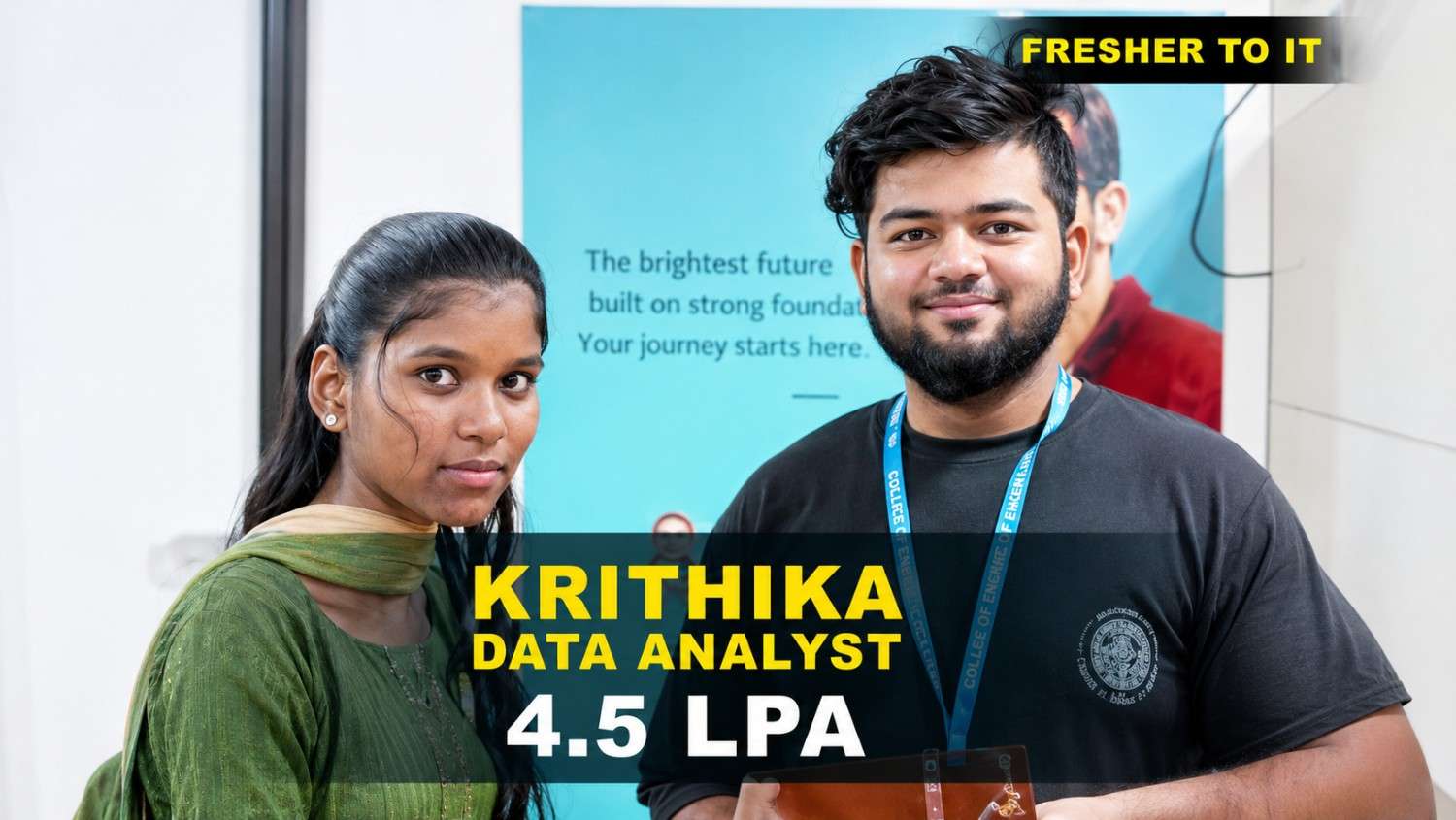
Krithika transformed her career with Linkplux and secured a Data Analyst role with a 4.5 LPA package. 🚀
#DataAnalytics
Students shared how Linkplux's practical training and live projects helped him confidently start his Digital Marketing career.
#DigitalMarketing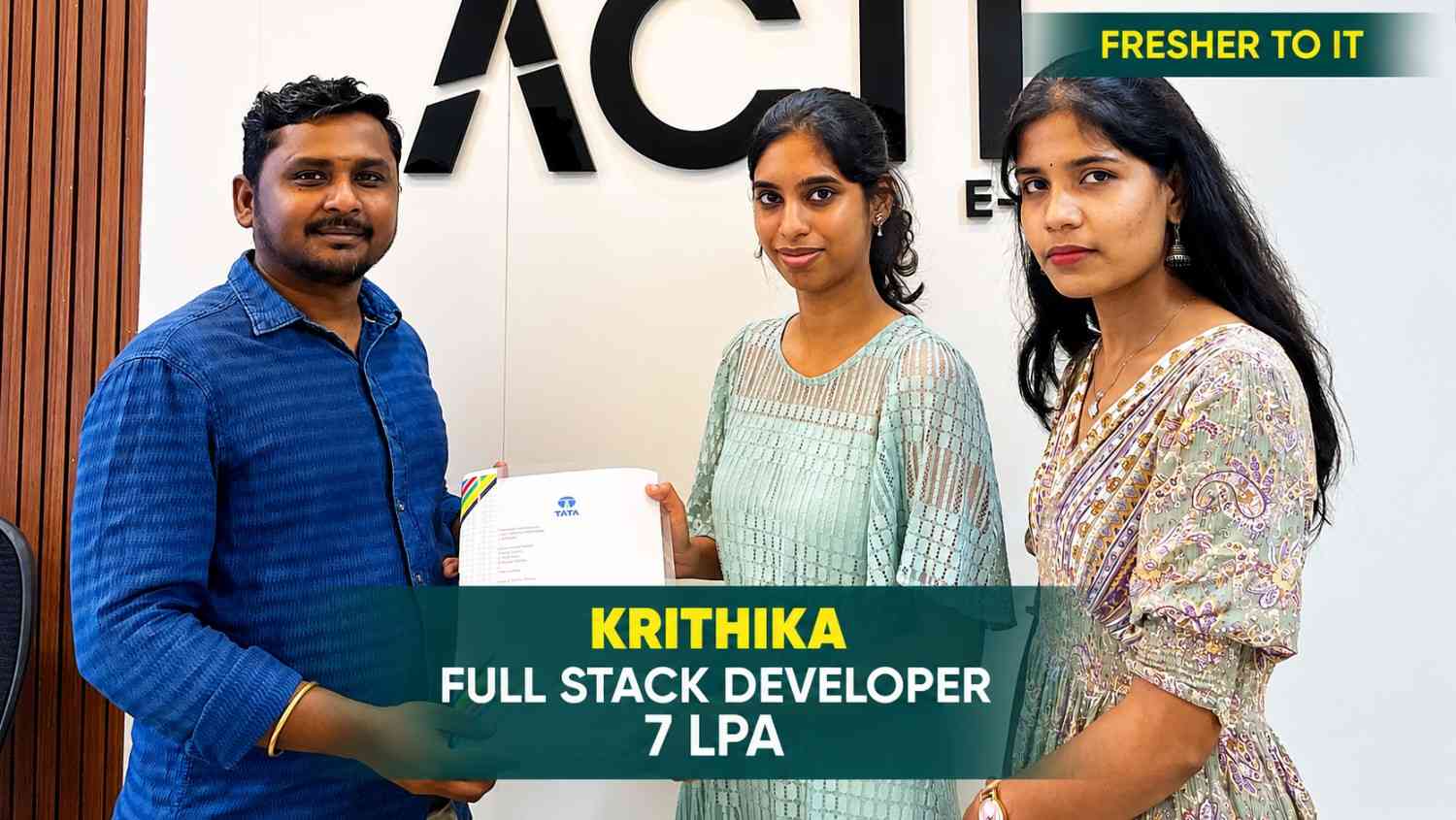
Krithika built her Full Stack Development skills at Linkplux and secured a 7 LPA Software Developer role. 🚀
#FullStackDevelopment
Oviya Shree developed strong Data Analytics skills at Linkplux and launched her career as a Data Analyst. 📊
#DataAnalytics
From a small town to a top tech firm, learn how our hands-on projects helped.
#Inspiration
From a small town to a top tech firm, learn how our hands-on projects helped.
#Inspiration
From a small town to a top tech firm, learn how our hands-on projects helped.
#Inspiration
From a small town to a top tech firm, learn how our hands-on projects helped.
#Inspiration
From a small town to a top tech firm, learn how our hands-on projects helped.
#Inspiration
From a small town to a top tech firm, learn how our hands-on projects helped.
#InspirationReceive Your Primavera P6 Course
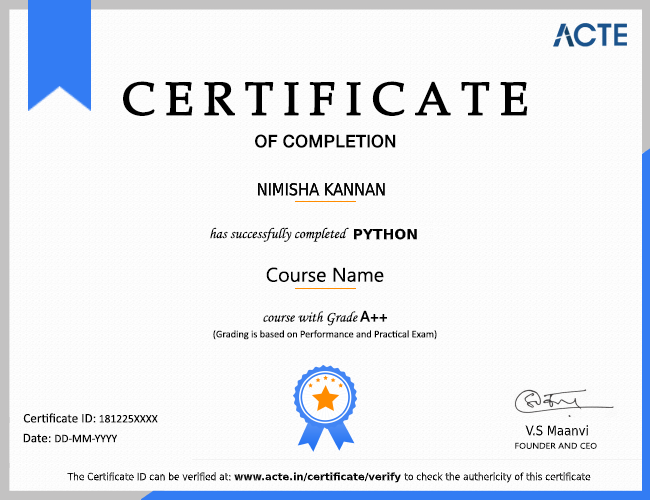
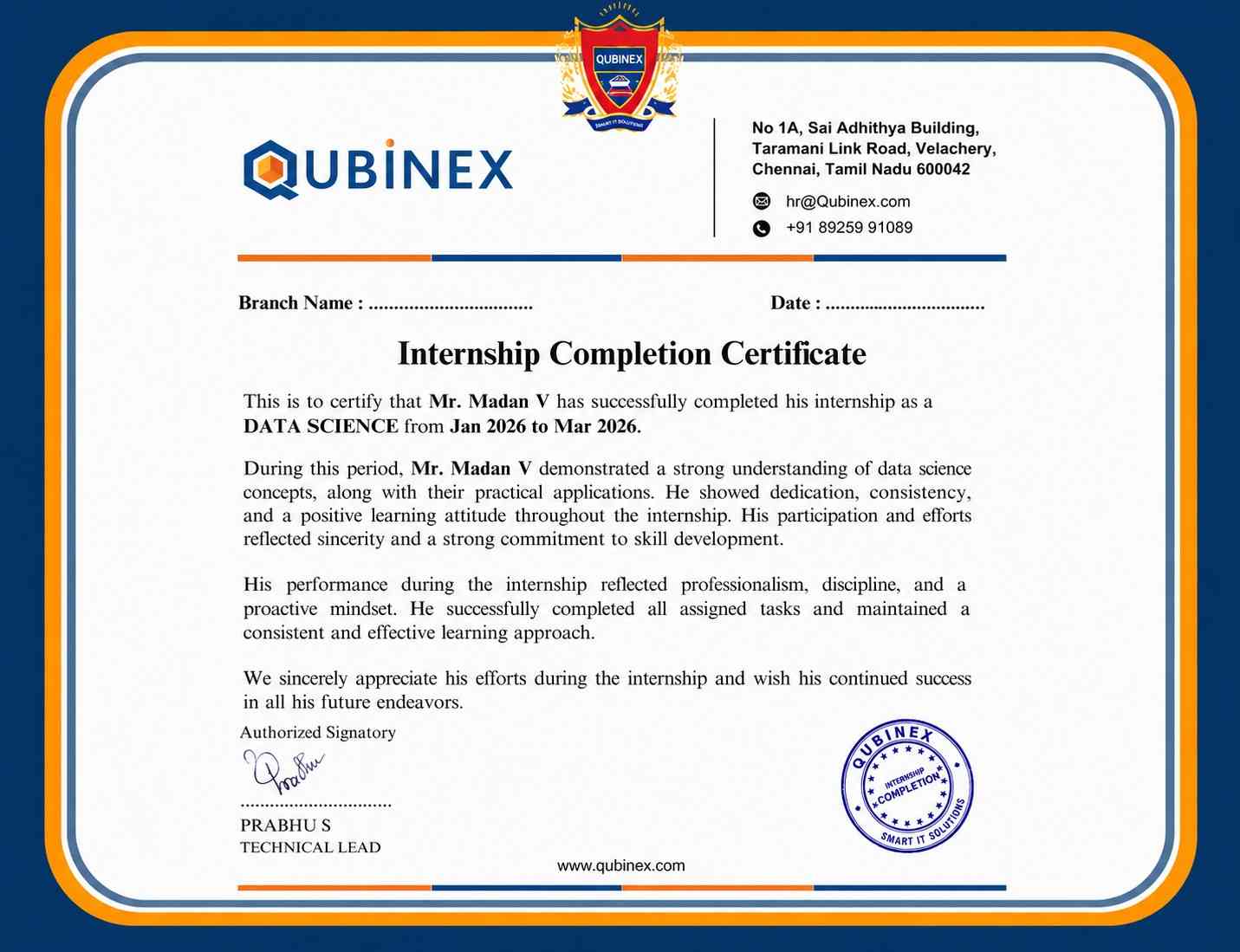
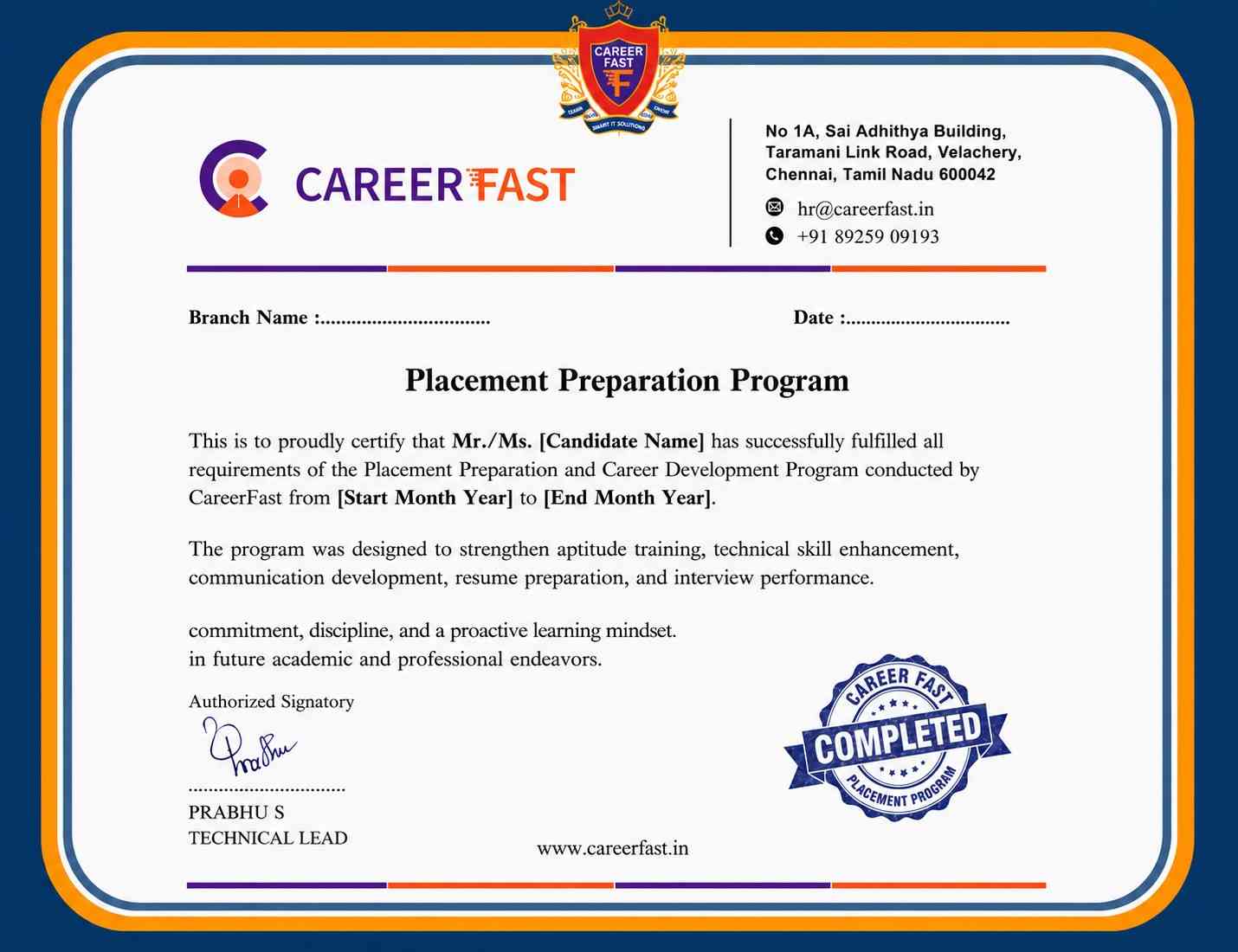
Achievement Certificate
A Linkplux Primavera P6 completion certificate demonstrates practical knowledge of project scheduling, WBS development, activity relationships, resource management, baseline comparisons, CPM analysis, schedule tracking and project documentation. It adds value to your CV, demonstrates software proficiency, and helps you explore opportunities across Sydney, Australia's construction, infrastructure and engineering industries in roles including Planning Engineer, Project Scheduler, Project Planner, Project Controls Specialist and Planning Coordinator.



Reviews from Our Successful Students
See how our AI-powered IT training institute has helped students succeed.

"Perfect for Beginners"
Hi, I'm Priya.S . I completed my undergraduate degree in 2021. Then I decided to change my career to the IT field. The trainers were very friendly and cleared all my doubts. My special thanks to Ashok sir for his guidance. I learned to create a website very easily. The real-time project gave me the confidence to crack the interview.

"Hands-On Learning That Built My Confidence"
The MERN Stack training at Linkplux gave me practical experience in building real-world web applications. Every concept was explained clearly with hands-on coding sessions, making it easy to understand both frontend and backend development. The trainers were supportive throughout the course, and the live projects helped me gain the confidence to attend interviews and start my career as a Full Stack Developer.

"A Perfect Start to My Digital Marketing Career"
The Digital Marketing program at Linkplux gave me the confidence to work on real-world projects and understand industry practices. The trainers explained every concept with practical examples, and the live assignments helped me improve my skills. I truly appreciate the guidance and support I received throughout the course and would recommend Linkplux to anyone looking to build a successful career in Digital Marketing.

"A Career-Changing Learning Experience"
The practical assignments and live projects at Linkplux helped me gain real-world experience in Data Analytics. The trainers explained every concept clearly and guided me throughout the learning journey. The hands-on approach boosted my confidence and prepared me for industry challenges. I highly recommend Linkplux to anyone looking to build a successful career in the IT field.