
 4.8 / 5 Rating
Powered by ACTE
Best UI And UX Design Training in Gurgaon
Master Creative Product Design with UI and UX Course in Gurgaon, Featuring User Research, Figma Prototyping, Interface Design, and Mobile-Responsive Experiences.
Career-Oriented UI/UX Design
Course in Gurgaon
Linkplux offers practical UI and UX design classes focused on user research, journey mapping, wireframing, Figma, interface components, adaptive design, and usability testing. The UI/UX training in Gurgaon combines hands-on exercises, design challenges, and expert feedback to help participants create intuitive digital experiences and build industry-relevant design skills.
Practical Interface Projects
Wireframing & Figma Practice
Job Preparation Assistance

Portfolio Project Development
Expert Designer Guidance
Course Completion Credential
Program Benefits
Practical UI/UX Design Learning
Strengthen creative problem-solving skills through hands-on tasks, design exercises, and workshops covering core user experience principles.
Figma Design & Clickable Mockups
Explore Figma, screen mapping, and clickable prototypes to develop user-friendly layouts, consistent components, and polished digital product designs.
UI/UX Course Completion Certificate
Earn a UI/UX training certificate in Gurgaon demonstrating your understanding of visual design and practical user-centered design techniques.
Professional Career Guidance
Receive job preparation support through resume refinement, portfolio reviews, interview simulations, and advice for applying to UI/UX designer positions.
Realistic UX Design Projects
Practise project-based design methods involving user profiles, experience mapping, interface testing, and practical product design challenges.
Expert-Guided Design Training
Learn from experienced professionals about design strategy, interaction design, Figma workflows, prototyping, and contemporary user experience practices.
Professional Design Portfolio Building
Assemble a job-focused design portfolio featuring navigation flows, detailed mockups, adaptive interfaces, and original UI/UX case studies.
UI/UX Job Interview Preparation
Improve your performance in design job interviews through case study discussions, practice assessments, design critiques, and focused employment preparation.
How You'll Learn
UI & UX Design Training Syllabus in Gurgaon
Paper 1: Design Essentials & User-Focused Principles
- Unit 1: UI/UX Fundamentals, User-Centered Methods and Core Interface Standards
- Unit 2: Creative Design Thinking, Empathy Charts and User Challenge Definition
- Unit 3: User Profiles, Usage Scenarios, Journey Diagrams and Experience Objectives
- Unit 4: Interface Usability, Digital Accessibility and Inclusive Design Standards
- Unit 5: UX Lifecycle, Project Planning and Introductory Research Methods
Design Tools covered in this Module: Figma, FigJam, ChatGPT
Paper 2: User Research, Audience Profiles & Content Structure
- Unit 1: Customer Interviews, Surveys, Field Observation and Qualitative Studies
- Unit 2: Industry Research, Rival Product Reviews and Business Requirements
- Unit 3: Data Interpretation, Affinity Mapping and User Behavior Insights
- Unit 4: Content Organization, Page Hierarchy and Navigation Architecture
- Unit 5: Experience Journeys, Workflow Diagrams, Sitemaps and Product Organization
Design Tools covered in this Module: FigJam, Miro, Figma, ChatGPT
Paper 3: Screen Wireframes, Navigation & User Interactions
- Unit 1: Screen Sketching, Wireframe Building and Basic Layout Concepts
- Unit 2: Navigation Routes, User Tasks, Linked Screens and Interaction Rules
- Unit 3: Grid Structures, Element Spacing, Alignment and Page Composition
- Unit 4: Buttons, Input Fields, Cards, Menus and Common UI Controls
- Unit 5: Flexible Web and App Layouts for Desktop, Tablet and Mobile Devices
Design Tools covered in this Module: Figma, FigJam, Adobe XD
Paper 4: Figma-Based Interface Creation & Interactive Prototypes
- Unit 1: Figma Environment, Artboards, Layers, Shapes and Design Workflows
- Unit 2: Reusable Elements, Component Variants, Constraints, Auto Layout and Assets
- Unit 3: Prototype Links, Screen Transitions, Popups and Interactive Responses
- Unit 4: High-Fidelity UI Mockups, User Flows and Clickable Product Demonstrations
- Unit 5: Collaborative Design, Developer Delivery and Project Specifications
Design Tools covered in this Module: Figma, FigJam, Zeplin
Paper 5: Visual Design, Font Styling & Color Theory
- Unit 1: Design Composition, Proportions, Symmetry and Contrast Techniques
- Unit 2: Color Meaning, Palette Creation, Readability and Interface Harmony
- Unit 3: Font Pairing, Text Legibility, Typography Rules and Content Formatting
- Unit 4: Icon Design, Illustrations, Images and Digital Graphic Elements
- Unit 5: Visual Hierarchy, Whitespace Management and Modern UI Styling
Design Tools covered in this Module: Figma, Adobe Photoshop, Adobe Illustrator
Paper 6: UI Libraries, Component Systems & Mobile-Responsive Layouts
- Unit 1: Design System Planning, Shared Styles, Design Tokens and Brand Alignment
- Unit 2: Component Libraries, Alternate Versions, Interaction States and Reusable Patterns
- Unit 3: Fluid Grids, Screen Breakpoints and Scalable Layout Design
- Unit 4: Mobile-First Experiences, Multi-Device Compatibility and Platform Conventions
- Unit 5: Material Design Principles, Interface Standards and Scalable Product Design
Design Tools covered in this Module: Figma, FigJam, Material Design
Paper 7: Interface Testing, Accessibility & User Feedback
- Unit 1: Usability Sessions, Test Planning, Session Facilitation and User Recruitment
- Unit 2: Heuristic Inspections, UI Defects and Experience Quality Analysis
- Unit 3: Accessible Experiences, Inclusive Standards and WCAG Guidelines
- Unit 4: User Feedback Analysis, Design Experiments and Research-Based Enhancements
- Unit 5: Prototype Testing, Usability Barriers and Continuous Interface Improvement
Design Tools covered in this Module: Figma, Maze, Google Forms, ChatGPT
Paper 8: Interaction Principles & Digital Product Usability
- Unit 1: Interaction Frameworks, UX Psychology and Patterns of User Behavior
- Unit 2: Gestalt Principles, Fitts's Law, Hick's Law and Mental Workload
- Unit 3: Interface Motion, Animation Effects, Micro-Interactions and Status Indicators
- Unit 4: Digital Product Journeys, Conversion Paths, User Engagement and Experience Optimization
- Unit 5: AI-Assisted Design, Conversational Interfaces and New UX Innovations
Design Tools covered in this Module: Figma, FigJam, ChatGPT, Gemini
Paper 9: UI/UX Case Studies, Portfolio Creation & Job Preparation
- Unit 1: Digital Product Strategy, Audience Research and Project Goal Setting
- Unit 2: Producing Wireframes, Polished Interface Screens and Clickable Demonstrations
- Unit 3: UX Case Study Development, Design Decisions, Testing and Refinement
- Unit 4: Portfolio Selection, Resume Preparation and Personal Brand Development
- Unit 5: Mock Design Interviews, Portfolio Assessment and Employment Readiness
Design Tools covered in this Module: Figma, FigJam, Notion, ChatGPT
Let's Get Started
Skills Covered


Professional UI & UX Design Tools You'll Master in Gurgaon
UI Design & Visual Design Tools "Create Modern Interfaces with Professional Tools for Visual Design, Typography, Layouts & Responsive Experiences"




UX Research & Design Thinking Tools "Research User Needs, Organize Insights & Build Human-Centered Experiences with Collaborative Design Platforms"


Wireframing & Prototyping Tools "Transform Ideas into Structured Wireframes, Interactive Prototypes & Realistic Digital Product Experiences"


Design Systems & Developer Handoff "Build Scalable Interfaces and Collaborate Efficiently with Developers Using Modern Design System & Handoff Workflows"


Usability Testing & UX Evaluation Tools "Validate Designs, Collect User Feedback and Improve Digital Experiences Through Practical UX Research & Testing Workflows"


AI-Powered UX & Emerging Design Tools "Explore Modern AI-Assisted Design Platforms for Faster Ideation, Interface Generation, Research & Creative UX Workflows"
Product & Web Design Tools "Design Responsive Websites, Mobile Products and SaaS Interfaces Using Modern Product Design & Web Experience Workflows"

Professional Collaboration & Portfolio Tools "Develop Professional Case Studies, Present Design Work and Collaborate Across Real-World UI/UX Product Teams"


Eligibility & Criteria
Everything you need to know to join and qualify for placement.
Who Can Apply?
Eligibility Year of Passing
2018 and After
Graduates
Any Graduate / Diploma
Academic Percentage
Min 60%
Placement Eligibility
Attendance
Min 90%
Assessment Marks
Min 75%
Live Projects
100% Completion
How UI/UX Design
Can Shape Your Career Path
UI/UX design combines visual creativity, behavioral insights, digital technology, and product strategy to create meaningful user experiences. With UI and UX Training in Gurgaon, participants develop practical abilities in user research, Figma interface creation, interaction patterns, clickable prototypes, adaptive web design, and usability testing to explore professional opportunities in product design and digital innovation.
Growing Demand for UX Professionals
Opportunities in Multiple Industries
Specialized Interface and Product Careers
Explore Global Design Opportunities
Advance Through Modern UX Trends
UI/UX Career Paths and Estimated Annual Salaries
Entry-Level UI/UX Design
- UI/UX Design Intern
- Associate UI Designer
- Associate UX Designer
- Visual Design Associate
- Figma Design Trainee
- Junior Product Designer
Interface & Experience Design
- Interface Designer
- Experience Designer
- UI/UX Designer
- Visual Experience Designer
- Interaction Designer
- UX Design Specialist
User Research & Interaction Strategy
- UX Researcher
- Research Associate
- Interaction Designer
- UX Strategy Consultant
- Information Architect
- Usability Analyst
Digital Product Experience Design
- Product Designer
- Associate Product Designer
- Senior Product Designer
- Digital Experience Designer
- Product UX Designer
- Product Design Specialist
UX Strategy & Design Systems
- Design Systems Designer
- UX Strategy Consultant
- Design Systems Specialist
- Senior UX Designer
- Lead Product Designer
- UX Design Consultant
UI/UX Design Management
- Lead Product Designer
- Design Team Lead
- UX Team Lead
- Design Manager
- Head of Design
- Product Design Director
Design Career Progression Map
- Design Intern
- UI Designer
- UX Designer
- Product Designer
- Interaction Designer
- Visual Designer
- Senior Designer
- UX Researcher
- Product Designer
- Design Lead
- UX Manager
- Product Director
Our Alumni Work at




















Success Stories from Our Students
See how Linkplux's IT training programs have helped students land top jobs through hands-on learning and expert guidance.
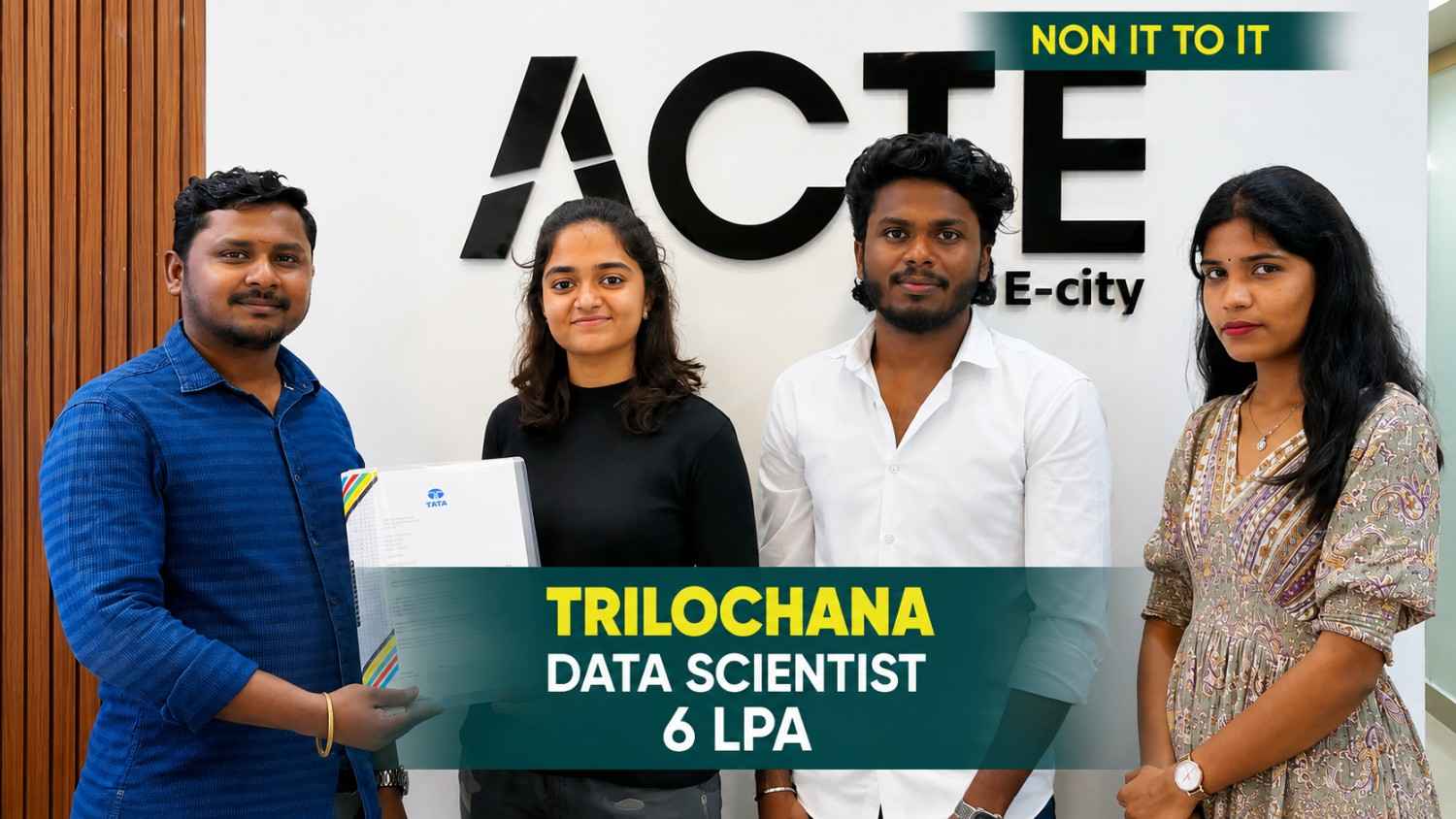
Trilochana found her path with Linkplux and landed the dream job.
#Datascience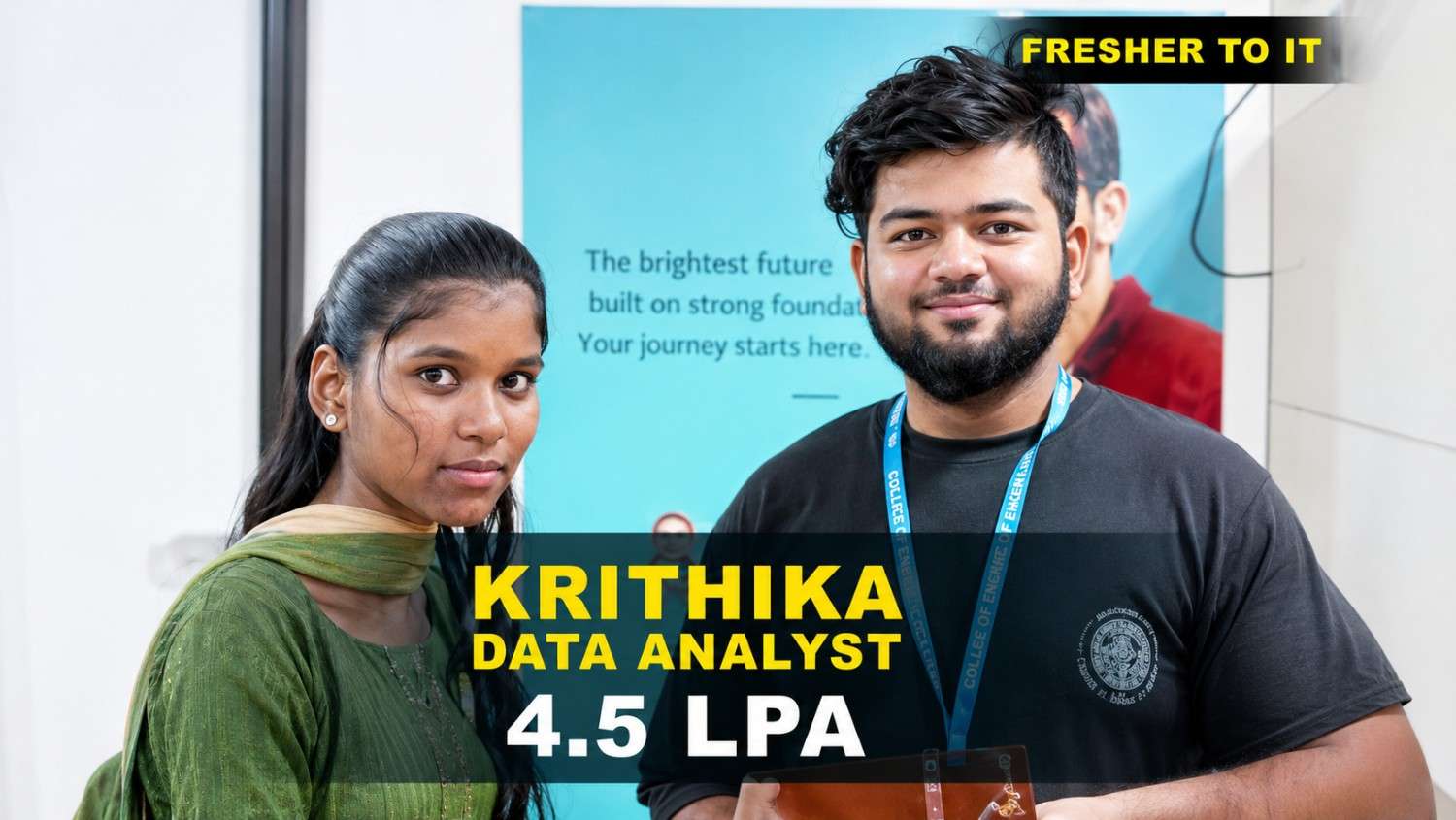
Krithika transformed her career with Linkplux and secured a Data Analyst role with a 4.5 LPA package. 🚀
#DataAnalytics
Students shared how Linkplux's practical training and live projects helped him confidently start his Digital Marketing career.
#DigitalMarketing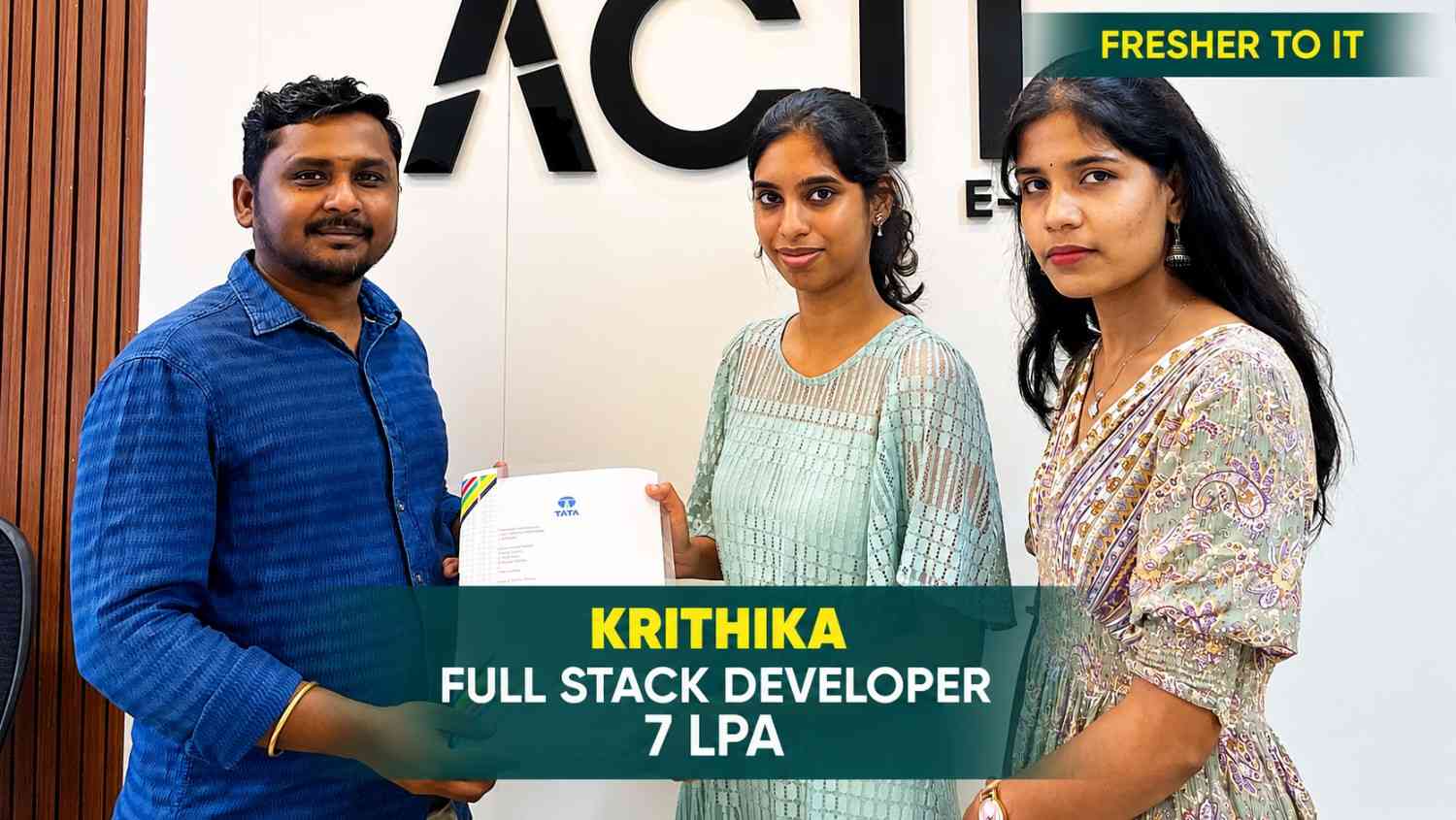
Krithika built her Full Stack Development skills at Linkplux and secured a 7 LPA Software Developer role. 🚀
#FullStackDevelopment
Oviya Shree developed strong Data Analytics skills at Linkplux and launched her career as a Data Analyst. 📊
#DataAnalytics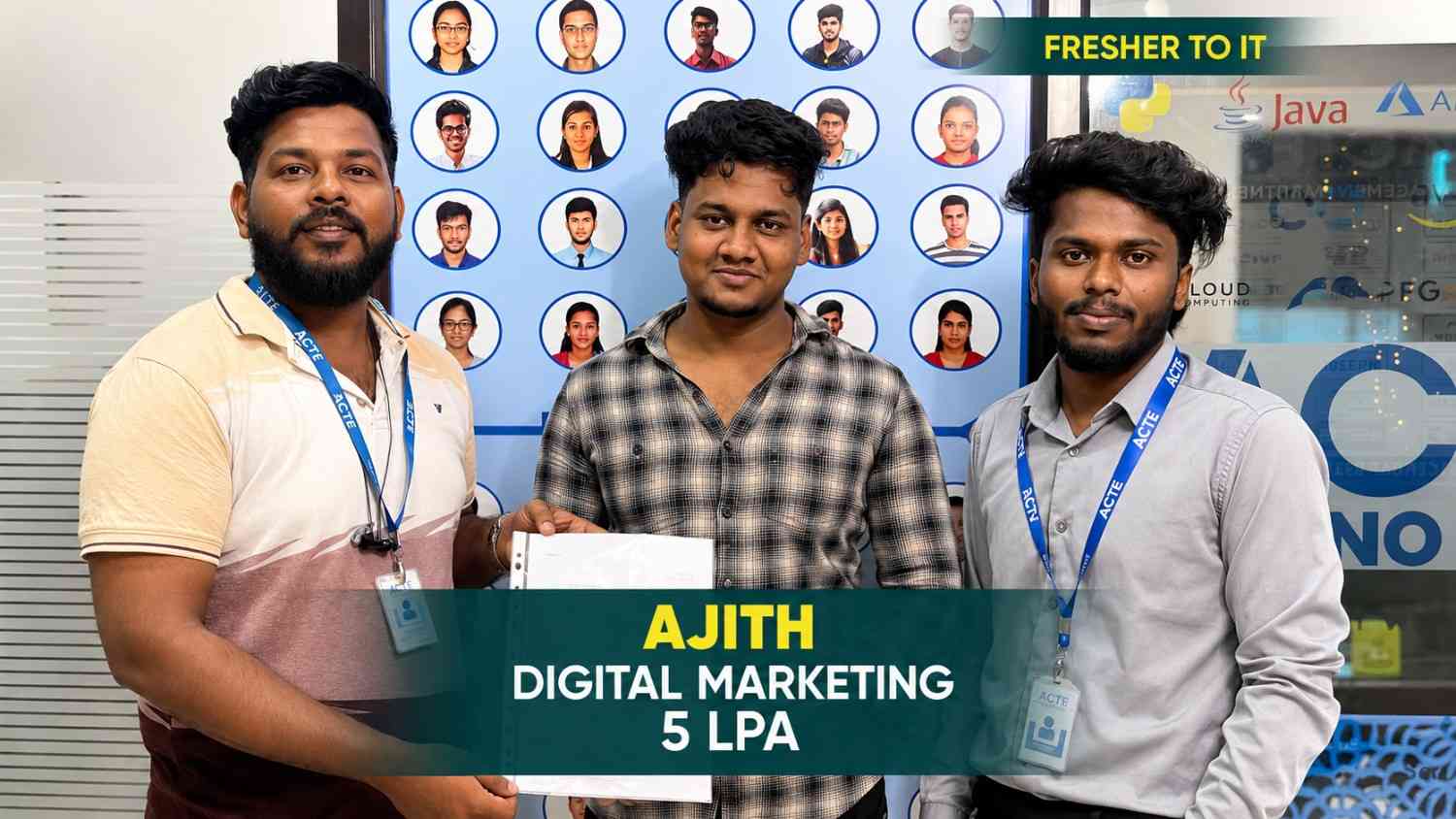
From a small town to a top tech firm, learn how our hands-on projects helped.
#Inspiration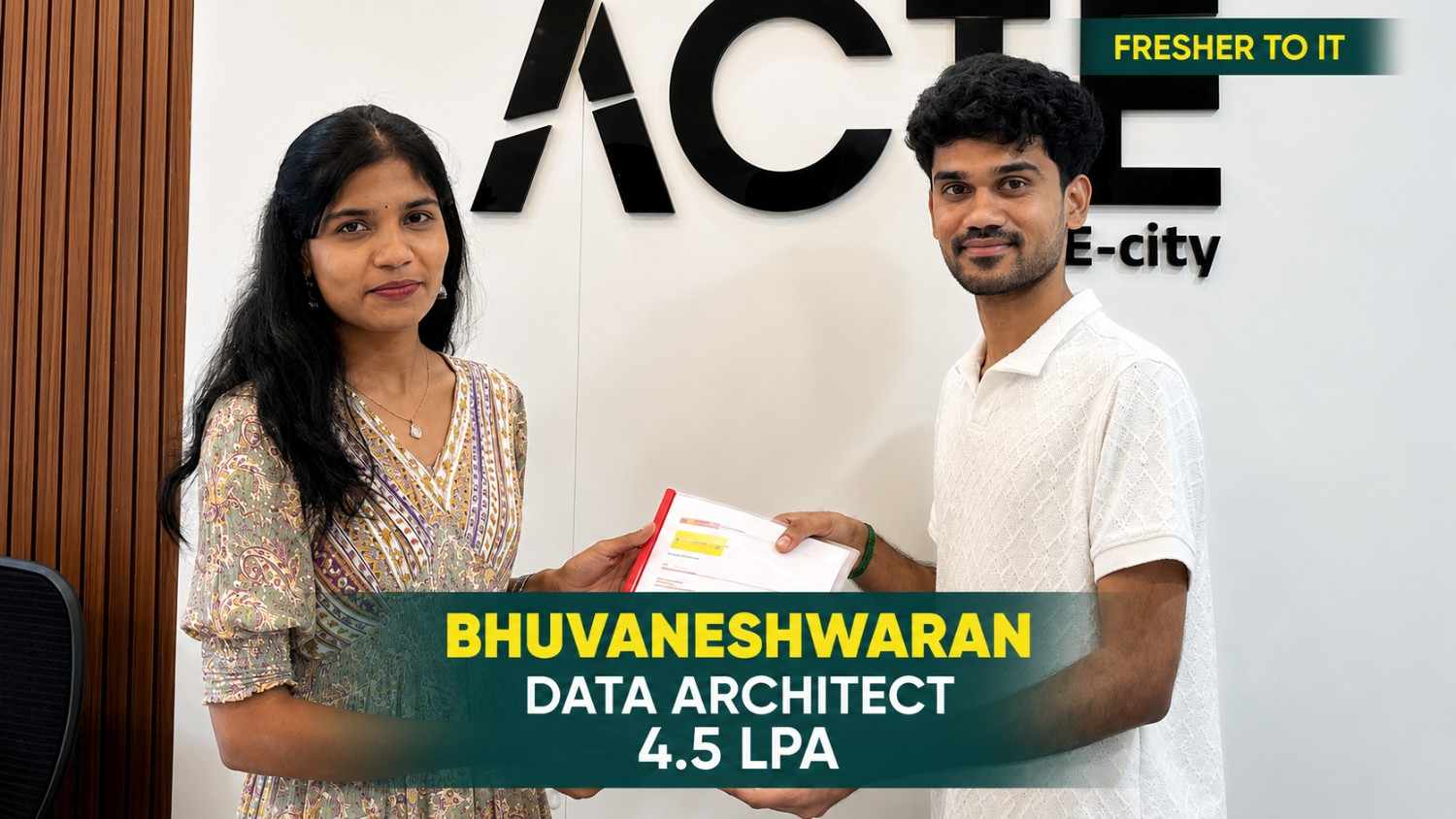
From a small town to a top tech firm, learn how our hands-on projects helped.
#Inspiration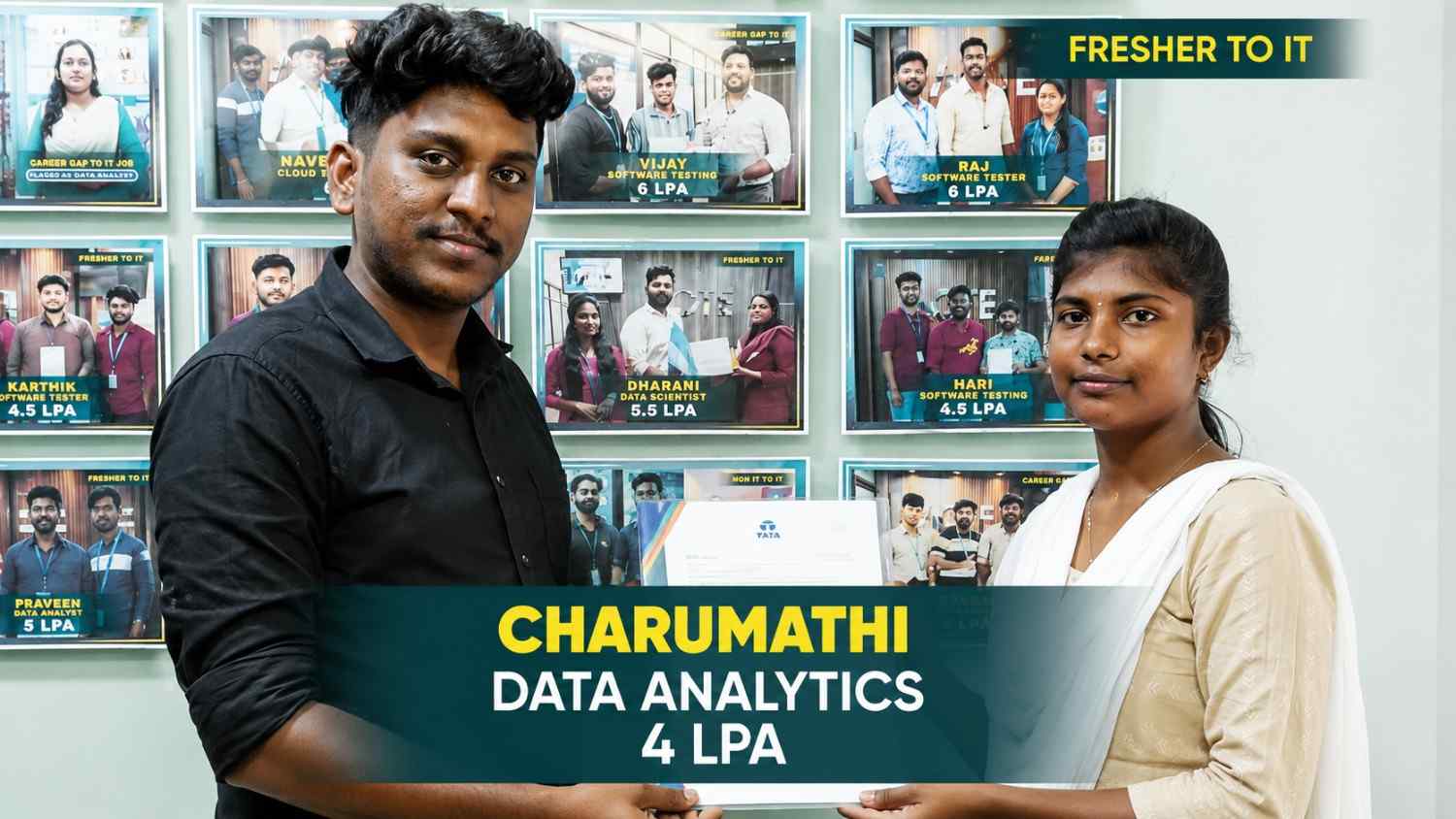
From a small town to a top tech firm, learn how our hands-on projects helped.
#Inspiration
From a small town to a top tech firm, learn how our hands-on projects helped.
#Inspiration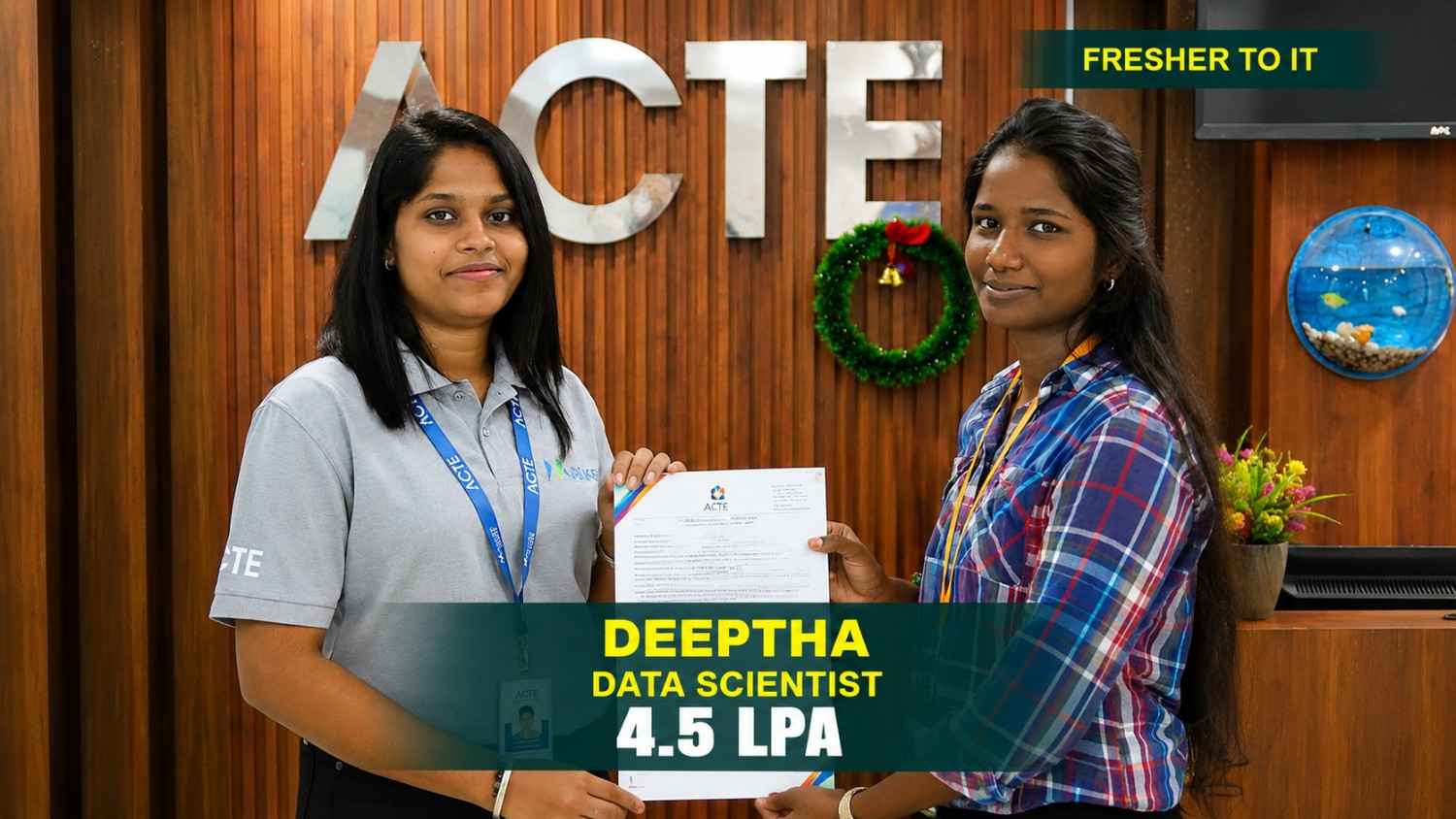
From a small town to a top tech firm, learn how our hands-on projects helped.
#Inspiration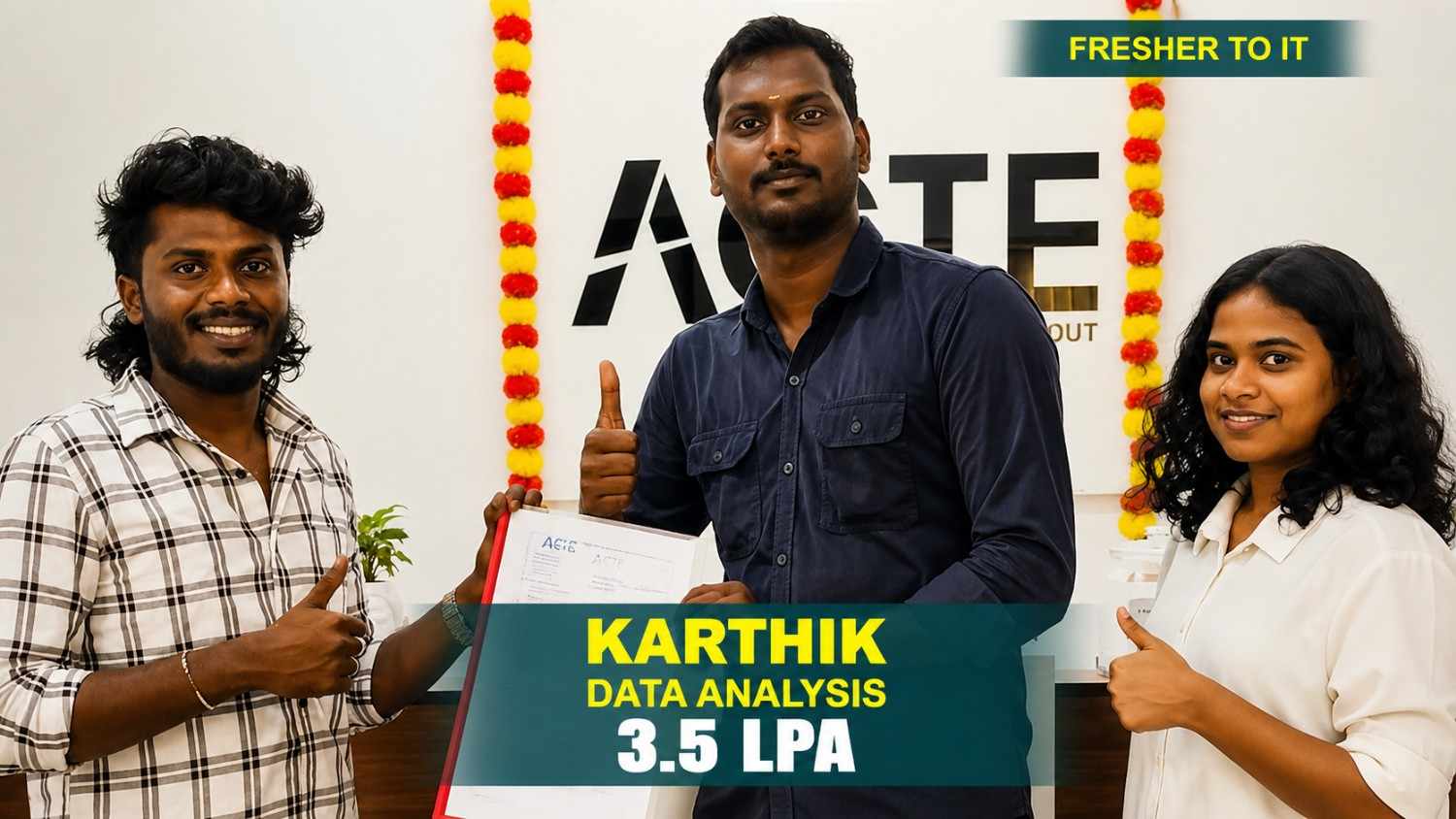
From a small town to a top tech firm, learn how our hands-on projects helped.
#InspirationGet Your UI/UX Design Training
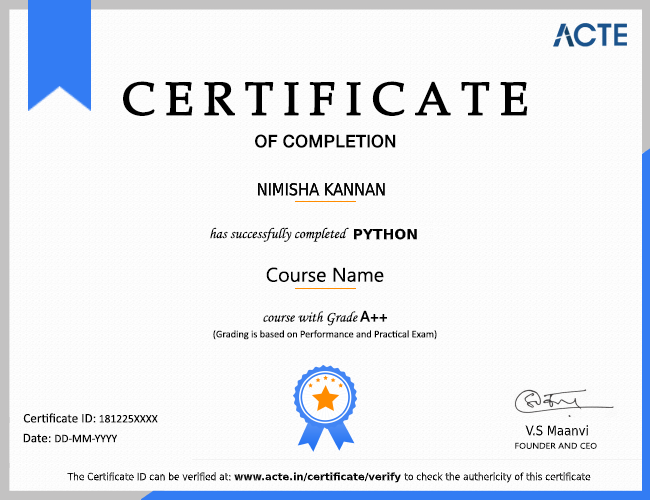
Certificate in Gurgaon
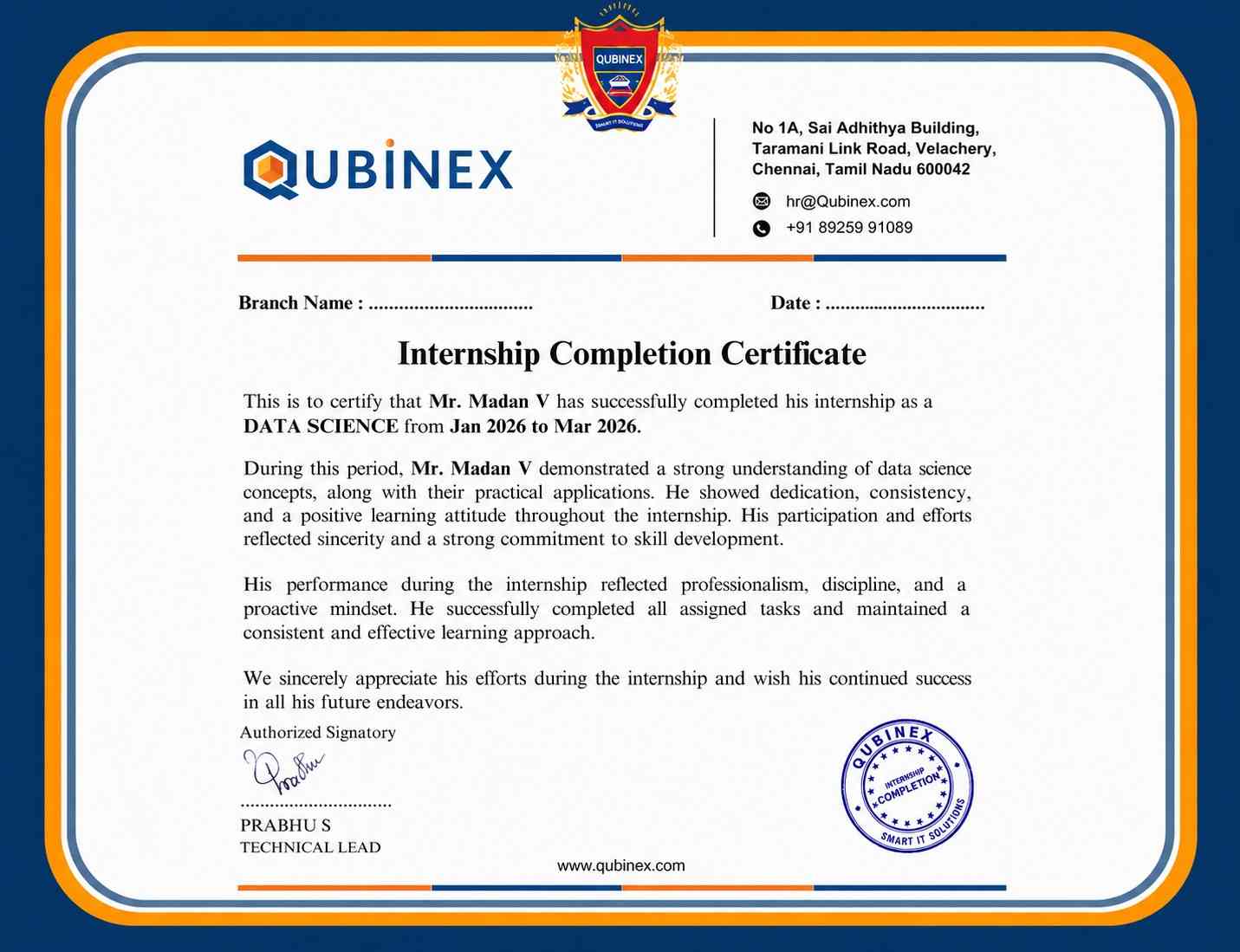
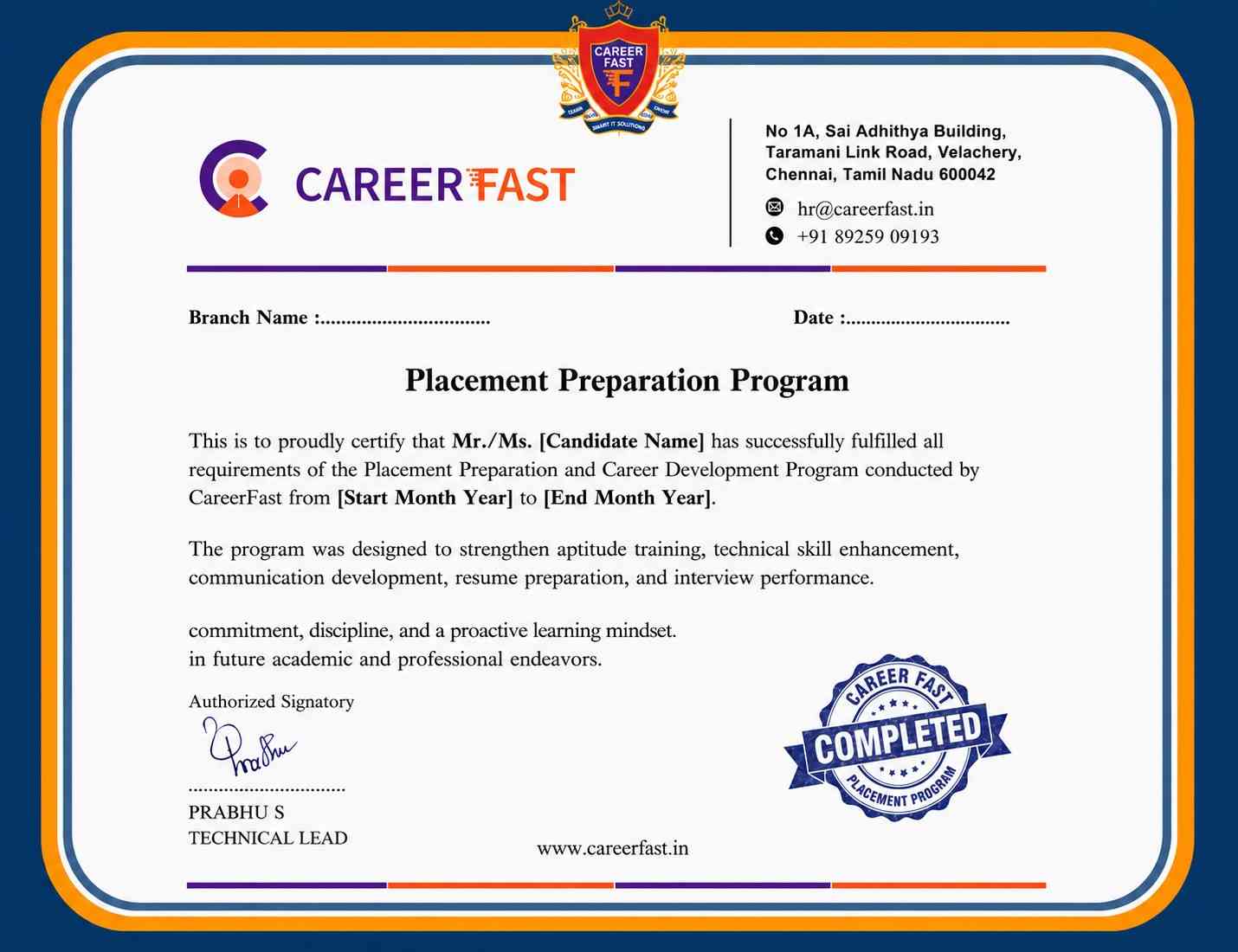
A UI/UX design certificate from Linkplux demonstrates your practical knowledge of user-centered design, audience research, content structure, screen planning, Figma prototyping, visual communication, interface testing, and responsive web design. It enhances your professional portfolio, showcases project-based learning, and helps you pursue opportunities in Gurgaon's digital industry as a UI Designer, UX Designer, Product Designer, Interaction Designer, or UX Researcher.


Reviews from Our Successful Students
See how our AI-powered IT training institute has helped students succeed.

"Perfect for Beginners"
Hi, I'm Priya.S . I completed my undergraduate degree in 2021. Then I decided to change my career to the IT field. The trainers were very friendly and cleared all my doubts. My special thanks to Ashok sir for his guidance. I learned to create a website very easily. The real-time project gave me the confidence to crack the interview.

"Hands-On Learning That Built My Confidence"
The MERN Stack training at Linkplux gave me practical experience in building real-world web applications. Every concept was explained clearly with hands-on coding sessions, making it easy to understand both frontend and backend development. The trainers were supportive throughout the course, and the live projects helped me gain the confidence to attend interviews and start my career as a Full Stack Developer.

"A Perfect Start to My Digital Marketing Career"
The Digital Marketing program at Linkplux gave me the confidence to work on real-world projects and understand industry practices. The trainers explained every concept with practical examples, and the live assignments helped me improve my skills. I truly appreciate the guidance and support I received throughout the course and would recommend Linkplux to anyone looking to build a successful career in Digital Marketing.

"A Career-Changing Learning Experience"
The practical assignments and live projects at Linkplux helped me gain real-world experience in Data Analytics. The trainers explained every concept clearly and guided me throughout the learning journey. The hands-on approach boosted my confidence and prepared me for industry challenges. I highly recommend Linkplux to anyone looking to build a successful career in the IT field.