
Powering Digital Growth for Businesses Across Industries




















Our Success Stories







Why Choose Us?
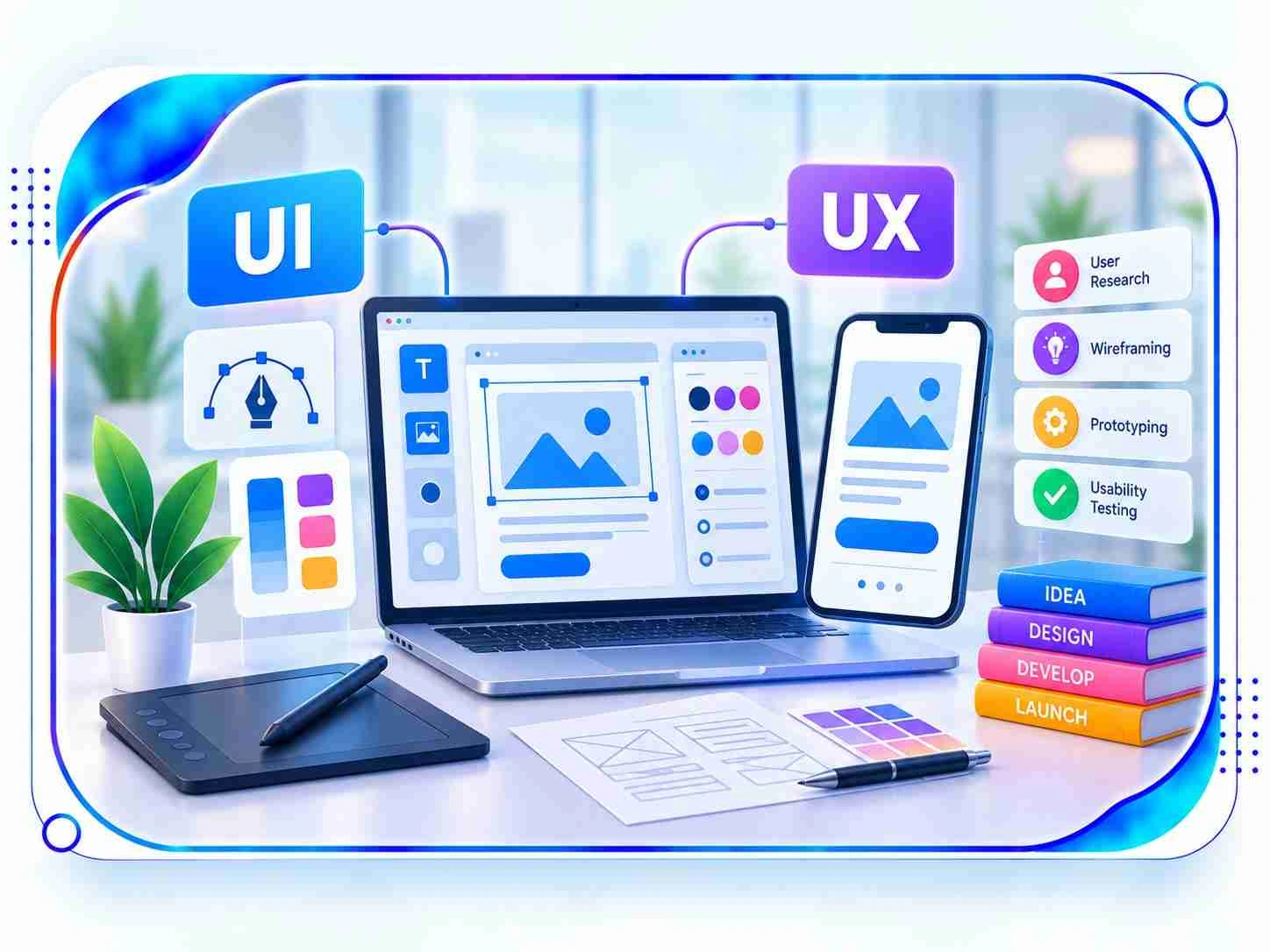
Our UI and UX Design Services in Gurgaon focus on developing purposeful digital interfaces that combine visual appeal with effortless functionality. We help businesses improve digital interactions through audience analysis, structured navigation, interactive prototyping, and adaptable layouts. Our solutions support websites, mobile applications, SaaS platforms, business software, and diverse online products.
Personalized User Journeys
Modern Visual Interfaces
Insight-Led Design Planning

Clickable Design Prototypes
Adaptive Multi-Device Layouts
Conversion Experiences
What Makes Linkplux The Best UI & UX Design Service in Gurgaon?
What Our Clients Say About Us
LinkPlux UI & UX Design FAQs
FAQs + more
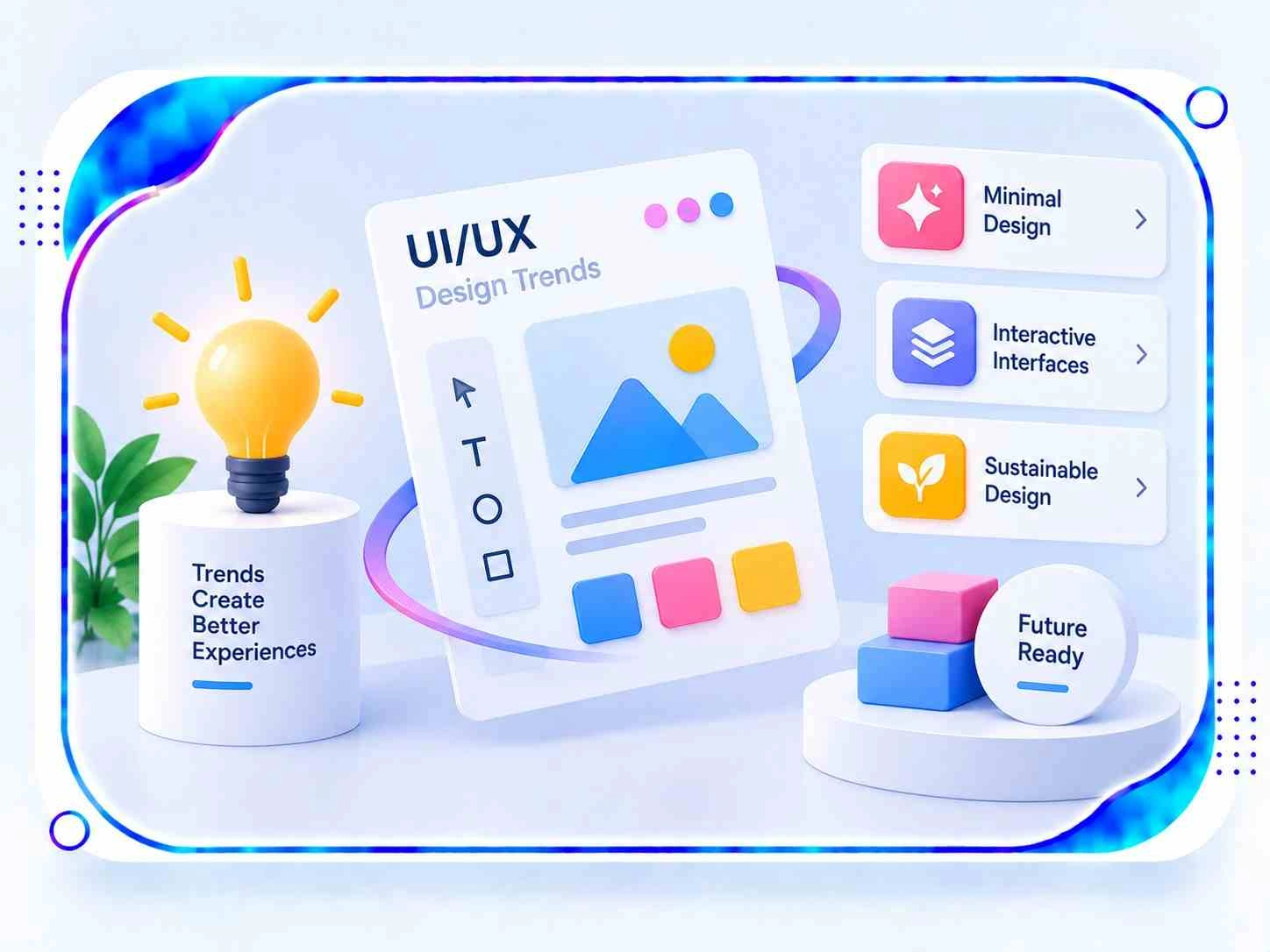
UI and UX Design work together to shape both the appearance of a digital product and the experience people have when using it. User Interface design covers visual details such as screen layouts, colours, typography, icons, buttons, and interactive elements. User Experience design focuses on audience research, navigation, content organization, user journeys, and task completion. Combining both disciplines helps create digital products that are attractive, accessible, straightforward to navigate, and aligned with user expectations.
Businesses in Gurgaon can use professional UI and UX planning to make their websites, applications, and online platforms easier to understand and operate. Research-led design helps identify customer preferences, remove unnecessary steps, improve content presentation, and create more consistent digital journeys. From emerging startups and technology businesses to eCommerce stores and established enterprises, a well-designed interface can strengthen customer interactions, support brand credibility, and help visitors complete important actions with greater confidence.
The scope can include audience research, competitor reviews, user personas, journey mapping, information architecture, navigation planning, wireframes, interactive prototypes, interface styling, responsive layouts, usability testing, accessibility reviews, and reusable design systems. Depending on the project, the process may also cover interface audits, design documentation, interaction specifications, and developer handover. The final deliverables are planned around the product's complexity, intended users, technical requirements, and business priorities.
User Interface design determines how a digital product looks and how its visual elements respond to interaction. It includes typography, colour palettes, spacing, buttons, icons, and screen composition. User Experience design examines how the product works for its audience, including navigation, information flow, functionality, accessibility, and the steps required to complete tasks. These areas complement one another: UI creates a coherent interface, while UX helps ensure that the overall journey is useful and easy to follow.
The discovery stage may involve customer interviews, surveys, website analytics, feedback analysis, competitor research, user observations, and reviews of the existing interface. Designers use these findings to understand audience goals, common difficulties, decision-making patterns, and expectations from the product. Personas and journey maps can then help organize the insights into practical design priorities, ensuring that layouts and features are based on user needs rather than assumptions alone.
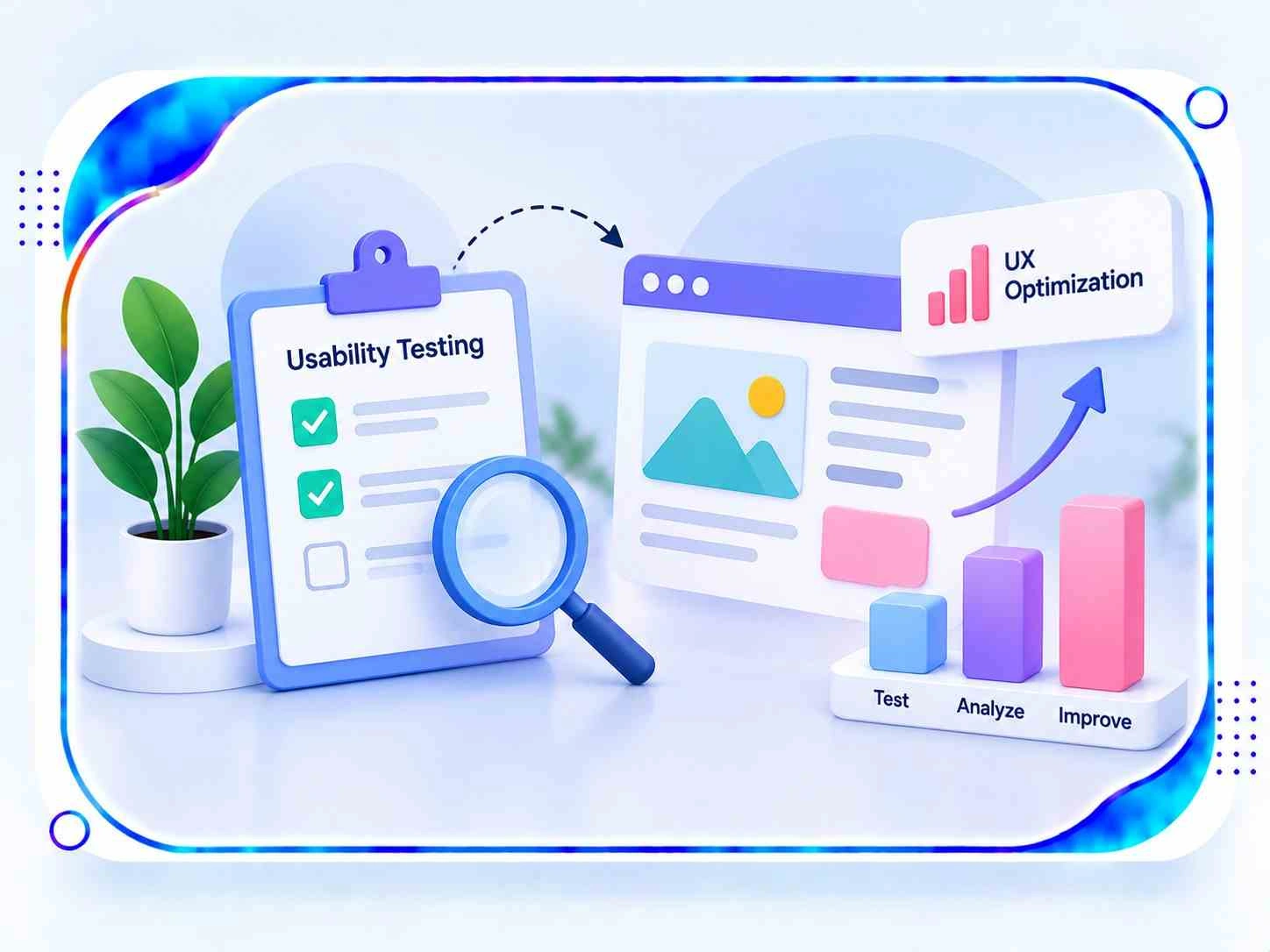
Thoughtful design can make a website more convenient by arranging information logically, improving menu structures, highlighting important actions, simplifying forms, and reducing unnecessary navigation. Clear visual hierarchy helps visitors recognize essential information, while responsive layouts support browsing across different devices. Testing with users can uncover confusing links, difficult interactions, and other usability barriers, allowing the design team to make focused changes that improve the overall browsing experience.
Wireframes outline the basic structure of each screen, showing where content, navigation, and essential functions should appear before detailed styling begins. Prototypes provide a more interactive representation of the proposed product, making it possible to explore user journeys and gather feedback before development. Both methods help teams validate ideas early, identify design gaps, coordinate stakeholder expectations, and reduce the need for major changes later in the project.
Yes. Mobile application design can cover onboarding screens, navigation, dashboards, forms, touch controls, notifications, gestures, and the main journeys users follow within an app. The design considers platform conventions, screen dimensions, readability, accessibility, and interaction behaviour across Android and iOS devices. This helps create an application experience that feels consistent with the brand while remaining practical for people using different devices and operating systems.
Yes. A redesign usually begins with reviewing the current interface, navigation, content structure, responsiveness, accessibility, and user behaviour. This assessment helps reveal outdated visual elements, inconsistent components, complicated workflows, and features that may be difficult to use. Based on the findings, the design team can reorganize content, refine screen layouts, establish a consistent visual system, and improve important user journeys while retaining existing elements that continue to work effectively.
Design outcomes can be reviewed using usability tests, task-completion rates, customer feedback, navigation patterns, engagement data, conversion metrics, and accessibility assessments. The most useful indicators depend on the product's purpose and the goals established at the beginning of the project. Comparing performance before and after updates can help determine whether the changes have made tasks easier, reduced friction, and improved the experience for the intended audience.
The schedule depends on the size and complexity of the product, the number of screens, research depth, prototype requirements, testing activities, stakeholder reviews, and the number of refinement rounds. A small website may need a shorter design cycle, whereas a large application, SaaS platform, or enterprise solution may require several stages of discovery, planning, interface creation, validation, and documentation. A clear project scope and timely feedback help establish a realistic delivery plan.
An intuitive digital experience can encourage users to explore a website or application by making information easier to find and actions simpler to complete. Helpful navigation, readable content, accessible controls, responsive screens, and consistent interaction patterns reduce confusion during important tasks. Although engagement also depends on factors such as product value and audience relevance, a well-planned interface can remove usability barriers and provide a more satisfying experience for customers.
Yes. These design disciplines are valuable for SaaS platforms, business dashboards, CRM systems, enterprise portals, workflow applications, and other products with multiple features or user roles. Clear information architecture, reusable interface components, organized data displays, and streamlined workflows can make complex systems easier to operate. A consistent design framework also helps teams maintain visual and functional standards as the product expands and additional capabilities are introduced.
A strong design strategy starts with defined business objectives, a clear understanding of the intended audience, and an assessment of the current digital experience. Companies should consider user research, competitor activity, content structure, accessibility, technical limitations, and the actions they want customers to complete. These insights can guide decisions about priorities, prototypes, interface standards, and usability testing. Linkplux applies this structured approach to help businesses in Gurgaon plan digital experiences around their users and long-term goals.