
Powering Digital Growth for Businesses Across Industries




















Our Success Stories







Why Choose Us?
UI and UX Design Services in Pune is all about crafting engaging and user-friendly digital experiences. Through conducting research on users, planning an intuitive interface, navigation design, and responsive layout, we assist organizations in creating better digital products. We provide UI and UX design services for websites, mobile apps, SaaS, software products, and other digital spaces.
User-Centered Experiences
Creative Interface Solutions
Research-Driven UX Strategy

Interactive Wireframes
Responsive Design Frameworks
Engagement-Focused UX
What Makes Linkplux The Best UI & UX Design Service in Pune?
What Our Clients Say About Us
LinkPlux UI & UX Design FAQs
FAQs + more
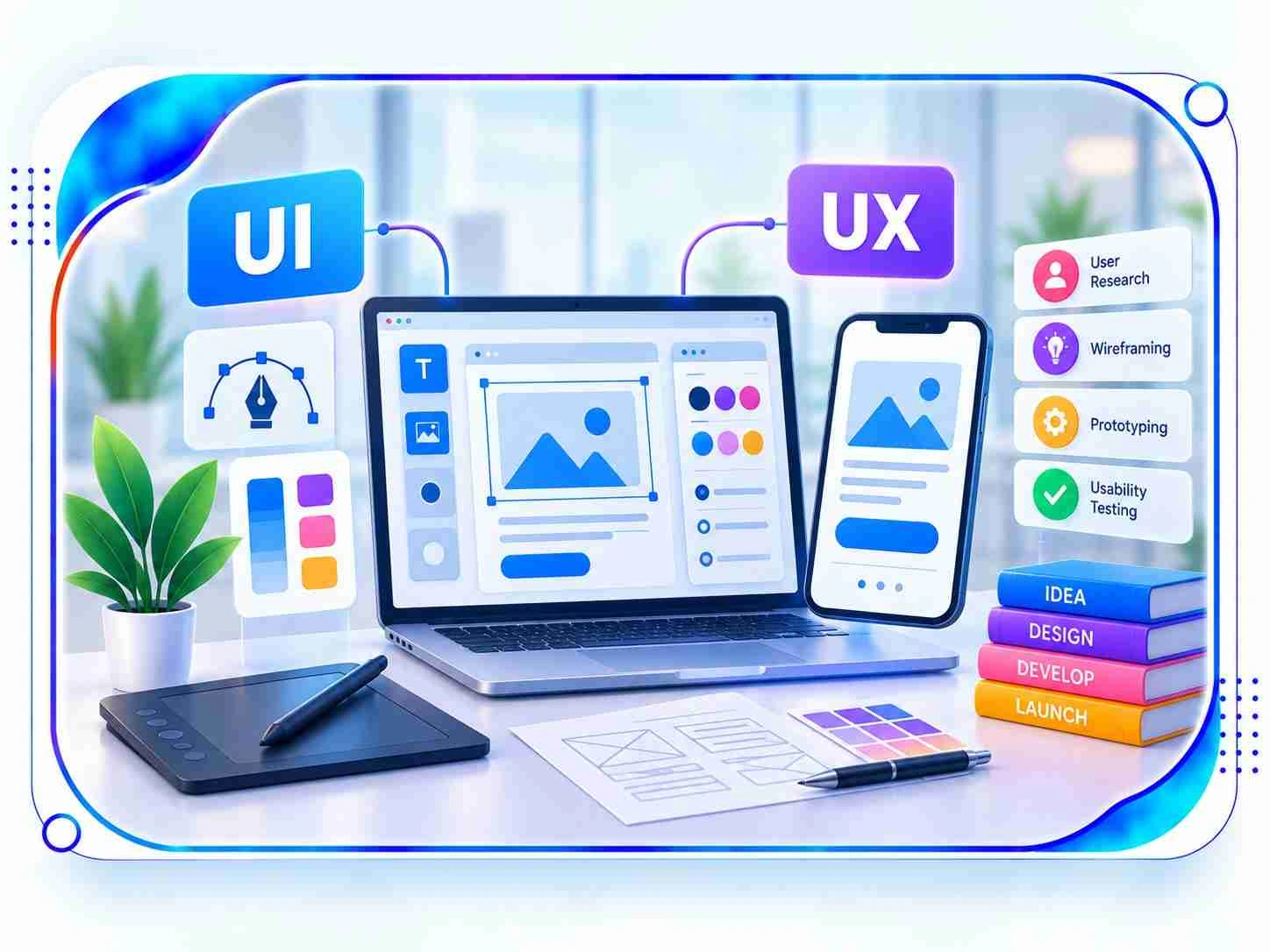
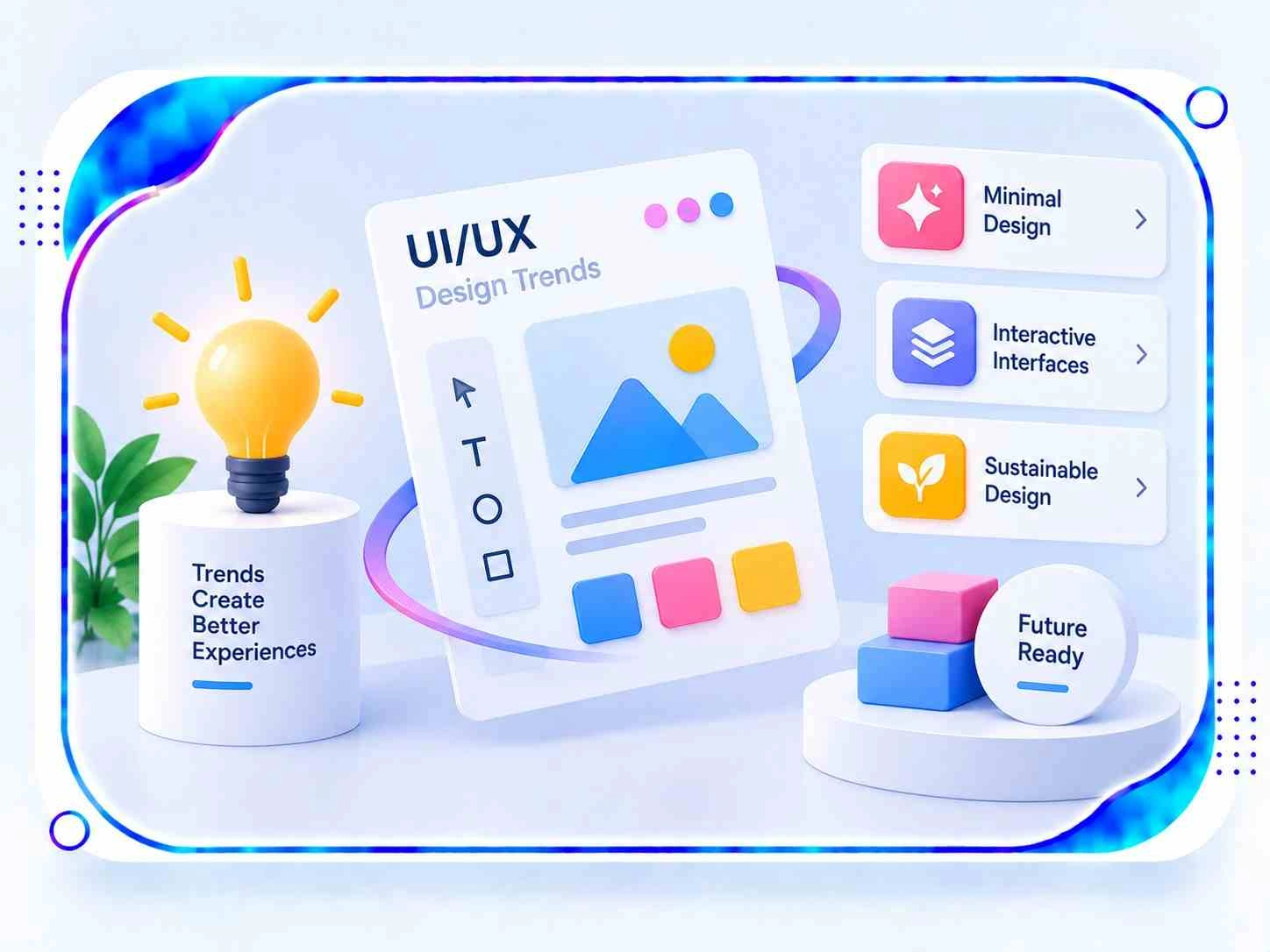
UI & UX Design brings together the visual presentation of a digital product and the overall experience users have while interacting with it. UI focuses on elements such as layouts, typography, colours, icons, and interactive components, while UX considers research, navigation, information structure, workflows, and usability. When planned together, they can make websites, applications, and digital platforms clearer, more engaging, and easier to use.
Professional design can help Pune businesses present their digital products with greater clarity, consistency, and ease of use. A research-driven process can uncover customer expectations, simplify important journeys, strengthen interface structure, and create experiences that align with business objectives. Whether it is a startup, SaaS brand, eCommerce business, technology firm, or established organization, thoughtful design can support stronger digital interactions and customer satisfaction.
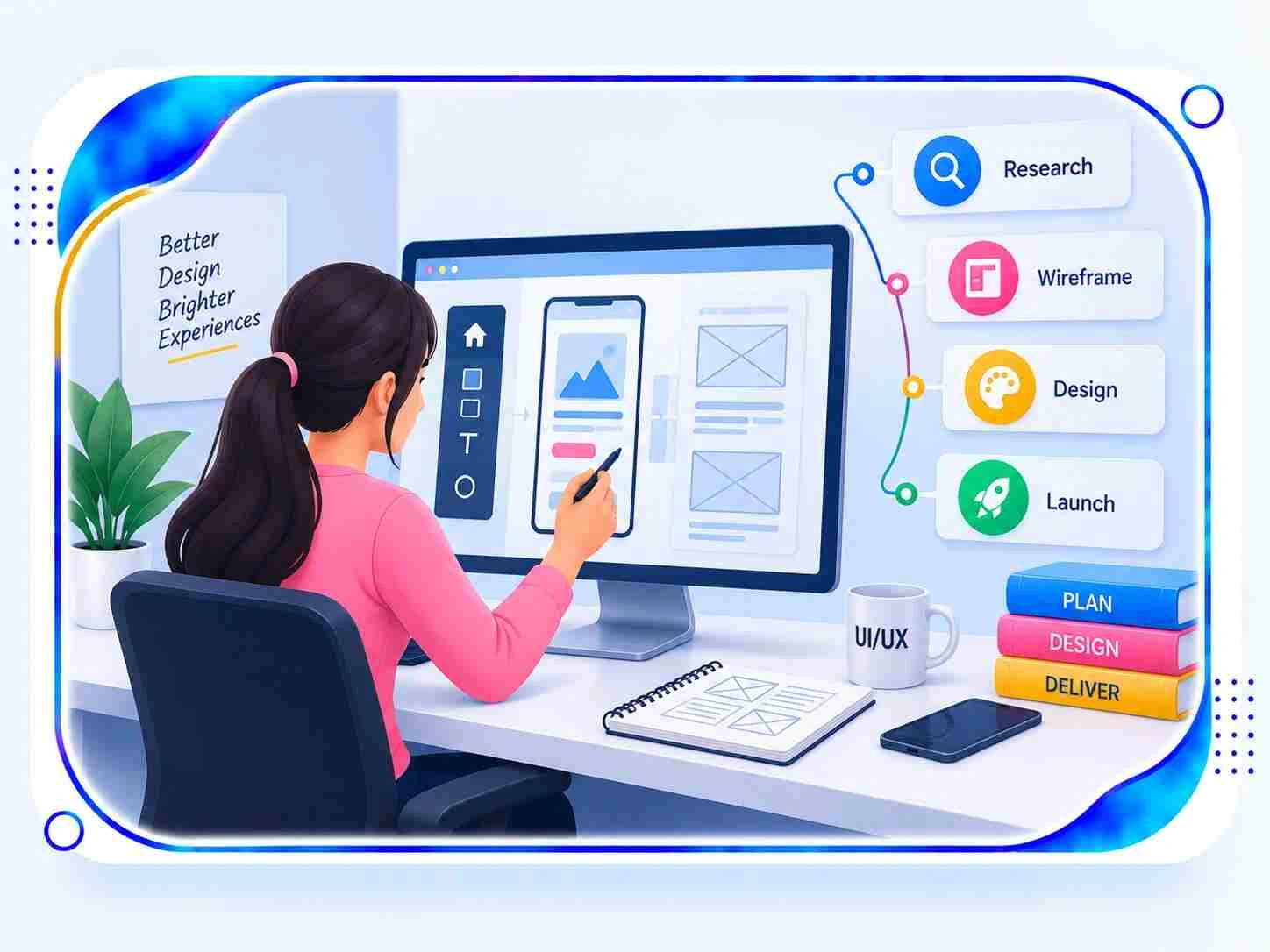
UI & UX Design Services may include user research, audience profiling, competitor evaluation, persona creation, information architecture, user-flow mapping, wireframing, prototyping, interface design, interaction planning, responsive layouts, usability testing, accessibility considerations, and design-system development. The exact scope can be adjusted according to the platform, functionality, audience, industry, and goals of the project.
UI Design deals primarily with the visual and interactive aspects of a product, including typography, colour selection, spacing, imagery, buttons, icons, and screen layouts. UX Design takes a broader view by examining user requirements, content organization, navigation, task flows, functionality, and overall usability. Together, these disciplines help create interfaces that are visually coherent while providing a practical and comfortable experience.
User research can involve interviews, surveys, analytics, customer feedback, usability sessions, competitor reviews, behavioural observations, personas, and journey mapping. These activities help identify what users expect, where they encounter difficulties, how they complete common tasks, and what influences their decisions. The findings give designers a practical foundation for developing interfaces around real audience needs rather than relying only on assumptions.
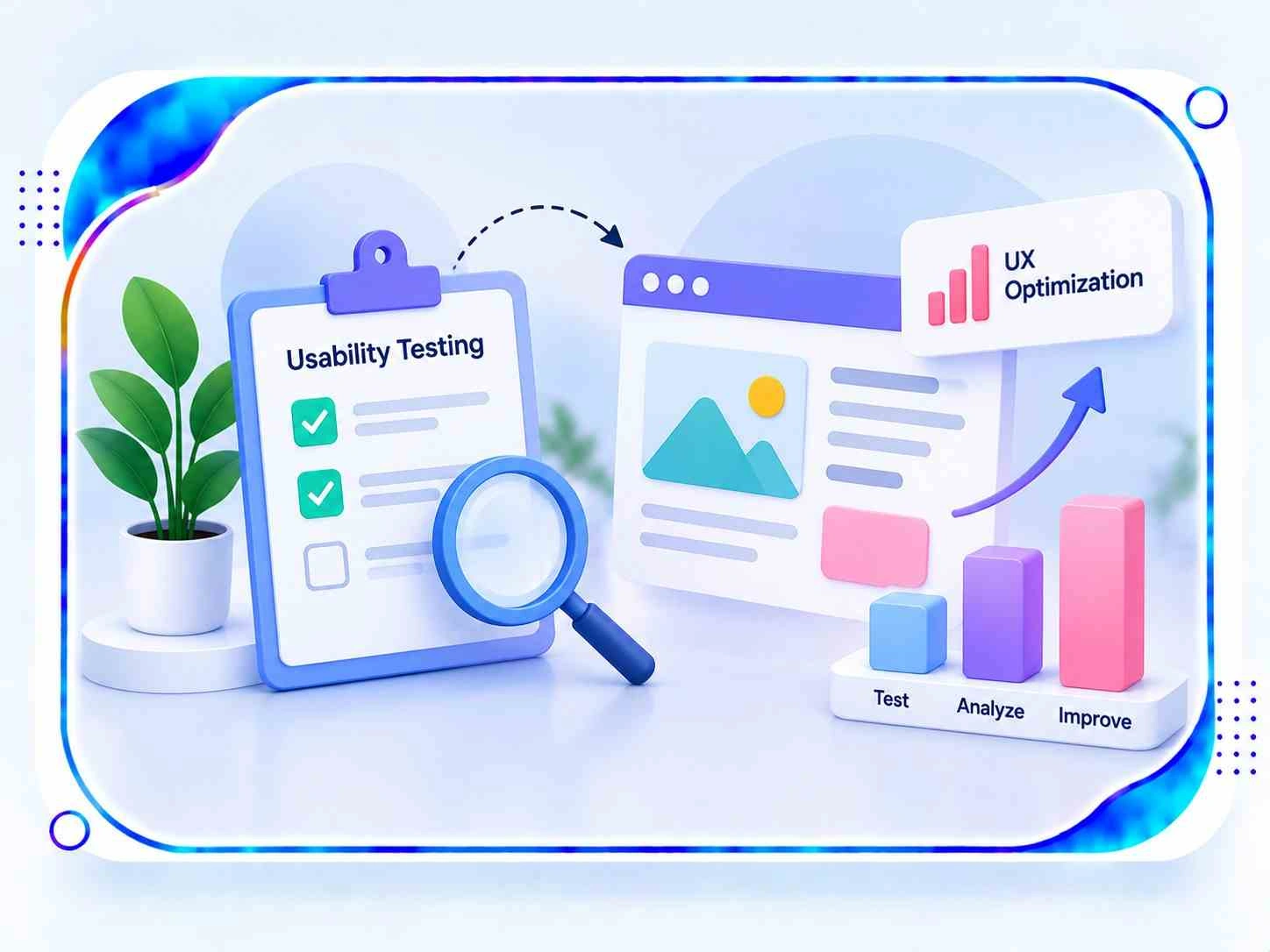
Effective interface planning can improve usability by organizing content logically, simplifying navigation, highlighting important actions, reducing unnecessary steps, and establishing a clear visual hierarchy. Responsive patterns also help maintain a consistent experience across screen sizes. Usability assessments can reveal confusing menus, difficult forms, unclear controls, and other friction points that may prevent visitors from completing important actions.
Wireframes act as structural plans that define screen arrangement, content placement, navigation, and essential functions before detailed visuals are introduced. Prototypes go a step further by allowing planned interactions and user flows to be explored before development. These stages help teams identify structural issues, gather feedback, validate ideas, and make necessary changes while the design is still flexible.
Yes. Mobile-focused UI & UX planning can cover application screens, touch interactions, navigation structures, onboarding flows, forms, notifications, gestures, visual components, and task journeys for Android and iOS products. Designers can account for different screen sizes, operating-system conventions, accessibility needs, and device behaviours while maintaining a consistent visual language throughout the application.
Yes. A redesign can start with an evaluation of the existing product to identify navigation issues, outdated interface patterns, inconsistent components, accessibility concerns, and inefficient workflows. After reviewing user behaviour and business priorities, designers can restructure content, refine information architecture, create updated wireframes, introduce a refreshed visual system, and develop responsive screens while retaining elements that continue to serve a useful purpose.
The effectiveness of a design can be examined through usability sessions, task-completion rates, interaction patterns, customer feedback, engagement measurements, navigation behaviour, accessibility reviews, retention data, and relevant conversion metrics. The appropriate indicators depend on the product and its objectives. Comparing results before and after design changes can provide useful insight into usability improvements and reveal areas that may require further refinement.
Project timelines can vary according to the number of screens, product complexity, research requirements, functionality, prototype depth, testing needs, feedback cycles, and design-system requirements. A small website may involve a relatively focused process, while a mobile application, eCommerce platform, SaaS product, or enterprise system may require multiple phases covering discovery, architecture, wireframing, interface design, validation, and refinement.
Yes. A clear interface combined with well-planned user journeys can reduce confusion and make digital interactions more convenient. Logical navigation, useful content, responsive screens, accessible controls, helpful feedback, and streamlined task flows can encourage visitors to explore a product and complete relevant actions. Maintaining consistency across screens can also help users become familiar with the product and interact with it more confidently.
Yes. UI & UX Design can be particularly valuable for SaaS applications, enterprise software, dashboards, portals, CRM systems, workflow tools, and other feature-rich platforms. Designers can simplify complex processes, organize large amounts of information, establish reusable components, and create role-specific journeys. This makes sophisticated digital products easier to understand while supporting recurring tasks and different user requirements.
An effective strategy can begin with understanding the target audience, reviewing existing analytics, studying competitors, mapping important customer journeys, and identifying areas of friction. Businesses can also work with a UI And UX Design Company in Pune to align research, interface planning, prototyping, and usability improvements with their specific digital requirements.