
 4.8 / 5 Rating
Powered by ACTE
Best UI and UX Design Training in Hyderabad
Master Digital Product Design Through Practical UI and UX Training in Hyderabad, Covering Design Thinking, Figma, Wireframing, Prototyping, and Usability Testing.
Professional UI and UX Design
Training in Hyderabad
Linkplux offers structured UI and UX learning focused on design thinking, user research, information architecture, wireframing, Figma, prototyping, and usability testing. Our UI and UX course in Hyderabad blends guided activities, portfolio projects, and mentor assistance to help learners design user-centered digital products and build professional design capabilities.
Practical UI/UX Design Projects
Figma and Prototyping Tools
Career and Placement Support

Professional Design Portfolio
Industry Expert Mentorship
UI/UX Certification Support
Course Highlights
Hands-On UI and UX Learning
Develop design expertise through assignments, workshops, and guided exercises covering core UI/UX methodologies and creative problem-solving techniques.
Figma and Interactive Prototypes
Master Figma, wireframes, and interactive prototypes to structure user flows, refine screen layouts, and create engaging product interfaces for digital products.
Career-Oriented Certification
Build a UI/UX course credential that reflects your knowledge of interface composition, accessibility, usability, and practical experience design practices.
Career and Placement Support
Get career assistance through resume refinement, portfolio feedback, interview coaching, and mentorship for growing UI/UX design roles and opportunities.
Industry-Based Design Projects
Explore project-based assignments covering user personas, responsive layouts, usability evaluation, and practical product design scenarios.
Mentor-Led Design Sessions
Study with experienced instructors covering design thinking, user research, visual hierarchy, Figma, prototyping, and advanced UX strategy techniques.
Portfolio Development Support
Create a designer portfolio featuring user flows, wireframes, prototypes, case studies, responsive screens, and relevant UI/UX project work for recruiters.
UI/UX Interview Readiness
Strengthen design interview preparation through portfolio reviews, mock sessions, design assignments, and targeted career development guidance.
How You'll Learn
UI and UX Design Training Course Syllabus
Paper 1: UI/UX Foundations and Design Thinking
- Unit 1: UI/UX Basics, Human-Centered Design and Fundamental Design Principles
- Unit 2: Design Thinking, Empathy Mapping and Problem Discovery Approaches
- Unit 3: User Personas, Journey Maps, Scenarios and Experience Analysis
- Unit 4: Usability Guidelines, Accessibility and Inclusive Interface Design
- Unit 5: UX Process, Project Planning and Essential Research Techniques
Design Tools used in this Paper: Figma, FigJam, ChatGPT
Paper 2: UX Research, Personas and Information Architecture
- Unit 1: Interviews, Questionnaires, Observation and User Research Approaches
- Unit 2: Competitor Analysis, Stakeholder Expectations and Requirement Gathering
- Unit 3: Research Findings, Affinity Diagrams and Behavioral Pattern Analysis
- Unit 4: Information Architecture, Content Hierarchy and Navigation Structure
- Unit 5: User Journeys, Task Flows, Sitemaps and Experience Planning
Design Tools used in this Paper: FigJam, Miro, Figma, ChatGPT
Paper 3: Wireframing, User Flows and Interaction Design
- Unit 1: Wireframe Concepts, Sketching and Low-Fidelity Screen Planning
- Unit 2: User Flows, Task Sequences, Navigation Models and Screen Connections
- Unit 3: Grids, Margins, Alignment, Visual Hierarchy and Layout Structure
- Unit 4: Forms, Controls, Cards, Navigation Menus and Interaction Components
- Unit 5: Responsive Interfaces for Websites, Mobile Products and Multiple Screens
Design Tools used in this Paper: Figma, FigJam, Adobe XD
Paper 4: Figma UI Design & Interactive Prototyping
- Unit 1: Figma Workspace, Frames, Layers, Shapes and Core Design Operations
- Unit 2: Components, Variants, Constraints, Auto Layout and Reusable Patterns
- Unit 3: Prototype Connections, Transitions, Overlays and Micro-Interactions
- Unit 4: High-Fidelity Interfaces, Clickable Journeys and Interactive Screens
- Unit 5: Team Collaboration, Developer Handoff and Design Documentation
Design Tools used in this Paper: Figma, FigJam, Zeplin
Paper 5: Visual Design, Typography & Color Theory
- Unit 1: Visual Composition, Balance, Proportion, Contrast and Design Harmony
- Unit 2: Color Psychology, Color Palettes, Accessibility and Interface Standards
- Unit 3: Typography, Font Selection, Legibility and Content Hierarchy
- Unit 4: Icons, Imagery, Graphics and Consistent Visual Elements
- Unit 5: Visual Emphasis, Negative Space and Contemporary Interface Practices
Design Tools used in this Paper: Figma, Adobe Photoshop, Adobe Illustrator
Paper 6: Design Systems, Components & Responsive UI
- Unit 1: Design Systems, Style Libraries, Design Tokens and Visual Standards
- Unit 2: Component Sets, Variations, States and Modular Interface Elements
- Unit 3: Responsive Layouts, Grids, Breakpoints and Flexible Screen Structures
- Unit 4: Mobile-First Interfaces, Cross-Device Patterns and Platform Requirements
- Unit 5: Material Design, UI Guidelines and Scalable Product Interfaces
Design Tools used in this Paper: Figma, FigJam, Material Design
Paper 7: Usability Testing, Accessibility & UX Evaluation
- Unit 1: Usability Studies, Test Planning and Participant Recruitment
- Unit 2: Heuristic Reviews, Usability Problems and Interface Assessment
- Unit 3: Accessibility Standards, Inclusive Experiences and WCAG Basics
- Unit 4: A/B Experiments, User Responses and Evidence-Based Design Changes
- Unit 5: Prototype Evaluation, Pain Point Discovery and Experience Refinement
Design Tools used in this Paper: Figma, Maze, Google Forms, ChatGPT
Paper 8: Advanced Interaction Design & Product UX
- Unit 1: Interaction Models, UX Psychology and Human Cognitive Behavior
- Unit 2: Gestalt Principles, Fitts's Law, Hick's Law and Mental Workload
- Unit 3: Micro-Interactions, Motion, Animation and Interface Feedback
- Unit 4: Product UX, Conversion Journeys, Engagement and Experience Improvement
- Unit 5: AI-Supported Design Processes, Conversational Products and Emerging UX Trends
Design Tools used in this Paper: Figma, FigJam, ChatGPT, Gemini
Paper 9: Portfolio Development, Case Studies & Career Preparation
- Unit 1: Complete UI/UX Project Planning, Research and Problem Framing
- Unit 2: Creating Wireframes, Polished Interfaces and Interactive Prototypes
- Unit 3: UX Case Studies, Design Rationale, Evaluation Findings and Iterations
- Unit 4: Portfolio Curation, Resume Writing and Personal Design Identity
- Unit 5: UI/UX Interview Practice, Design Assignments and Career Mentoring
Design Tools used in this Paper: Figma, FigJam, Notion, ChatGPT
Let's Get Started
Skills Covered


Professional UI & UX Design Tools You'll Master in Hyderabad
UI Design & Visual Design Tools "Create Modern Interfaces with Professional Tools for Visual Design, Typography, Layouts & Responsive Experiences"




UX Research and Design Thinking Tools "Research User Needs, Organize Insights & Build Human-Centered Experiences with Collaborative Design Platforms"


Wireframing & Prototyping Tools "Transform Ideas into Structured Wireframes, Interactive Prototypes & Realistic Digital Product Experiences"


Design Systems & Developer Handoff "Build Scalable Interfaces and Collaborate Efficiently with Developers Using Modern Design System & Handoff Workflows"


Usability Testing & UX Evaluation Tools "Validate Designs, Collect User Feedback and Improve Digital Experiences Through Practical UX Research & Testing Workflows"


AI-Powered UX & Emerging Design Tools "Explore Modern AI-Assisted Design Platforms for Faster Ideation, Interface Generation, Research & Creative UX Workflows"

Product & Web Design Tools "Design Responsive Websites, Mobile Products and SaaS Interfaces Using Modern Product Design & Web Experience Workflows"

Professional Collaboration & Portfolio Tools "Develop Professional Case Studies, Present Design Work and Collaborate Across Real-World UI/UX Product Teams"


Eligibility & Criteria
Everything you need to know to join and qualify for placement.
Who Can Apply?
Eligibility Year of Passing
2018 and After
Graduates
Any Graduate / Diploma
Academic Percentage
Min 60%
Placement Eligibility
Attendance
Min 90%
Assessment Marks
Min 75%
Live Projects
100% Completion
Why UI & UX Design
Course Is A Great Career Choice
UI/UX design blends creativity, user behavior, technology, and strategic thinking to shape effective digital products. Training in research, information architecture, Figma, wireframing, prototyping, responsive interfaces, usability, and design systems helps learners prepare for varied opportunities across the design industry.
Rising Demand for UI/UX Professionals
Scope Across Digital Products
Diverse UI/UX Career Roles
Opportunities in Global Markets
Evolve with Emerging Design Practices
UI/UX Job Roles and Annual Salary Range
Junior UI/UX Designer
- UI/UX Design Intern
- Junior UI Designer
- Junior UX Designer
- Visual Design Associate
- Figma Designer
- Junior Product Designer
UI & UX Designer
- UI Designer
- UX Designer
- UI/UX Designer
- Visual Designer
- Interaction Designer
- UX Design Specialist
UX Research & Interaction Design
- UX Researcher
- UX Research Associate
- Interaction Designer
- UX Strategist
- Information Architect
- Usability Analyst
Product Design
- Product Designer
- Associate Product Designer
- Senior Product Designer
- Digital Product Designer
- Product UX Designer
- Product Design Specialist
Design Systems & UX Strategy
- Design Systems Designer
- UX Strategist
- Design Systems Specialist
- Senior UX Designer
- Lead Product Designer
- UX Design Consultant
UI/UX Design Leadership
- Lead Product Designer
- Design Lead
- UX Lead
- Design Manager
- Head of Design
- Director of Product Design
UI/UX Career Roadmap
- UI/UX Design Intern
- Associate UI Designer
- Junior UX Designer
- UI/UX Designer
- Interaction Designer
- Visual Designer
- Senior UX Designer
- UX Research Specialist
- Senior Product Designer
- Design Lead
- UX Design Manager
- Head of Product Design
Our Alumni Work at




















Success Stories from Our Students
See how Linkplux's IT training programs have helped students land top jobs through hands-on learning and expert guidance.
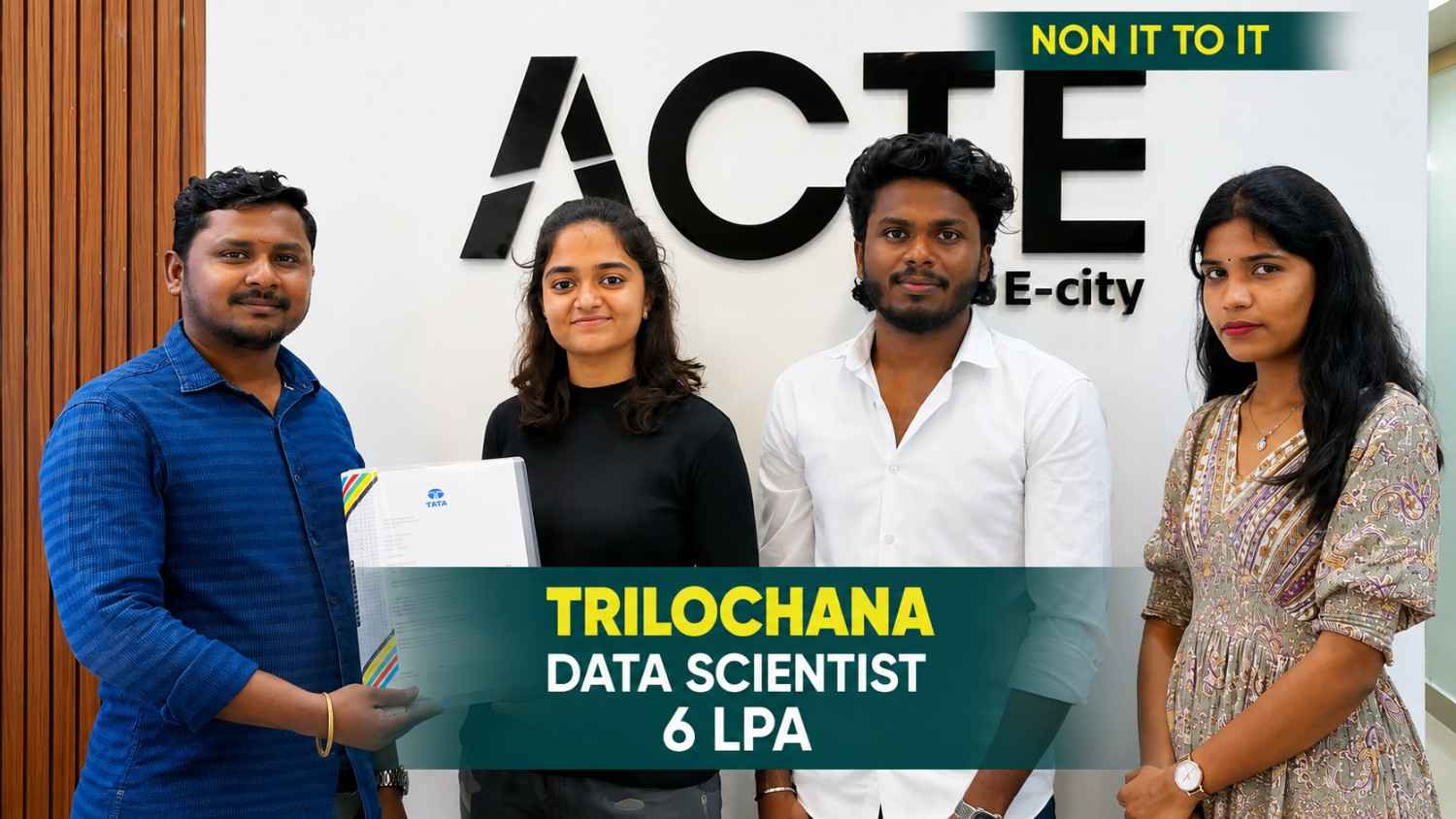
Trilochana found her path with Linkplux and landed the dream job.
#Datascience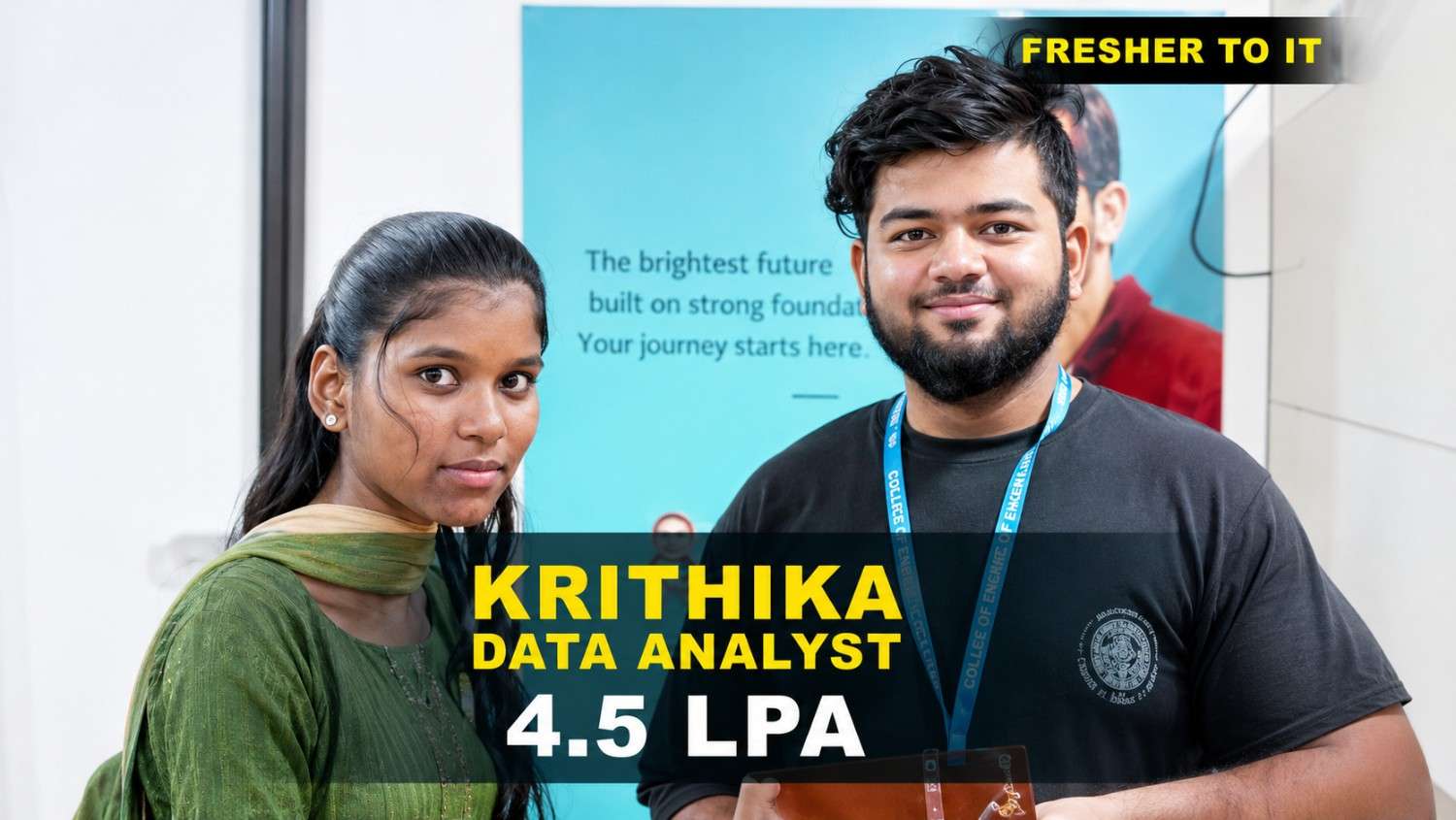
Krithika transformed her career with Linkplux and secured a Data Analyst role with a 4.5 LPA package. 🚀
#DataAnalytics
Students shared how Linkplux's practical training and live projects helped him confidently start his Digital Marketing career.
#DigitalMarketing
Krithika built her Full Stack Development skills at Linkplux and secured a 7 LPA Software Developer role. 🚀
#FullStackDevelopment
Oviya Shree developed strong Data Analytics skills at Linkplux and launched her career as a Data Analyst. 📊
#DataAnalytics
From a small town to a top tech firm, learn how our hands-on projects helped.
#Inspiration
From a small town to a top tech firm, learn how our hands-on projects helped.
#Inspiration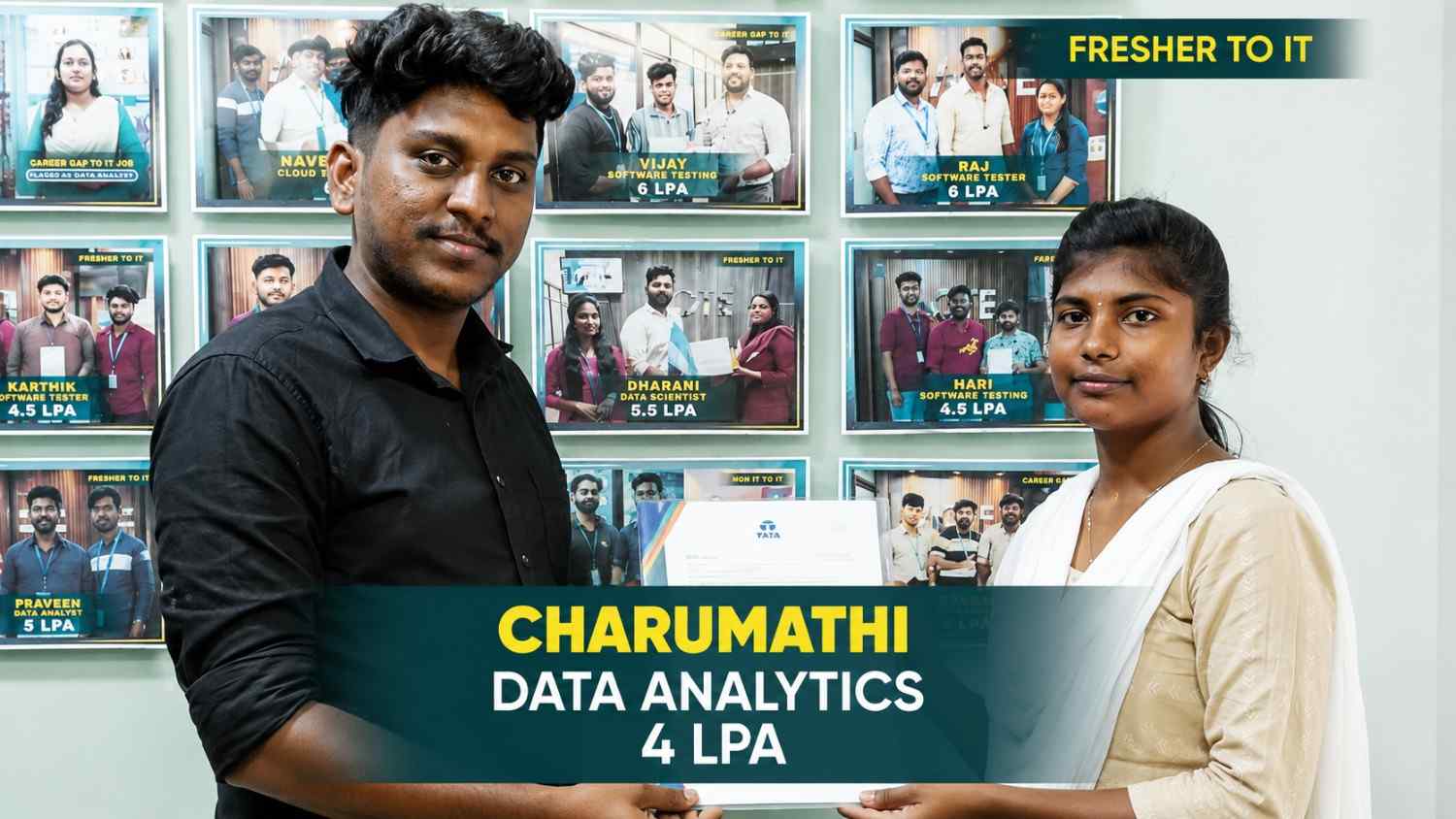
From a small town to a top tech firm, learn how our hands-on projects helped.
#Inspiration
From a small town to a top tech firm, learn how our hands-on projects helped.
#Inspiration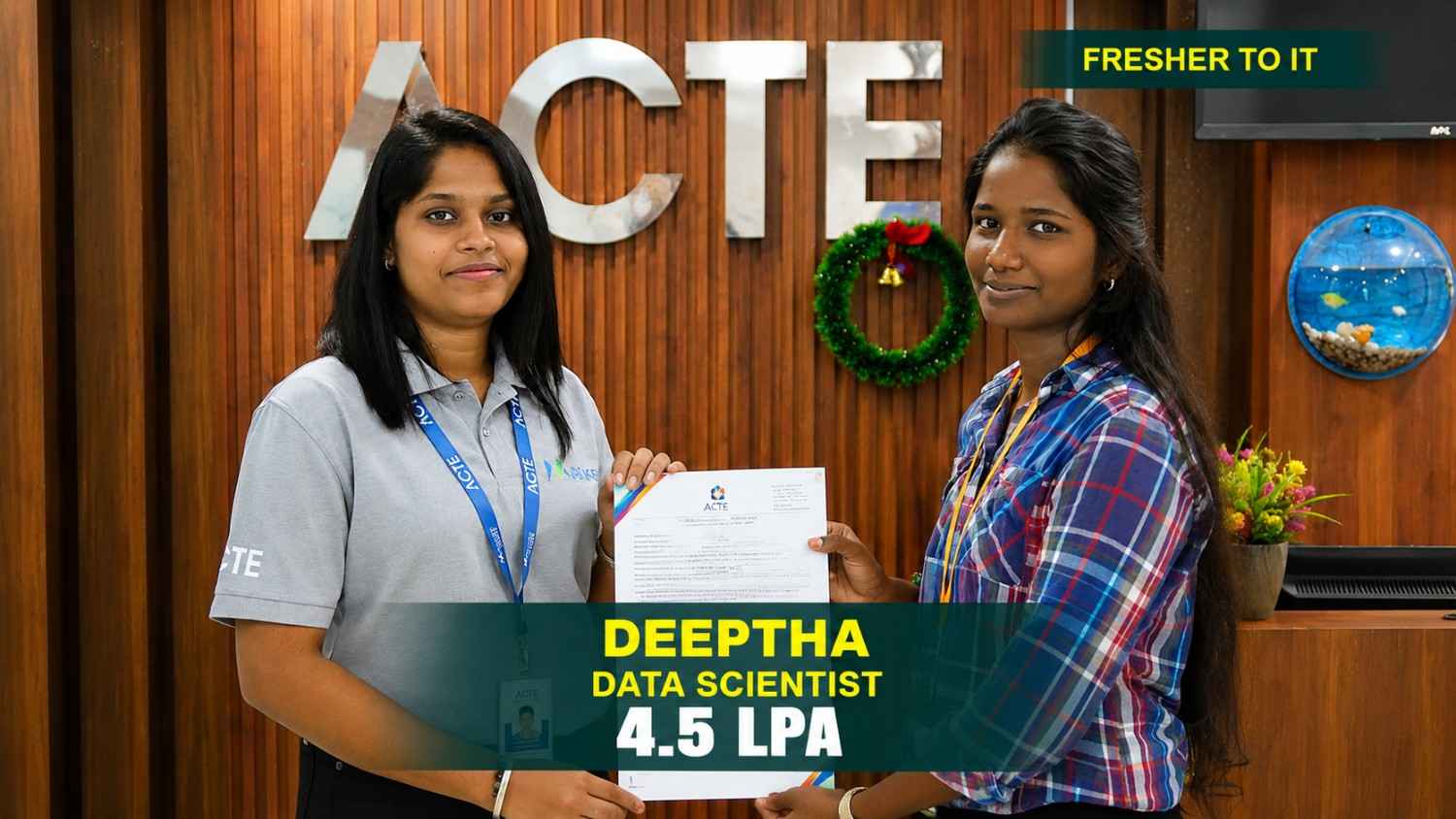
From a small town to a top tech firm, learn how our hands-on projects helped.
#Inspiration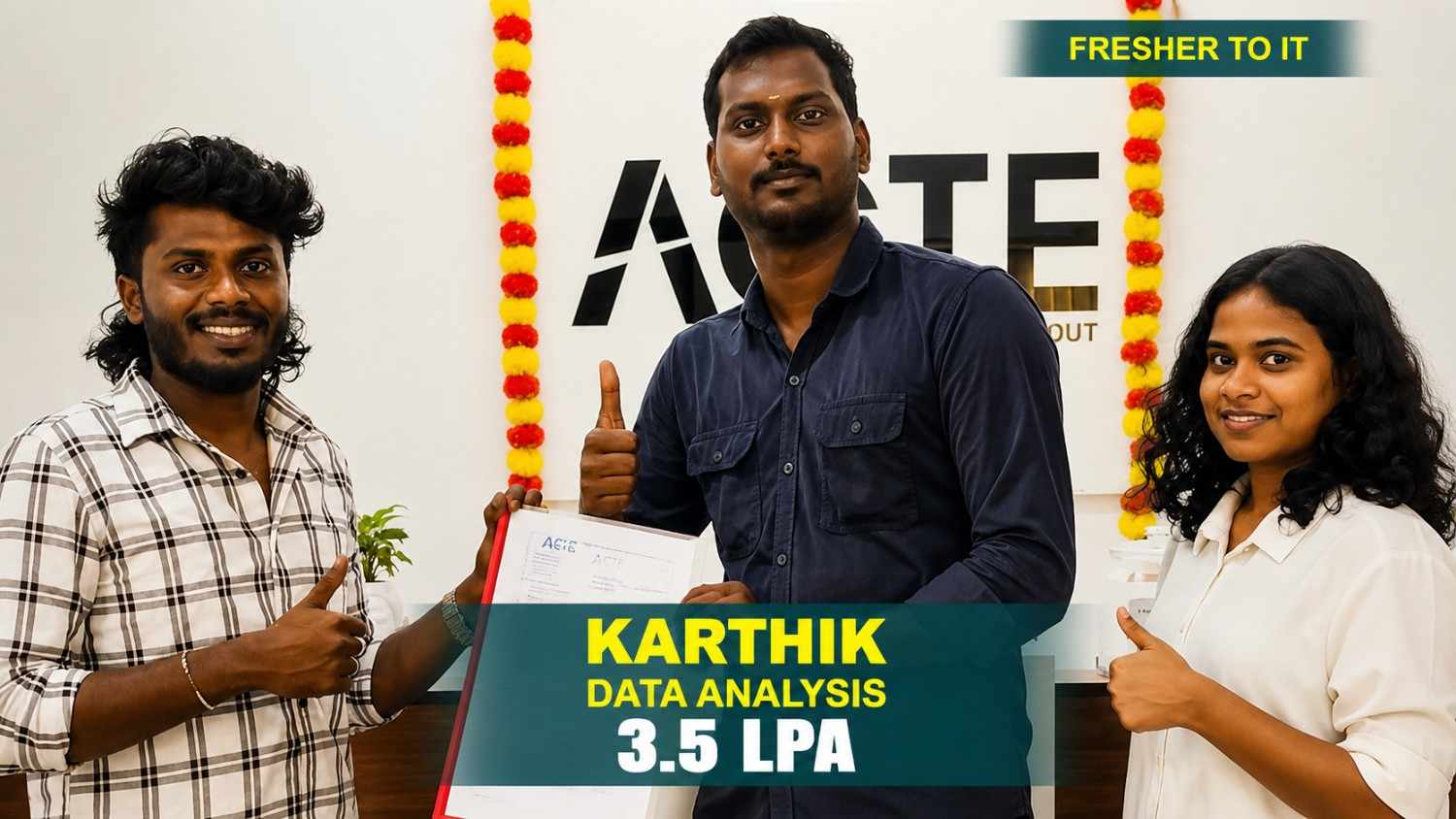
From a small town to a top tech firm, learn how our hands-on projects helped.
#InspirationEarn Professional UI and UX Design Course
Certification in Hyderabad
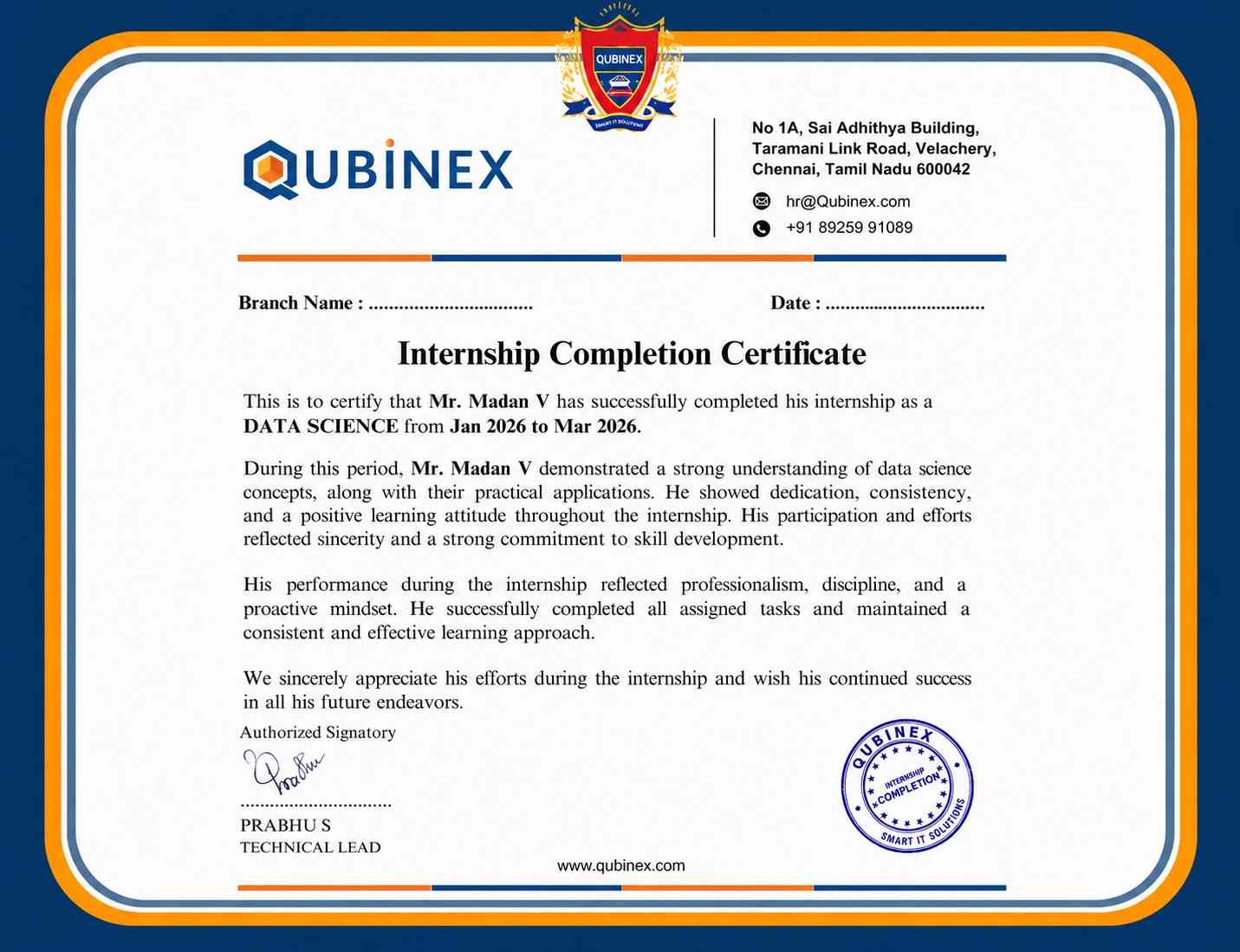
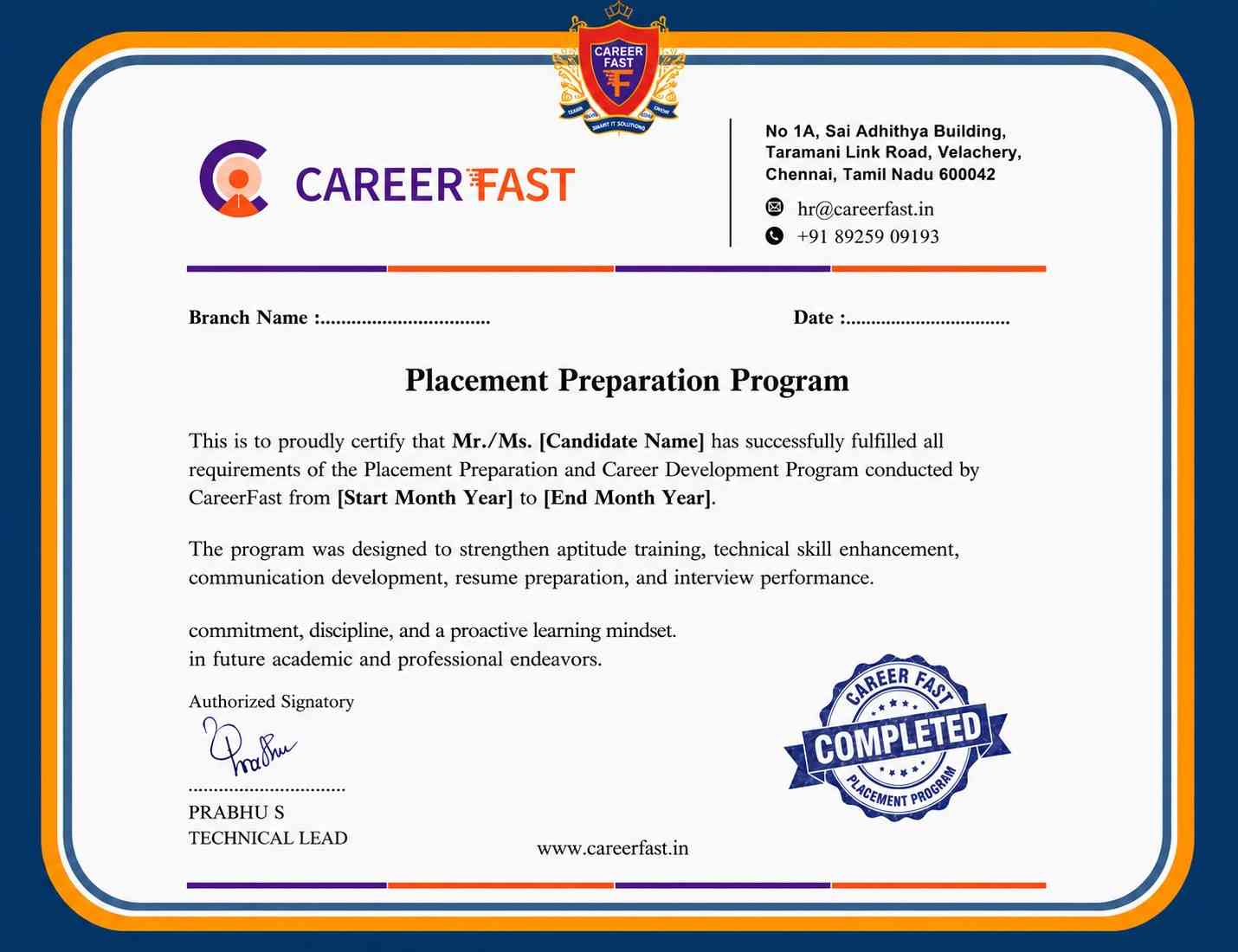
A UI & UX course certificate from Linkplux reflects practical exposure to user research, design thinking, user flows, wireframing, Figma, interface design, prototyping, usability evaluation, and responsive layouts. It adds value to your portfolio, presents project-based learning, and supports your preparation for design opportunities in Hyderabad as a UI Designer, UX Designer, Product Designer, Interaction Designer, or UX Researcher.




Reviews from Our Successful Students
See how our AI-powered IT training institute has helped students succeed.

"Perfect for Beginners"
Hi, I'm Priya.S . I completed my undergraduate degree in 2021. Then I decided to change my career to the IT field. The trainers were very friendly and cleared all my doubts. My special thanks to Ashok sir for his guidance. I learned to create a website very easily. The real-time project gave me the confidence to crack the interview.

"Hands-On Learning That Built My Confidence"
The MERN Stack training at Linkplux gave me practical experience in building real-world web applications. Every concept was explained clearly with hands-on coding sessions, making it easy to understand both frontend and backend development. The trainers were supportive throughout the course, and the live projects helped me gain the confidence to attend interviews and start my career as a Full Stack Developer.

"A Perfect Start to My Digital Marketing Career"
The Digital Marketing program at Linkplux gave me the confidence to work on real-world projects and understand industry practices. The trainers explained every concept with practical examples, and the live assignments helped me improve my skills. I truly appreciate the guidance and support I received throughout the course and would recommend Linkplux to anyone looking to build a successful career in Digital Marketing.

"A Career-Changing Learning Experience"
The practical assignments and live projects at Linkplux helped me gain real-world experience in Data Analytics. The trainers explained every concept clearly and guided me throughout the learning journey. The hands-on approach boosted my confidence and prepared me for industry challenges. I highly recommend Linkplux to anyone looking to build a successful career in the IT field.